Project Margin Reporting with ClickUp Time Entries
A finance-led guide to project margin reporting using ClickUp time entries, labor cost, retainer hours, and BreezeLeave budget data. State assumptions, defend numbers.
The finance lead at a 40-person agency sends the same Slack message on the second Tuesday of every month: "Margin numbers please." What arrives is a screenshot from ClickUp, a paragraph in a Google Doc, and a spreadsheet where one project shows 38 percent margin and another shows minus 6 percent. The agency owner reads it once, decides it cannot be right, and asks for "real numbers." By the time the real numbers arrive, the month is closed and the staffing decision has already been made. This article describes a margin reporting workflow that survives that second Tuesday, anchored in ClickUp time entries and the budget data in BreezeLeave.
Margin is a finance question, but it is delivered by delivery. If the time entries are inaccurate, the labor cost is inaccurate, and the margin is theatre. The work below is not about generating a new report. It is about deciding which numbers the report should use, where each input comes from, and what assumptions the finance lead has to write down before publishing.
The basic margin formula, stated honestly
Project margin is recognized revenue minus recognized cost, divided by recognized revenue. The hard part is not the math. The hard part is what counts as cost. A truthful margin report names every component:
- Labor cost: logged hours multiplied by an effective hourly rate.
- Subcontractor and freelance cost: external invoices tied to the project.
- Pass-through cost: licenses, hosting, ad spend, third-party tools billed to the client.
- Allocated overhead: agency overhead distributed across projects, if the model uses it.
The leverage in the labor cost line is real. Logged hours times effective rate is the number that makes or breaks the margin. If either side is wrong, every margin in the report is wrong.
Where ClickUp time entries fit
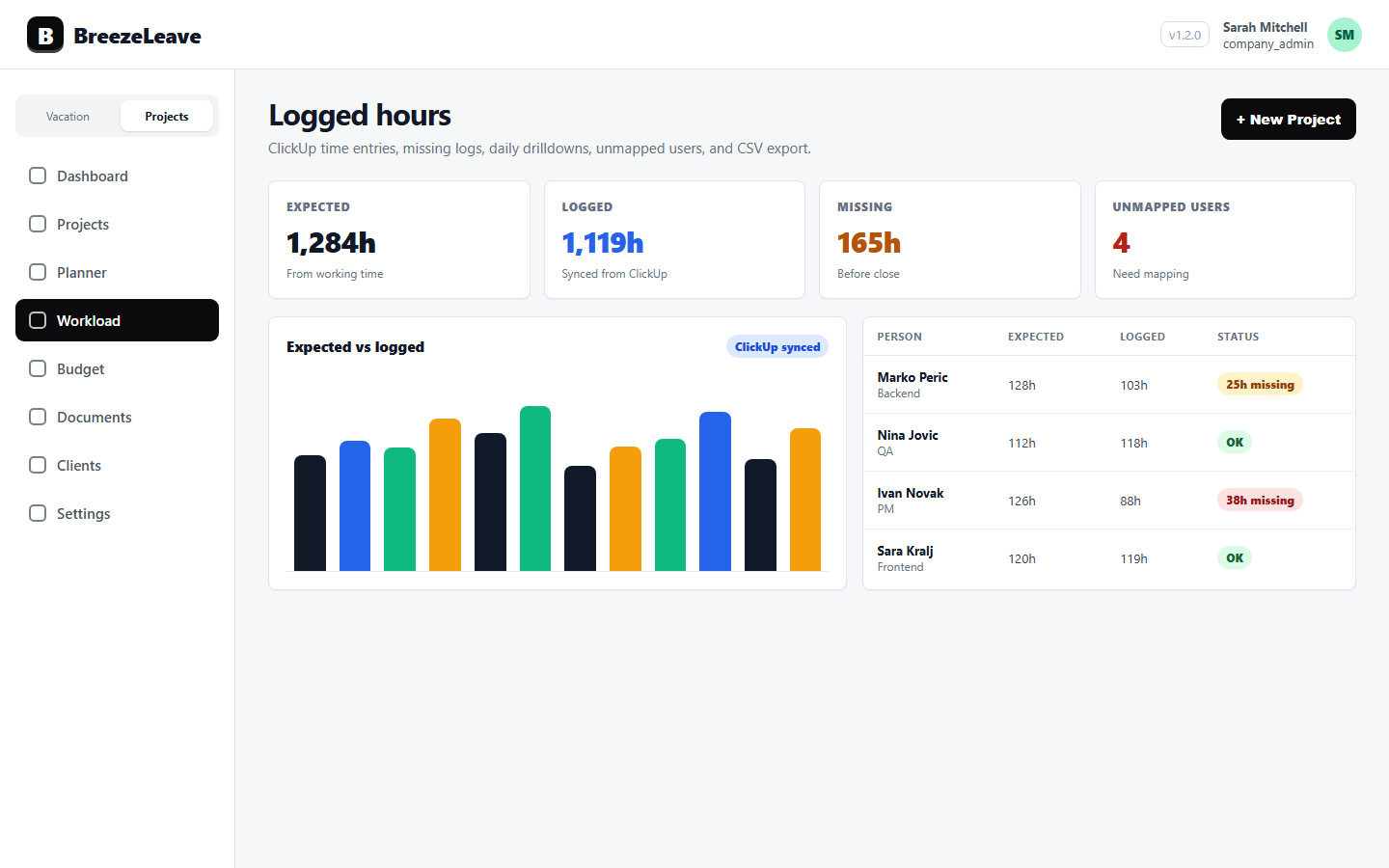
ClickUp is the source of logged hours when the agency uses it as the place delivery happens. Cards represent work, time entries sit on cards, and the workspace mirrors the agency's client and project structure. BreezeLeave imports those entries, maps them to projects and people, and surfaces them next to budget data. The finance lead does not need to retype anything from ClickUp; she does need to decide which entries count.
Three filters belong in the report-generation step:
- Only entries tied to a billable project, retainer, or hypercare phase.
- Only entries from people whose ClickUp account is mapped to a known employee or contractor.
- Only entries inside the month being reported, after late edits are frozen.
The third filter matters more than agencies expect. If logged hours keep updating after the report runs, two reports for the same month will not agree. Either freeze the window, or label the report as "preliminary" until the freeze date.
For the underlying time hygiene that this depends on, see the logged-hours hygiene article and the ClickUp time tracking product page.
Labor cost: the effective hourly rate
Multiplying logged hours by a list price is not a labor cost. List price is the rate the agency bills the client. The cost is what the agency pays the person, plus the overhead allocated to that person. The effective hourly rate is the gross monthly cost divided by the productive monthly hours.
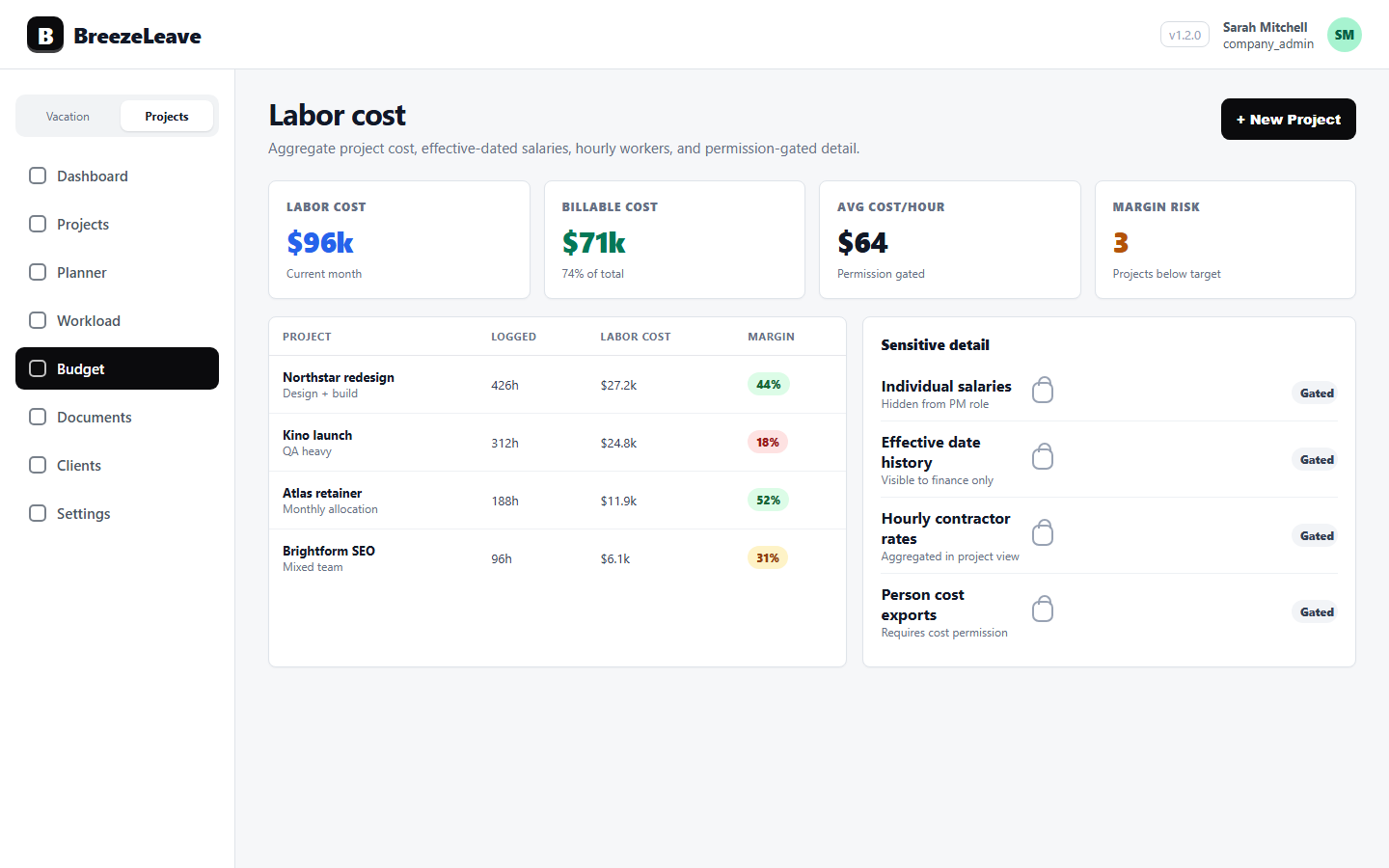
BreezeLeave handles labor cost with effective-dated salary history, hourly rates for contractors, and permission gates that keep salary data invisible to most viewers. Aggregate cost can be surfaced for margin reporting while individual salaries stay hidden. For the permission model, see the labor cost tracking for agencies article.
Three assumptions sit behind every effective rate and must be written down:
- Productive hours per month per FTE (for example 140, 150, or 160).
- Whether benefits, taxes, and equipment are bundled into the rate.
- How partial-month hires, departures, and parental leave are treated.
Without those notes, the same engineer can have an effective rate anywhere from 35 to 75 currency units per hour. The margin difference is enough to flip a project from healthy to red.
A clean monthly workflow, in seven steps
- Freeze the previous month's time entries in ClickUp by an agreed cutoff (for example the second business day).
- Run the unmapped-users and no-log-period checks; resolve them before importing.
- Pull recognized revenue per project from the budget data, including milestone-based and retainer-based revenue.
- Pull labor cost from logged hours times effective rate, with the agreed productive-hour assumption.
- Add subcontractor invoices and pass-through costs from finance records.
- Calculate per-project margin and per-client margin, and flag projects under the threshold.
- Publish the report with assumptions stated and a "as of" timestamp.
Steps two and seven are the ones agencies skip. Skipping step two produces phantom hours. Skipping step seven produces arguments.
A worked example for one project
Consider a fixed-scope project recognized at 60,000 currency units over three months. The team logs 480 hours in ClickUp across the three months: 220 design, 180 development, 60 QA, and 20 PM. The agency uses an average effective rate of 45 per hour for design and development, 38 for QA, and 60 for PM, with productive hours per FTE set at 150 per month.
| Role | Logged hours | Effective rate | Labor cost |
|---|---|---|---|
| Design | 220 | 45 | 9,900 |
| Development | 180 | 45 | 8,100 |
| QA | 60 | 38 | 2,280 |
| PM | 20 | 60 | 1,200 |
| Total labor cost | 21,480 |
Add a subcontractor illustrator invoice of 3,000 and a pass-through of 1,500 for licensed footage. Total cost: 25,980. Recognized revenue: 60,000. Project margin: 56.7 percent. Stated assumptions: productive hours per FTE at 150 per month, effective rates as above, freeze date the second business day of the following month.
Now imagine the same project with the unmapped-users check skipped. Two of the developers were not mapped to employee records. Their 320 logged hours never made it into the labor cost. The phantom margin reads 81 percent. The owner is delighted until next quarter, when the cash position does not match.
Retainers need a separate margin pattern
Retainers recognize revenue monthly. A fixed monthly fee of 10,000 with a 60-hour budget should be reported with three numbers, not one:
- Revenue recognized this month (the fee).
- Hours consumed this month (from ClickUp).
- Labor cost from those hours, at effective rates.
A retainer that runs at 50 hours one month and 95 hours the next has the same revenue but very different margin. Averaging across the quarter hides the months where the retainer was losing money. Per-month retainer margin lets the agency renegotiate or adjust scope before the contract renewal.
When the report disagrees with the gut
The first three months of running this report will produce numbers that disagree with the agency owner's intuition. Some "healthy" projects will show thin margins. Some "tough" projects will look fine. The instinct is to argue with the number. The better instinct is to argue with the inputs:
- Are there unmapped users hiding logged hours?
- Are no-log periods stretching across the month for known team members?
- Are effective rates current, including recent raises and freelance changes?
- Are subcontractor invoices tied to the right project, or sitting in a general bucket?
- Is pass-through revenue and cost paired correctly?
Once the inputs are clean, the numbers become defensible. The finance lead stops apologizing for the report; the delivery lead stops disputing it.
Run rate, scenarios, and runway from the same data
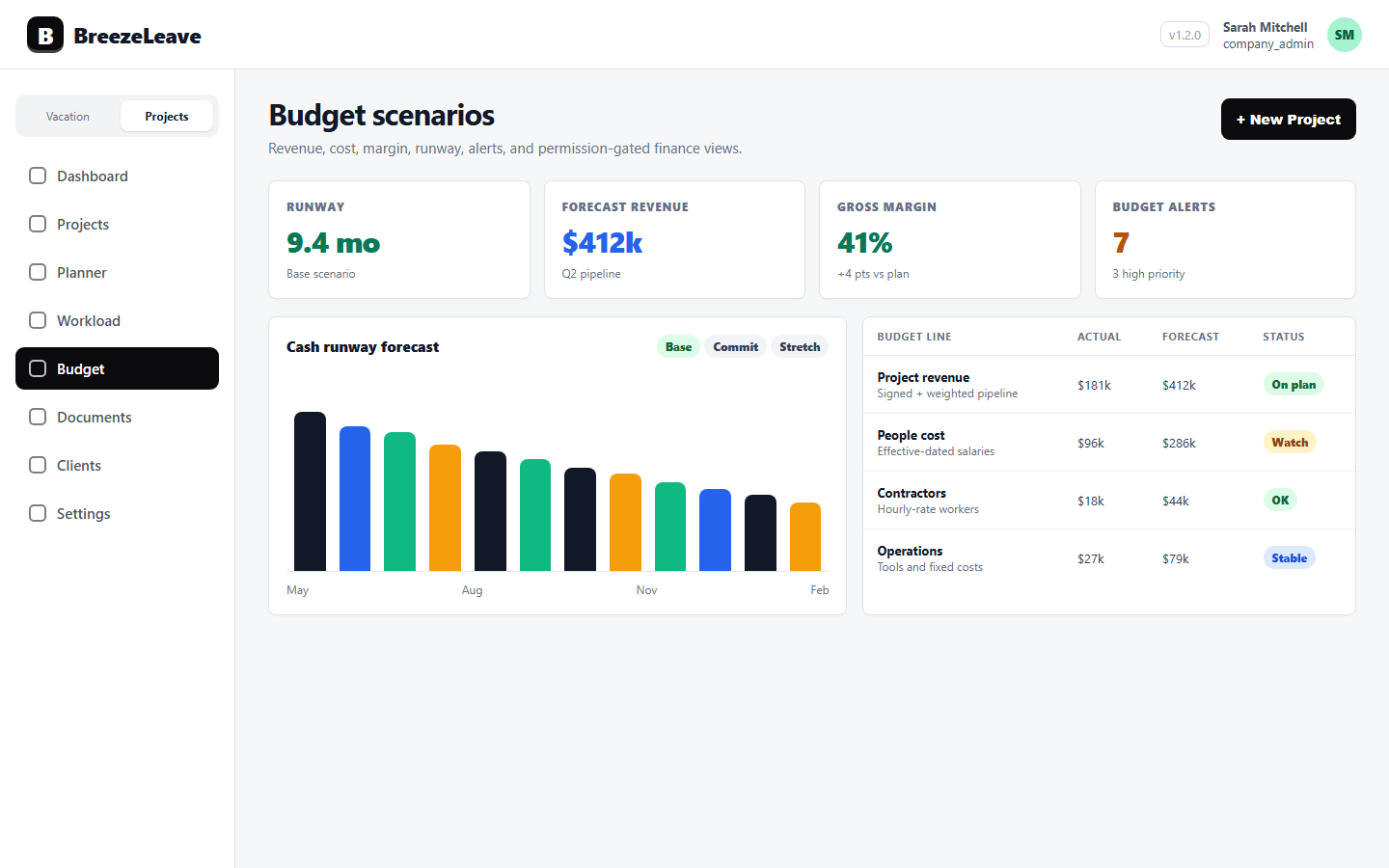
Once project margin is honest, the same numbers feed the agency-wide views: run rate by month, scenario planning for proposed engagements, and cash runway. Running each of those off a different dataset is how agencies end up with three contradictory forecasts.
BreezeLeave keeps project budgets, scenarios, run rate, and runway in the same operating data, with permission gates for sensitive salary information. For the budget review side, see agency budget reviews and the project budget tracking page.
Things to avoid in a margin report
- Mixing list price with cost. Reporting margin as "revenue minus billable rate times hours" is not margin; it is utilization at the list rate. Both are useful, but they are not the same number.
- Quarter averages hiding month spikes. Always show monthly margin alongside the quarter rollup.
- Margin without a freeze date. If anyone can still edit time entries, two reports will not match.
- Margin without assumptions stated. The same number is interpreted differently when productive hours per FTE move from 140 to 160. Write the assumption next to the number.
- Per-person margin shared widely. Aggregate margin is safe; per-person rate exposure is not. Keep cost data permission-gated.
From monthly report to weekly signal
A monthly report tells the agency what happened. A weekly signal gives the chance to change it. The same logged-hour data and the same effective-rate model can drive a weekly view that flags projects trending above their budget cost, retainers consuming hours faster than planned, and unmapped users that need to be fixed before the month closes.
For the related profitability cadence, see project profitability metrics for agency owners.
Make the second Tuesday boring
A defensible margin report is supposed to be uneventful. The numbers match the previous month's freeze, the assumptions are unchanged, and the surprises are about projects, not about the report. The point is to move the surprises forward in time so the agency can act on them.
Ready to put ClickUp logged hours, effective rates, and project budgets into the same view? Review project budget, runway, and staffing scenarios in BreezeLeave, with permission-aware cost data.