
An agency rarely has a clean week. A creative director in Berlin asks for two weeks off the same month a copywriter in Lisbon is already booked out. The retainer on Acme is at 78 percent of the monthly cap and the delivery lead has not seen the ClickUp time report yet. A new statement of work is sitting in someone's drafts folder. None of that lives in the same place, which is why something always slips.
BreezeLeave covers both sides of that problem. Leave Management handles the PTO, balances, holiday calendars, and approvals. Project Operations handles the capacity view, budget tracking, retainer caps, project documents, and ClickUp time entries. Same account, same login, two product lines that are designed to share data so the delivery lead and the HR lead are looking at the same picture.
The agency week BreezeLeave is built for
Picture a 40-person agency with offices in Berlin, London, and Zagreb, plus a handful of contractors in Lisbon and Krakow. Three active retainers, two fixed-price builds, one new pitch in flight. Here is what shows up in BreezeLeave during a typical week.
- Monday. Two designers on the Berlin team go on holiday. The team Slack channel posts the daily away digest before standup. The delivery lead opens the workload view and confirms the next sprint is still safe; one of the ClickUp tasks gets reassigned to a contractor.
- Tuesday. A new statement of work lands. The account manager attaches the SOW to the project record so the legal version and the budget plan live in the same place. Project Operations now tracks the contract value, the retainer cap, and who signed off.
- Wednesday. A UK bank holiday hits the London office. Nobody in Berlin asks where everyone is, because the public holiday calendar already shows it. The conflict checker stops a client review from being booked for the same day.
- Thursday. A creative director asks for two weeks off in July. The approval flow flags that the same client has another senior person already off one of those weeks. The manager approves with a note about coverage instead of discovering the gap during the client call.
- Friday. Finance exports leave data per entity for payroll. The delivery lead opens the budget view, sees the Acme retainer is at 82 percent of this month's cap, and decides whether to extend or hold the next workstream.
PTO across multiple countries
Agencies hire where the talent is. That usually means three or four countries on one account by the second or third year. The work pattern that keeps breaking is not policy, it is visibility: a delivery lead in London does not know the German team is off for Pfingstmontag until standup goes quiet.
Each company you run inside BreezeLeave can sit in a different country with its own public-holiday calendar. PTO calculations skip holidays automatically, so a request that spans a UK bank holiday does not deduct that day from the balance. The shared team calendar layers everyone's approved leave, sick days, and public holidays in one place, with a filter for office or country.
- Per-country public-holiday calendars, refreshed every year.
- Per-policy entitlements: 25 days for German full-timers, 28 for UK senior staff, contractor zero-balance blocks.
- Conflict warnings when too many people on the same project request overlapping dates.
- Cover person assignments so the team knows who is picking up an account during a holiday.
For a deeper write-up on running multi-country leave inside one agency, see the guide on managing holidays and capacity across multiple countries.
Retainers, budgets, and project capacity
This is where Project Operations earns its keep. A retainer that runs hot for two months in a row is a renewal conversation nobody wants to walk into blind. A fixed-price build that runs 18 percent over budget halfway through is a margin problem that should have been caught at the midpoint, not at delivery.
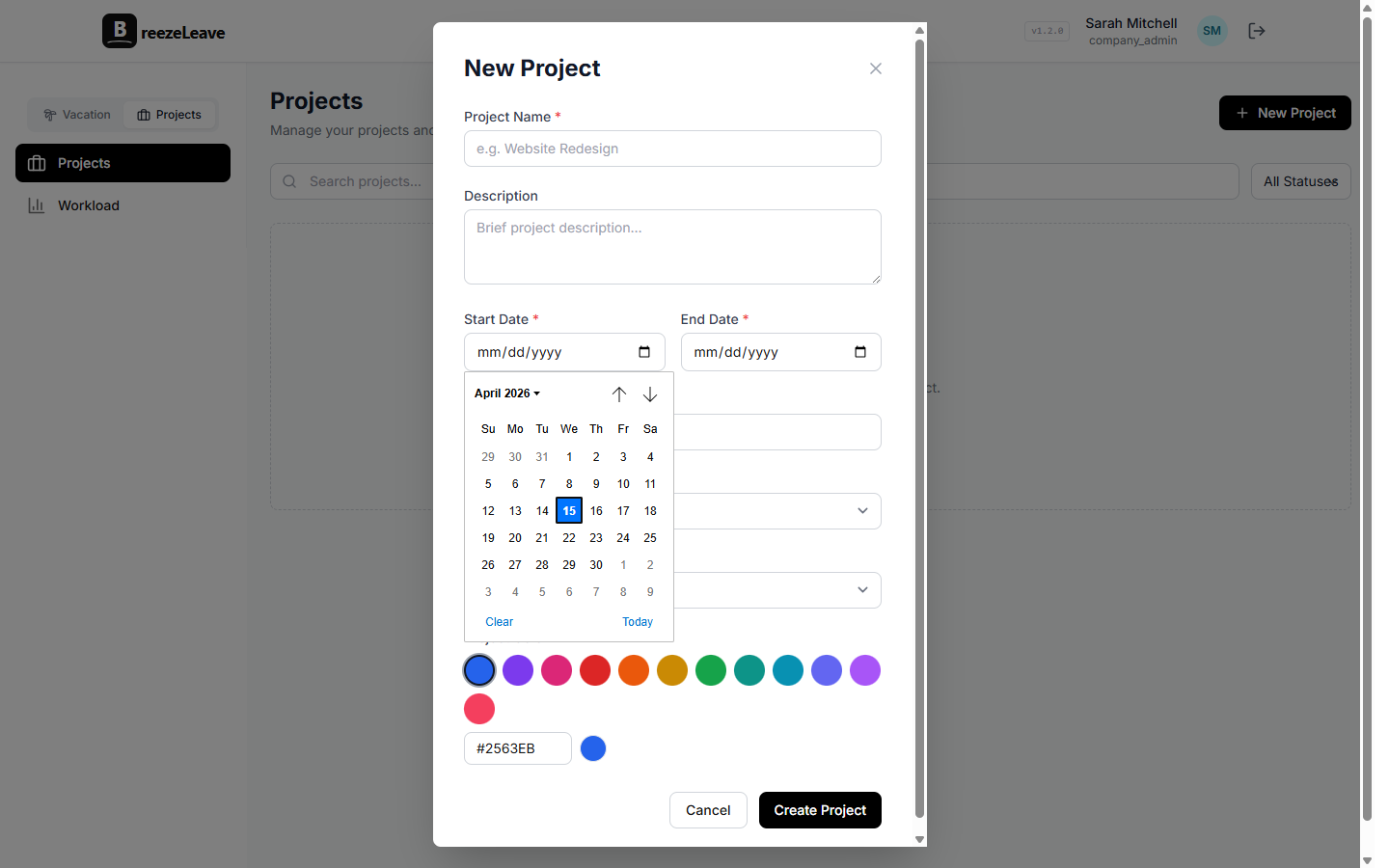
Each project in BreezeLeave records the contract value, the budget breakdown, the retainer cap if there is one, the assigned team, and the planned hours. As people log time (either directly in BreezeLeave or via the ClickUp sync), the budget view rolls up actual cost, remaining envelope, and projected overrun. The retainer view does the same thing month by month so the account manager knows when a client is consistently using more than they pay for.
The agency resource planning module ties this to capacity. When a delivery lead opens the workload view, they see planned hours, approved leave, project allocations, and unallocated capacity in one row per person. That is the report agencies usually rebuild in a spreadsheet every Monday morning.
Client documents in the project record
Statements of work, change orders, signed estimates, retainer agreements, meeting notes, and the deck the client signed off on all tend to live in whoever's Drive folder happened to receive them. By month six on an account, the trail of who agreed to what is unfindable.
Project Operations gives each project a documents tab. Drag in the signed SOW, link the latest pitch deck, store the design system reference the client has signed off on. Permissions follow the project: account managers and the delivery team see it, the other clients on the agency roster do not. When a renewal conversation happens, the contract history is in the same place as the budget and the hours.
ClickUp time, one system of truth
Agencies that already log billable hours in ClickUp do not want to retype the same entries into a second tool. BreezeLeave pulls logged time from ClickUp tasks into the matching project record. Each entry keeps its ClickUp source, its date, and its person, so a logged hour can be reconciled back to the task that generated it.
The practical effect: the project budget view, the retainer cap, and the utilization reports all read from the same data your delivery team is already producing. No new logging step, no missed entries, no end-of-month rebuild in another tool. There is a more detailed walkthrough on the ClickUp time integration page.
Why agencies turn on both product lines
PTO across three or four countries
Leave Management, with per-country holiday calendars and per-policy entitlements
Retainer running hot before the renewal conversation
Project Operations, retainer view, month-by-month cap usage
Sprint planning when half the team is on holiday
Workload view, planned hours minus approved leave
Lost statement of work or signed estimate
Project Operations, documents tab on the project record
Billable hours scattered across ClickUp and spreadsheets
ClickUp time sync into the matching project
Payroll reconciliation per legal entity
Leave Management, per-company exports by date range
Contractor vs employee in the same view
Leave Management, separate policies, separate balance behaviour
The fast setup path
Most agencies are operational the same afternoon they sign up. The order matters more than the tooling.
- Create the first company, set its country, and load the holiday calendar.
- Invite the team. Assign roles: PM, delivery lead, designer, contractor, finance.
- Set the PTO policy by group. Full-time staff get accruals, contractors get unavailability blocks.
- Connect Slack. Channel for approvals, channel for daily away digests.
- Add the current projects with their contract value, retainer cap if any, and assigned team.
- Connect ClickUp so logged hours start flowing into the matching project.
- Add a second company if the agency has a separate legal entity in another country.
The non-trivial step is project setup, which is also the one most agencies want an actual delivery lead to drive. The leave side can run in production on day one; the project side can come on a week later and leave the leave flow untouched.
Frequently asked questions
Everything you might want to know before getting started. Still have questions? Reach out anytime.
Yes. Leave Management and Project Operations are two product lines on the same account. Most agencies turn on both: PTO and balances for HR, projects with capacity, budgets, documents, and ClickUp time entries for delivery. You can also start with leave and add the project module later.
Each company you run inside BreezeLeave gets its own country and public-holiday calendar. The German design team sees German bank holidays, the UK account team sees UK ones, the Zagreb developers see Croatian ones. The workload view shows all of it in one row so a delivery lead can spot a four-country handoff before they commit a sprint.
Yes. Contractors get a separate leave policy that records unavailability on the team calendar without affecting any accrual. Full-time staff still accrue PTO and get balance forecasting in the same dashboard.
The Project Operations module pulls logged hours from ClickUp into each project record. You can compare logged hours against the retainer envelope, see how much of the monthly cap is spent, and flag overruns before the client invoice goes out.
Yes. Slack channels are configured per company in BreezeLeave. Channel [0] handles approvals and requests, channel [1] handles daily away digests. The Acme account team does not get pinged about leave on the Globex account.
Most agencies finish initial setup in under an hour. Create the company, import the team via CSV or invite list, pick the country holiday calendars, connect Slack, and load the first set of projects. Project budgets, retainers, and ClickUp time can be wired up afterwards as the delivery team needs them.
Where to read next
These pages go deeper on the agency-specific bits of BreezeLeave:
- Agency resource planning: how the workload view combines planned hours, approved leave, and project allocations.
- Multi-country holidays and capacity for agencies: the operational pattern when a 40-person team is split across four countries.
- All industries: how BreezeLeave is set up for consulting firms, startups, tech, nonprofits, and law firms.
- Pricing: free for teams up to 10, Pro at $2 per person per month after that, project module included.
If the brief is to fix one thing first, leave management for the agency week is the lower-effort start. If the brief is the retainer that is running hot, start with the project module and add leave the week after.