
At a consulting firm, leave is a staffing problem, not a request form. A senior manager goes out for two weeks during a quarter-end close and three engagements feel it. The associate covering the financial-services workshop has not been briefed. Utilization for the month drops below target. The partner finds out at the Friday review, which is two days later than they should have.
BreezeLeave is built for that operating pattern. Leave Management runs the PTO side: level-based entitlements, approvals, audit trail, multi-country holiday calendars, payroll exports. Project Operations runs the staffing side: assigned teams per engagement, planned hours, workload across the practice, conflict checks during the busy season. Most firms with project-heavy delivery turn on both. A boutique research practice can run leave-only and add the staffing module when the second office opens.
The consulting work pattern, in product terms
Three things make a consulting firm's leave tool different from a generic PTO tracker. Each one corresponds to a specific screen in BreezeLeave.
1. Billable capacity is the unit of work
Every day a consultant is off is a day they are not billing. That is fine, and planned, but somebody needs to see it before the engagement plan goes to the client. The workload view shows planned billable hours per person, minus approved leave, minus public holidays for that consultant's country. If two senior consultants on the same engagement both take a week off, the engagement lead sees the dip before they staff the next phase, not after.
2. Quarterly close is the constraint
The busy season around quarter-end and year-end is when staffing breaks. The firm cannot afford the same number of consultants out in March as in early May. Conflict thresholds in BreezeLeave can be set per practice or per engagement, so during a heavy close the system flags requests earlier. The threshold is a deliberate decision, not a hidden default.
3. Partner utilization is reviewed monthly
Partners need a clean read on time off taken vs time off planned, broken down by level and office. The reports module exports per-period, per-role leave usage so the operations partner can lay it next to the billable-hours report. The calculation is auditable: each entry shows the requesting user, the approver, the approved range, and any subsequent changes.
A common pattern: two senior consultants on the same client both take vacation during the same week and the discovery happens during the Monday standup. By Tuesday the engagement lead is rescheduling a workshop. Conflict checking turns that into a Friday-before conversation instead.
Level-based entitlements without spreadsheet gymnastics
Most consulting firms have at least four leave bands. A typical layout looks like this:
- Equity partners on a flexible policy with no formal accrual.
- Non-equity partners on 30 days plus public holidays.
- Principals and senior managers on 28 days.
- Managers on 27 days.
- Senior consultants on 25 days.
- Consultants and analysts on 22 days.
In BreezeLeave each band is a policy. The policy carries the entitlement, the accrual rule (annual, monthly, or pro-rata for new hires), the carry-over rule, and the approval chain. When somebody is promoted, you reassign their role and the new policy applies from the effective date. The audit log keeps the previous balance state so the year-end reconciliation is clean.

Approvals on the road, decisions in the channel
Partners and engagement managers are rarely at a desk. Approvals tend to wait until evening because the approver was in a client meeting. BreezeLeave routes the approval to Slack or Microsoft Teams with a one-click decision button. The decision posts back to the requester and to the per-practice notification channel within seconds. The audit log records the decision and the channel.
The same flow handles cover-person assignments. When a consultant requests leave, they nominate the colleague picking up their client touchpoints. The cover person is named in the approval message, in the team calendar, and on the daily away digest. Nobody discovers a coverage gap by accident on Monday morning.
Engagement staffing and billable capacity
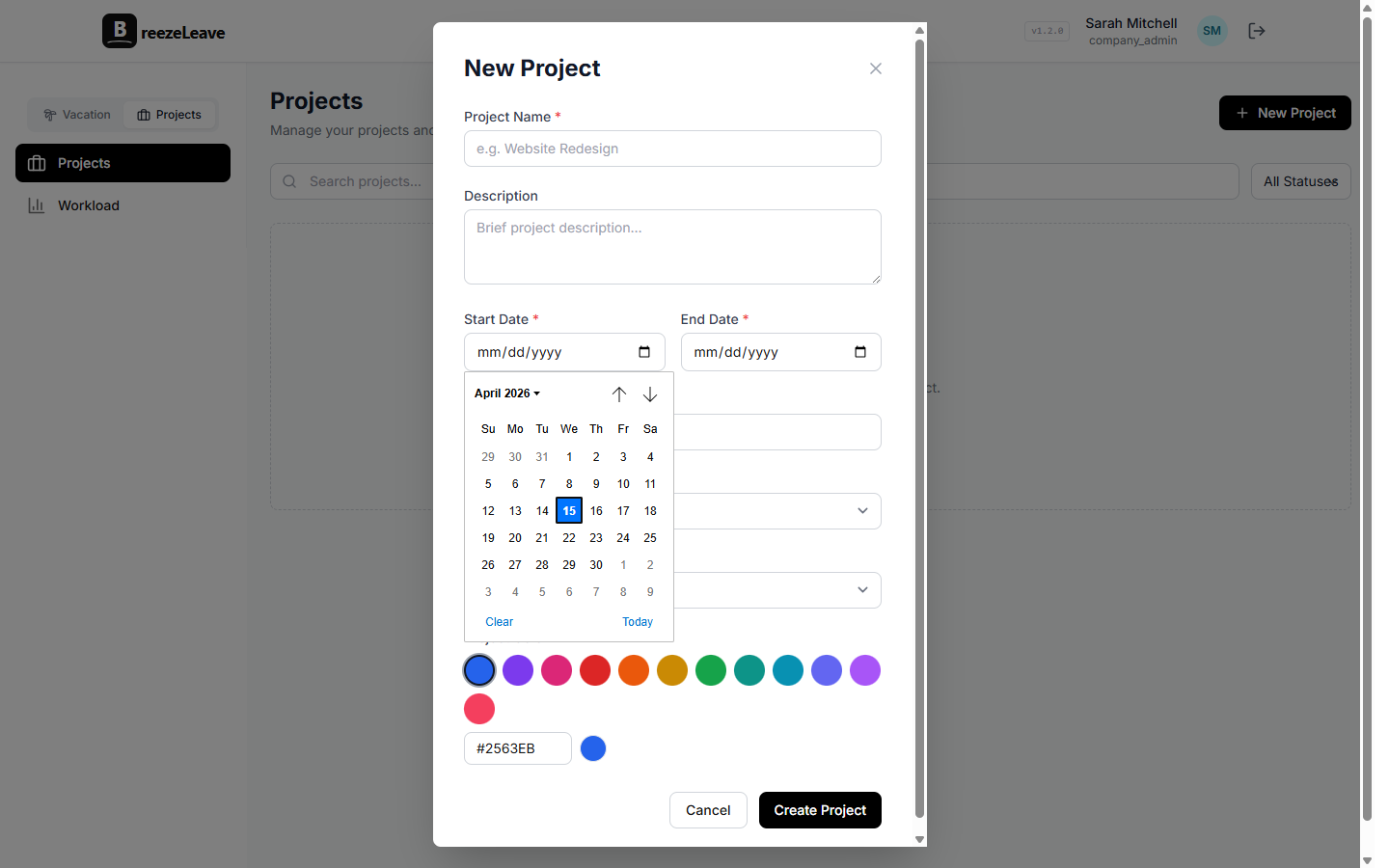
This is the Project Operations side of the product and the reason firms with project-heavy delivery turn it on. Each engagement is a record with a client, a budget, a fee structure, an assigned team, and a planned-hours figure per person. When a consultant is allocated to two engagements at the same time, the workload view shows it. When approved leave reduces the available hours, the same view shows it.
The screen most engagement leads keep open is the workload page. It is the report that consulting firms tend to rebuild every Monday in a spreadsheet. Letting it run from real data inside BreezeLeave means the planning meeting starts with the numbers everybody already agrees on.
There is a more detailed write-up on this pattern in capacity planning and PTO at a consulting firm.
Multi-country offices and statutory minimums
International consulting firms live with country-specific labor law and different public holidays per office. The Frankfurt office follows German statutory minimum leave. The London office runs on UK bank holidays. The New York office runs on US federal holidays plus the firm's policy. Singapore has its own set.
Each office in BreezeLeave is a separate company with its own country, calendar, and policy. A partner sitting in London can still see firmwide reports. A consultant in Frankfurt sees only their own office context in the day-to-day screens.
The pattern matched to product
Two consultants on the same engagement off the same week
Conflict checking on the request, with practice-level thresholds
Different PTO band per level
Per-role leave policy, applied automatically by role
Billable capacity for the next engagement
Workload view, planned hours minus approved leave
Quarter-end staffing pressure
Higher conflict thresholds during the close window
Cross-office utilization review
Reports module with per-period and per-office exports
Country-specific holidays and labor law
Per-office country and calendar setup
Approvals chasing partners on the road
Slack and Teams notifications with one-click approve
Setup, in order
- Create the firm account, then a company for each office with the right country.
- Define the level-based policies: partner, principal, manager, senior, analyst.
- Import the consultant roster, assign each person to office and level.
- Load the public-holiday calendar per office.
- Connect Slack or Microsoft Teams. Pick the approvals channel and the daily digest channel per practice.
- Turn on the conflict checker, set the threshold by practice or engagement.
- Optional: add the active engagements with budget, fee structure, and assigned team to switch on the workload view.
Frequently asked questions
Everything you might want to know before getting started. Still have questions? Reach out anytime.
Each role gets its own leave policy. Partners can sit on a flexible policy with no formal accrual, principals on 30 days, managers on 27, senior consultants on 25, analysts on 22. The system applies the right policy automatically based on role, and updates when someone gets promoted.
Yes. Partners and engagement leads get read access to the team calendar, the leave reports, and the workload view. They can pull a per-office or per-practice export and see who is off, who is fully staffed, and where the bench is.
Yes. You can set minimum staffing thresholds per engagement or practice. During quarter-end, set the threshold higher so the conflict warning fires earlier. Outside that window the policy can relax again.
Yes. The Project Operations module gives each engagement a planned-hours figure, an assigned team, and a budget. When a consultant goes on leave or is reassigned, the workload view updates so the engagement lead can spot capacity gaps before they hit the client.
Yes. Each office gets its own country and public-holiday calendar. London consultants see UK bank holidays, Frankfurt sees German ones, Singapore sees Singapore ones. Statutory minimums sit inside the per-country policy, not as a global default.
Most firms are operational the same week. Defining the level-based policies and importing the roster takes the longest, usually a few hours. Connecting Slack or Teams, loading the office calendars, and turning on conflict checking take minutes.
Where to read next
- Capacity planning across engagements: how the workload view ties leave, planned hours, and project allocations together.
- Capacity planning and PTO at consulting firms: the operational rhythm around quarter-end and the playbook for the busy season.
- All industries: how BreezeLeave is set up for agencies, law firms, tech companies, nonprofits, and startups.
- Pricing: free for teams up to 10, Pro at $2 per person per month above that.
The firms that get the most out of BreezeLeave start with the leave side, get partners and engagement leads comfortable with the reports, and add the workload module once the first quarter of clean data is in.