Consulting Firm Capacity Planning with PTO
A consulting partner guide to capacity planning that respects PTO, public holidays, and partner utilization across active engagements without overbooking the bench.
At a consulting firm, the Monday partner meeting goes one of two ways. Either the partners stare at the engagement plan and quietly hope nobody is on vacation during the quarter-end push, or someone says out loud that the senior associate on the audit support engagement booked her wedding the same week the client delivers files. Either way, the conversation pivots from strategy to scrambling. A junior consultant gets pulled off her own project to backfill, and the firm loses a week of billable hours that were already promised to someone else.
This article is for the consulting partner or operations lead who owns staffing across active client engagements. The pattern that breaks consulting capacity planning is not a missing tool. It is the gap between when an engagement is sold, when a consultant requests time off, and when the schedule is rebuilt to absorb it. The work below shows how to close that gap without giving up the flexibility that consulting demands.
Why consulting capacity is different
A consulting firm is not an agency, and it is not a software company. The work pattern has its own shape:
- Billable hours are the currency. Every hour a consultant is not on a client engagement is a cost. PTO is not the enemy, but unplanned PTO during a busy phase is expensive.
- Engagements are sold quarterly, staffed weekly. A partner signs a 12-week engagement in February. The week-to-week staffing keeps moving until the engagement closes.
- Partner utilization is its own metric. Senior partners bill at the highest rates and have the least slack. Their PTO calendar is a planning input, not a footnote.
- Busy seasons cluster around the calendar. Tax firms see Q1 and year-end. M&A advisors see deal close cycles. Strategy firms see fiscal year planning windows for their clients. Vacation taken in the wrong week is a coverage problem, not just an administrative one.
Capacity planning at a consulting firm has to track two things at once: who is available, and who is available at the right billing tier. A senior associate is not interchangeable with a principal. The plan has to know the difference.
The three numbers that drive staffing
Before any tool, agree on the three numbers that staffing decisions use:
- Available hours per consultant per week. Working hours minus PTO, public holidays, internal time (training, admin), and any committed business development time.
- Demand hours per active engagement per week. What the engagement plan needs at each billing tier (partner, principal, senior, analyst).
- Utilization target per role. Partners often target 40 to 60 percent billable. Seniors target 70 to 85 percent. Analysts target 80 to 90 percent. Anything above 90 percent for a sustained quarter usually means someone is burning out.
Without these numbers written down, capacity planning becomes a debate. With them, it becomes arithmetic. PTO is one of the inputs that determines available hours per week, which is why the leave tool and the engagement plan have to be looking at the same data.
Where PTO breaks the engagement plan
Most consulting firms run engagement plans in a spreadsheet or a lightweight resource planning tool. The leave tracker is somewhere else. The two systems do not talk. The result is a class of recurring failures:
| Failure | How it shows up | What it costs |
|---|---|---|
| Engagement plan ignores PTO | Engagement plan says the senior is at 35 hours; she is actually on vacation | A junior is pulled in mid-week; quality and trust drop |
| PTO ignores engagement plan | Request is approved during quarter close because the approver did not check | Crunch week becomes a crisis week |
| Partner PTO surprises the team | A principal needs partner sign-off on a deliverable; partner is unreachable | Deliverable slips; client conversation is awkward |
| Public holiday assumed but not booked | A consultant is in a country with different public holidays from the partner | Plan assumes coverage that is not legally on offer |
None of these are about effort. They are about the engagement plan and the leave record being two separate sources of truth. Capacity planning works when both feed into the same week-view of availability.
A PTO-aware capacity routine
A consulting ops lead does not need a complicated process. She needs a routine that runs every Monday and catches the next four weeks of risk before it becomes a Friday phone call. The routine has four steps:
- Pull the next four weeks of approved leave. Group by role and by engagement. Any consultant who appears on an engagement and on the leave list is a flag.
- Overlay public holidays per country. A US partner sees July 4. A UK consultant sees the bank holidays. The four-week view has to show the union.
- Compare against engagement demand. Each active engagement has a weekly demand by role. If the leave-adjusted availability is below demand for any role in any week, surface it now, not on Thursday.
- Decide the action. Pull a colleague onto the engagement, ask the client for a one-week shift, or accept the gap and document it. The choice is fine. The surprise is not.
The weekly capacity meeting
15 minutes on Monday morning, partners and the ops lead. Look at the four-week rolling capacity view, flag any leave that conflicts with engagement demand, decide actions, move on. The meeting is short only if the data is current. That is what the leave tool buys you.
Where BreezeLeave fits in the consulting stack
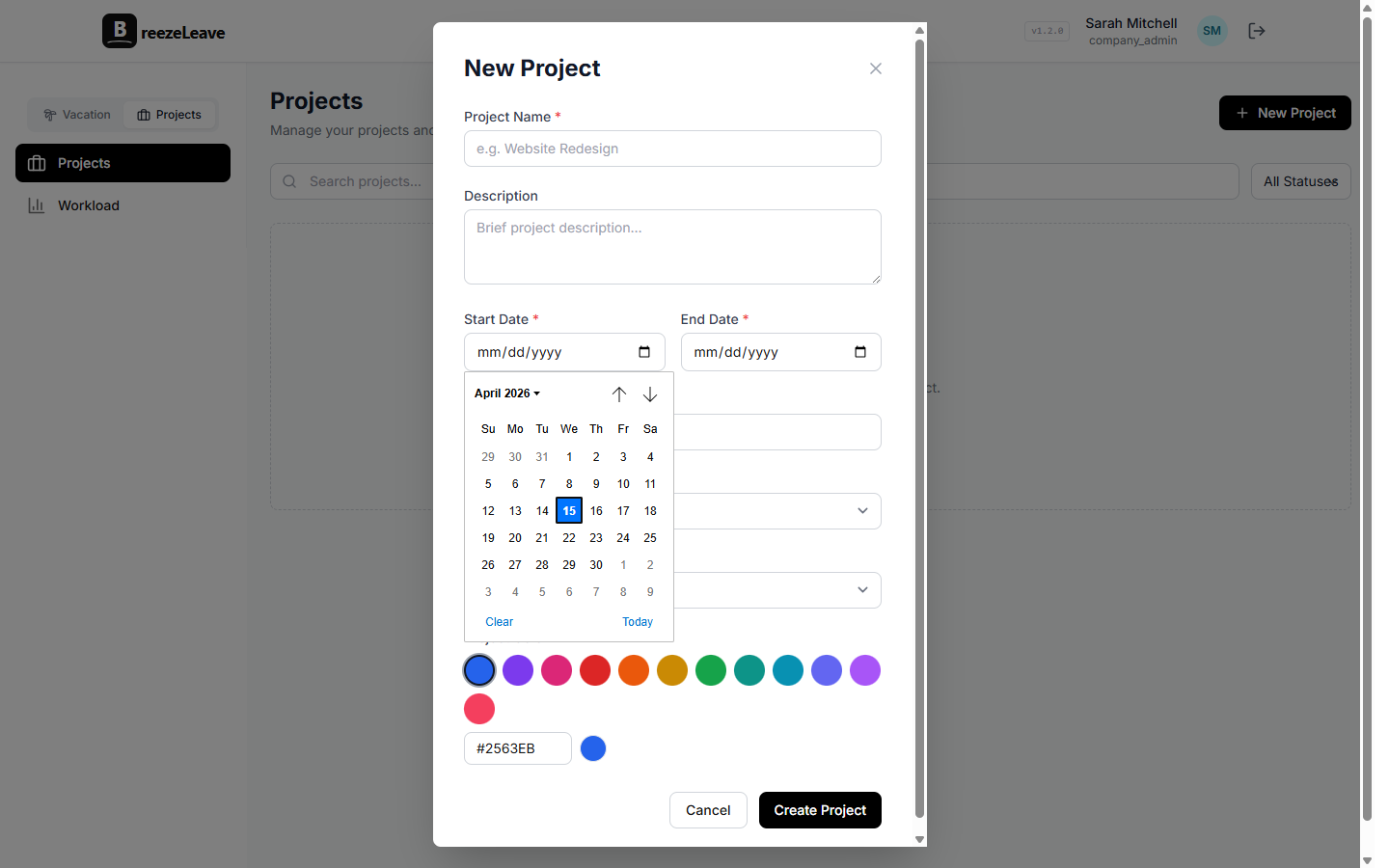
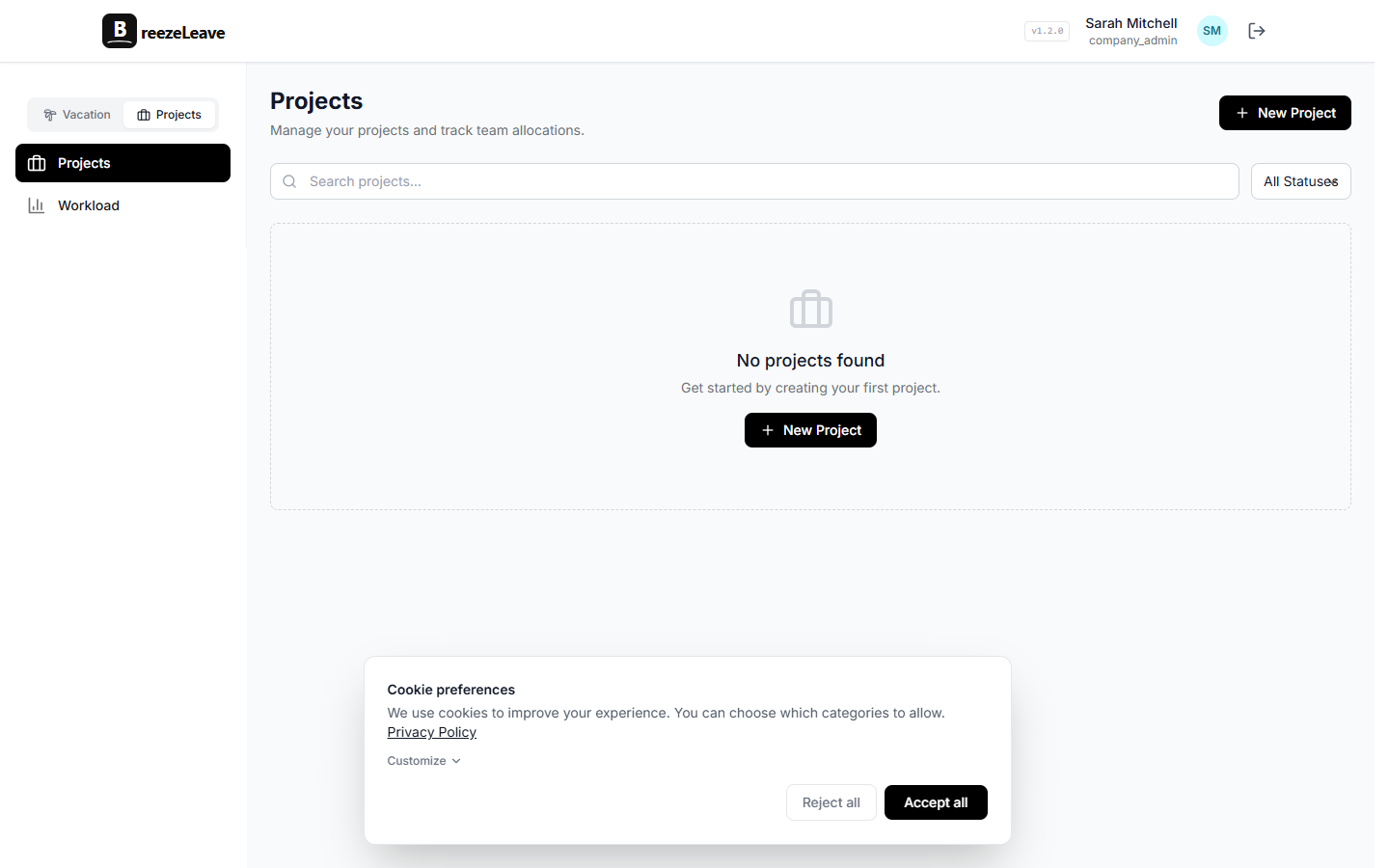
BreezeLeave is the leave layer. The optional project ops layer adds capacity planning that respects leave and public holidays, so the Monday capacity meeting has one view to work from instead of three tabs.
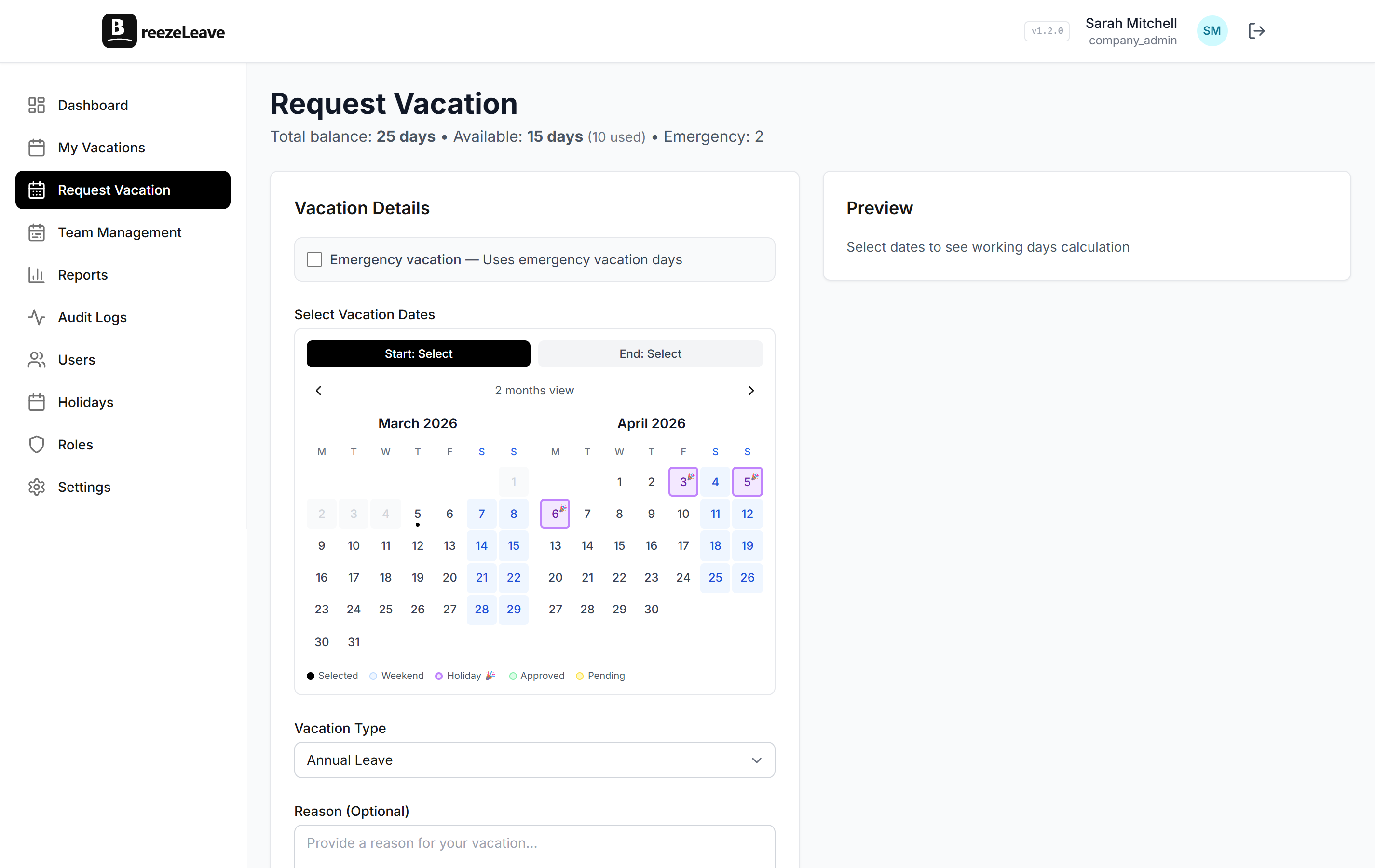
- Per-country holiday calendars. Partners and consultants in different countries see the right public holidays. Engagement plans reflect the actual working days available per consultant.
- Approval chain that respects seniority. Partners approve senior associate requests. Operations approves partner requests. Nobody is approving themselves.
- Slack or Teams notifications. When a request is approved, the team channel sees it. Anyone planning the next week of work has the information without asking.
- Capacity view with PTO baked in. The optional project ops layer shows planned hours per consultant per week, with approved PTO subtracted and public holidays accounted for.
The capacity layer is detailed on the project capacity planning page. For consulting firms the value is not in the project module being a full PM tool. It is in capacity, utilization, and PTO being one number rather than three guesses.
Partner utilization and the PTO problem
Partner utilization is the metric that gets quoted at every partner meeting and is the hardest to read honestly. The number is meaningful only when PTO is in the denominator the right way. A partner who took two weeks of vacation in August did not have a low-utilization quarter. She had two fewer weeks of capacity. Reporting that ignores PTO understates utilization and creates a false signal to push more billable work.
The fix is in how the metric is defined: utilization equals billable hours divided by available hours, not divided by calendar hours. Available hours subtracts PTO, public holidays, and any committed internal time. The capacity view in BreezeLeave aligns these denominators automatically, which removes the debate from the partner meeting.
The busy season pattern
Consulting firms have a busy season. For tax firms it is January through April. For M&A advisors it is the quarterly close. For strategy firms it is the client's fiscal year planning window. The busy season pattern is predictable, which means PTO during it should be predictable too.
Two practical rules:
- Pre-book vacation for partners and seniors before the busy season.A senior who has not booked vacation by November is going to ask for two weeks in mid-February, which is the worst possible time for a tax firm. The leave tool should send a reminder 60 days before the busy season starts.
- Use blackout windows sparingly, not as a default. Blocking all PTO during the busy season is a culture choice that backfires. A better rule is a concurrent-absence limit: no more than one senior associate out per week during the busy season, with partner sign-off for any second request. The blackout policy examples piece covers when each option fits.
Logged hours: the reality check
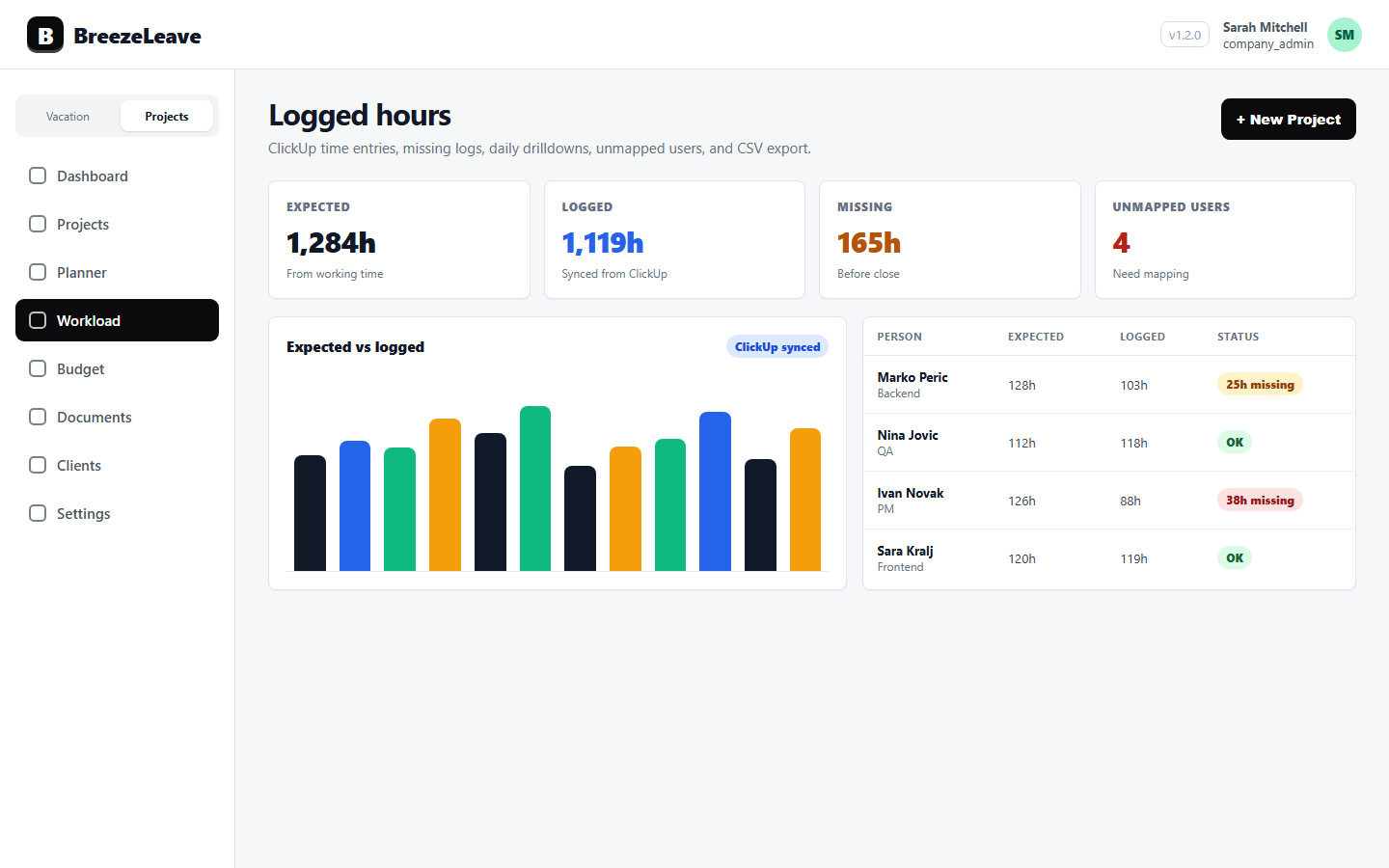
Billable hours from a time tracking tool are the reality check on the plan. If the plan says a senior is at 35 hours per week on an engagement, the logged hours tell whether that is what happened. The gap between planned and logged hours is where capacity problems live.
For firms that already use ClickUp or a similar time tracker, the BreezeLeave project layer reads logged hours and matches them against planned hours per engagement. The ClickUp time tracking piece explains the integration mechanics; the same pattern applies for consulting engagements rather than agency projects.
What the partner meeting looks like after the change
Before the change, the Monday partner meeting is a tour of fires. After the change, the same meeting is a five-minute scan of the next four weeks, a decision on any flagged engagement, and a return to the conversation the firm actually wants to have: which clients to pursue and which engagements to staff up.
The change is not the tool. It is the firm agreeing that capacity planning has to start from PTO-adjusted availability, and that the leave record is part of the engagement plan rather than a separate spreadsheet the ops lead checks on her own time.
The short list
A consulting firm has PTO-aware capacity planning when the following are true:
- Available hours per consultant subtract PTO and public holidays in the same view as the engagement plan.
- The Monday capacity meeting has one source of truth, not three.
- Partner utilization is reported against available hours, not calendar hours.
- The busy season has a documented PTO rule that everyone agreed to before October.
- Logged hours are visible alongside planned hours per engagement.
Hit those five and the firm spends fewer Monday mornings in fire drills and more time on what it sells. To run the capacity view alongside the leave record, plan capacity around PTO, holidays, and logged hours in BreezeLeave, or start from the project capacity planning product overview if you want the feature detail first.