
Project Capacity Planning for Agencies: Connecting PTO, Workload, and Budget
Leave, project planning, logged hours, and budget health belong in the same conversation. Here is how BreezeLeave helps agencies see capacity before delivery slips.
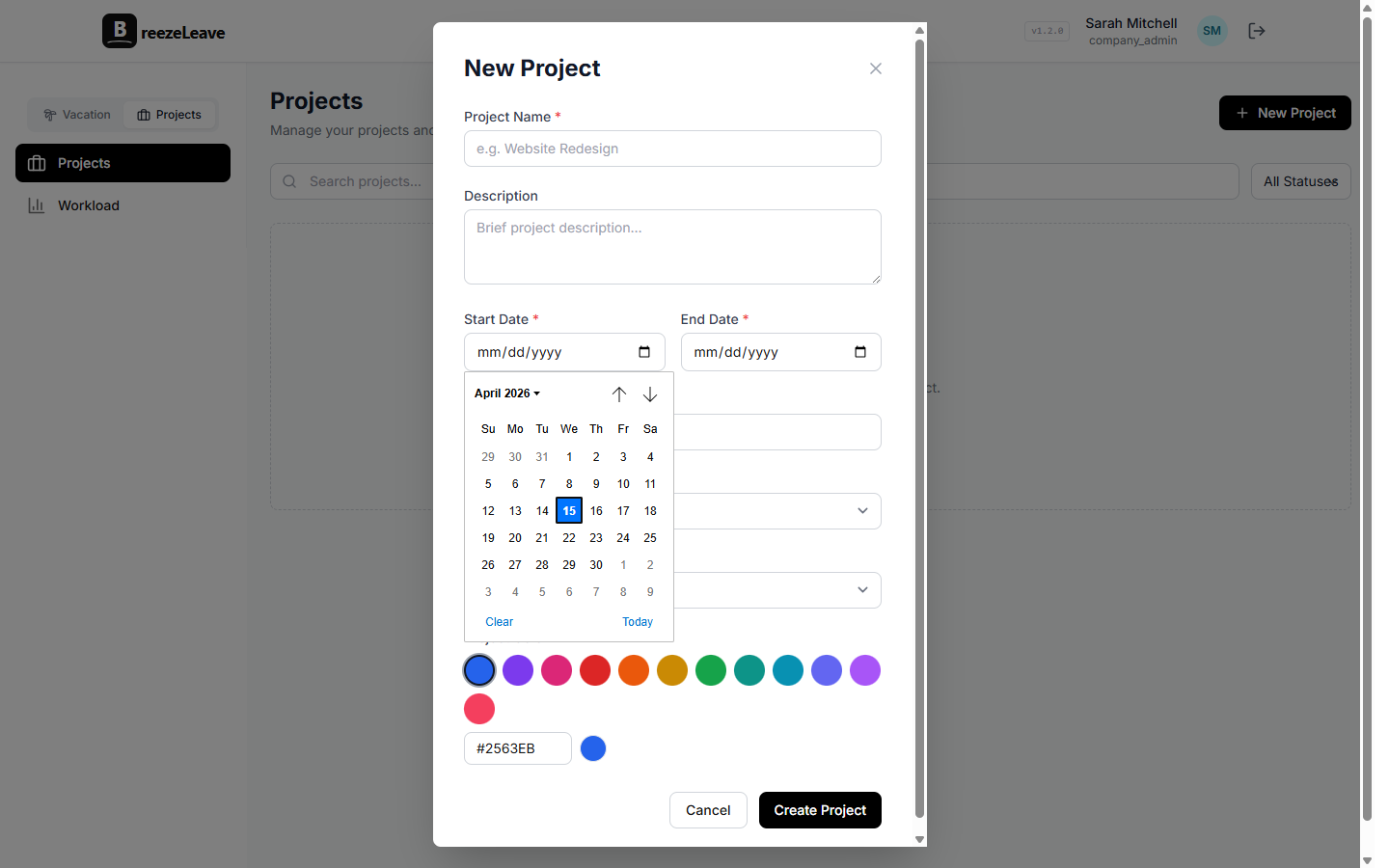
Agencies rarely miss deadlines because one person took time off. They miss deadlines because nobody saw the combined picture: two people are on leave, one retainer is under-planned, a ClickUp card is eating more QA time than expected, and the project manager only finds out after the client asks why the milestone moved.
That is why BreezeLeave now treats PTO, project planning, logged hours, documents, and budget health as connected operating data. Leave management is still the starting point, but project teams need to know what the absence does to delivery.
1. Start with real project structure
A useful capacity view needs more than a list of people. BreezeLeave tracks clients, projects, retainers, project owners, statuses, phases, milestones, documents, resources, and accounting data. That means the system can answer questions that a plain vacation calendar cannot:
- Which client projects are affected by PTO next month?
- Which retainers have planned hours but not enough assigned people?
- Which milestones are at risk because the responsible team is over capacity?
- Which project files, signed documents, or payment schedules belong to the work?
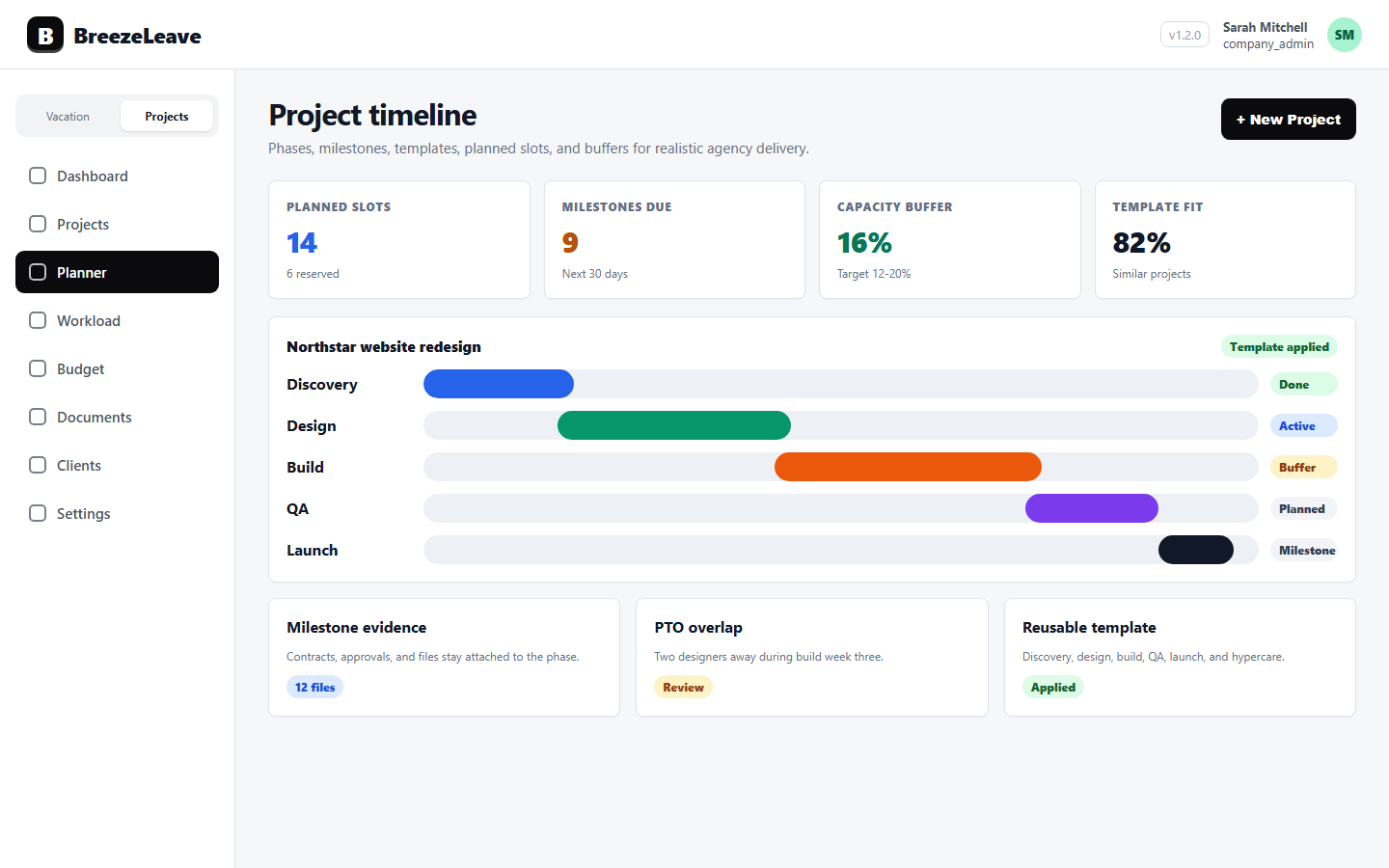
For one-off projects, teams can model phases such as design, preparation, development, QA, deployment, maintenance, and hypercare. For retainers, monthly allocations and contracts keep ongoing capacity visible without forcing every month into a fake one-off timeline.
2. Use capacity planning before the commitment
The project planner supports planned slots and unplanned project intake. A signed deal can land as unplanned work, then a planner can place it into a capacity slot instead of immediately pretending the team has room.
This matters because the most expensive planning mistakes happen before delivery starts. If sales closes a project, HR approves PTO, and the PM commits a date in three separate places, nobody owns the real answer to "can we do this work in that window?"
In BreezeLeave, the safer workflow is:
- Signed work arrives from GetAccept or is created manually.
- The project stays unplanned until someone assigns it to a slot.
- The planner checks available people, PTO, role demand, and existing allocations.
- The project moves into planning or active status only when the capacity picture is clear.
3. Compare planned work with logged hours
Planning is only half the story. Once work starts, ClickUp time entries show whether the plan is holding. BreezeLeave uses those entries for logged-hours hygiene, workload views, project mix, utilization, budget accuracy, and card-efficiency analytics.
The logged-hours dashboard is deliberately operational. It highlights expected vs. logged hours, no-log periods, unmapped ClickUp users, daily drilldowns, and CSV export. That gives managers a way to fix time hygiene while the month is still open, not after budget review.
Card-efficiency analytics go one level deeper. If a card has more QA than development, a large card with no QA, design work heavier than expected, or a majority of unclassified effort, the team can investigate while the work is still fresh.
4. Keep finance connected to delivery
Project profitability breaks when budget data lives in one spreadsheet, logged time lives in ClickUp, leave lives in a calendar, and retainers live in someone's head.
BreezeLeave connects those layers through project accounting, owner analytics, budget grids, cash runway, scenarios, forecast methods, report views, and headcount planning. Sensitive fields are permission-gated, so revenue-only viewers can see the data they need without exposing salary or person-cost information.
That creates a cleaner weekly operating rhythm:
- PMs review project status, phase progress, milestones, and documents.
- Managers review workload, capacity, PTO, and missing time logs.
- Finance reviews revenue, cost, margin, cash runway, scenarios, and alerts.
- Leadership sees where clients, owners, retainers, and projects need attention.
5. Why this belongs next to leave management
Leave is not separate from delivery. PTO reduces capacity. Sick leave changes the week. Public holidays differ by country. Approving a long vacation can be perfectly reasonable for the employee and still create a real project risk if nobody checks the work plan.
The goal is not to make vacation harder to take. The goal is to approve time off with full context and plan client work honestly. When availability, project plans, logged hours, and budget health are visible together, teams stop discovering capacity problems at the worst possible time.
Start with the leave workflow. Then connect the work around it: projects, clients, retainers, resources, documents, project capacity planning, workload planning, budget tracking, and ClickUp-powered logged hours.
Related articles
Project Planner for Agencies: Planned Slots, Unplanned Work, and Capacity
Resource Planning for Agency Projects: Roles, FTE, Assignments, and Capacity