
Single-approver teams break in a predictable order. The team lead takes the same week off as half the team requests theirs. A mixed team of developers and project managers reports to two different functional leads, but the leave tool only lets you pick one. Long absences need a second pair of eyes, so HR gets pulled into every two-week vacation request.
Multi-person approval is the answer for teams that have outgrown one-approver-per-team but do not want a 12-step enterprise approval chain. You add the approvers that already make these decisions in real life, pick how their votes count, and let the system route each request to the right people. The team lead can be away and approvals still happen.
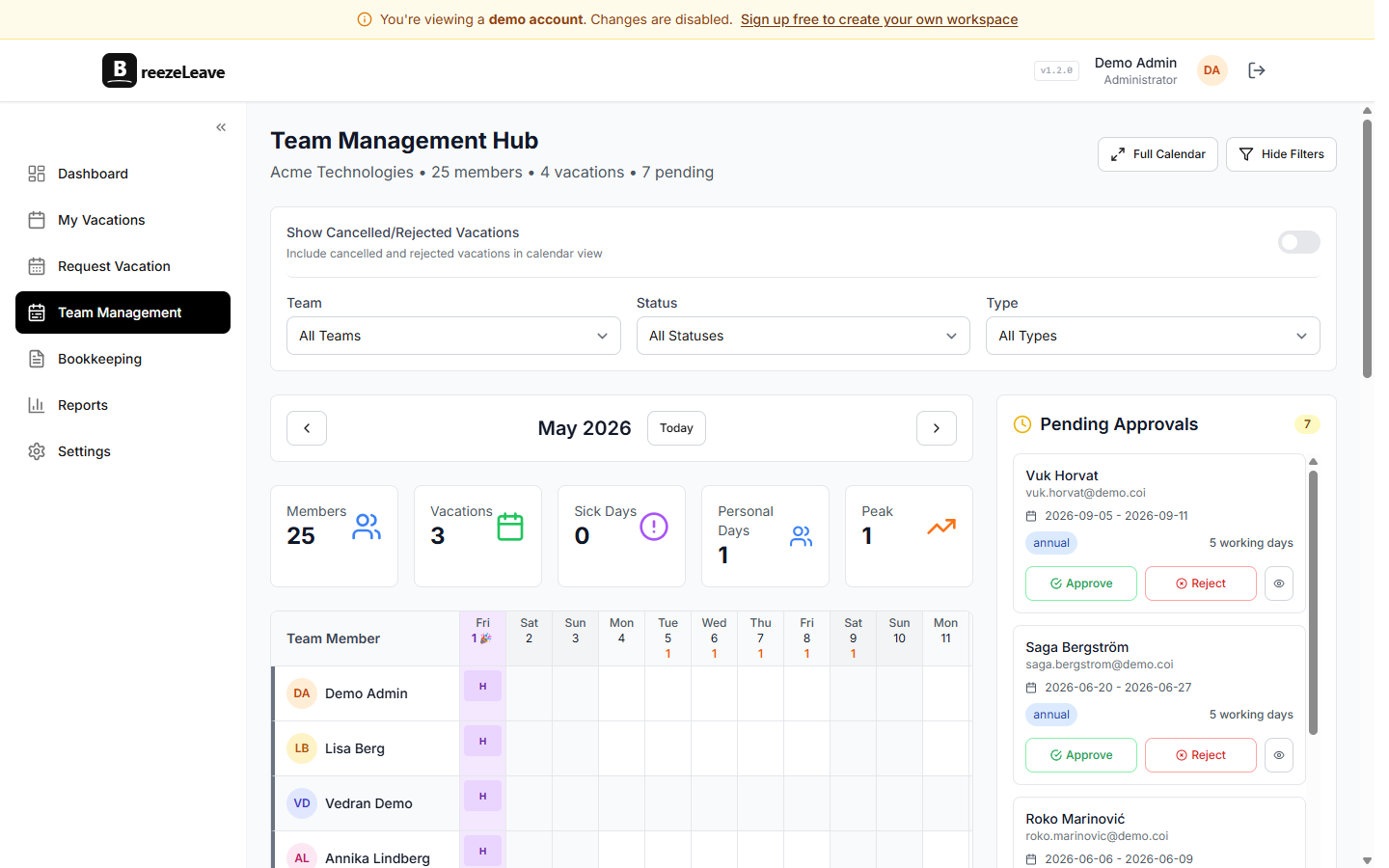
Three voting policies, picked per team
Every team in BreezeLeave has one voting policy. It applies to all requests that reach the approver list (auto-approved requests skip this entirely). The three policies are:
- Any One. The first vote decides. If anyone on the approver list clicks Approve, the request is approved and the other approvers are notified that the decision is done. If anyone clicks Reject, the request is rejected. Good for small teams that just want backup coverage when one lead is out.
- All Must Approve. Every approver has to click Approve before the request is accepted. A single reject kills the request. Good for critical teams where every absence affects delivery, or for long absences over a certain threshold.
- Majority. More than half the approvers must vote Approve. A three-person approver list needs two yeses; a five-person list needs three. Useful for senior-level requests where one veto should not block the whole team, but you still want consensus.
The policy is a single setting on the team page. Switching it is a one-click change and applies to the next pending request. Historical requests keep the policy that was in force when they were submitted, so the audit log stays clean.
Scoped approvers for mixed teams
A common pattern in agencies and product teams: one squad has developers, a designer, a QA engineer, and a project manager. The dev lead approves engineering absences, the PM lead approves PM absences, and the design lead reviews designers. Splitting the squad into four separate teams just for approval routing is overkill.
Scoped approvers solve this. Define the position types you care about (Developer, QA, Designer, Project Manager) in your company settings. Assign each team member a role. Then when you add an approver to the team, you can scope them to one or more roles.
- A developer submits a request: only the dev lead is notified and votes count.
- A PM submits a request: only the PM lead sees it and only their vote counts.
- A designer submits a request: only the design lead is notified.
Unscoped approvers cover everyone on the team regardless of role. You can mix scoped and unscoped on the same team. The HR business partner can be unscoped (sees every request), while the functional leads are scoped to their respective roles. The system picks the right approver list per request automatically.
Approvers do not have to be on the team
Functional leadership rarely maps cleanly onto squad structure. BreezeLeave handles this by letting any user in the same company be an approver for any team. A few common patterns:
- A VP of Engineering listed as an approver on every engineering team, with All Must Approve for requests over 10 days.
- A regional HR business partner added as an unscoped approver on every team in their geography. They only get pinged on requests that require their sign-off.
- A finance lead added as a second approver on senior team members, so long absences hit payroll planning before they are confirmed.
For more on how this fits with the rest of the access model, see role-based permissions.
A walked example
Here is a concrete setup for a 12-person product squad with four roles.
Team setup
- Voting policy: Majority
- Approver 1: Sarah, dev lead, scoped to Developer and QA
- Approver 2: Marko, PM lead, scoped to Project Manager
- Approver 3: Aida, design lead, scoped to Designer
- Approver 4: Tom, HR business partner, unscoped
A developer requests five days off. The system picks the approver list based on scope: Sarah (matches Developer) and Tom (unscoped). That is a two-person list with a majority policy, so both votes count and a single reject blocks the request. Slack pings Sarah and Tom only. Marko and Aida see nothing in their queue.
A project manager on the same team requests three days off. The approver list is Marko and Tom. Sarah is not pinged. Marko approves, Tom approves, the request goes through.
Auto-approval still runs first. If the developer's request is one remote-work day with three days of notice and matches the company's auto-approval rule, it is approved instantly and never reaches Sarah or Tom. The rules engine and the approver list work together. See the rules engine page for the full list of conditions.
Approval progress the employee can see
Employees do not have to ask "did anyone approve my request yet?" The request page shows every approver, the decision they have made (or that they have not voted yet), and the running tally for the policy.
- Any One: "Sarah approved. Request approved." or "Awaiting decision from Sarah, Tom."
- All Must Approve: "2 of 3 approved. Awaiting Tom." or "Sarah rejected. Request rejected."
- Majority: "2 of 3 approved. Majority reached. Request approved."
Each Slack message, Teams Adaptive Card, and email update carries the same status. The employee never has to chase, and approvers can see who has and has not voted before they click. The multi-person approval blog post walks through the notification flow with screenshots.
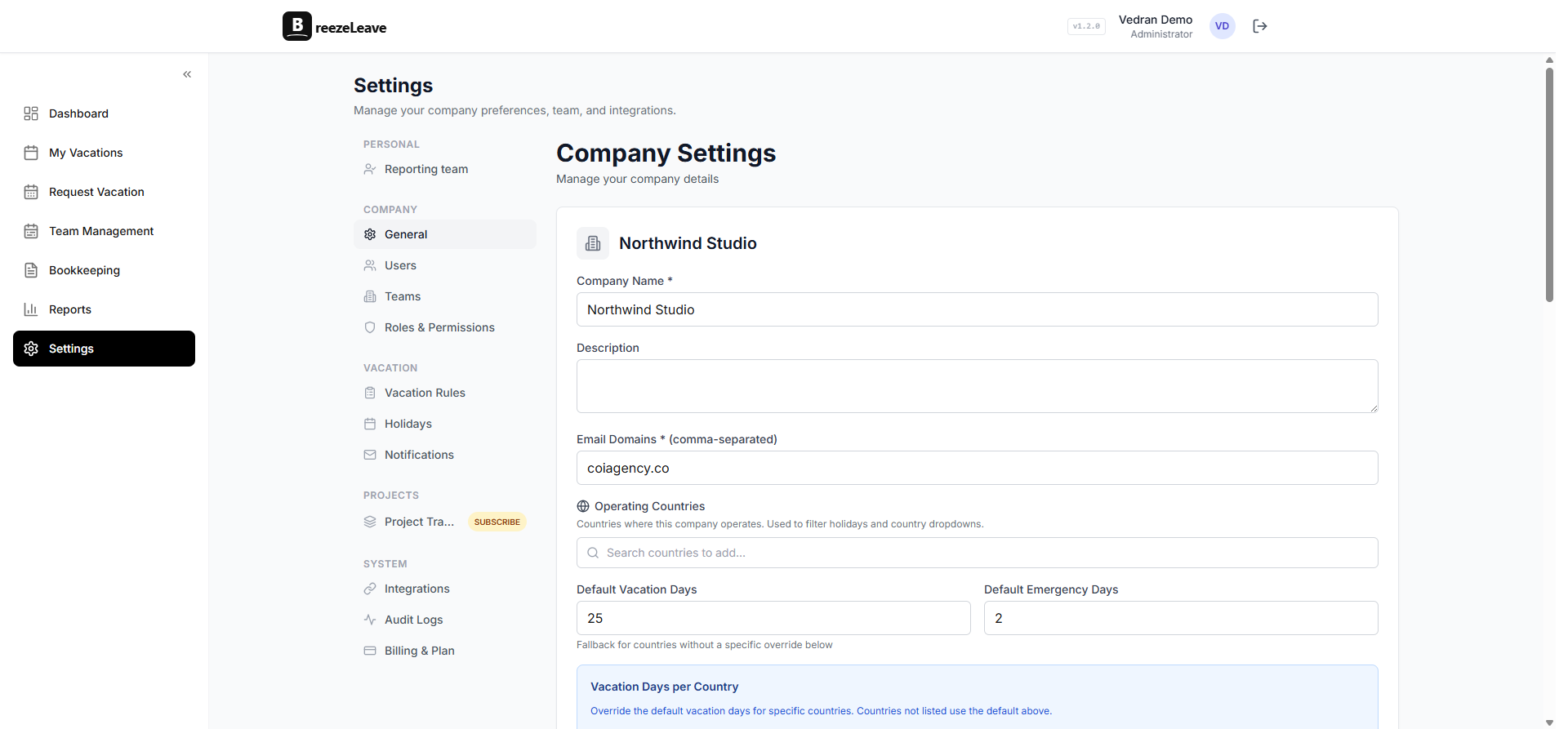
Multi-step approvals for sensitive requests
Some companies want the manager to approve first and HR to confirm second. That is a sequential flow, not a single vote. BreezeLeave supports it via stages: the request goes to stage one approvers, and only when stage one passes does it move to stage two. The article on multi-step leave approval workflows covers when to use a multi-stage flow versus a single voting policy, with examples for parental leave, sabbaticals, and unpaid extended absences.
Backward compatible by default
If you already use BreezeLeave with single-approver teams, nothing changes for you when you do nothing. The current team lead is automatically the first (and only) approver, the voting policy is Any One, and requests are approved by a single click just like before.
Multi-person approval is opt-in per team. You add a second approver when the bottleneck starts to hurt, you change the voting policy when one approver is not enough, and you scope approvers when the team mixes roles. None of those steps require a migration or a data backfill.
Pairs with Project Operations
BreezeLeave is two products that share the same people and calendar. The Leave Management side handles balances and approvals. Project Operations adds capacity planning and budget tracking. When a senior developer requests two weeks off and goes through the All Must Approve flow, the approver sees the request in Slack and the same person's planned hours for those weeks in the capacity view. The approver decides with both pieces of context instead of approving blind. Agencies running both products see this pattern most often during peak delivery weeks.
For the pricing breakdown, see the pricing page. Multi-person approval is included on every plan.
Frequently asked questions
Everything you might want to know before getting started. Still have questions? Reach out anytime.
Multi-person approval lets you attach more than one approver to a team and pick how their votes count: any single approver decides, every approver must agree, or a majority decides. It removes the single-manager bottleneck without sending every request to HR.
A scoped approver only sees requests from specific team roles. The dev lead is scoped to Developer and QA, the PM lead is scoped to Project Manager, and a designer request goes to the design lead. You can mix scoped and unscoped approvers on the same team.
No. A VP of Engineering can approve for every engineering team, a regional HR partner can cover all teams in their geography, and a finance lead can review long absences across the company. The approver only needs to belong to the same BreezeLeave company.
They keep working exactly as before. The current team lead is seeded as the first approver with the Any One policy, so the behaviour is identical until you choose to add another approver or switch the voting rule.
Yes. Auto-approval rules run first. A short remote-work request that fits the rules is approved instantly and never reaches the approver list. Multi-person voting only kicks in for the requests that need a human decision.
The request page shows each approver, their decision so far, any comment they left, and how many decisions are still outstanding. The same status is included in the Slack, Teams, and email notifications the employee receives.