Agency Budget Reviews: Categories, Scenarios, Cash Runway, Alerts, and Headcount
How agency owners can run budget reviews with categories, scenarios, starting cash, runway, alerts, planned headcount, report views, and permission-gated cost data.
Agency budget reviews are easy to postpone until the month closes. By then, the time entries are stale, the project story has changed, and the runway question becomes reactive.
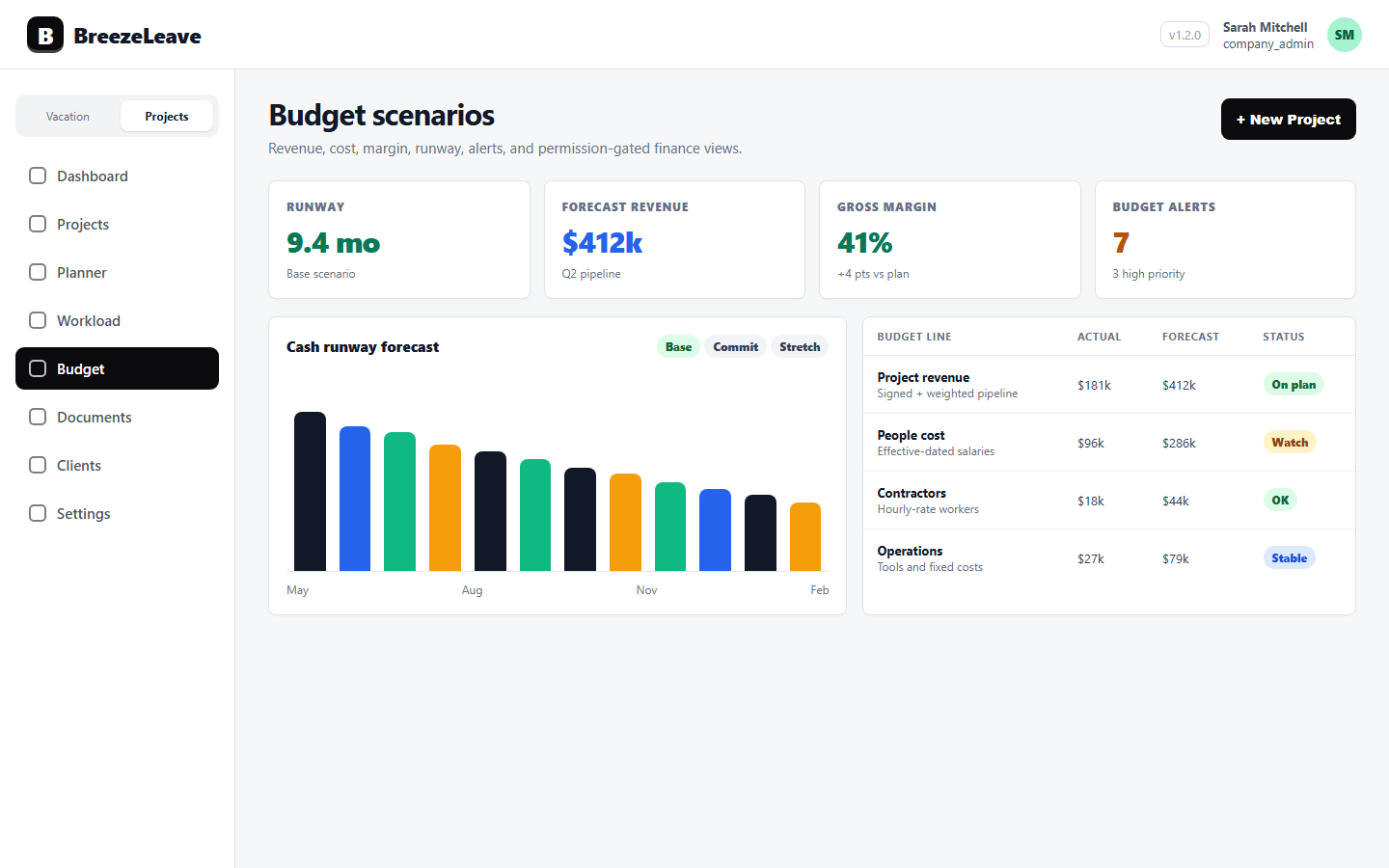
BreezeLeave connects project budget tracking with categories, scenarios, cash runway, alerts, headcount planning, and permission-aware cost visibility so finance and delivery can review the same operating picture.
1. Use categories to keep the P&L readable
Budget lines need structure. Categories make recurring cost, project revenue, people cost, sales expense, and operational spend easier to review without turning the budget grid into a raw ledger.
The product entry point is project budget tracking.
2. Run scenarios before decisions are final
Scenario planning is useful when leadership is deciding whether to hire, delay work, change targets, or adjust forecasts. A scenario lets the team compare assumptions before rewriting the active budget.
For a deeper project-finance workflow, read project financial forecasting.
3. Review cash runway beside headcount
Runway is not just a bank balance. It is affected by revenue timing, people cost, planned hires, retainers, and forecast confidence.
Planned headcount belongs in the same conversation as cash runway because people decisions are often the largest agency budget lever.
4. Keep alerts and reports permission-aware
Budget alerts help owners catch drift, but cost and salary detail should not be visible to every operational user. Permission gates let the team discuss project and budget health without overexposing private compensation data.
This connects directly to labor cost tracking.