Leave Reports HR Actually Uses: Utilization, Coverage, Approvals, and Country Insights
A practical way to read BreezeLeave reports across utilization, trends, team coverage, approval patterns, country insights, and CSV/PDF exports.
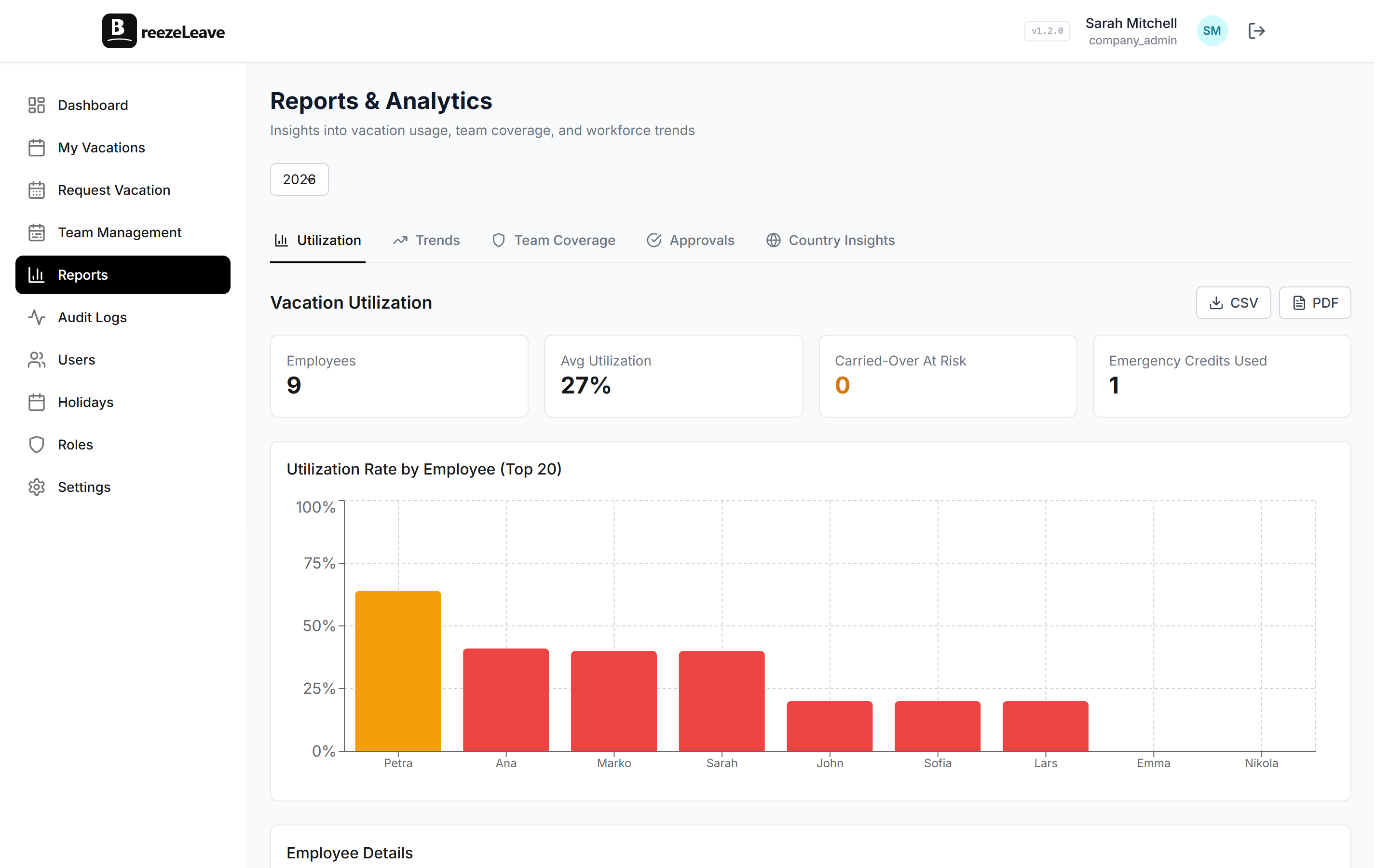
A leave report is only useful if it changes a decision. HR does not need another dashboard full of decorative numbers. It needs answers about utilization, coverage risk, approval bottlenecks, and policy health.
BreezeLeave reports are built around those operating questions: who is using PTO, where coverage is thin, which requests need manual review, and how country differences affect the picture.
1. Start with utilization
Underused vacation is a health signal, not just an accounting detail. Utilization reports help HR see who is not taking enough time off and which teams may be quietly accumulating risk.
Utilization becomes more reliable when balances are automated. The PTO tracker keeps request status and remaining balances in the same system.
2. Use coverage reports before approving conflicts
Team coverage reporting shows whether too many people are away in the same period. This matters most for small teams, client-facing groups, and delivery teams with specialized roles.
For the day-to-day view, pair reports with the shared team calendar.
3. Watch approval patterns
Manual approvals are not bad, but an unusual number of them can reveal rule gaps: unclear blackout periods, missing approvers, or policies that do not match how the company actually operates.
Teams with more complex approvals can use multi-person approval to route the right request to the right lead.
4. Separate country insight from company averages
A global average can hide local reality. Public holidays, statutory norms, sick leave expectations, and vacation culture differ by country, so HR needs country-level context before changing policy.
For the policy side, read managing PTO across countries.