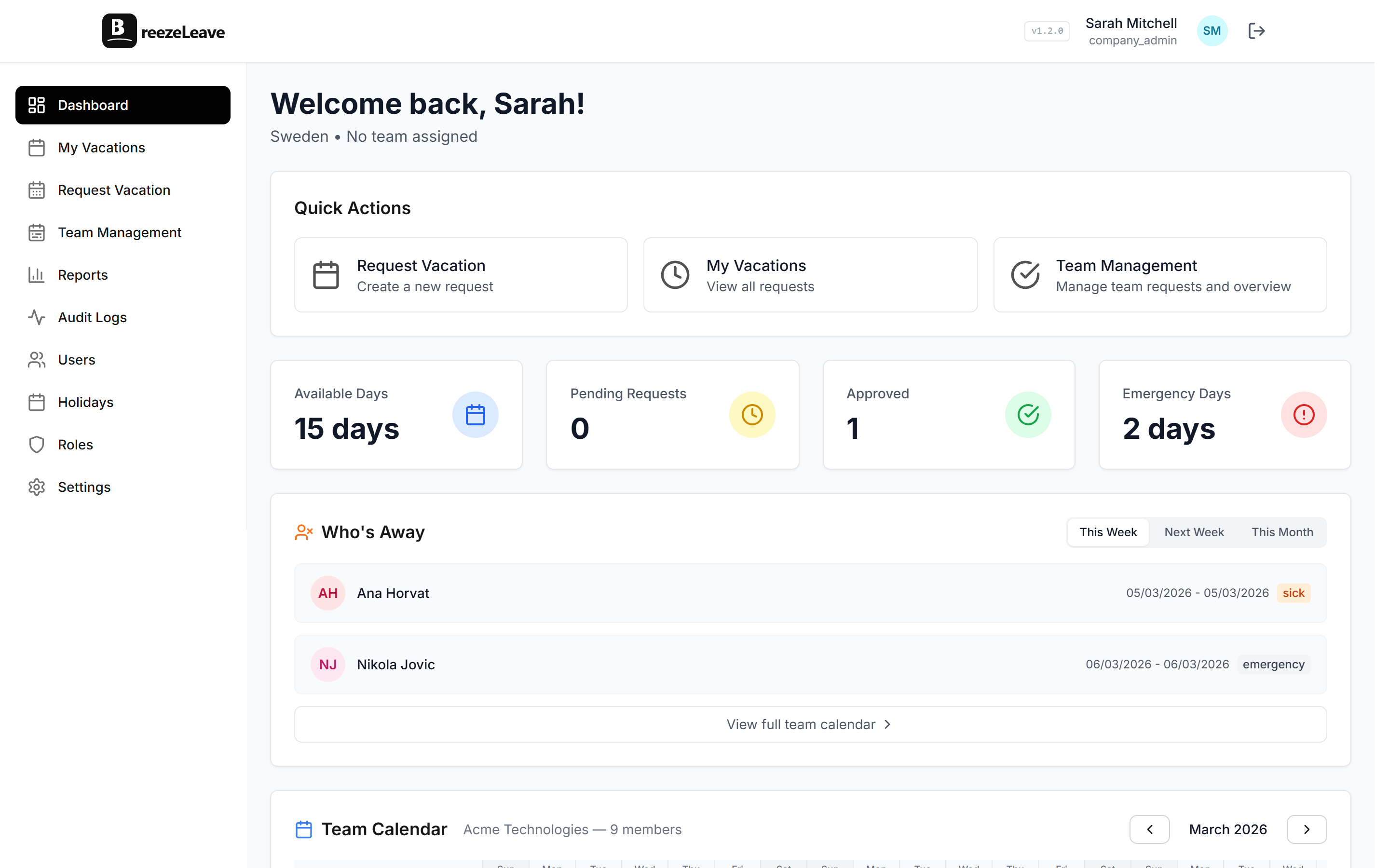
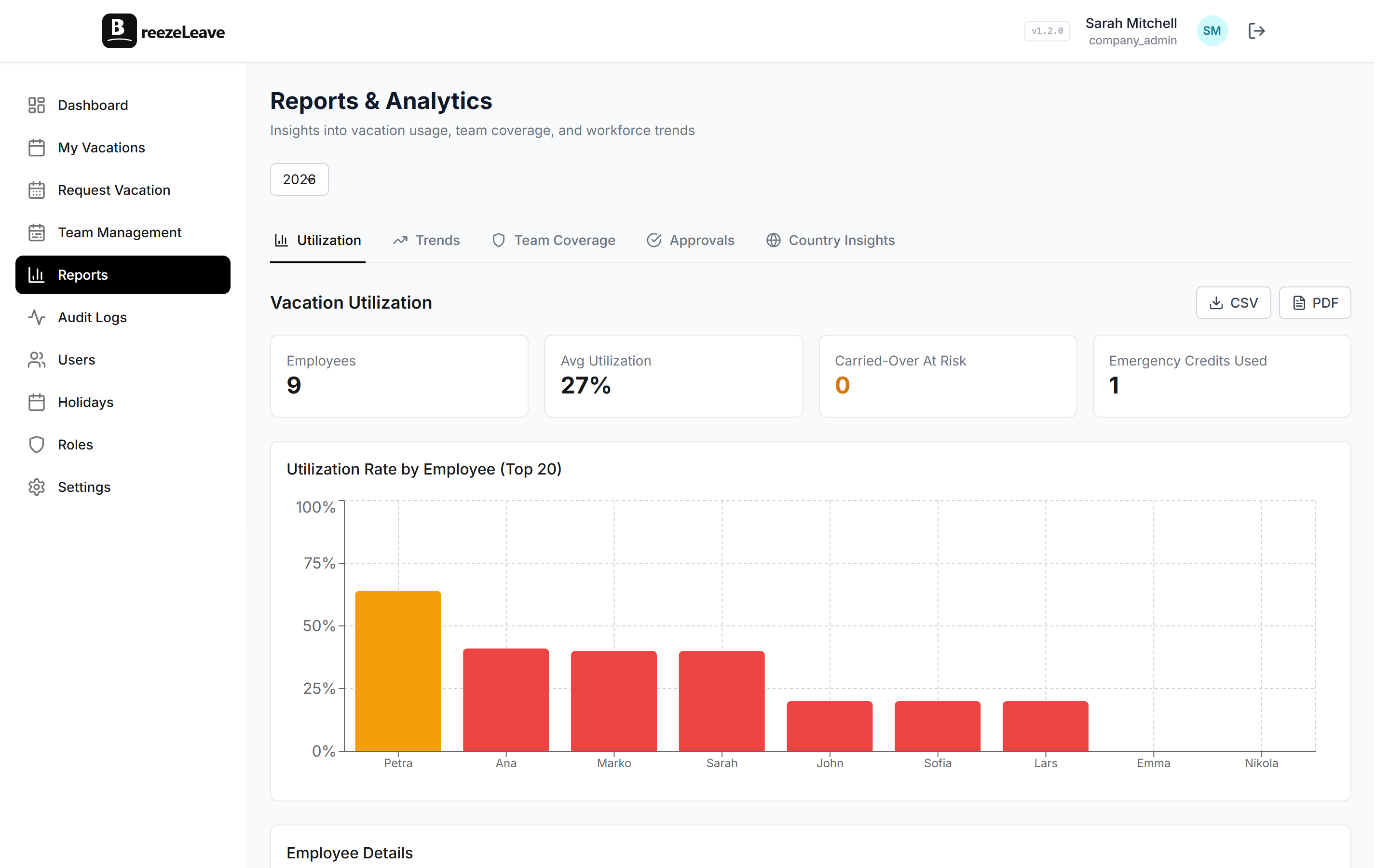
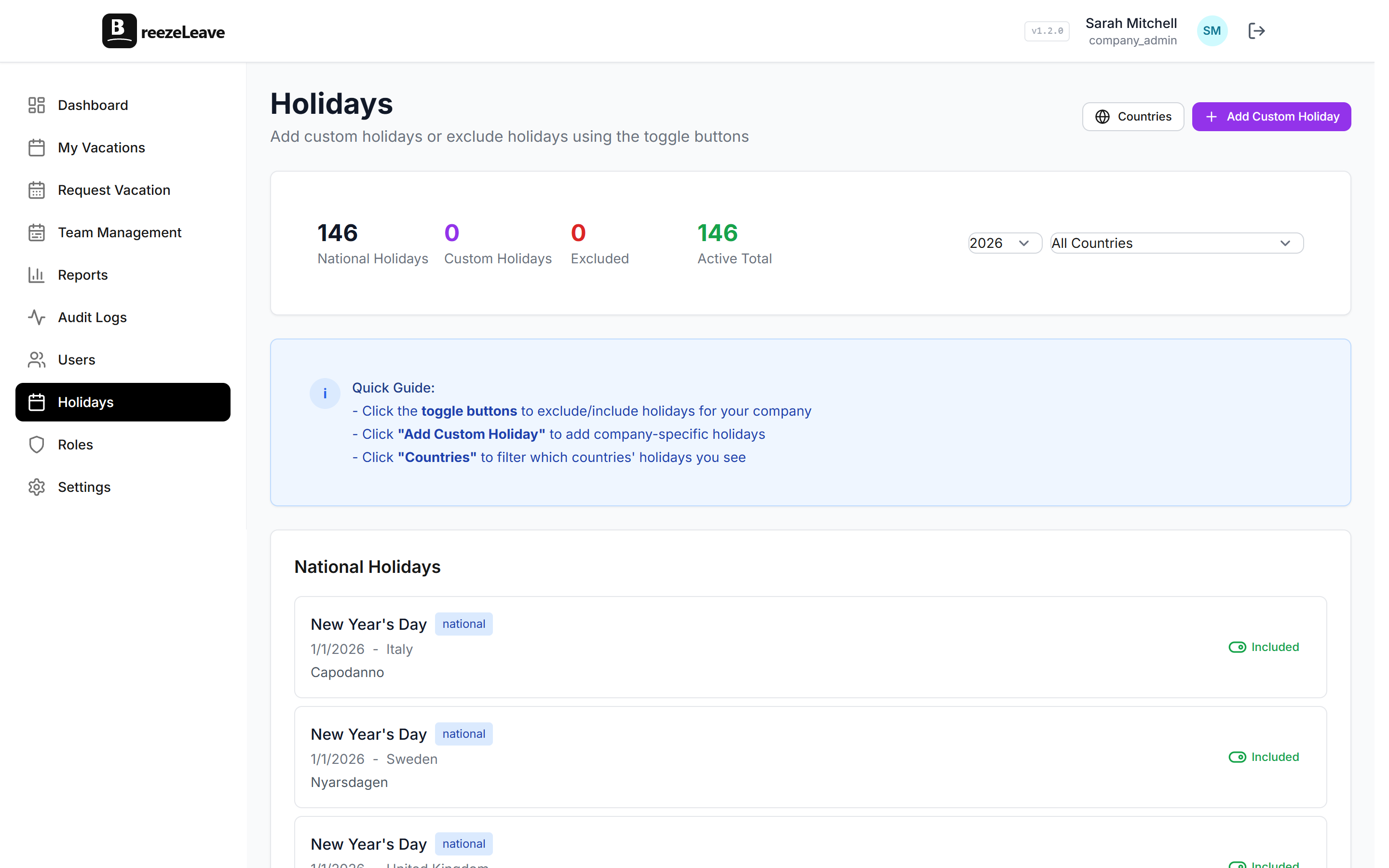
Team Capacity Planning: See Who's Available Before Approving Leave
Approving vacation requests without seeing the team calendar is like scheduling meetings without checking calendars. Here's how to plan around absences.

A manager gets a vacation request. It looks reasonable: two weeks in July. They approve it. Then another one comes in for the same two weeks. They approve that too. Then a third. Now half the team is off during the same sprint and nobody realized until it was too late.
Team capacity planning is about seeing the full picture before approving individual requests. Not after.
What capacity planning means for leave management
Capacity planning in the context of vacation management isn't about resource utilization spreadsheets or Gantt charts. It's much simpler: before you approve someone's time off, can you see who else is already going to be out?
Most leave tools show you individual requests in a list. You approve or reject them one at a time, in isolation. The problem is that each request looks fine by itself. It's the combination that creates gaps.
BreezeLeave shows you the team view first. When a request comes in, you can immediately see it in the context of everyone else's approved and pending leave.
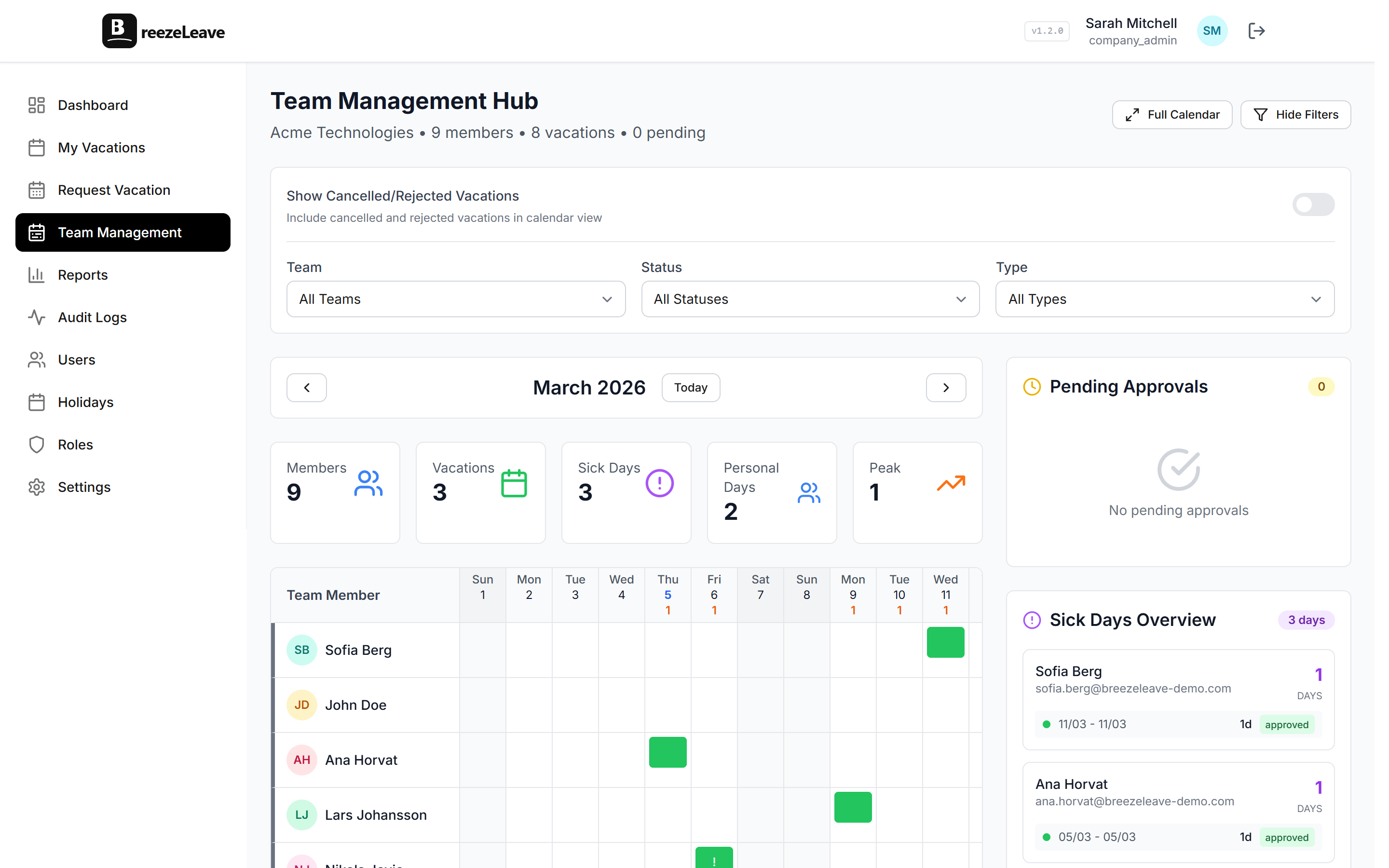
The team calendar view
BreezeLeave's team calendar is the primary tool for capacity planning. It shows:
- Approved absences: who's already confirmed to be out
- Pending requests: who's waiting for approval (so you can see what's coming)
- Public holidays: country-specific holidays that already reduce capacity
- Leave types: color-coded to distinguish vacation, sick leave, personal days
When a new request arrives, the manager can see it overlaid against the existing schedule. If three people are already out that week and a fourth requests the same dates, it's immediately obvious.
Capacity limits per team
Some teams set hard limits: no more than 2 out of 8 people can be on leave at the same time. Others use soft limits where the manager uses judgment but has visibility into the numbers.
BreezeLeave supports both approaches:
| Approach | How It Works | Best For |
|---|---|---|
| Visual planning | Manager checks team calendar before approving | Small teams, flexible policies |
| Conflict warnings | System flags when too many people overlap | Medium teams, soft limits |
| Hard capacity limits | System blocks requests that exceed the limit | Large teams, strict coverage needs |
For most teams under 20 people, the visual planning approach works well. Managers can see the calendar, make a judgment call, and approve or reject. For larger teams or customer-facing roles where minimum staffing matters, hard limits prevent the problem automatically.
Pro tip
Combine capacity limits with cover person assignments. Even if you're within the capacity limit, knowing who's covering for each absent person gives you confidence that work will actually get done.
Planning around holidays
The weeks before and after public holidays are the most requested vacation periods. Everyone wants to turn a Thursday holiday into a 5-day weekend. If you manage teams across countries, it gets even more complex. Your Swedish team is off for Midsommar while your Croatian team is working, and vice versa for Croatian national holidays.
BreezeLeave's team calendar shows public holidays for each country your employees are assigned to. This means when you're looking at capacity for a given week, you can see that your Stockholm office already has a public holiday on Thursday, so only 4 work days are available, and then decide whether you can afford to approve additional leave on top of that.
For a deeper dive into managing holidays across borders, see our guide on managing PTO across countries.
Slack and Teams integration for capacity visibility
The team calendar is great for proactive planning, but sometimes you just need a quick answer: "who's off this week?"
BreezeLeave's Slack integration lets anyone type /whoisoff to get an instant summary. The Microsoft Teams integration provides the same visibility. Both show current absences, upcoming leave, and return dates.
This means capacity information isn't locked in a dashboard only managers see. Everyone on the team can check availability before scheduling meetings, assigning reviews, or planning deadlines.
The approval workflow with capacity in mind
A good leave approval workflow looks like this:
- Request comes in (via web, Slack, or Teams)
- Manager opens the team calendar for the requested dates
- They see who else is out, who's covering, and whether capacity limits are met
- They approve or reject with full context
- The team is notified of the updated schedule
Without step 2 and 3, approvals are guesswork. With them, every approval is an informed decision. The difference is a few seconds of checking, and it prevents the scheduling disasters that take days to fix.
Capacity planning isn't about restricting vacation. It's about approving vacation confidently, knowing the team can handle it.