Why Audit Logging Matters for Leave Management
No paper trail means everyone loses. Learn what audit logging in leave management should track and why it matters for compliance and trust.
Last year, an employee walked into my office and said her vacation balance was wrong. She had 5 days remaining the last time she checked. Now the system showed 3. She wanted to know what happened. I wanted to know too.
We had no audit log. No record of who changed what, or when, or why. I spent an afternoon digging through Slack messages and email threads trying to reconstruct the timeline. I never found a clear answer. She got the 2 days back because I could not prove otherwise, and I spent the next week setting up proper audit logging for our leave management system.
Balances and approvals are the visible part. The audit trail underneath is what holds it all together when something goes wrong. And something always goes wrong eventually.
The Problem: He Said, She Said
Disputes about leave balances are more common than most companies admit. An employee checks their balance on Monday and sees 5 days. On Thursday it reads 3. Nobody told them anything changed. Maybe a manager adjusted it. Maybe an old request was recalculated. Maybe a rule changed that affected accrual. Without a leave management audit trail, there is no way to tell.
HR ends up in the middle, trying to be fair with zero evidence:
- The employee feels something shady happened.
- The manager feels accused of something they did not do.
- Everyone is frustrated, and the actual answer is buried somewhere between a forgotten email and a manual spreadsheet edit that nobody documented.
This is not a hypothetical. It happens at companies of every size, from 10-person startupsto organizations with 200+ employees. The only difference is scale. At a small company, you might resolve it with a conversation. At a larger one, it can escalate to a formal complaint. Either way, an audit log would have answered the question in under a minute.
What Should a PTO Audit Log Actually Track?
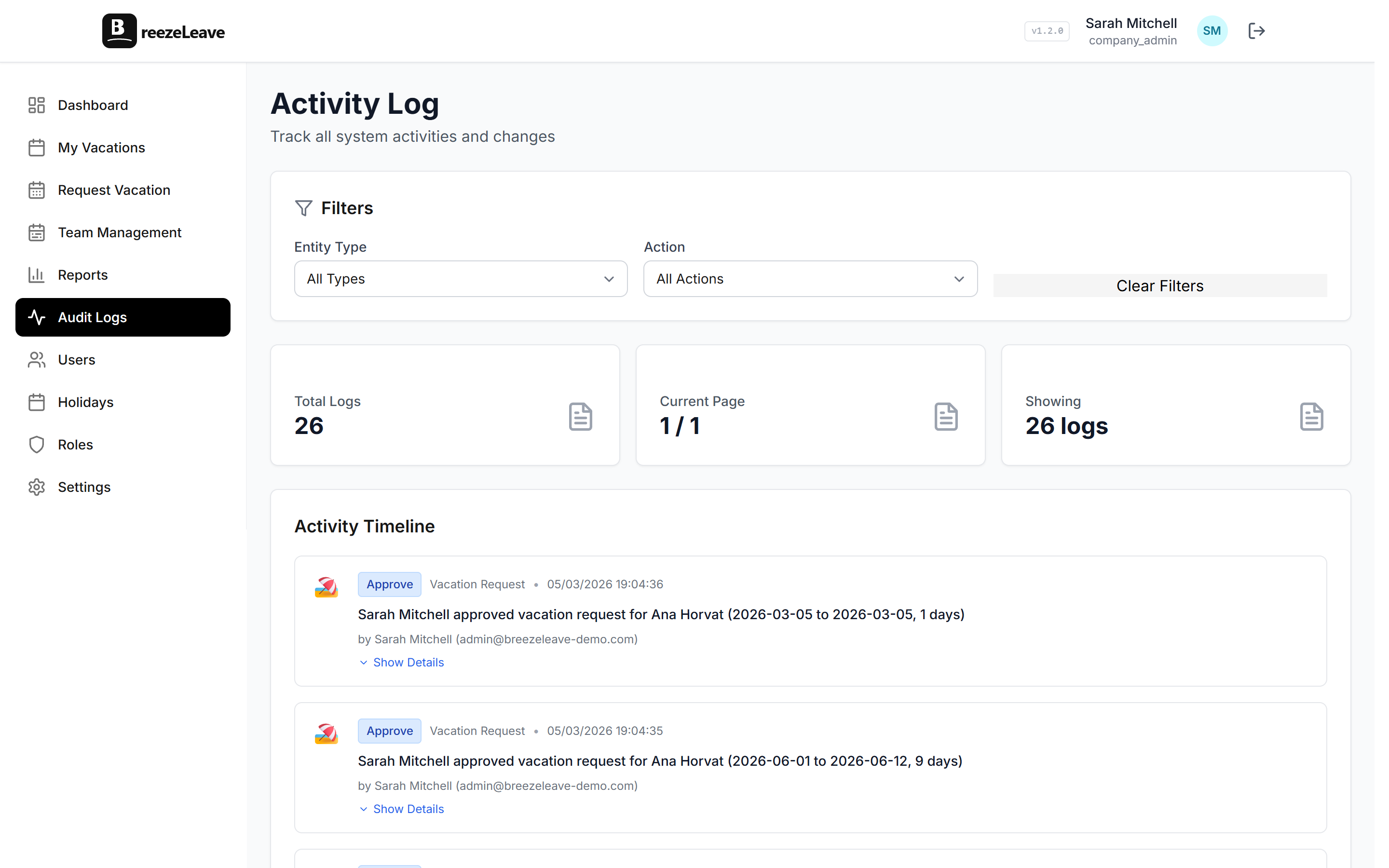
A proper audit log for leave management is not just a list of approved requests. It needs to capture every action that affects an employee's leave data:
- Request creation. Who submitted it, when, for which dates, and which leave type.
- Approvals and rejections. Which manager acted on it, when, and whether they added a reason.
- Cancellations. Whether the employee cancelled or the manager did, and at what point in the process.
- Balance adjustments. Any manual change to an employee's entitlement or remaining days, who made it, and the before-and-after values.
- Rule changes. Updates to vacation policies, accrual rates, carryover limits, or approval workflows. These affect balances indirectly, and they need to be recorded with a timestamp.
- Public holiday updates. Adding, removing, or modifying holidays for a country or office. A holiday change can shift how many working days a request covers, which affects the balance deduction.
Each entry should include the user who performed the action, the exact timestamp, the affected employee, and the old and new values. If you cannot answer "who changed this, when, and from what to what," the log is incomplete.
A good audit log entry looks like this
2026-02-14 09:32 UTC | Admin: Maria K. | Action: Manual balance adjustment | Employee: Jan P. | Leave type: Vacation | Previous balance: 12 days | New balance: 10 days | Reason: Correction for unrecorded absence on Jan 6-7
Compliance Is Not Optional
GDPR and employee data
If your company operates in Europe, GDPR applies to employee leave data. You need to be able to show what personal data you store, who accessed it, and what changes were made. During a data subject access request, an employee can ask for a full record of how their leave data was processed. If you do not have audit logs, you cannot comply.
Labor law and documentation
Compliance goes beyond GDPR. Labor law disputes across Europe often hinge on documentation. If an employee claims they were denied leave unfairly, or that their balance was reduced without explanation, the burden of proof frequently falls on the employer. A detailed audit trail is your defense. Without it, you are relying on memory and reconstructed timelines, which do not hold up well in front of a labor inspector.
Vacation tracking compliance is not a feature you think about until you need it. And when you need it, you need it immediately, with no time to go back and reconstruct months of missing records.
Who Needs Access to Audit Logs?
Not everyone needs the same level of access. A well-designed system separates audit log visibility by role-based access:
| Role | Access Level | What They See |
|---|---|---|
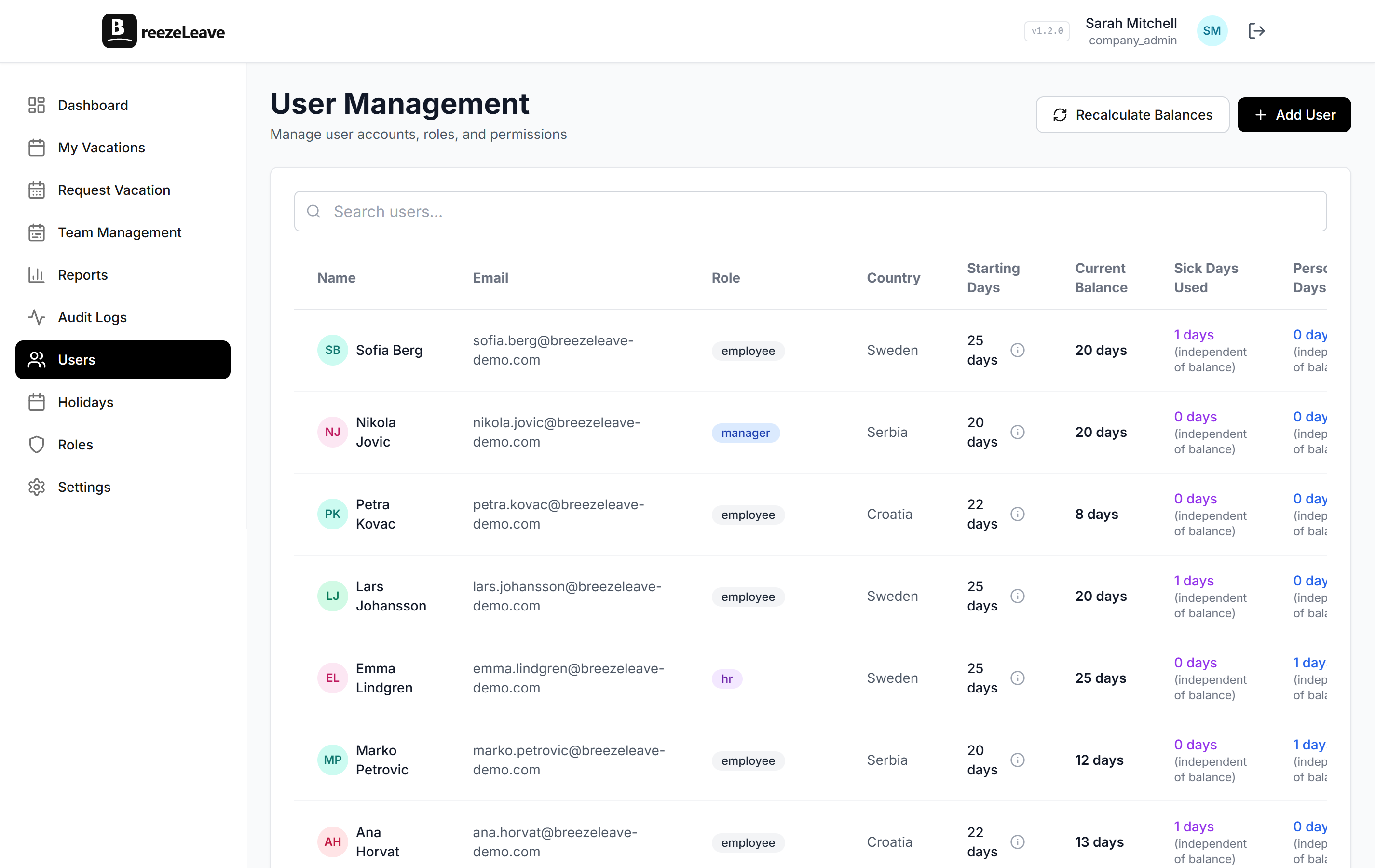
| HR Administrators | Full access | Every action on every employee. Handles disputes, data access requests, year-end reconciliation. |
| Company Admins | Policy-level logs | Vacation rule changes, holiday calendar updates. Can trace who changed what and when. |
| External Auditors | Read-only | Systematic tracking verification and access control enforcement during compliance reviews. |
| Managers | Indirect | Own approval history and team balances. HR can share specific log entries when disputes arise. |
Real Scenarios Where Audit Logs Save You
Theory is fine. But the value of audit logging in leave management shows up in specific, concrete situations that happen at real companies.
The accidental rejection
A manager reviews three requests on a Friday afternoon. She rejects one by mistake, realizes it immediately, and approves it. Without an audit log, the employee sees only the approved status and never knows there was a rejection. But if a question comes up later about why the request timestamp looks odd, the log shows exactly what happened:
- Rejected at 16:42
- Approved at 16:43
- Same manager, same request
No mystery. No suspicion.
The manual balance adjustment
An HR admin reduces an employee's balance by 2 days because they took time off that was never formally requested. The employee notices the change a week later and asks why. The audit log shows the adjustment, who made it, the reason recorded, and the exact before-and-after values. The conversation takes 2 minutes instead of 2 hours. If you want to understand how automated balance tracking fits into this picture, that is worth a read too.
The mid-year policy change
The company decides in July to increase the carryover limit from 3 days to 5 days, effective immediately. This affects every employee's projected year-end balance. The audit log records:
- The policy change with a timestamp
- The admin who made it
- The previous and new values
Six months later, when someone asks why their carryover was different from what they expected, the answer is right there. For teams that are scaling and adjusting policies on the fly, this kind of traceability matters even more, as we covered in our piece on vacation tracking for growing teams.
Trust Goes Both Ways
Audit logs are often framed as a management tool. Something HR uses to cover the company. But they protect employees just as much.
For employees
When an employee knows balance changes are recorded, they trust the system more. They do not need to screenshot their balance every week as a personal backup. They do not need to keep a private spreadsheet of their own requests. The system is the record, and it is transparent.
For managers
If a manager approves every request fairly and an employee later claims favoritism, the log shows the full history. Every approval, every rejection, every timestamp. The manager's decisions are documented and defensible.
The trust equation
- Employees trust systems that are transparent.
- Managers trust systems that protect their decisions.
- HR trusts systems that give them answers fast.
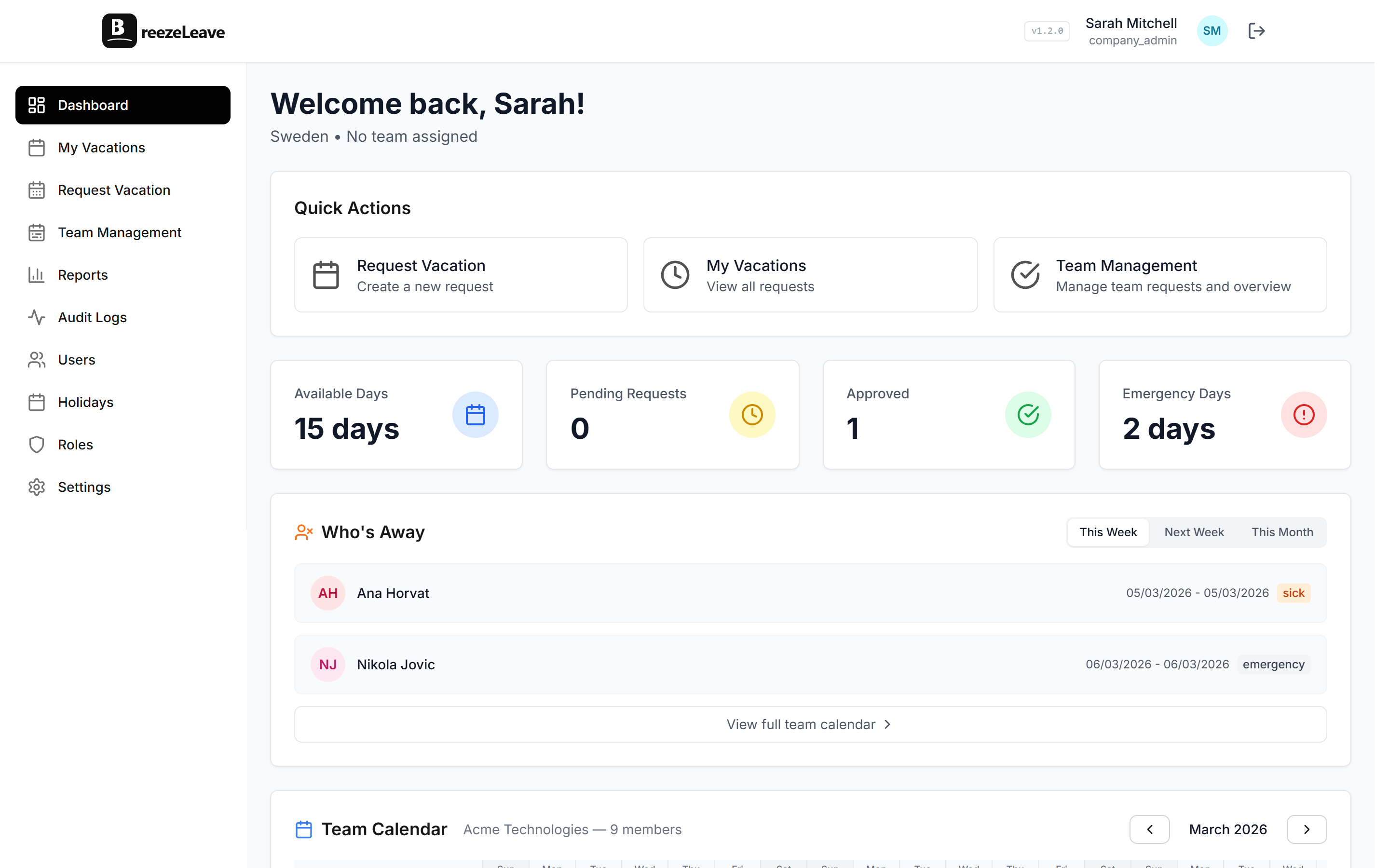
Audit logging is the single feature that satisfies all three. In BreezeLeave, request, balance, role, and key administrative actions are logged automatically. Rule changes and integration toggles flow through settings change history.
The Bottom Line
Audit logging for leave management is not a nice-to-have. It is the difference between resolving a dispute in 2 minutes and spending a week reconstructing events from memory and old messages. It is what makes GDPR compliance possible without a fire drill. And it is what turns a leave management system from a scheduling tool into something your whole organization can rely on.
If your current system does not track who changed what and when, you are one dispute away from learning that lesson the hard way. Our PTO tracker includes audit logging covering requests, balances, roles, and key admin actions out of the box, with settings change history for rule and integration changes. I already learned it once. That was enough.
BreezeLeave logs leave actions automatically, with separate settings change history for rule and integration updates:
- Requests, approvals, rejections, cancellations
- Balance adjustments and rule changes
- Holiday updates
- All searchable, all timestamped, all tied to the user who performed the action
Because when someone walks into your office and says their balance is wrong, the only acceptable answer is a clear one.