Role-Based Access in Leave Management: Who Should See What
Not everyone needs the same view. How Employee, Manager, HR, and Admin roles keep leave data organized without overexposing information.
A few months ago, a team lead at a 60-person company asked me why one of his developers could see everyone's sick day history. The developer wasn't doing anything wrong. He'd clicked around the leave management tool and ended up on a page showing absence types, dates, and balances for the entire company. Including the CEO's medical leave.
Nobody had configured permissions. The tool shipped with a flat access model where everyone saw everything. And for a while, with 8 people, that was fine. Nobody cared. But at 60 people, it was a mess. People were uncomfortable. HR was nervous. And the developer who stumbled on the data felt weird about it too.
That conversation changed how I think about role-based access in leave management. It is not a nice-to-have. It is the difference between a tool people trust and one they resent.
Not everyone needs the same view
This sounds obvious, but most small teams ignore it until something goes wrong. When you have 10 people, shared visibility feels collaborative. When you have 50, it feels invasive.
An employee submitting a vacation request does not need to know how many sick days their colleague in finance took last quarter. A manager approving time off does not need access to company-wide compliance reports. And an HR coordinator pulling audit data for year-end should not have to sift through configuration panels meant for system administrators.
The principle is simple: everyone sees exactly what they need to do their job. Nothing more. This reduces noise, protects sensitive information, and makes the tool easier to use because each person only encounters the screens and data relevant to their role.
Four roles, four different needs
Most leave management systems that handle role-based access break it into four tiers. Each one maps to a real set of responsibilities.
Employee
The person taking leave
- Submit vacation and leave requests
- View own balance and request history
- See team calendar (who is out, not why)
- Cancel own pending requests
Manager
Approves and monitors their team
- Approve or reject team requests
- View team coverage and overlap
- See team absence stats (sick days, vacation used)
- No access to other teams or company-wide data
HR
Oversees leave across the company
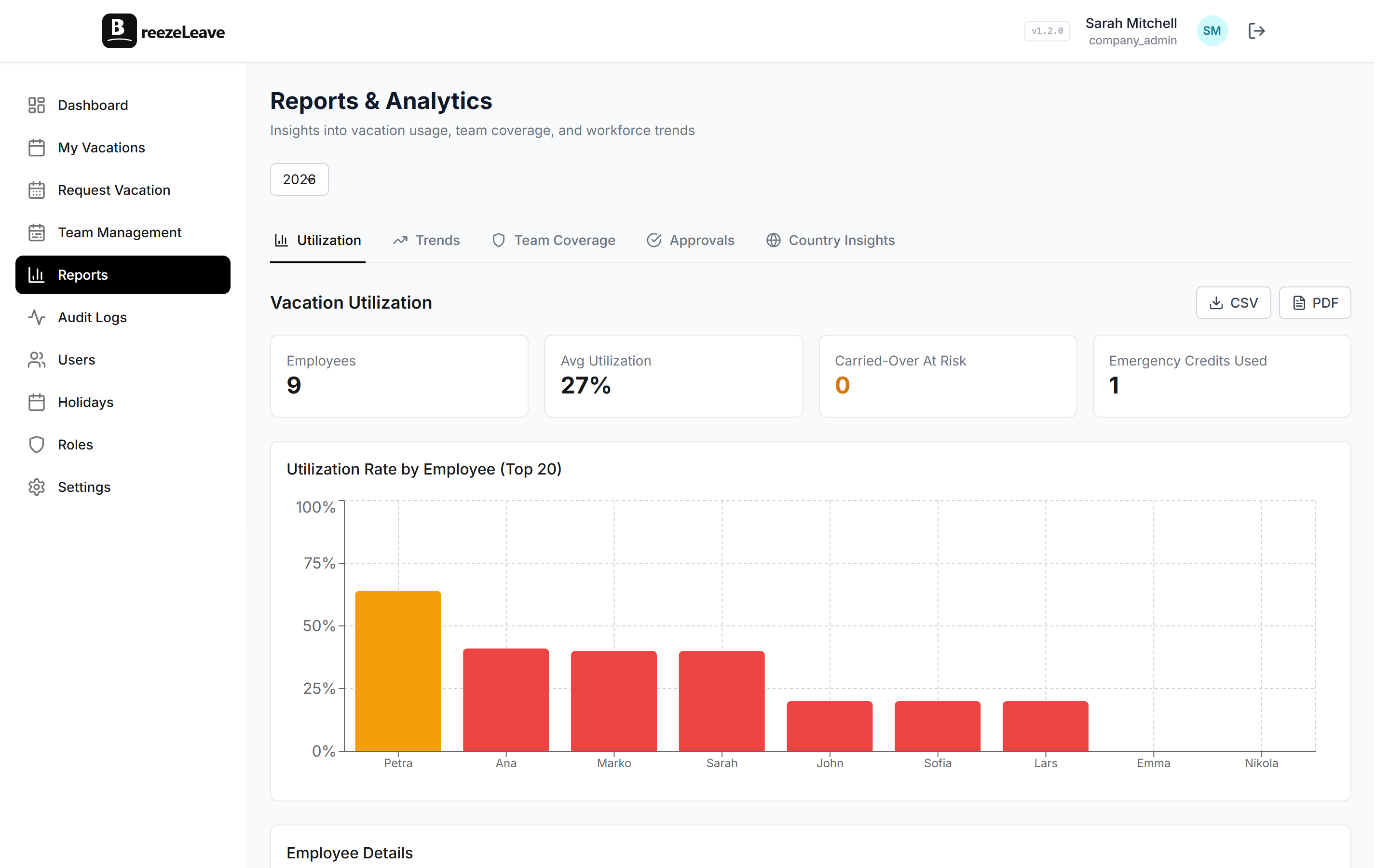
- Company-wide leave reports and trends
- Sick day statistics and compliance tracking
- Employee balance summaries for audits
- Export data for payroll and legal
Company Admin
Configures the system itself
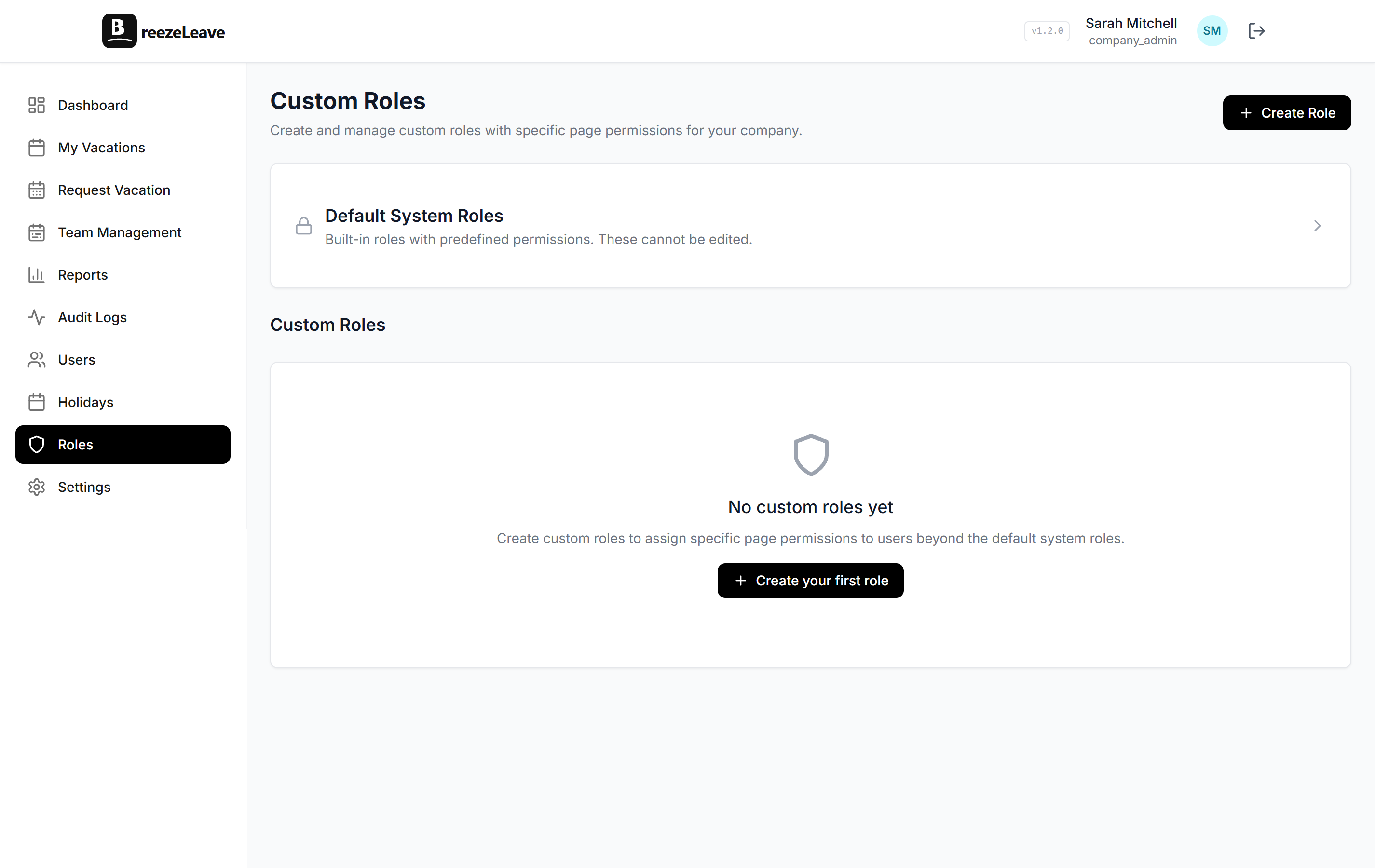
- Set vacation policies and entitlements
- Configure public holidays per country
- Manage approval workflows and rules
- Add or remove users and assign roles
The boundaries between these roles are what make a leave management tool usable at scale. Without them, you get the "developer browsing the CEO's sick days" scenario. With them, each person logs in and sees a clean, focused view that matches their actual job.
Quick comparison: what each role can and cannot access
| Capability | Employee | Manager | HR | Admin |
|---|---|---|---|---|
| View own balance | Yes | Yes | Yes | Yes |
| View team calendar | Yes | Yes | Yes | Yes |
| Approve/reject requests | No | Own team | All | All |
| View absence types (sick vs. vacation) | Own only | Own team | All | All |
| Company-wide reports | No | No | Yes | Yes |
| Configure policies and rules | No | No | No | Yes |
Real scenarios where leave management permissions matter
Role-based access is not an abstract concept. It plays out in everyday situations that affect real decisions.
A manager notices a pattern
One of her direct reports has taken 4 separate sick days in the last six weeks. She can see this because her manager dashboard shows team-level absence trends. She does not see the medical reason (she shouldn't). But the pattern is enough to prompt a quiet check-in conversation. Maybe it is nothing. Maybe the person is dealing with burnout and needs support. The point is that the manager has enough data to act, without seeing more than she should.
HR runs year-end compliance
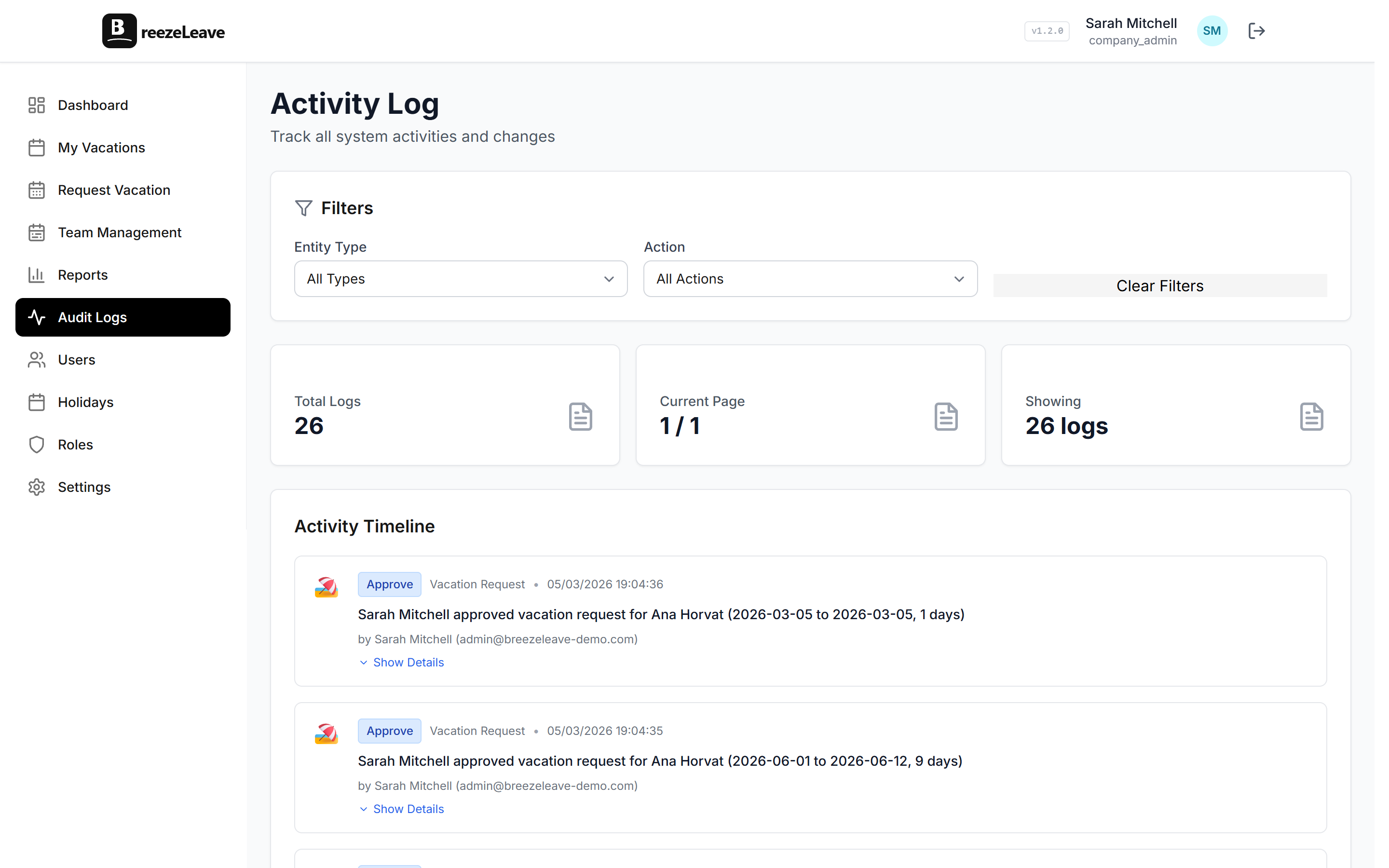
The HR coordinator needs to verify that every employee used at least the legally required minimum vacation days (yes, this is a thing in several European countries). She pulls a company-wide report showing remaining balances, filters by employees with more than 10 unused days, and flags the ones who need a reminder. She does not need to see individual request details or manager approval notes. Just balances and totals. If you want to see how that audit trail works in practice, our article on audit logging in leave management covers the mechanics.
An employee checks their balance before booking flights
They open their employee leave portal, see they have 8 days remaining, and submit a request for 5. They can see on the team calendar that two colleagues are already off that week, but they cannot see why those people are out or how many days anyone else has left. They get an instant confirmation because the request passed the auto-approval rules. Done.
Why this matters for growing teams
At 15 people, you can probably get away with flat access. Everyone knows each other, and nobody thinks twice about shared data. At 50 or 100 people, flat access creates anxiety. People wonder who is looking at their leave history. Managers get distracted by data from teams they do not manage. And HR spends time answering questions about data people should not have seen in the first place. If your company is crossing that threshold, our guide on vacation tracking for growing teams walks through the bigger picture.
Data privacy is not optional (especially in Europe)
If you have employees in the EU, leave management permissions are not just a UX concern. They are a legal requirement. GDPR mandates that personal data (and sick leave absolutely counts) should only be accessible to people who need it for a legitimate purpose. An employee's absence history is personal data. A colleague in marketing has no legitimate reason to see it.
This is not theoretical risk. Data protection authorities in Germany and France have issued guidance specifically about HR systems and the principle of data minimization. The short version:
- Collect only what you need.
- Show it only to people who need it.
- Be able to demonstrate that you have controls in place.
Role-based access gives you that. Each role defines a clear boundary around what data is visible. If someone asks "who can see my sick leave records," you have a concrete answer: your manager sees the dates, HR sees aggregate stats, and nobody else sees anything. That is the kind of answer GDPR expects you to have.
Less noise, better decisions
There is a practical benefit beyond privacy and compliance. When people only see the data relevant to their role, they make faster decisions.
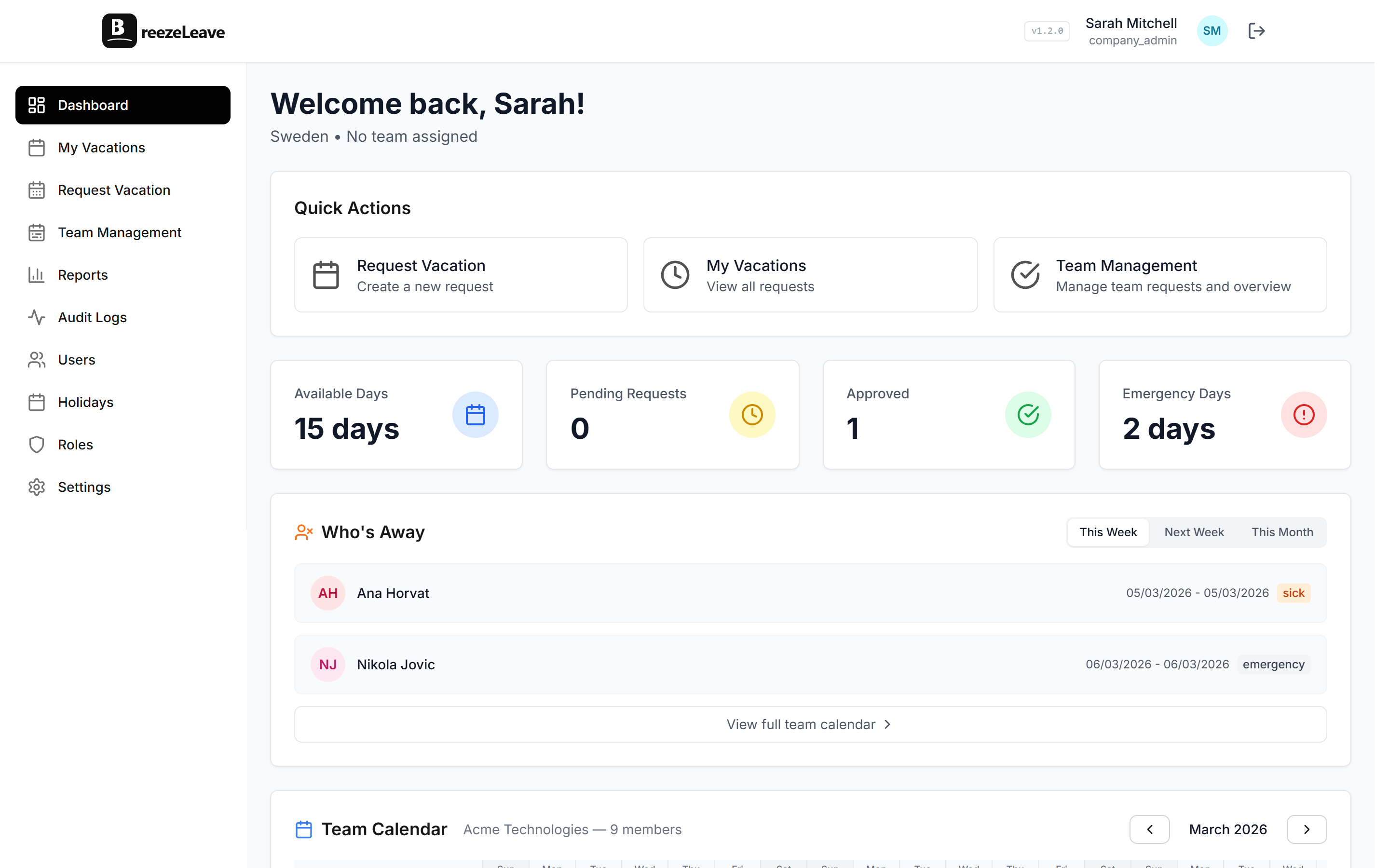
- A manager opens their dashboard and sees pending approvals, team coverage for the next two weeks, and absence trends. That is it. No company-wide reports they do not need. No configuration panels they should not touch.
- An HR coordinator sees balances, reports, and compliance flags. Not individual request threads between an employee and their manager.
- An employee sees their own data, their team calendar, and a button to submit a request. Clean. Focused. No clutter.
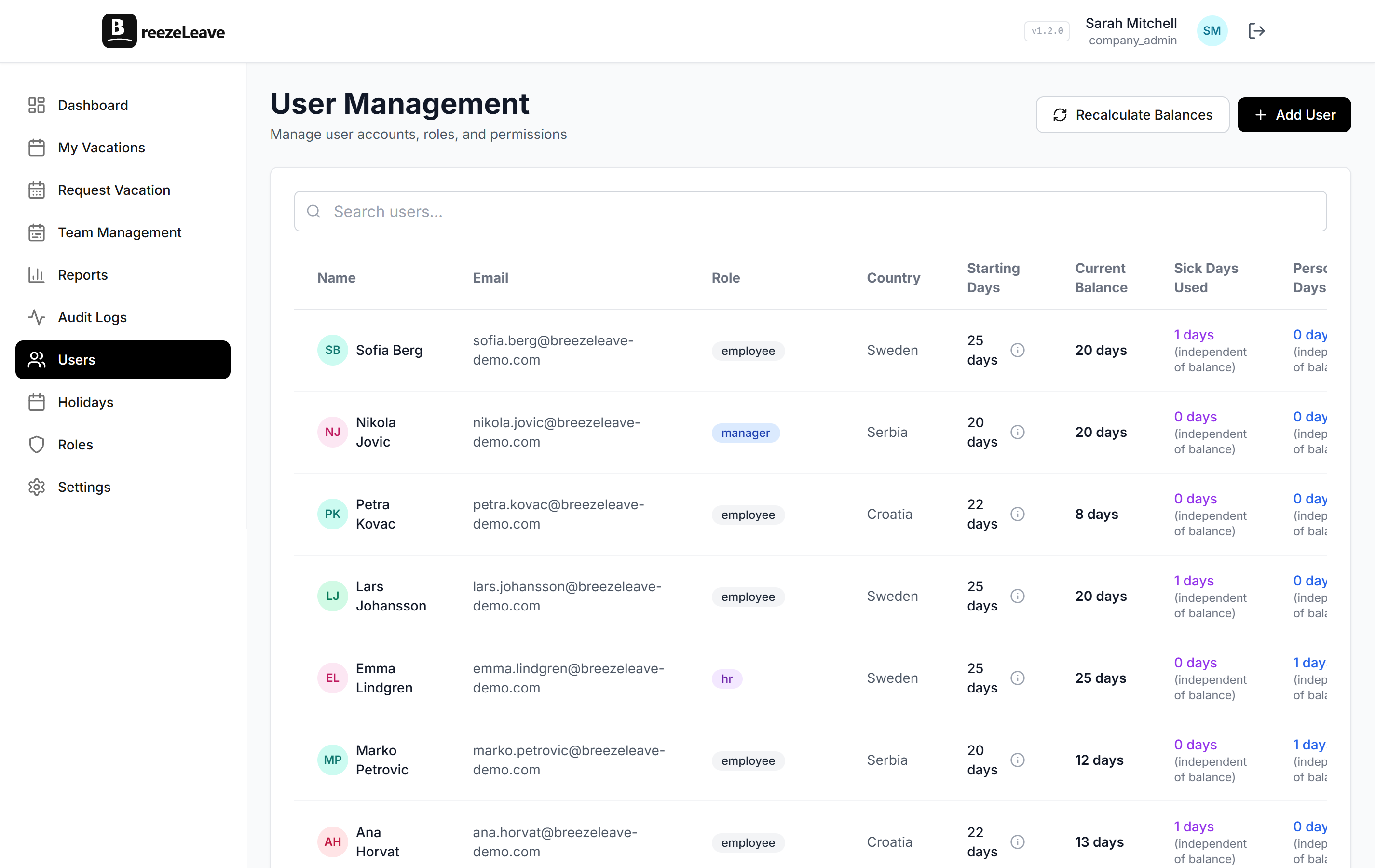
This is how BreezeLeave handles it. Each role gets a tailored view. Employees see their leave portal. Managers see their team. HR sees the company. Admins see the configuration. And nobody accidentally ends up on a page showing data that was never meant for them.
Quick test for your current setup
Log in to your leave management tool as a regular employee. Can you see other people's balances? Can you see absence types (sick vs. vacation) for people outside your team? If the answer to either is yes, your permissions need work. A properly configured system should show you your own data, your team's availability, and nothing else.
Getting role-based access right from the start
The best time to configure leave management roles is when you set up the tool. The second best time is now. If you are evaluating leave management software, check whether it supports at least these four roles out of the box. Some tools only offer "admin" and "everyone else," which is barely better than a spreadsheet.
And if you are already running a system with flat access, audit it. Look at what each user type can actually see. Our PTO tracker has role-based access built in from day one. Ask your employees if they are comfortable with your current setup. You might be surprised by the answer.
Role-based access in leave management is one of those things that sounds like an enterprise feature until you need it. And by the time you need it, you usually needed it six months ago. With BreezeLeave, the roles are built in from day one, so you do not have to retrofit permissions after someone has already seen something they should not have.