Vacation Tracking for Growing Teams: The Spreadsheet Is Lying to You
Vacation tracking for growing teams: when the spreadsheet breaks, what to look for in a leave tool, and how to switch painlessly.
I ran vacation tracking on a Google Sheet for three years. It worked fine when we were seven people in one office. By the time we hit sixteen, I was spending Friday afternoons fixing broken formulas, chasing down who actually approved what, and apologizing to people whose requests had been sitting in limbo for two weeks. Nobody checks row 47 of a spreadsheet on a regular basis. That's reality.
The spreadsheet wasn't the problem, exactly. We were. Humans are bad at maintaining shared documents with any consistency once more than about ten of them are involved. That's not a character flaw. It's just how things work.
If you're a team lead or ops person at a company between 10 and 50 people, you probably already know this feeling. Your vacation tracking for growing teams has become vacation tracking despite growing teams. This post is about recognizing the moment it breaks and what actually fixes it.
The 10-Person Wall Is Real
Small teams have an invisible coordination layer: everyone just knows what's going on. Someone mentions their trip to Portugal in standup. The manager nods. It goes in the sheet. Done. No process needed because the team is the process.
That breaks somewhere between 10 and 15 people. Not dramatically, but slowly. A request gets missed. Someone books the same week as two teammates and nobody catches it until the sprint planning meeting. The "Remaining Days" column drifts out of sync because the person who maintained it went on parental leave and nobody picked it up.
The spreadsheet doesn't degrade gracefully. It just starts lying. The data looks right until you actually audit it, and by then you've got three months of incorrect balances and a very annoyed finance team.
Key takeaway
The problem isn't that spreadsheets can't hold vacation data. It's that they can't enforce any rules about it. No conflict checks, no approval workflows, no automatic balance updates. You're running a process that requires active maintenance on a tool that's completely passive.

Five Ways Your Team Vacation Calendar Falls Apart
I've seen this pattern at enough companies now to know it's predictable. The progression goes roughly like this:
- Ghost requests. Someone updates the sheet but forgets to tell the manager. Or tells the manager on Slack but forgets the sheet. Now there are two sources of truth and neither is complete.
- Collision blindness. Two backend engineers both book the week after Christmas. Nobody notices because column G doesn't talk to column H. You find out on December 22nd when someone asks who's handling on-call. We've written more about this in our piece on preventing team vacation conflicts.
- Balance drift. Manual PTO tracking is fine for a while, then someone takes a half-day that doesn't get recorded, someone else's start date is wrong so their accrual is off, and within a quarter the numbers are fiction. By year-end, reconciling vacation balances becomes a multi-day project.
- Approval purgatory. There's no notification when a request comes in. The manager has to remember to check. They don't. The employee waits three days, then sends a polite Slack message, then a less polite one. Bad experience for everyone.
- Multi-country headaches. This one kills you if you have a distributed team. Your Croatian office gets different public holidays than your German one. Poland has different bank holidays than France. A single spreadsheet has zero concept of this, so you end up with separate tabs per country, and now you've got four spreadsheets pretending to be one. If that sounds familiar, we covered the details in our guide to managing PTO across countries.
Any of these on their own is manageable. All five at once? That's where most teams land by the time they hit 20 people. And it means someone is spending real hours every week just keeping the vacation data accurate. Not a good use of anyone's time.
What a Good Leave Management Tool Actually Does
The vacation tracking software market is crowded, and most products try to sell you on a feature list that's 80% things you'll never use. When you're evaluating tools for a team of 10 to 200 people, these are the things that genuinely matter:
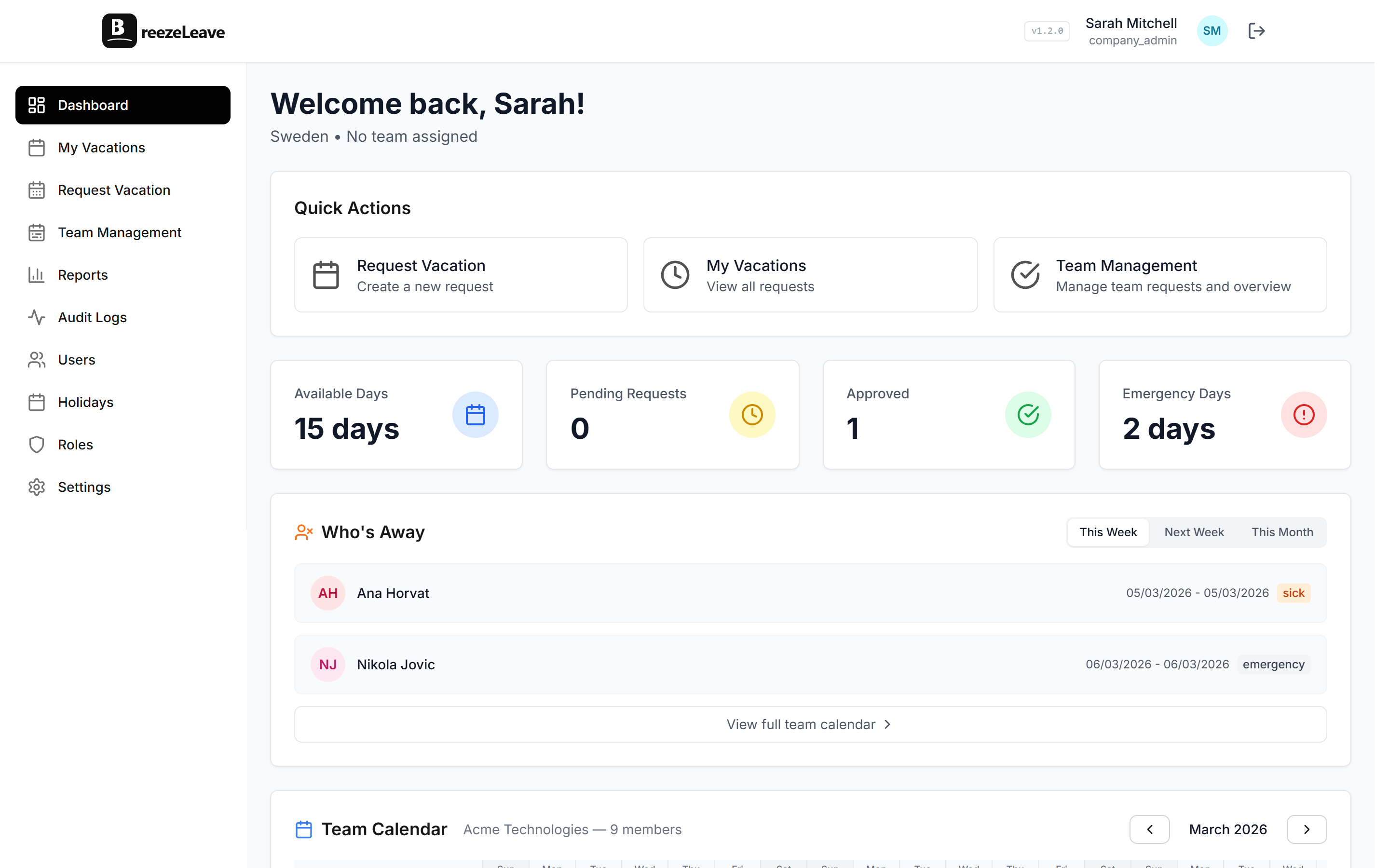
- A real team vacation calendar. Not a table of requests. An actual visual calendar where you can see the whole team at once. You should be able to open it, look at August, and immediately know that three of your five frontend developers are out in week 33. If you can't do that in under five seconds, the tool has failed at its primary job.
- Automatic balance tracking. Each employee has an entitlement. When a request gets approved, the balance goes down. When a request gets cancelled, it goes back up. This should just happen. If a human needs to touch a formula for balances to stay accurate, you're back in spreadsheet territory.
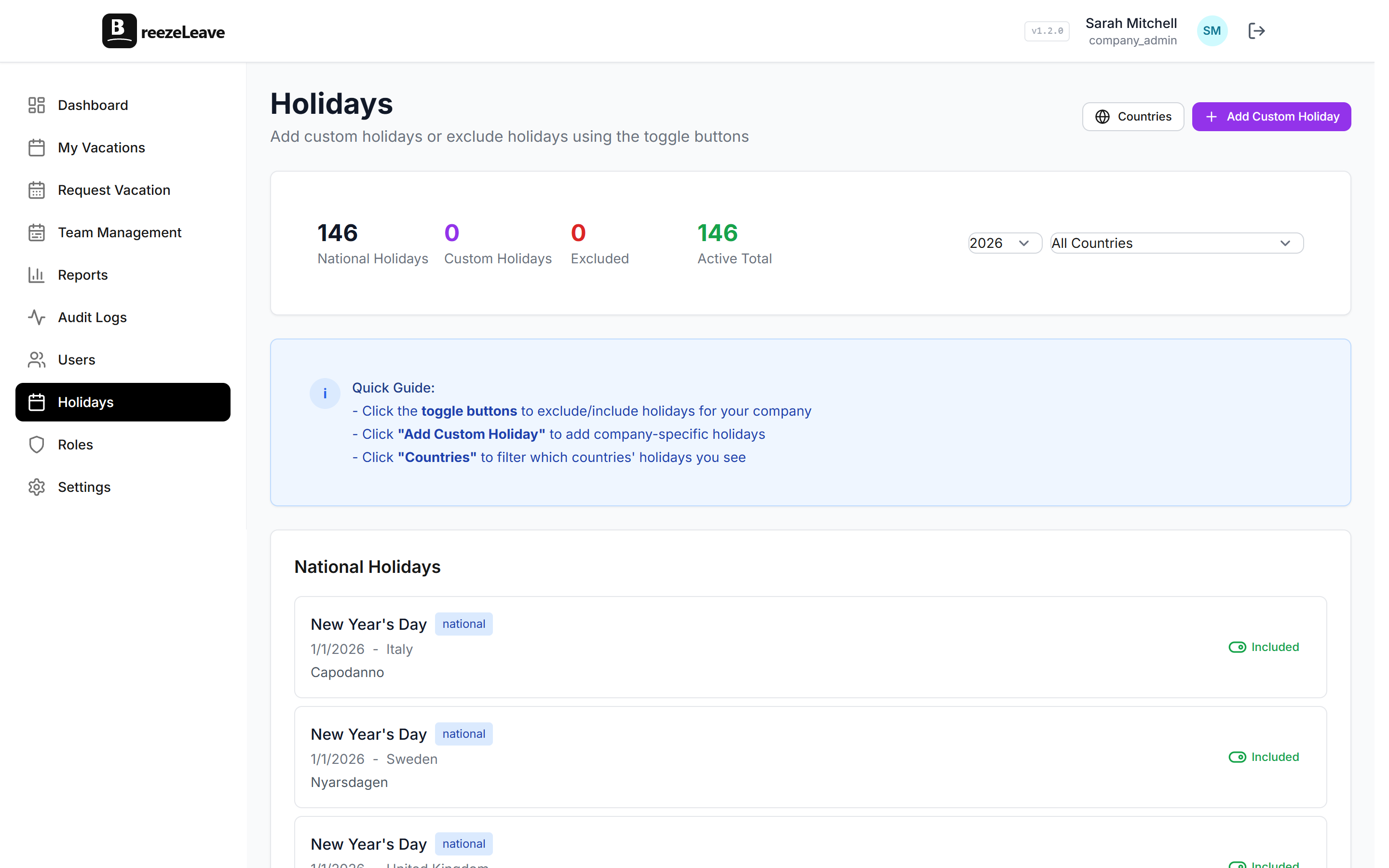
- Country-aware public holidays. Your German employees get German holidays. Your Croatian employees get Croatian ones. The calendar reflects this automatically. Nobody has to maintain a separate list.
- Notifications where your team already works. For most tech teams, that's Slack. A vacation request should show up in a channel or DM. The manager approves it with a click. The employee gets a confirmation. No email chains, no checking a separate dashboard just to see if something needs attention. If you're curious about the Slack side of this, we wrote a walkthrough on setting up a Slack vacation bot.
- Conflict detection at request time. When someone tries to book a week off, they should immediately see who else from their team is already out. Not after submitting. Not after waiting for approval. Right there on the request screen.
What to skip
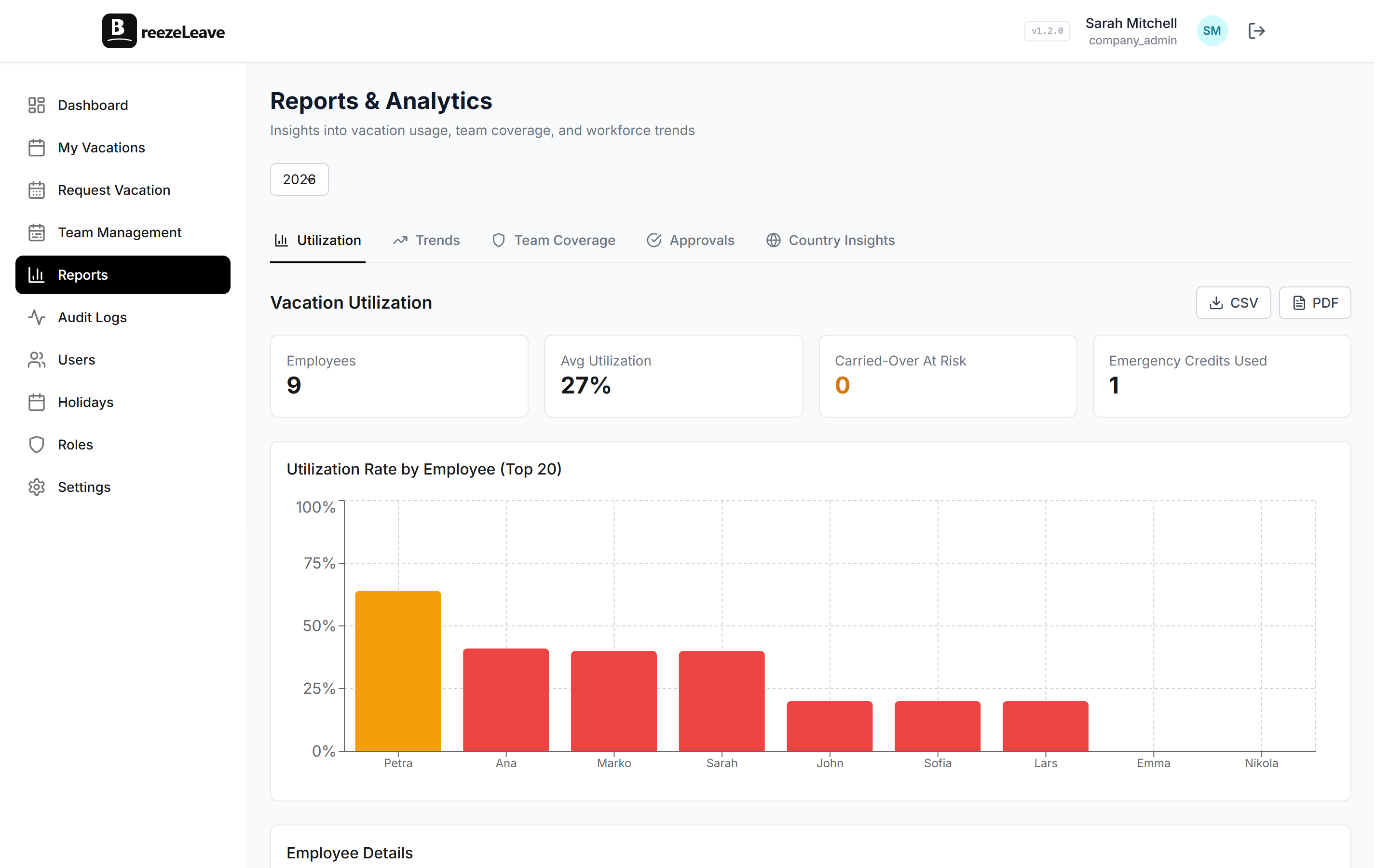
You probably don't need advanced analytics, AI-powered forecasting, or a mobile app with push notifications (at least not yet). You need the basics done well. A tool that handles requests, approvals, balances, conflicts, and holidays without you thinking about it covers 95% of what growing teams actually need from PTO tracking.
Auto-Approval Rules: Less Work Than You Think
Most vacation requests are routine. Someone wants a Friday off. Someone's taking a week in July. There's no real reason a manager needs to personally approve each one, as long as the team has coverage.
This is where auto-approval rules earn their keep. The logic is simple: you define the maximum number of people from a team who can be out simultaneously. Any request that fits within that limit gets approved instantly. Requests that would push the team below minimum coverage get flagged for manual review.
In practice, 70-80% of requests never hit a manager's inbox at all. The employee submits, the system checks the rules, and they get an answer in seconds. The manager only sees the edge cases.
Think holiday periods where half the team wants the same week, or situations where coverage would genuinely be thin.
We built this into BreezeLeave because it was the single biggest time-saver when we tested it internally.
| Metric | Without auto-approval | With auto-approval |
|---|---|---|
| Requests per week (25-person team) | 8-10, all manual | 2-3 manual, rest automatic |
| Manager time per week | 30+ minutes | Under 10 minutes |
| Employee wait time | 1-3 days | Seconds |
How to Switch Without Making Everyone Hate You
The number one reason teams stick with broken spreadsheets is migration anxiety. "We have two years of data in there." "People are used to it." "It'll be disruptive."
Most of that historical data doesn't matter. What matters is this year's balances and any already-approved upcoming requests. That's it. Everything else is archive material.
A practical migration plan looks like this:
- Pick a clean start date. First of the month or first of the quarter. This makes balance calculations trivial.
- Calculate current balances from the spreadsheet. One-time effort. Get each person's remaining days as of the start date.
- Enter upcoming approved requests. Anything already booked for the coming months goes in before you invite anyone. People should log in and see their existing plans reflected.
- Test with managers first. Give your team leads a week to click around, submit test requests, and make sure the approval flow works the way they expect.
- Roll out with context. Send a message explaining why you're switching. "The spreadsheet has been causing issues and we want something that handles approvals and balances automatically" is all you need. Don't just drop an invite link with no explanation.
With BreezeLeave, the setup for a 20-person team takes about 45 minutes: adding members, setting entitlements, configuring countries for public holidays, and connecting Slack. It's not a multi-week project.
On pricing
Vacation tracking software doesn't need to be expensive. For small teams under 10 people, many tools (including ours) are free. For teams of 10-200, expect to pay $1-1.50 per user per month (+ tax) for a Pro tier. That's less than the cost of the time you're currently spending maintaining the spreadsheet, and the tool actually works.
Give It Three Months
Whatever tool you pick, commit to it for a quarter. The first two weeks will feel clunky because people are learning new habits. Someone will ask "can't we just use the spreadsheet?" and you'll be tempted to cave.
Don't. By week four, most people stop thinking about it. By month three, the vacation tracking problem you used to spend hours on just isn't a problem anymore. Requests come in, approvals happen (mostly automatically), balances stay accurate without anyone touching them, and conflicts get caught before they cause real scheduling issues.
That's the whole point of a dedicated leave management tool. Not to add process, but to remove the invisible process that was already eating your time.
The Short Version
If you're past 10 people and still using a spreadsheet for PTO tracking, you're spending more time on vacation logistics than you realize. The fix isn't complicated:
- Pick a tool that does calendars, balances, conflicts, and notifications well
- Set up auto-approval rules so routine requests don't need a manager
- Migrate only current-year data
- Roll out with context, test with managers first
- Give the team a quarter to adjust
The spreadsheet got you this far. It did its job. But the team outgrew it, and that's fine. The sooner you make the switch, the less cleanup you'll have to do later. If you're ready to move beyond spreadsheets, take a look at our PTO tracker to see how BreezeLeave handles it.