Auto Approve Vacation Requests: Stop Wasting Your Mondays
Most vacation requests get approved anyway. Learn how to auto approve vacation requests so you only review the ones that matter.
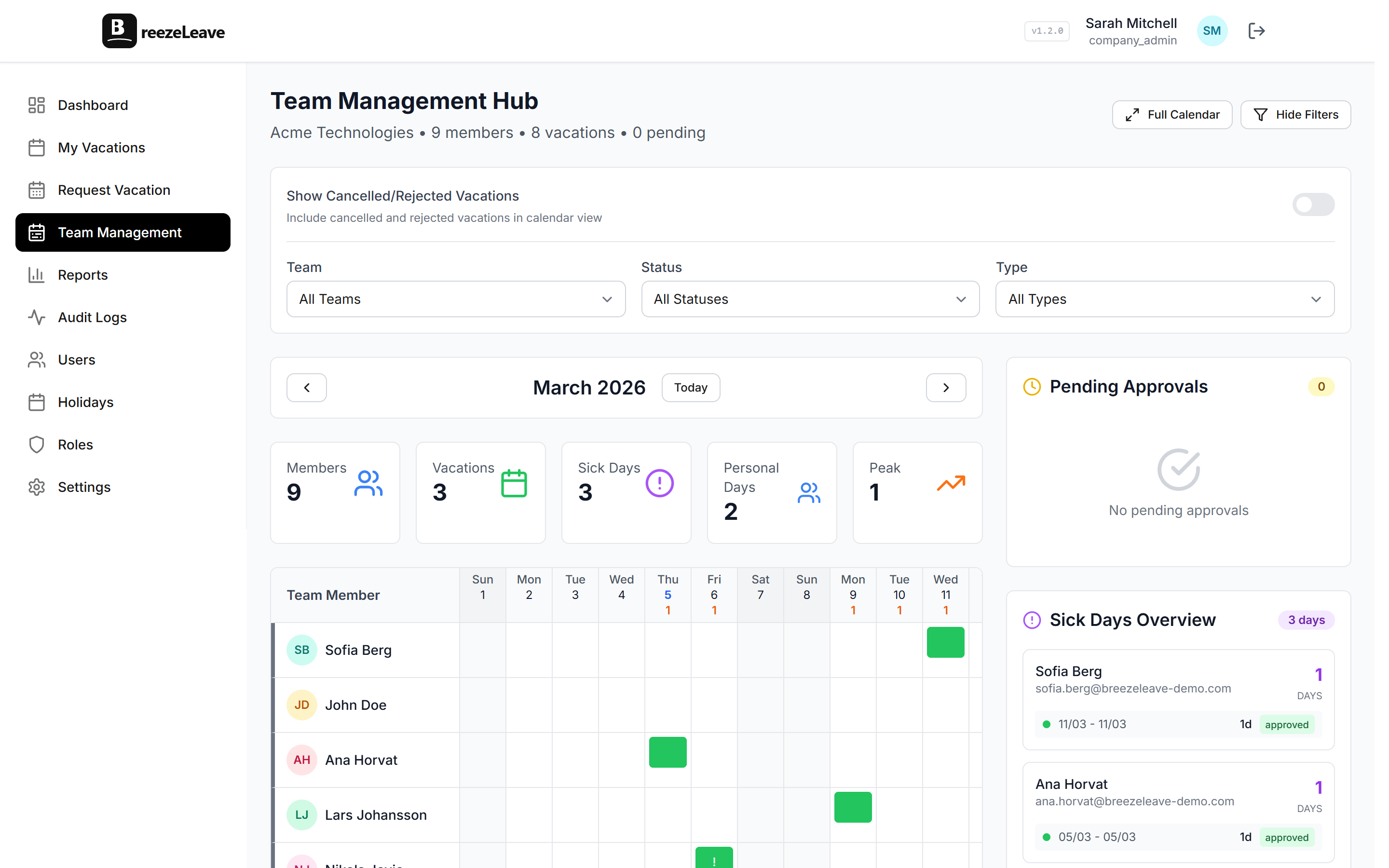
I was spending 30 minutes every Monday morning clicking "Approve" on vacation requests. Three people want a Friday off next month. Approved. Someone's taking two days for a dentist appointment and a personal errand. Approved. A developer wants the week between Christmas and New Year's. Obviously approved, because half the company is already off.
I started keeping track. Over three months, I approved 94% of requests without changing a single thing. The other 6%? Two were during a product launch week, one would have left the support team with zero coverage, and one person didn't have enough PTO balance left. Every one of those "no" decisions could have been caught by a rule I could write in plain English.
I wasn't making decisions. I was performing a ritual.
Why most vacation approval workflows are busywork
The pattern at most companies looks the same. Employee submits a leave request. It lands in the manager's inbox (or worse, in a shared HR inbox). The manager checks it when they get around to it, which could be same day, could be Thursday. They glance at the calendar, think "yeah that's fine," and click approve. The employee, who submitted the request three days ago, finally gets the green light and can book their flights.
Three days of waiting. For something that was always going to be a yes.
Multiply that across 50 employees making 6-8 requests a year. That's 300-400 requestsannually. If each one sits for even 48 hours on average, your workforce is collectively spending hundreds of days per year waiting for an answer they already know.
And the managers? Even at 3-5 minutes per request, that's 20+ hours a year of clicking approve on things nobody was ever going to deny. If you're already dealing with team vacation conflicts, this bottleneck only makes coordination harder.
Real example
A 70-person marketing agency switched to automatic PTO approval rules and cut their average request-to-confirmation time from 2.3 days to under 10 seconds. Their HR lead told us she got "an entire morning back every week." Their employees stopped asking managers on Slack whether they'd seen the request yet, because there was nothing to see. The system handled it.
What auto approve vacation requests means
I want to be clear about something: auto-approving vacation requests doesn't mean approving everything blindly. That would be chaos. It means defining the rules you're already applying in your head and letting software check them instantly.
Think about what you look at when a request comes in. It's not some mysterious judgment call. You check maybe four things:
- Does this person have enough PTO balance?
- Will we still have enough people on the team that week?
- Is it during a period where we need all hands (launch week, quarter close, etc.)?
- Is the request unusually long, like three weeks straight?
That's it. Four questions. They cover about 95% of the "decision-making" involved in vacation approvals. Every single one of them is a data check, not a gut feeling. Your vacation calendar already has the data. The rules are if/then statements.
| Check | What a manager does | What software does |
|---|---|---|
| PTO balance | Opens spreadsheet, counts remaining days | Instant real-time balance check |
| Team coverage | Scans calendar, estimates headcount | Compares against coverage minimum rule |
| Blackout periods | Remembers (or forgets) crunch weeks | Checks against pre-defined blackout dates |
| Request length | Eyeballs it, flags if "too long" | Flags requests over your set threshold |
How automatic PTO approval rules work (step by step)
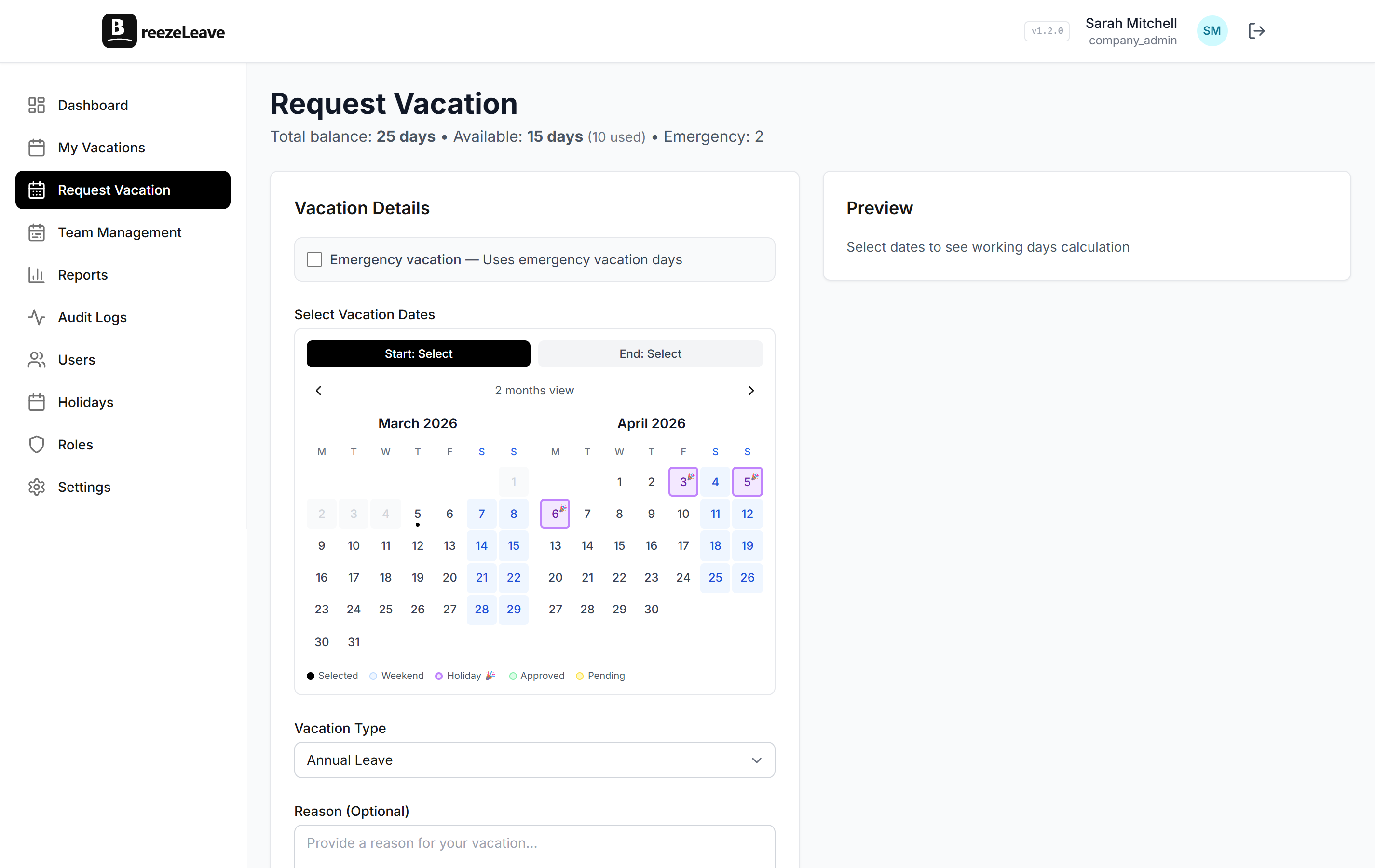
Setting up vacation approval rules in BreezeLeave takes about 15 minutes. The process is straightforward:
Set your team coverage minimum
Decide the maximum number of people who can be off from any given team at the same time. For a 10-person engineering team, maybe that's 2 concurrent absences. For a 4-person support team, maybe it's 1. If a new request would push the team past this limit, it gets routed to the manager for a call. If there's room, it goes through automatically.
Configure balance checks
This one's simple. If someone has 12 days left and requests 3, approve it. If they have 2 days left and request 5, flag it. The system checks balances in real time against your company's accrual policies, so there's zero guesswork. If you want to go deeper on balance tracking, we wrote a whole guide on automating vacation balance tracking.
Mark blackout dates
Every company has crunch periods. Year-end close for finance teams. Black Friday week for e-commerce. Sprint demos or release weeks for product teams. Mark these in the calendar and any requests overlapping them automatically go to manual review. Everything outside those windows? Fair game for auto-approval.
Configure advance notice requirements
Two modes here. Fixed mode lets you set a minimum number of days per leave type: annual leave might need 5 days notice, personal leave needs 2, sick and emergency are exempt. Proportional mode ties the notice period to the length of the request: 1 day off needs 1 day notice, 3 days off needs 3 days notice. Requests submitted too late get flagged for manual review instead of rejected outright.
Set a duration threshold
Requests under a certain length (5 days, 7 days, whatever fits your culture) auto-approve if they pass the other checks. Longer requests get flagged. Not because someone taking two weeks off is suspicious. Extended absences usually benefit from a quick handoff conversation, and that's worth a brief pause.
Turn it on and get out of the way
Once the rules are set, new requests run through them instantly. Pass all checks? Approved in seconds, confirmation sent, calendar updated. Fail any check? Routed to the manager with context about which rule it hit, so the review is faster too.

Before and after: manual vs. automatic vacation approval workflow
Manual approval
- xEmployee submits request, waits 1-5 days
- xManager checks inbox, opens calendar, mentally runs through rules
- xClicks approve (94% of the time)
- xEmployee finally books travel, tells their family
- x20+ hours/year of manager time on routine approvals
Automatic PTO approval
- ✓Employee submits request, gets answer in seconds
- ✓System checks balance, coverage, blackouts, and duration instantly
- ✓Passes all rules? Approved and confirmed automatically
- ✓Fails a rule? Manager reviews only the flagged request, with context
- ✓Manager only spends time on the 5-10% that need judgment
Leave request automation builds trust (and that matters more than you think)
There's a human side to this that doesn't show up in the time-saved metrics.
When someone submits a vacation request and has to wait three days for a response, what does that communicate? It says: we need to check whether we trust your judgment. Even if the answer is always yes, the waiting is the message.
But when you switch to auto-approval with clear rules, you're telling your team something different. You trust them. You've defined the boundaries, and within those boundaries, they don't need permission. They're adults. They can go book their trip.
That sounds like a small thing. It isn't. Autonomy consistently ranks as one of the biggest factors in job satisfaction. People don't quit companies because the vacation policy is bad. They quit because the vacation policy feels bad, because every time they want to take a day off, they have to ask and wait and wonder.
Real example
After one of our BreezeLeave customers enabled auto-approval, they ran an internal pulse survey. The statement "I feel trusted to manage my own time" jumped from 61% agreement to 89%. They hadn't changed their PTO policy at all, just how it was processed. Same rules, same limits. The only difference was speed and the absence of a gatekeeper.
When you still want a human reviewing vacation requests
I'm not saying fire your managers from the approval process entirely. There are cases where a human should weigh in:
- Extended leave, anything over two consecutive weeks. Not because it's suspicious, but because someone needs to think about project handoffs, client coverage, and who's picking up what.
- Critical period requests, meaning someone wants time off during your busiest week of the year. A conversation is worth having. Maybe they have a wedding. Maybe it's flexible. Either way, a human should make that call.
- Near-zero balances, where someone's right at the edge of their PTO allowance. It might be worth a quick check-in to make sure they understand what they have left for the rest of the year.
The point of vacation approval rules isn't to remove humans from the process. It's to make sure humans only spend time on the requests that require thinking. Everything else, the routine, clearly-fine, nobody-was-gonna-say-no requests, should just go through.
Set your vacation approval rules once and stop repeating yourself
I keep coming back to this one thing. The rules you use to approve or deny vacation requests don't change week to week. Your team coverage minimums are the same in March as they are in September (outside of blackout periods you've already identified). Balance checks are math. Duration thresholds don't fluctuate with your mood.
So write the rules down once. Put them in a system that enforces them consistently. And then get back to doing the work that needs you, like managing people instead of managing a queue of requests you were always going to say yes to. If your team is scaling and things are getting messy, take a look at our guide on vacation tracking for growing teams.
That's what we built auto-approval for in BreezeLeave. Not to take control away from managers, but to give them back the time they were spending on decisions that had already been made by the rules. If your team uses Slack, our Slack vacation bot makes the whole flow even faster. Your Monday mornings deserve better than an inbox full of PTO requests.