How HR Managers Save 5 Hours/Week with Automated Leave Tracking
Breaking down exactly where HR managers spend time on leave management and how automation cuts that time from 6+ hours to under 1 hour per week.
Ask an HR manager how much time they spend on leave management and they'll usually say "not that much." Then ask them to walk through their actual week: the balance calculation someone asked about on Monday, the three approval emails they forwarded on Tuesday, the spreadsheet they updated on Wednesday, the "how many days do I have left?" question they answered twice on Thursday, the end-of-month report they pulled together on Friday. It adds up to five, six, sometimes seven hours a week. Every week.
The frustrating part isn't the total hours. It's that almost all of this work is repetitive, rule-based, and automatable. HR managers are doing the work of a calculator, and they have better things to do with their expertise.
Nobody went into HR to manually subtract vacation days from a spreadsheet. But that's where a surprising amount of the week goes.
Where the Time Actually Goes
We've talked to dozens of HR managers about their leave management workflows. The same five time sinks come up in almost every conversation:
1. Balance calculations (90 min/week)
Every time someone asks "how many days do I have left?", an HR manager has to check the master spreadsheet, verify whether recent requests have been deducted, account for any adjustments (seniority bonuses, carried-over days, special grants), and respond. At a 50-person company, this happens 5-10 times a week. Each inquiry takes 5-15 minutes depending on complexity.
2. Processing requests (60 min/week)
Receiving a request via email or chat. Checking the team calendar for conflicts. Forwarding to the right manager for approval. Following up when the manager doesn't respond. Sending confirmation to the employee. Updating the spreadsheet. Each request touches at least three people and generates 4-6 messages. At 8-12 requests per week, this is a significant time drain.
3. Answering policy questions (45 min/week)
"Can I carry over unused days?" "Does my seniority bonus apply this year or next?" "I started mid-year, how is my balance prorated?" "Is Christmas Eve a half-day?" These questions come in steadily and require the HR manager to reference policy documents, check individual employee records, and compose thoughtful responses.
4. Generating reports (60 min/week)
Monthly utilization reports for leadership. Quarterly balance summaries. Year-end carryover calculations. Department-level absence patterns for capacity planning. When the data lives in spreadsheets, every report is a manual assembly job: filter, pivot, format, double-check, export.
5. Handling disputes and corrections (45 min/week)
"My balance is wrong." "That sick day should have been a personal day." "I cancelled that request two weeks ago and it's still showing as approved." When there's no audit trail, resolving these disputes requires detective work: checking email threads, asking managers for confirmation, cross-referencing calendar entries.
The Time Savings Calculator
Here's what the shift from manual to automated leave tracking looks like in practice. These numbers are based on a 50-person company. Scale up or down for your team size.
| Task | Manual (hrs/week) | Automated (hrs/week) | How |
|---|---|---|---|
| Balance calculations | 1.5 | 0 | Self-service balances; employees check their own |
| Processing requests | 1.0 | 0.15 | Direct manager approval via Slack, auto-deduction |
| Policy questions | 0.75 | 0.15 | Transparent rules visible to all employees |
| Generating reports | 1.0 | 0.1 | One-click reports, always up to date |
| Disputes and corrections | 0.75 | 0.1 | Full audit trail eliminates "he said, she said" |
| Total | 5.0 | 0.5 |
That's a 90% reduction. Five hours reclaimed every week. Over a year, that's roughly 250 hours (more than six full working weeks) redirected from administrative busywork to strategic HR work.
How Each Automation Actually Works
Self-service balances eliminate "how many days do I have?"
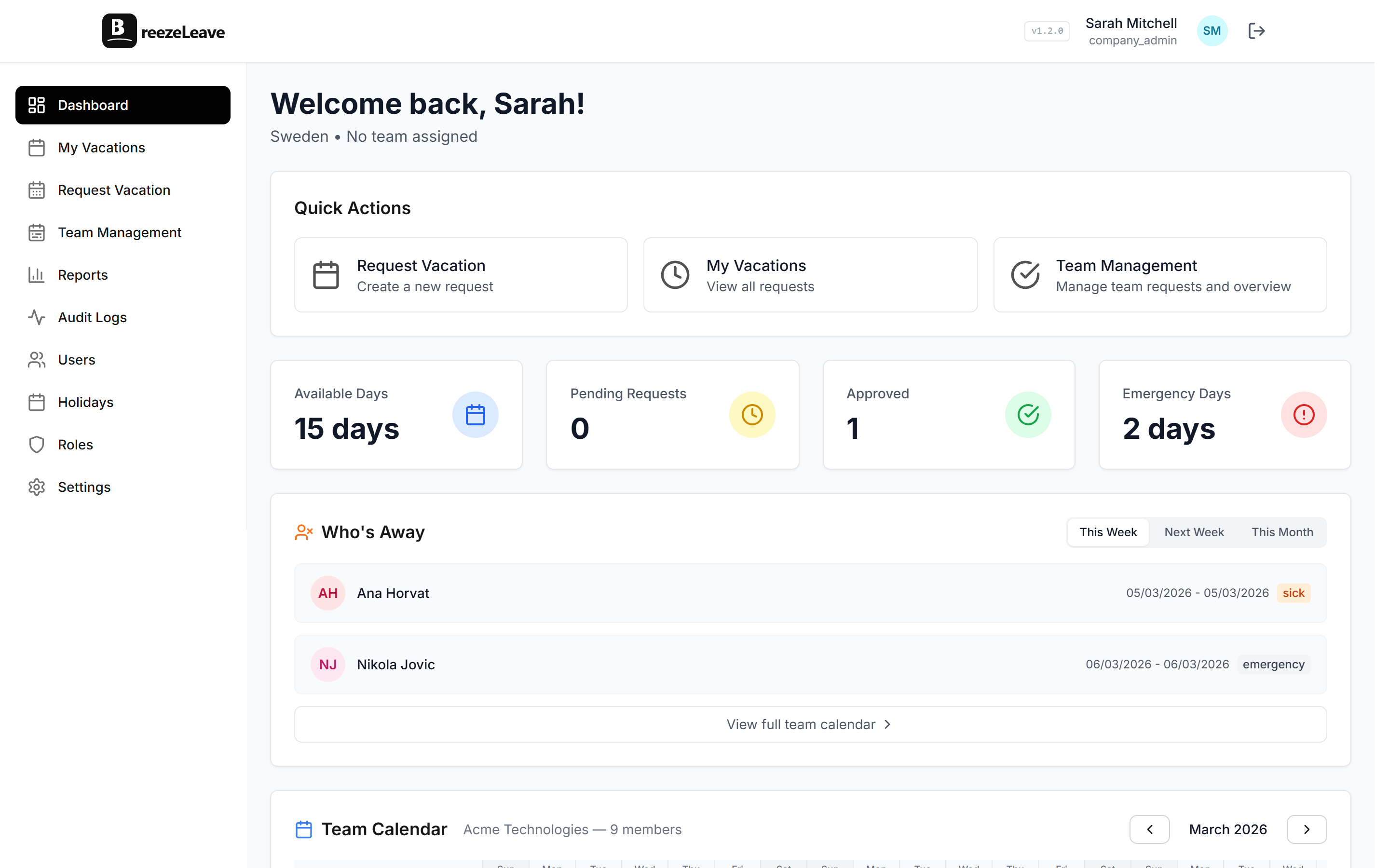
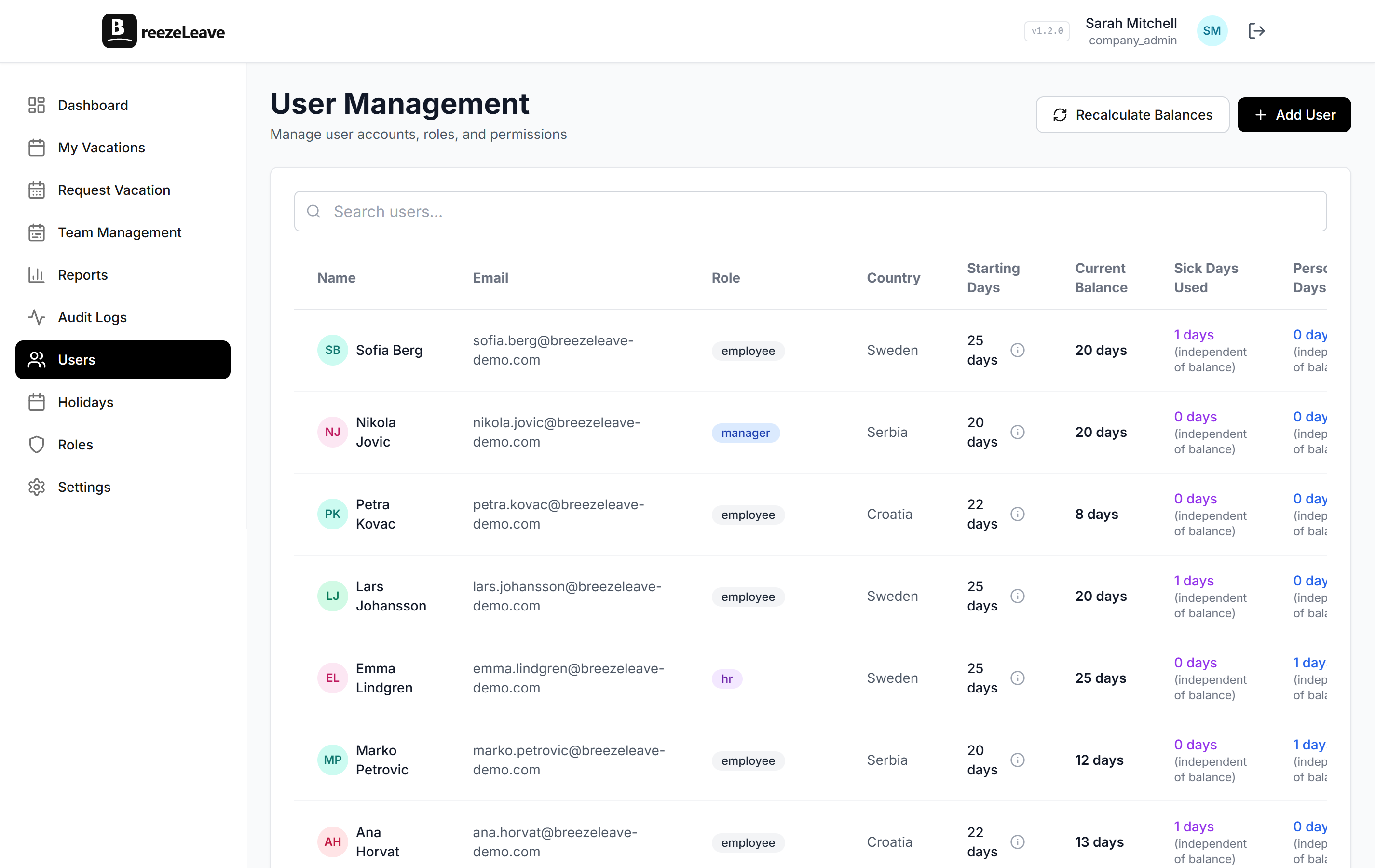
When employees can log in and see their current balance with every deduction, adjustment, and accrual itemized, they stop asking HR. The balance is always current, always accurate, and always available. This single feature eliminates the most frequent type of HR inquiry around leave management.
Seniority accruals run themselves
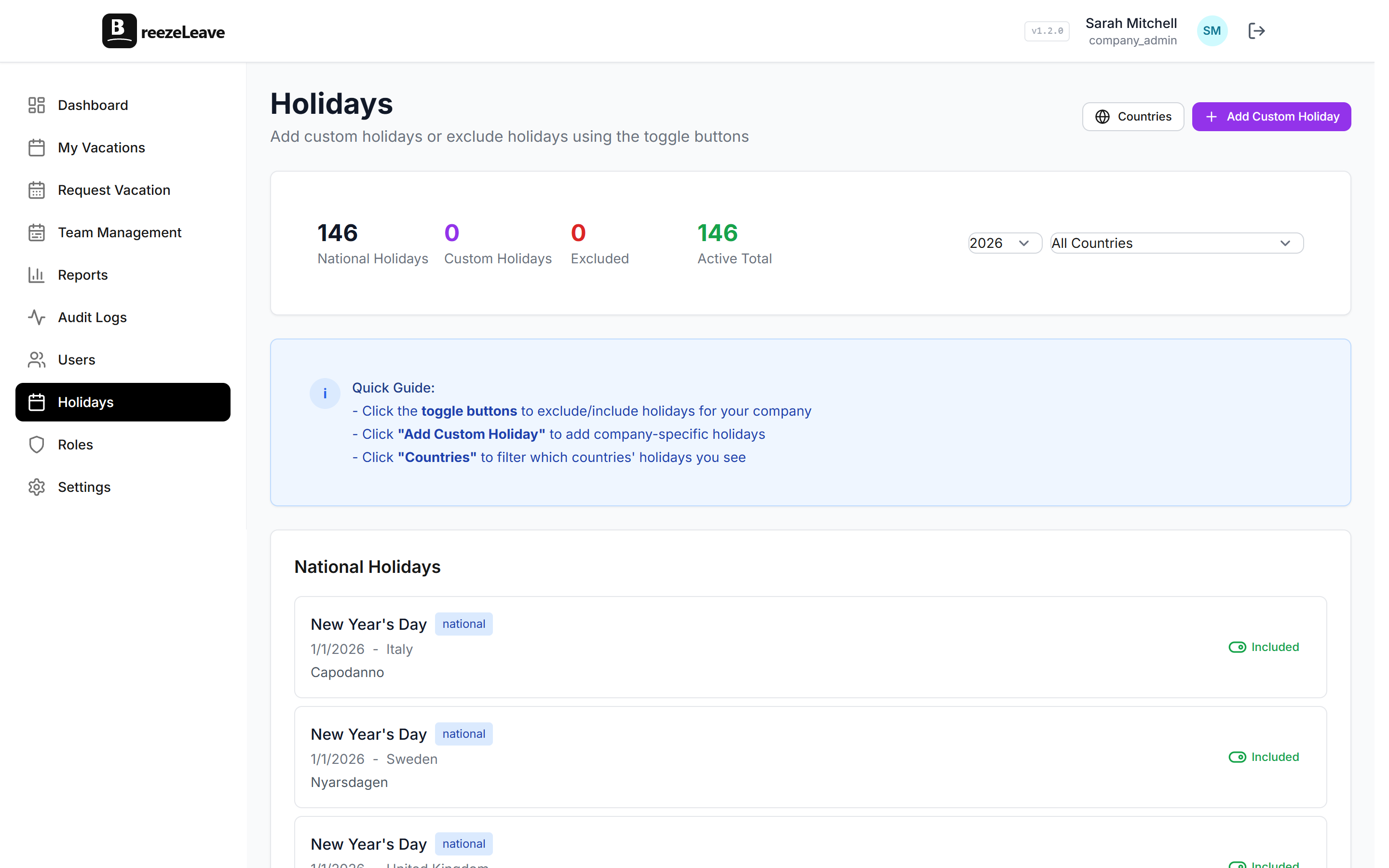
Instead of reviewing every employee's tenure annually and manually adding bonus days, you configure the rules once: "After 3 years of service, add 1 vacation day. After 5 years, add 2." The system calculates work anniversaries and updates balances automatically. No calendar reminders. No spreadsheet formulas. No missed accruals that turn into awkward conversations. Learn more about setting this up in our seniority-based vacation accruals guide.
Slack approvals replace email chains
The old flow: employee emails HR, HR checks for conflicts, HR forwards to manager, manager replies (eventually), HR confirms back to employee, HR updates the spreadsheet. Six touchpoints, three people, typically 1-3 business days.
The new flow: employee submits request, manager gets a Slack notification with approve and reject buttons, manager taps approve, employee gets instant confirmation, balance updates automatically. Two touchpoints, two people, typically under an hour. HR isn't involved at all unless there's an escalation.
Vacation adjustments for edge cases
Not everything fits neatly into rules. Sometimes you need to add a day for a company milestone, deduct a day for a policy exception, or grant extra time off as a performance reward. BreezeLeave's vacation adjustments feature handles these one-off changes with a full audit trail, so you can always explain why a balance was modified.
One-click reports replace spreadsheet assembly
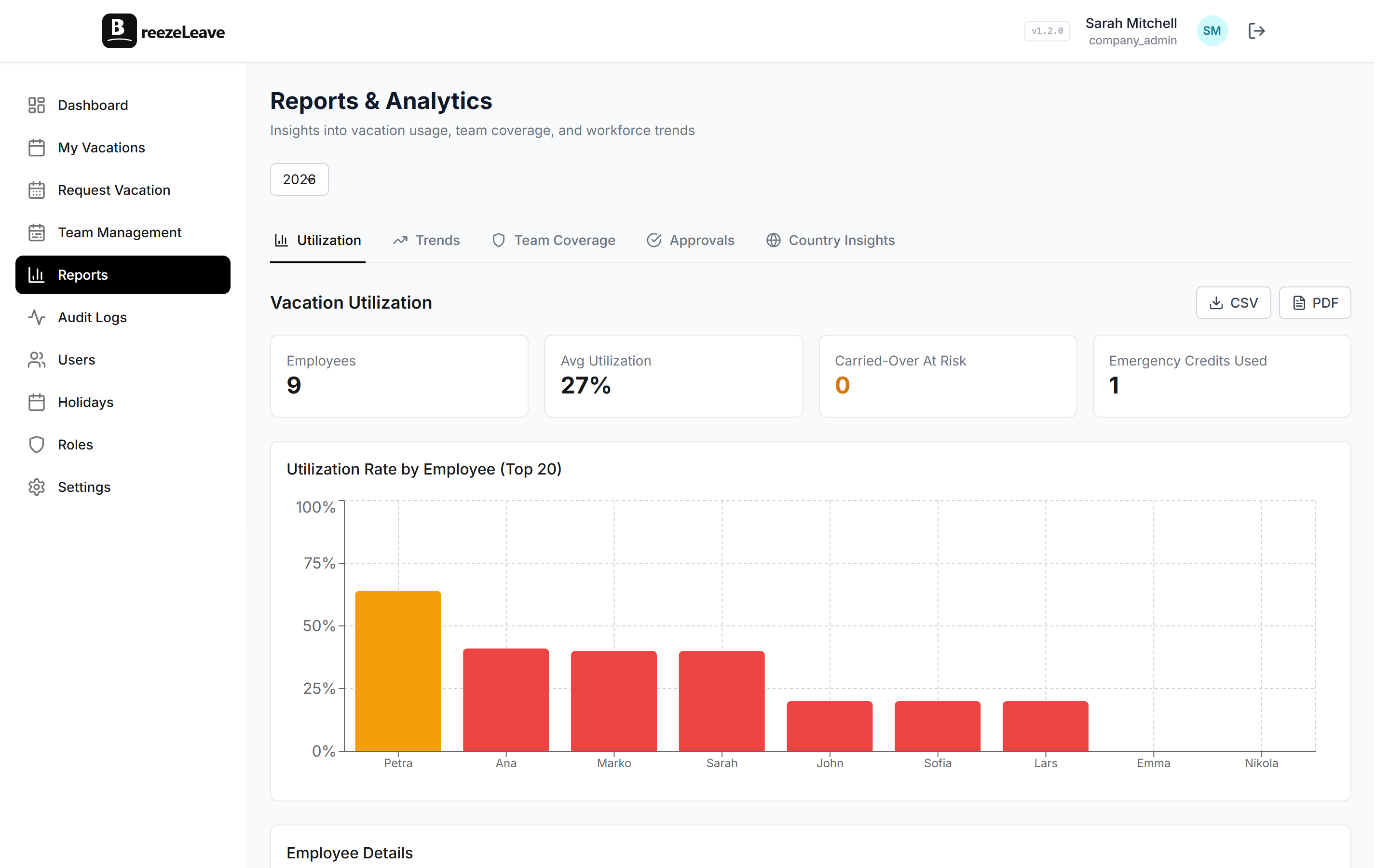
Need to know department-level utilization for Q2? Click a button. Need a list of employees with more than 15 days remaining? It's already on your dashboard. Need year-end carryover calculations? Generated automatically based on your policy rules.
The time savings on reporting alone justify the switch for most HR managers. What used to take an hour of filtering and formatting now takes thirty seconds of clicking and downloading.
Audit trails eliminate disputes
Audit logs cover request, balance, role, and key administrative actions: who requested what, who approved it, when balances were adjusted, and why. Rule changes and integration toggles are captured in settings change history. When an employee says "I think my balance is wrong," you don't need to dig through email archives. You pull up their audit log and walk through every change, with timestamps and reasons, in under a minute. For more on how this works, see our guide on audit logging in leave management.
What HR Managers Do with the Reclaimed Time
Five hours a week is a meaningful amount of time. HR managers who've made the switch consistently report redirecting those hours toward work that actually moves the needle:
- Employee engagement and retention. One-on-ones, stay interviews, culture initiatives. The work that prevents turnover but always gets deprioritized when admin tasks pile up.
- Policy development. Instead of administering a policy you inherited, you have time to evaluate whether it's working. Are people actually taking enough time off? Is the seniority structure fair? Do you need a sabbatical program?
- Strategic workforce planning. Using leave data for capacity planning, identifying burnout patterns, planning around seasonal absence trends.
- Learning and development. The training programs and career development work that HR knows is important but never has bandwidth for.
The ROI Beyond Time
Time savings are the most visible benefit, but they're not the only one. Automated leave tracking also delivers:
- Fewer errors. Manual balance calculations have an error rate that climbs with team size. At 50+ employees across multiple countries, spreadsheet errors are inevitable. Automated calculations eliminate that entire category of mistakes.
- Better compliance. Statutory minimums, carryover limits, and accrual rules are enforced automatically. You're never accidentally under-granting vacation days in a jurisdiction that requires a specific minimum.
- Higher employee satisfaction. Self-service access, fast approvals, and transparent balances reduce friction. Employees feel trusted and informed instead of dependent on HR for basic information about their own benefits.
- Reduced legal risk. With a complete audit trail, disputes are resolved with data instead of memory. If a balance is questioned, the full history is available in seconds. Learn more about automating balance management in our vacation balance automation guide.
The best leave management system is the one HR managers barely have to think about. When balances calculate themselves, approvals flow through Slack, and reports generate on demand, HR can focus on work that requires human judgment, not arithmetic.