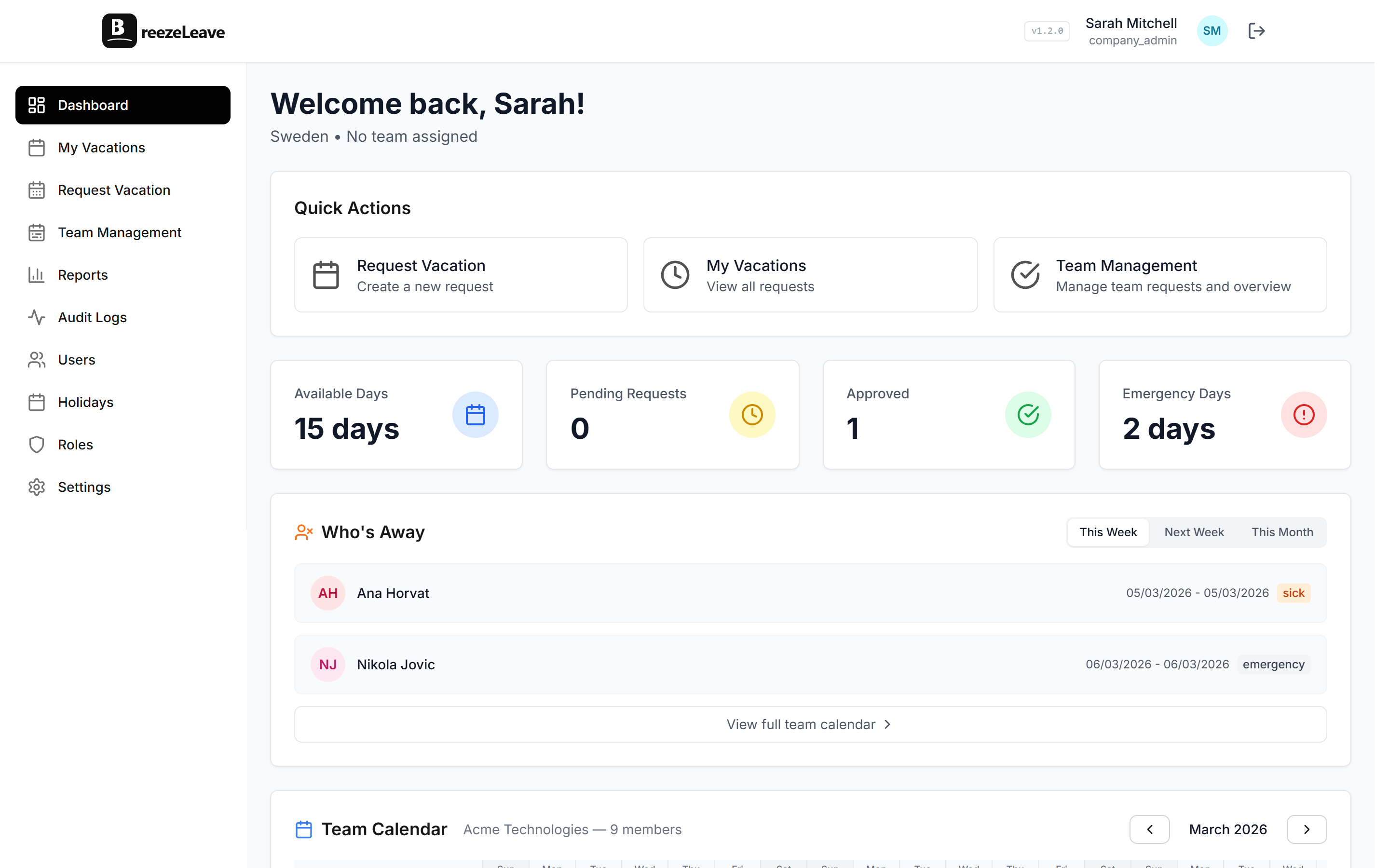
How Seniority-Based Vacation Accruals Work in BreezeLeave
Employees who've been with you for five years shouldn't get the same vacation days as someone who started last month. Here's how to automate seniority-based accruals.

Here's a question that comes up in every growing company: should a new hire get the same number of vacation days as someone who's been here for seven years? Most people say no. But then implementing that policy turns into a spreadsheet nightmare where HR manually adjusts balances every January.
Seniority-based vacation accruals solve this. Employees automatically earn more PTO as they accumulate years of service. No manual updates. No "oops, we forgot to bump Sarah's balance" in March. The system handles it.
What seniority-based accruals actually mean
The concept is simple: the longer someone works at your company, the more vacation days they earn per year. A typical policy might look like this:
| Years of Service | Vacation Days Per Year | Common In |
|---|---|---|
| 0 to 2 years | 20 days | Most EU countries (statutory minimum) |
| 3 to 5 years | 23 days | Mid-tier companies |
| 5 to 10 years | 25 days | Competitive employers |
| 10+ years | 28 days | Loyalty reward tier |
In some countries this is a legal requirement. In Croatia, for example, employees gain additional vacation days based on tenure, children, and other factors. In Sweden, the statutory minimum is 25 days regardless of seniority, but many employers offer more for senior staff as a retention incentive.
How BreezeLeave calculates years of service
BreezeLeave uses vacation rules that you define per country. Each rule specifies a threshold in years and the number of vacation days that apply once that threshold is met. When a new year starts or when a user is created, the system checks the employee's start date, calculates their years of service, and assigns the correct number of days.
The calculation happens automatically. You set the rules once. Every January 1st (or whenever your company's vacation year resets), balances update based on each employee's current tenure. If someone crosses a threshold mid-year, the system picks it up at the next sync.
How it works under the hood
BreezeLeave runs a daily sync that checks each employee's years of service against the vacation rules for their country. When someone crosses a seniority threshold, their vacation balance is automatically updated. This also runs when new users are created, so a hire who already has 5 years of industry experience (if you set their start date accordingly) gets the right balance from day one.
Setting up vacation rules per country
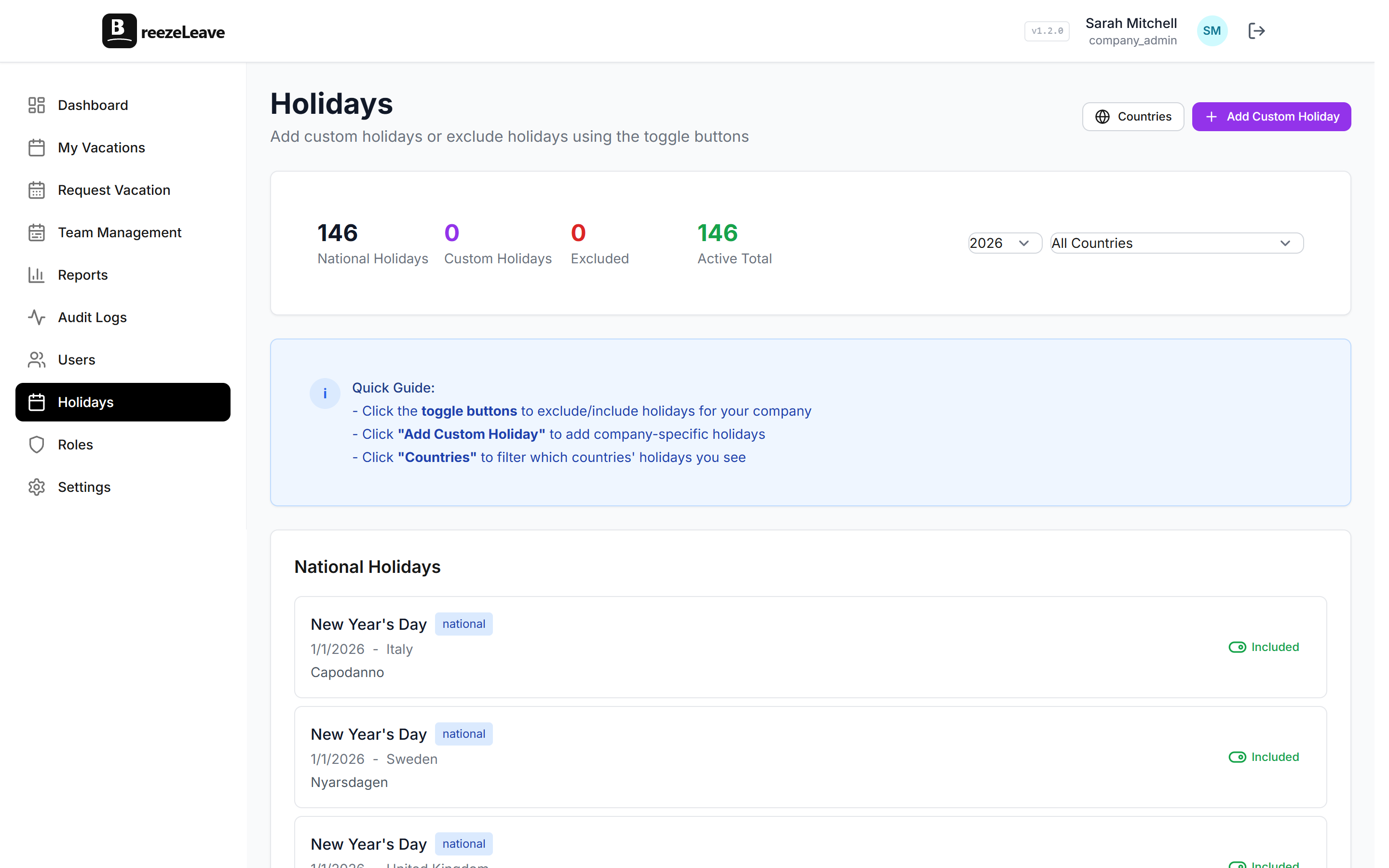
If you manage employees across multiple countries, you already know that vacation entitlements vary wildly. BreezeLeave lets you define different seniority rules for each country your company operates in.
For example, your Croatian office might have:
- 0 to 2 years: 20 days (statutory minimum)
- 3 to 5 years: 22 days
- 5+ years: 25 days
While your Swedish office might start at 25 days (the legal minimum there) and go up from there:
- 0 to 3 years: 25 days
- 3 to 7 years: 28 days
- 7+ years: 30 days
Each country gets its own rule set. When employees are assigned to a country, they automatically get the correct accrual schedule. No manual overrides needed. If you want a deeper look at handling leave across borders, our guide on managing PTO across countries covers the full picture.
Why not just manually adjust balances?
You can. BreezeLeave supports manual vacation adjustments for one-off situations. But using manual adjustments as your primary seniority system is a recipe for problems:
- Scale. It works for 10 people. At 50, someone gets forgotten every year.
- Consistency. Different HR people apply different rules. "I thought we gave 3 extra days at year 5, not year 3."
- Audit trail. When an employee asks why their balance is what it is, you need to explain the math. Rules-based accruals are self-documenting.
- Onboarding. New hires automatically get the right number. No Slack message to HR needed.
Manual adjustments are for exceptions. Seniority rules are for policy.
Combining seniority with other vacation rules
Seniority accruals don't exist in a vacuum. Most companies layer them with other policies:
- Carry-over limits. Employees can roll unused days into the next year, but only up to a cap. This prevents someone with 28 days from accumulating 50+ over two years. See our carry-over guide for details.
- Birthday and loyalty bonuses. Some companies give an extra day on the employee's birthday or at specific anniversary milestones. These stack on top of seniority accruals. We cover this in our birthday and loyalty bonuses article.
- Blackout periods. Even senior employees with 28 days can't take leave during critical business periods. Blackout dates prevent this automatically.
BreezeLeave handles all of these as separate, stackable features. You configure each one independently, and the system combines them into the final balance and availability rules for each employee.
What happens when someone gets promoted or changes country?
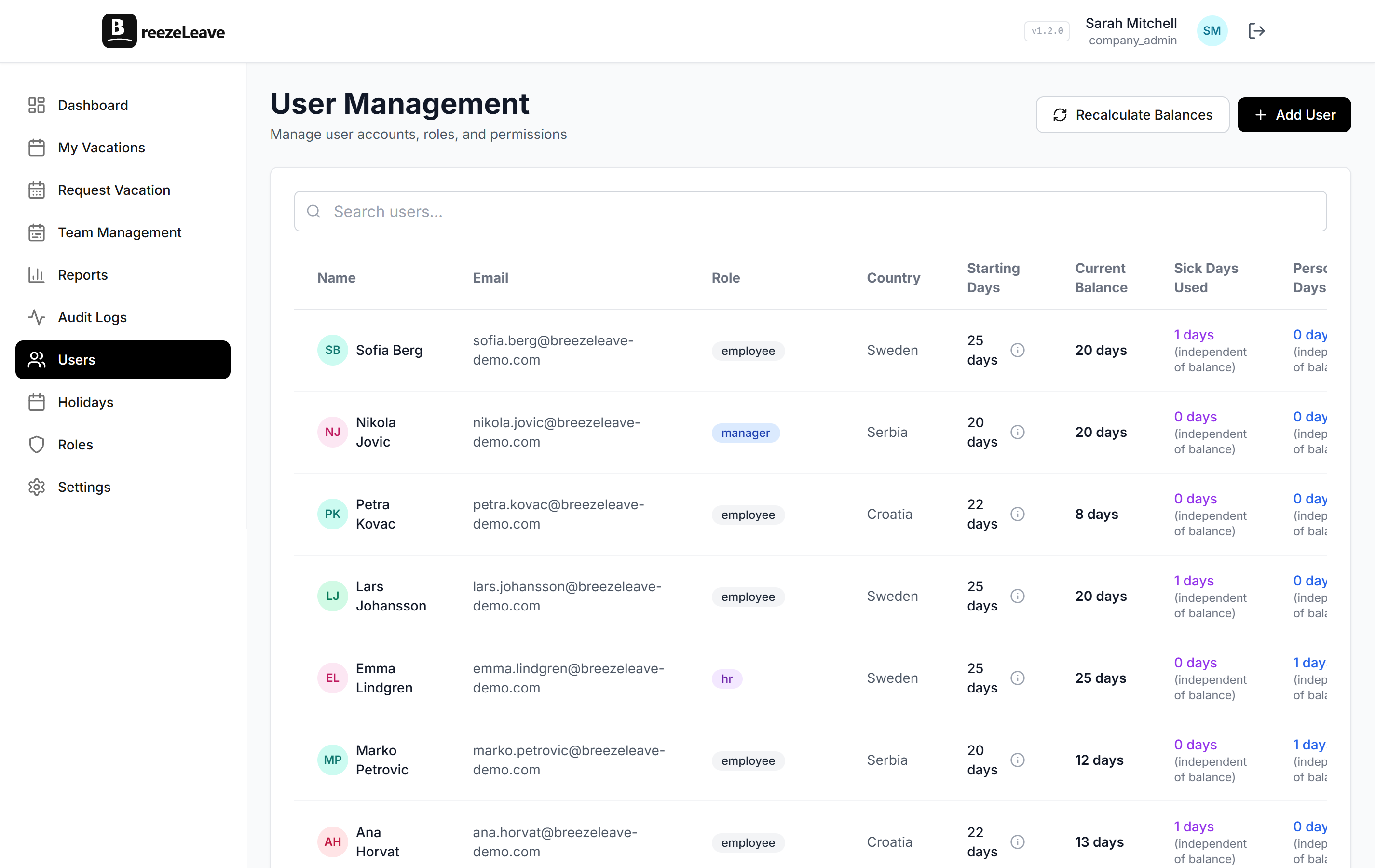
If an employee transfers from your Croatian office to Sweden, their years of service don't reset. BreezeLeave recalculates their balance based on the new country's rules and their existing tenure. So a 5-year employee moving from Croatia (25 days) to Sweden (where 5 years might mean 28 days) would see their balance adjust accordingly.
The start date stays the same. Only the country assignment changes. The daily sync picks up the change and applies the correct rule set.
Getting started
Setting up seniority-based accruals in BreezeLeave takes about five minutes:
- Go to Settings and find the Vacation Rules section
- Select a country
- Add rules with years-of-service thresholds and corresponding day counts
- Save. The daily sync handles the rest.
Every employee assigned to that country will have their balance calculated automatically based on their start date and the rules you defined. No spreadsheets. No January scramble. No forgotten bumps.
The best vacation policy is the one HR never has to think about. Seniority rules run themselves once you set them up.