
Resource Planning for Agency Projects: Roles, FTE, Assignments, and Capacity
A practical guide to agency resource planning with role requirements, assignments, planned hours, FTE demand, PTO, and workload context.
Resource planning is where an agency project stops being a nice proposal and becomes a real commitment. The statement of work says the project needs strategy, design, development, QA, and project management. The uncomfortable question is whether those hours actually exist in the weeks when the client expects them.
Most agencies feel this pain before they have a formal resource planning process. Someone sells a landing page rebuild. Another client expands a retainer. A senior developer takes two weeks of PTO. Suddenly the plan still looks fine in the deck, but delivery is being held together by Slack messages and optimistic calendars.
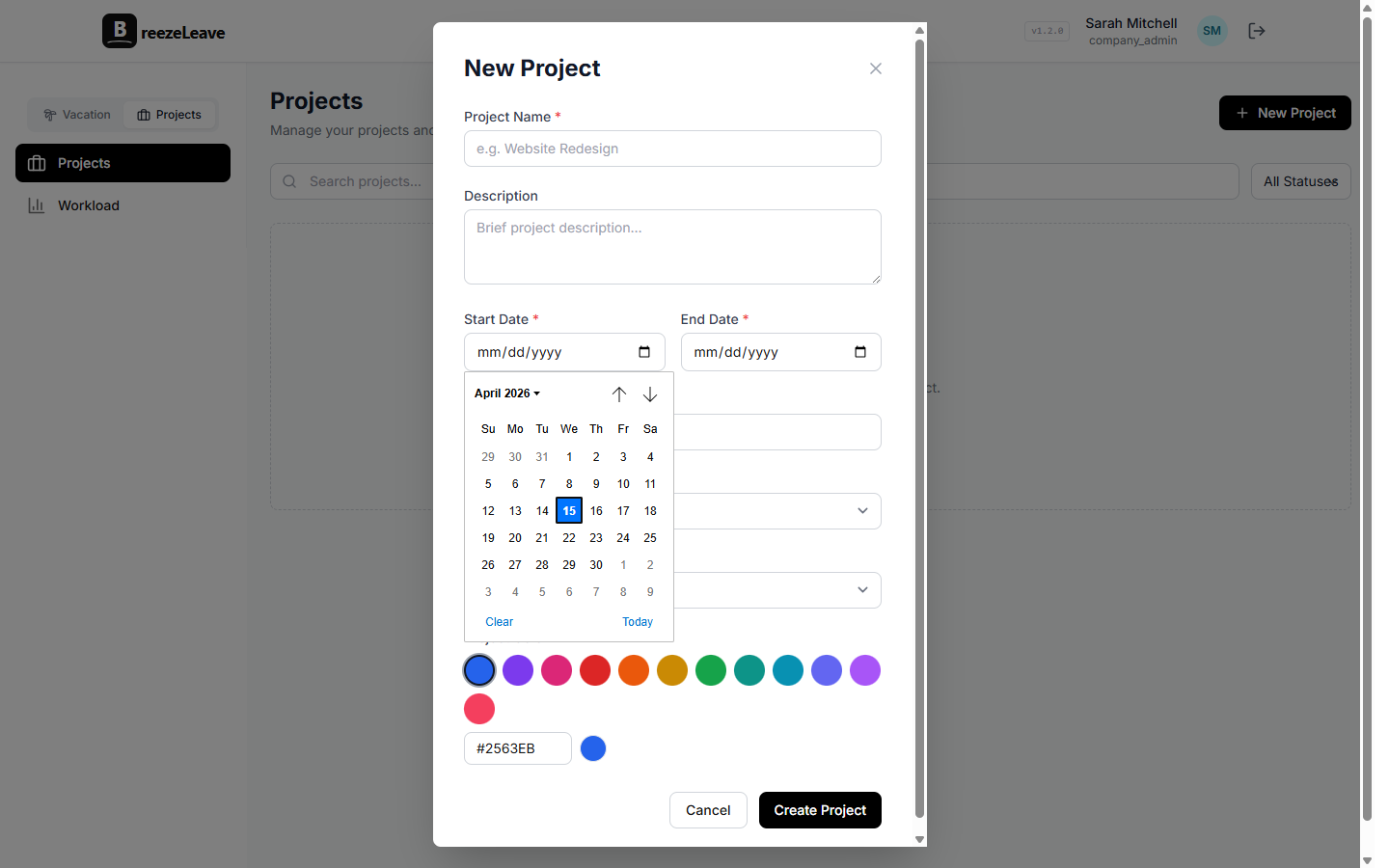
BreezeLeave supports resource planning around role requirements, assignments, planned hours, FTE-style demand, project and retainer work, PTO, and workload context. The goal is not to turn agency planning into a heavyweight enterprise exercise. It is to make resource decisions specific enough to trust before the work starts.
Start with role demand, not names
Agencies often jump straight to named assignments: Maya can design it, Luka can build it, Ana can manage it. That feels practical, but it hides the first planning question. What does the project need before you decide who should do it?
Role demand gives you that first pass. A small brand website might need:
- Strategy: 16 hours across discovery and positioning
- Design: 60 hours across wireframes, visual design, and revisions
- Development: 80 hours across build, CMS setup, and fixes
- QA: 12 hours near the end of the project
- Project management: 4 hours per week for client calls, scope, and status
That is a better starting point than "put one designer and one developer on it." It shows where the load actually lands. Design is heavy in weeks 1-3. Development is heavy in weeks 3-6. QA is light, but only useful if it is available at the right time.
This also keeps sales and delivery honest with each other. If the pipeline contains three projects that each need 60 design hours in the same month, the question is no longer vague. You are not "a bit busy." You need roughly 180 design hours, before accounting for existing retainers, meetings, internal work, holidays, and PTO.
Simple planning rule
Plan the role first, then assign the person. If you skip the role step, the first available person becomes the default answer even when the project really needs a different skill level or delivery window.
Translate hours into FTE demand
Planned hours are useful, but managers also need a quick way to understand load. That is where FTE-style demand helps. It turns scattered project estimates into a capacity question: how much of a person does this work need during this period?
Example: a project needs 120 development hours over 4 weeks. If your agency plans around a 30-hour weekly delivery capacity per person after meetings and internal time, that project needs about 1.0 FTE of development capacity for the month. If the same 120 hours are spread across 8 weeks, it is closer to 0.5 FTE.
| Role requirement | Planned demand | Planning meaning |
|---|---|---|
| Senior designer | 60 hours over 3 weeks | Roughly half to two-thirds of one designer during the design phase |
| Frontend developer | 120 hours over 4 weeks | Close to one full developer for the build window |
| Project manager | 4 hours per week for 8 weeks | Small weekly load, but it must be continuous |
| QA | 16 hours in launch week | Low total hours, high timing sensitivity |
FTE is not meant to be perfectly scientific. It is a planning language. It helps managers see when a project needs a full person, a partial allocation, or a short burst from someone who is otherwise assigned elsewhere.
Make named assignments after capacity is visible
Once role demand is clear, named assignments become much easier. You are no longer asking, "Who can take this?" You are asking, "Who can take this exact amount of work in these exact weeks without breaking another commitment?"
Suppose a developer has 30 delivery hours available in a normal week. On paper, assigning them 20 hours to a new project looks safe. But if they already have 12 hours on a retainer, 6 hours on bug fixes, and 4 hours of internal work, that person is now planned for 42 hours before anything unexpected happens. The assignment is not really available. It is borrowed from future evenings.
A better assignment pass looks like this:
- List the project role requirements by week.
- Check each candidate person's existing project and retainer assignments.
- Subtract known PTO, public holidays, and reduced availability.
- Assign the work only where the weekly load still makes sense.
- Revisit the plan when scope, dates, or availability changes.
This is especially important for senior people. A senior strategist or lead engineer may be "assigned" to five projects because each only needs a few hours. But those few hours often sit in the most important moments: kickoff, architecture review, client escalation, launch readiness. Resource planning should show that concentration instead of hiding it inside small line items.
Treat PTO as real capacity, not an exception
PTO is not a side note in agency resource planning. A role can be fully assigned on paper and still be unavailable during the important delivery window. The most common failure is not approving vacation. It is approving vacation in one system while project capacity lives somewhere else.
Take a 4-week build that needs one developer at roughly 30 hours per week. If that developer has 5 PTO days in week 3, the project did not lose "some availability." It lost a quarter of the delivery window and probably the week when integration issues start showing up. The manager has three choices: move the timeline, reduce scope, or add another developer before the gap becomes a fire.
This is the nuance that basic staffing spreadsheets miss. PTO does not always reduce a project evenly. A designer being out during concept review is different from being out during a quiet feedback week. A QA person being out the week after launch may be manageable. Being out during launch week is a different conversation.
For leave-specific planning, our guide to team capacity planning goes deeper on approving time off with the team calendar in view. For agency delivery, the same idea applies to project assignments: approved leave should be visible before the plan is treated as real.
PTO is not a problem to work around. It is a normal planning input. The problem is pretending the same person has full project capacity while they are away.
Use a weekly manager workflow
Resource planning gets stale quickly. A plan that was accurate on Monday can be wrong by Thursday if the client adds scope, a retainer escalates, or someone gets sick. That does not mean managers need to live in planning software all day. It means the agency needs a simple weekly rhythm.
A practical manager workflow looks like this:
- Review new project demand. What roles and hours were sold or proposed this week?
- Check active assignments. Who is already planned above a healthy weekly load?
- Look at PTO and holidays. Which delivery windows are shorter than they appear?
- Compare planned work with reality. Are logged hours drifting above the estimate?
- Adjust early. Move dates, rebalance assignments, or reset client expectations before the team is overloaded.
BreezeLeave's workload and capacity views help managers review planned billable hours, utilization, active assignments, PTO impact, and project mix. That makes resource planning a weekly operating process, not a one-time staffing meeting at kickoff.
Related workflows: workload capacity planning and project capacity planning.
Plan retainers and project work together
Project work is rarely the whole capacity picture. Agencies also carry retainers, support work, sales estimates, internal initiatives, and small client requests that never become a clean project plan. Those items matter because they consume the same people.
A designer with 20 hours assigned to a website redesign may also owe 8 hours each week to a brand retainer and 4 hours to sales support. A project manager may only have 4 planned hours on a project, but if they are managing 12 active clients, that "small" assignment sits on top of a lot of context switching.
Good resource planning keeps these together. It does not treat project capacity as one spreadsheet, PTO as another, and retainers as something everyone remembers from last week's meeting. When those inputs are separate, the agency can only find overload after people start complaining. When they are connected, the manager can see the overload while there is still time to change the plan.
What to watch
The risky person is not always the one with the most total hours. It is often the person with too many small assignments across too many clients. Resource planning should reveal that fragmentation before it turns into missed follow-ups and rushed work.
The short version
Resource planning for agency projects works when it answers four plain questions:
- What roles does the project need, and in which weeks?
- How many planned hours or FTE does each role require?
- Who can take those assignments after existing work, retainers, PTO, and holidays?
- Is actual workload staying close enough to the plan to trust the next forecast?
You do not need a perfect model. You need a shared capacity picture that is accurate enough to catch obvious problems early. Start with role demand, translate it into weekly capacity, assign named people with PTO in view, and review the plan every week. That is the difference between staffing projects with confidence and discovering the real plan only after the team is already overloaded.
If your agency is also outgrowing spreadsheets for PTO itself, our guide on vacation tracking for growing teams covers the operational side of keeping leave data accurate as the team scales.
Related articles
Project Capacity Planning for Agencies: Connecting PTO, Workload, and Budget
Project Planner for Agencies: Planned Slots, Unplanned Work, and Capacity