Labor Cost Tracking for Agencies Without Exposing Everyone's Salary
How effective-dated salary history, hourly-rate workers, permission gates, and aggregate cost reporting help agencies understand project labor cost safely.
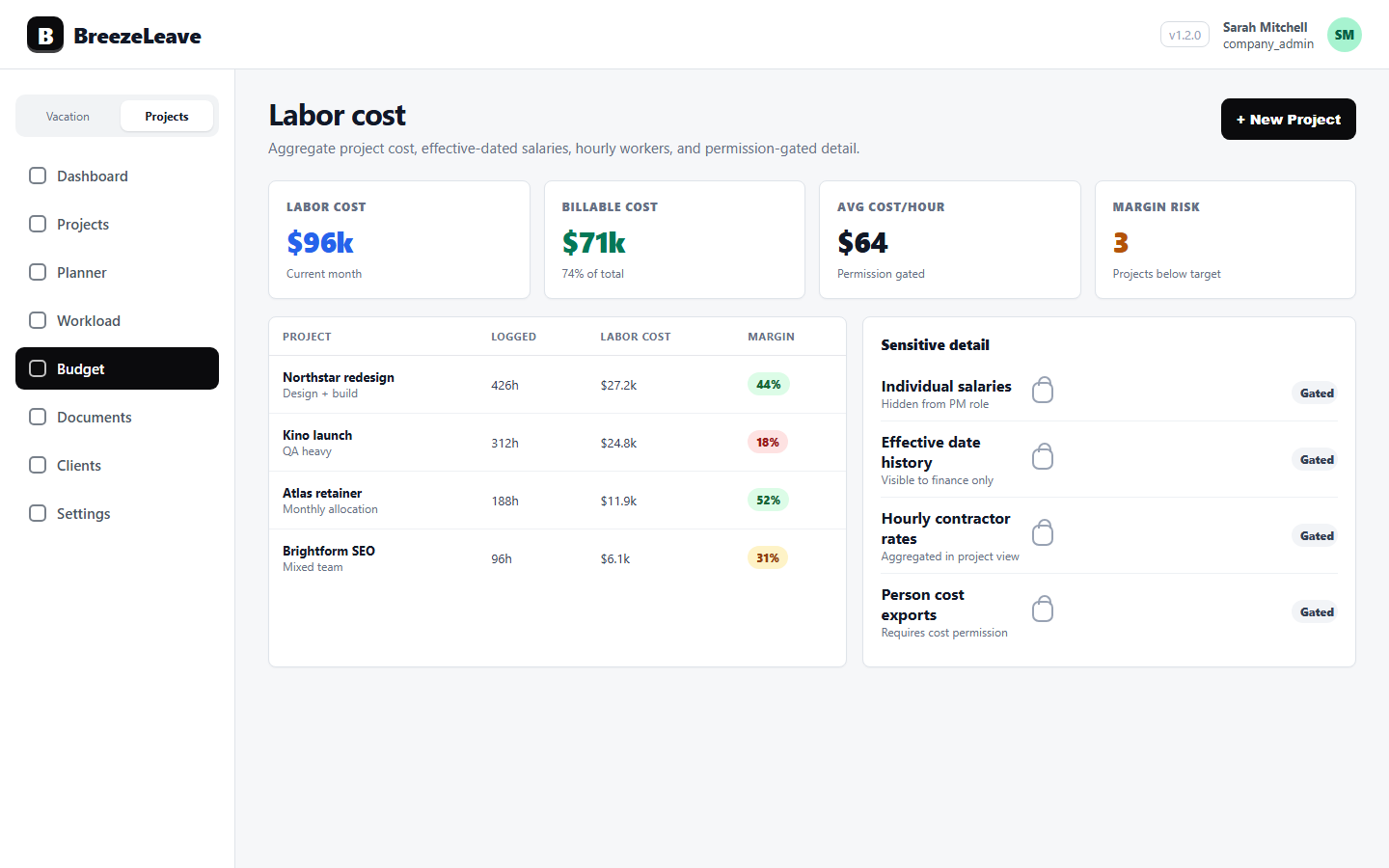
Project profitability depends on labor cost, but salary data is sensitive. Agencies need a way to understand delivery cost without turning every project report into a compensation report.
BreezeLeave handles this by separating cost calculations, effective-dated salary history, hourly workers, aggregate reporting, and permission-gated person-cost visibility.
1. Use effective dates for changing salaries
A salary today may not be the salary that applied when last month of delivery happened. Effective-dated salary history lets cost math follow the period being analyzed instead of using one current value everywhere.
That matters for retroactive reviews, yearly raises, role changes, and mixed employment models.
2. Handle hourly-rate workers separately
Contractors and hourly employees often need a different cost model than salaried staff. Treating everyone as a monthly salary can distort project margin and utilization analysis.
When time entries come from ClickUp, the labor-cost story gets sharper because actual logged effort can be reviewed with the right cost basis. See ClickUp time tracking.
3. Expose aggregates before individual cost
Most managers need to know whether a project is healthy. They do not always need to know every person salary behind the calculation. Aggregate cost and margin views can support better decisions while keeping sensitive detail restricted.
Permission design is covered in the role-based access guide.
4. Connect labor cost to profitability reviews
Labor cost becomes useful when it is tied to client work, project owners, retainers, workload, and logged hours. Otherwise it is just another finance export.
The owner-level view is explained in project profitability metrics.