Why Dedicated Leave Management Beats HR Suite Add-Ons
HR platforms like BambooHR, Personio, and Factorial all include leave modules. But a dedicated leave tool goes deeper, sets up faster, and costs less. Here's why.
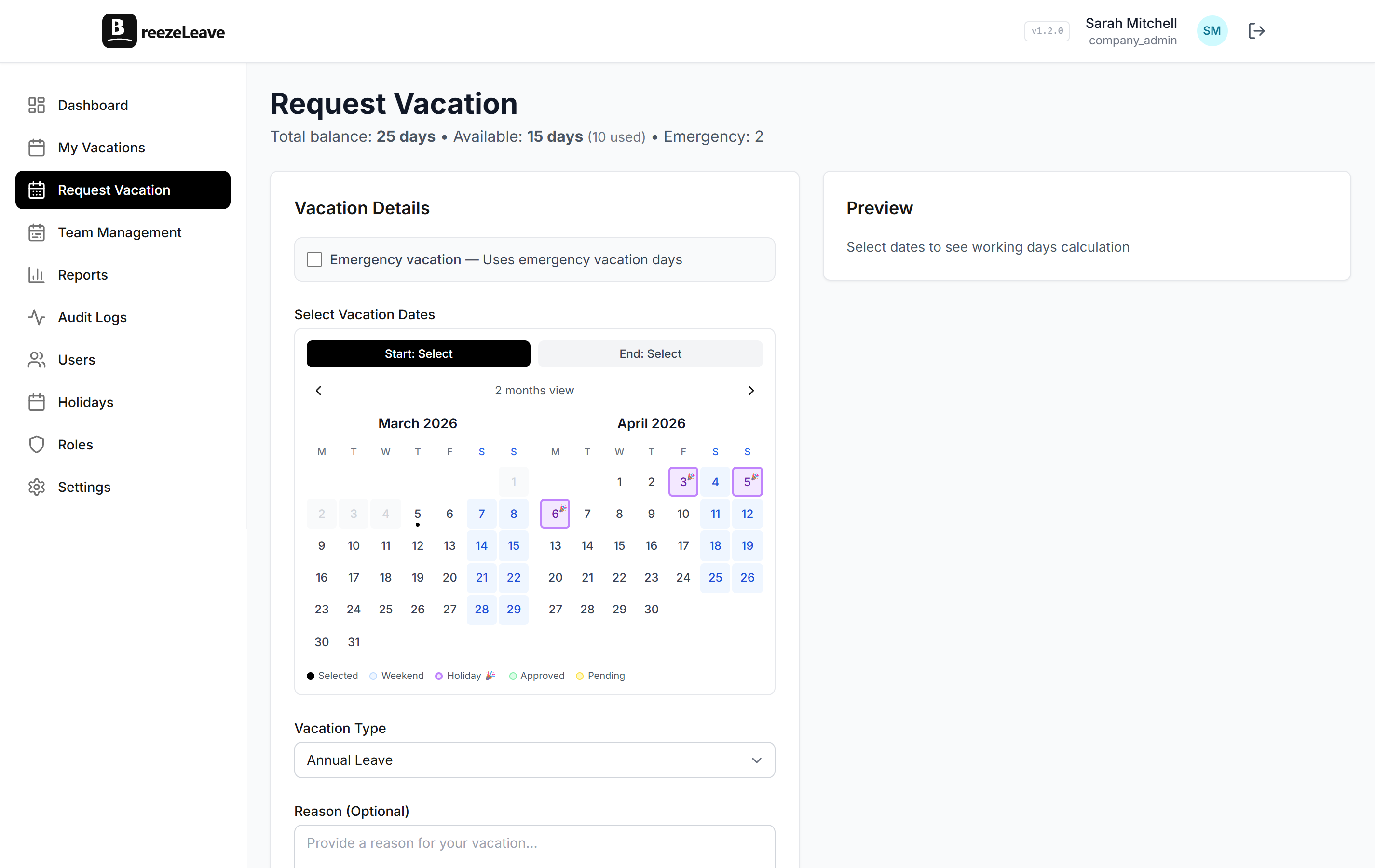
Every major HR platform includes a leave management module. BambooHR has one. Personio has one. Factorial has one. They all let employees request time off, managers approve it, and HR sees the balances. The feature exists. The checkbox is checked.
But there is a meaningful difference between a leave module that exists inside a larger platform and a tool built from the ground up to do leave management and nothing else. We have used both, and the gap is bigger than you would expect.
The Leave Module Problem
HR suites are built to solve a broad set of problems: recruiting, onboarding, payroll, performance reviews, document management, and yes, leave tracking. Leave is one feature among many. That means the product team's attention is split across a dozen modules, and leave management rarely gets the deep investment it deserves.
The result is a leave module that covers the basics but stops short of the features that make leave management actually smooth:
- Slack and Teams integration is surface-level. You get notifications pushed to a channel. Maybe. But you cannot request or approve leave from Slack. Every interaction requires opening the HR platform's web interface. For a team that lives in Slack or Teams eight hours a day, that is friction that adds up fast.
- Seniority accruals are manual. Most HR suites let you set a flat number of vacation days per year. But if your policy grants additional days based on years of service, you are updating balances manually or building workarounds. A dedicated tool handles this automatically.
- No blackout dates. You cannot block leave requests during critical business periods. Managers have to manually decline requests and explain why, which is both annoying and inconsistent.
- No cover person assignments. When someone requests time off, there is no built-in way to assign and notify a colleague to cover their responsibilities. The handoff happens over chat, and sometimes it does not happen at all.
An HR suite's leave module is built to exist. A dedicated leave tool is built to be used. The difference shows up every day.
Where Dedicated Tools Go Deeper
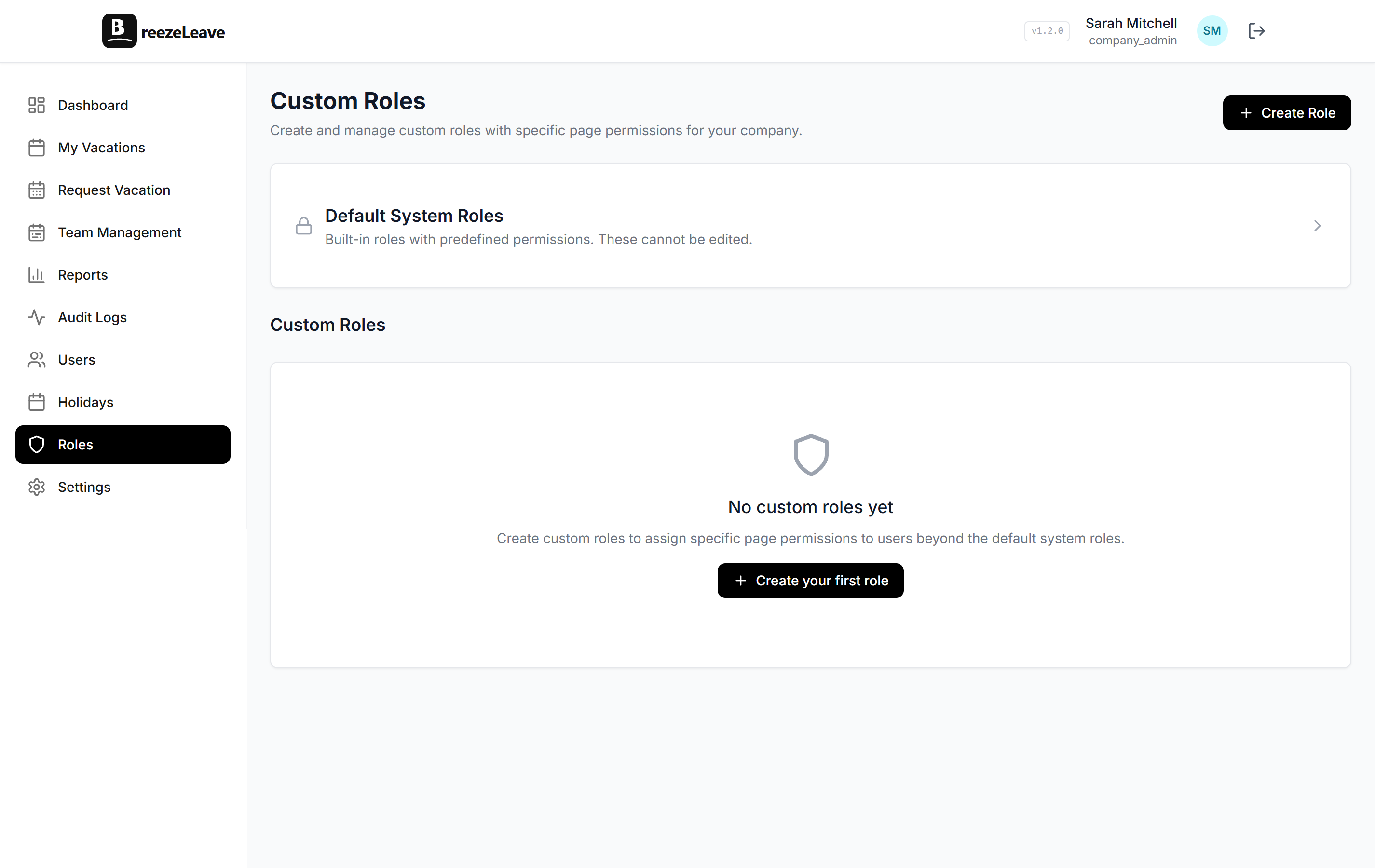
A tool like BreezeLeave exists solely to manage leave. That focus means every feature decision, every UX choice, and every integration is evaluated through the lens of "does this make leave management better?" The result is a set of capabilities that HR suite add-ons simply do not match.
Chat-Native Workflows
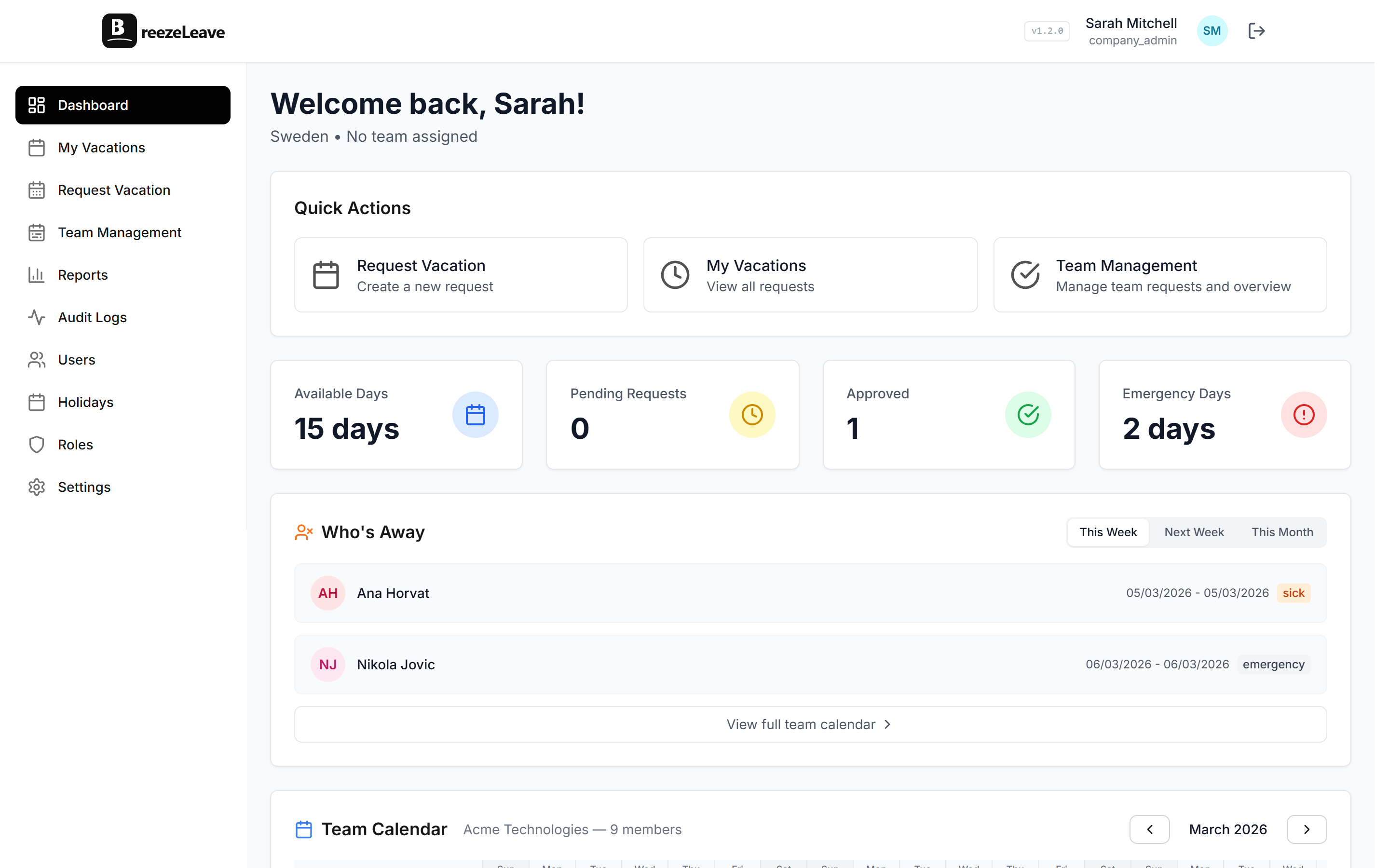
In BreezeLeave, Slack and Microsoft Teams are not notification channels. They are the primary interface. Employees request time off with a slash command or button. Managers approve with one tap, right in Slack or Teams. The daily "who's out" summary posts to the team channel automatically. Nobody opens a separate web app for a ten-second interaction.
Automatic Seniority Accruals
Define your rules once: 20 days for year one, 22 after two years, 25 after five. BreezeLeave adjusts balances automatically when employees hit tenure milestones. No manual updates, no spreadsheet tracking, no forgotten adjustments.
Blackout Dates and Smart Restrictions
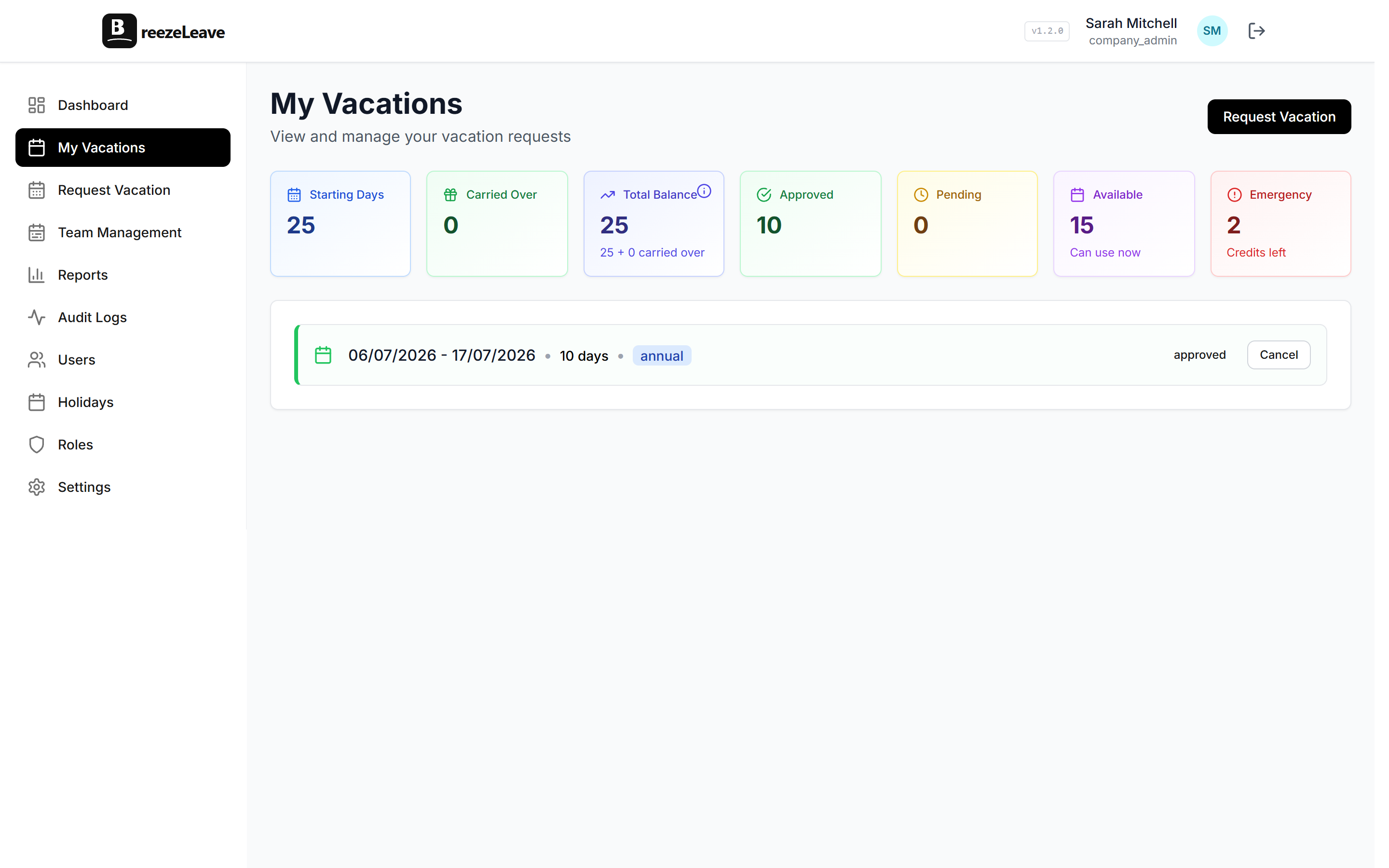
Block leave during quarter closes, product launches, or any critical period. Employees see the restriction when they try to book and understand why. Consistent enforcement without manager-by-manager judgment calls.
Cover Person and Handoff Tracking
When someone requests leave, they assign a cover person. That person gets notified. The assignment is visible on the calendar. Everyone knows who is handling what. No more guessing.
Setup: Hours vs Weeks
HR platforms are complex software. Setting one up typically involves importing employee data, configuring multiple modules, mapping approval hierarchies, and often scheduling training sessions. We have seen implementations take two to six weeks, and that is before people start actually using it for leave.
A dedicated leave tool like BreezeLeave connects to your Slack or Teams workspace, you add your team, configure your leave types and policies, and you are running. Most teams are live in under an hour. The reason is simple: there is less to configure because the tool does less. But it does the thing you need done.
The setup math
HR suite leave module: 2-6 weeks of configuration, often with consultant support. Dedicated leave tool: 30-60 minutes. Connect, configure, live. The time you save on setup is time you spend on things that actually matter.
The Cost Argument
HR suites charge per user for the entire platform. Even if your team only interacts with the leave module, you are paying for recruiting, onboarding, performance reviews, and everything else. Typical pricing runs $5 to $10 per user per month, with annual contracts and implementation fees on top.
BreezeLeave is free for up to 10 users and $1 to $1.50 per user per month for larger teams. You are paying only for leave management. For a 60-person company, that is the difference between $3,600-$7,200 per year for an HR suite and $720-$1,080 per year for BreezeLeave.
If you are using three or four modules of the HR suite, the per-module cost is reasonable. If 80% of your company only touches the leave module, you are paying a premium for features that sit unused.
Carry-Over Rules and Policy Flexibility
Leave policies are not one-size-fits-all, especially for multi-country teams. BreezeLeave lets you configure carry-over rules with caps and expiry dates, so unused vacation days can roll into the next year under the conditions you define. Different countries can have different carry-over policies. We wrote a detailed guide on vacation carry-over rules and automation.
HR suite leave modules typically offer basic carry-over settings, but the granularity, especially across multiple countries, is usually limited. When your German team has different carry-over rules than your US team, a dedicated tool handles the complexity without workarounds.
When the HR Suite Add-On Is Fine
To be fair, there are situations where the HR suite's leave module is good enough:
- Your company uses 3+ modules of the HR platform actively
- Your HR team is the primary user of the system
- Your leave policies are simple and uniform across the company
- You do not rely heavily on Slack or Teams for daily work
- You have 150+ employees with a dedicated HR department
In those cases, the integration between HR modules, things like new hires automatically getting leave balances, has real value. We covered this honestly in our analysis of HR suites vs lightweight leave tools and our Personio vs dedicated leave management comparison.
The Bottom Line
An HR suite's leave module is adequate. A dedicated leave tool is good. That gap, from adequate to good, is the difference between a system people tolerate and one they actually use.
If leave management is a small part of a larger HR infrastructure you are building, the suite's module will do. If leave management is the thing your team interacts with every day, and you want it to work well rather than just exist, a dedicated tool is the better investment.
Deeper features, faster setup, lower cost, and an experience that lives where your team already works. That is what a focused tool gives you. The HR suite can handle the rest.