BreezeLeave vs LeaveBoard: Which One Fits Your Team?
LeaveBoard is a feature-rich HR and leave management platform. BreezeLeave is a focused leave tool built for Slack and Teams. Here's how they compare for teams that just need leave management to work.
Reviewed: 2026-05-13. Competitor pricing and features change frequently. Check the LeaveBoard site for current packaging before deciding.
LeaveBoard positions itself as an HR and leave management platform. It covers employee directories, onboarding checklists, and leave tracking under one roof. BreezeLeave is a different kind of tool: it focuses exclusively on leave management with deep Slack and Microsoft Teams integration.
This is not a case of good vs bad. It is a question of what your team actually needs. If you are reading this, you are probably trying to figure out whether you need an HR-flavored leave tool or a leave-first tool that integrates with where your team already works.
LeaveBoard: What It Brings to the Table
LeaveBoard is a broader platform than BreezeLeave. It includes features beyond leave management:
- Employee directory and org chart
- Onboarding workflows
- Leave management with multiple policies
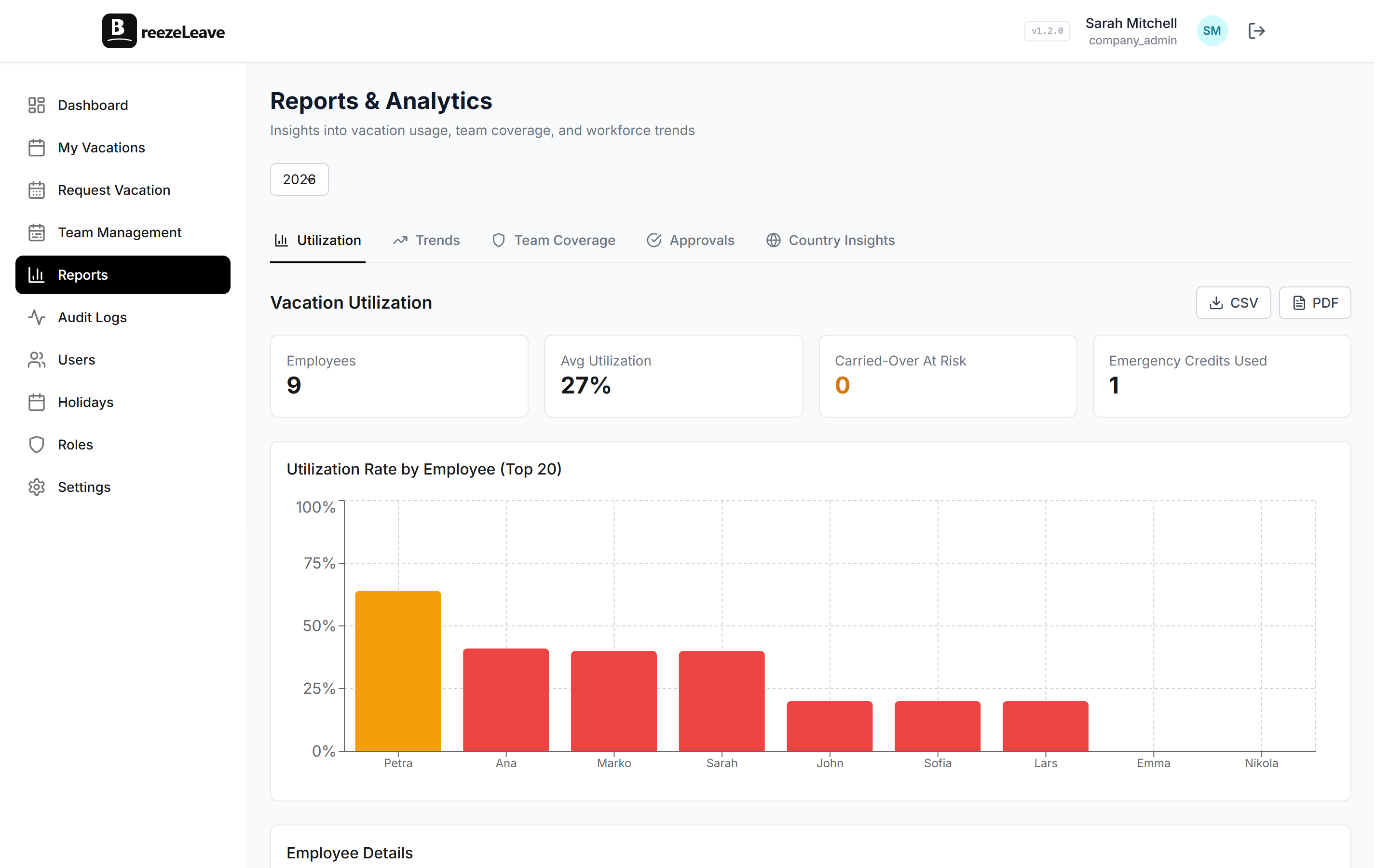
- Reports and analytics
- Employee self-service portal
If you are a company that does not have any HR tooling at all and wants a light platform that combines basic HR features with leave management, LeaveBoard's breadth is appealing. You get a bit of everything without committing to a full enterprise HRIS.
The trade-off is that the leave module, while functional, is one of several features competing for product attention. It covers the basics well but does not go as deep on the leave-specific features that matter for teams with complex policies.
BreezeLeave: Depth Over Breadth
BreezeLeave does not try to be an HR platform. It does one thing: leave management. But it does that thing with a level of depth that a broader platform cannot match when leave is just one of five modules.
The Slack and Teams integration is not a notification layer. It is the primary interface. Employees request time off in the chat tool they already have open. Managers approve with one tap. The daily "who's out" summary shows up in the channel without anyone checking a separate dashboard. For more on this, see our guide on vacation tracking for growing teams.
Setup Time: Afternoon vs Implementation Project
LeaveBoard requires setting up employee profiles, configuring your org structure, and customizing multiple modules. It is not as heavy as a full enterprise HRIS, but it is more involved than a pure leave tool. Expect a few days to get everything configured and your team onboarded.
BreezeLeave connects to Slack or Teams, you add your people, set your leave types and policies, and it is running. Most teams are live the same day. There is no org chart to build, no employee directory to populate, no onboarding module to configure. You are only setting up the thing you came for: leave management.
Setup time comparison
LeaveBoard: 2-5 days to fully configure all modules and onboard your team. BreezeLeave: 30 minutes to an hour. Connect your chat platform, add people, set policies, done.
Feature Depth for Leave Management
This is where the focused approach pays off. BreezeLeave includes leave-specific features that LeaveBoard does not offer:
| Leave Feature | LeaveBoard | BreezeLeave |
|---|---|---|
| Slack-native requests | Notifications only | Full workflow in Slack |
| Microsoft Teams | Limited | Native integration |
| Seniority-based accruals | No | Yes, automatic |
| Blackout dates | No | Yes |
| Cover person | No | Yes |
| Birthday/loyalty bonuses | No | Yes |
| Audit trail | Basic | Requests, balances, roles, key admin actions |
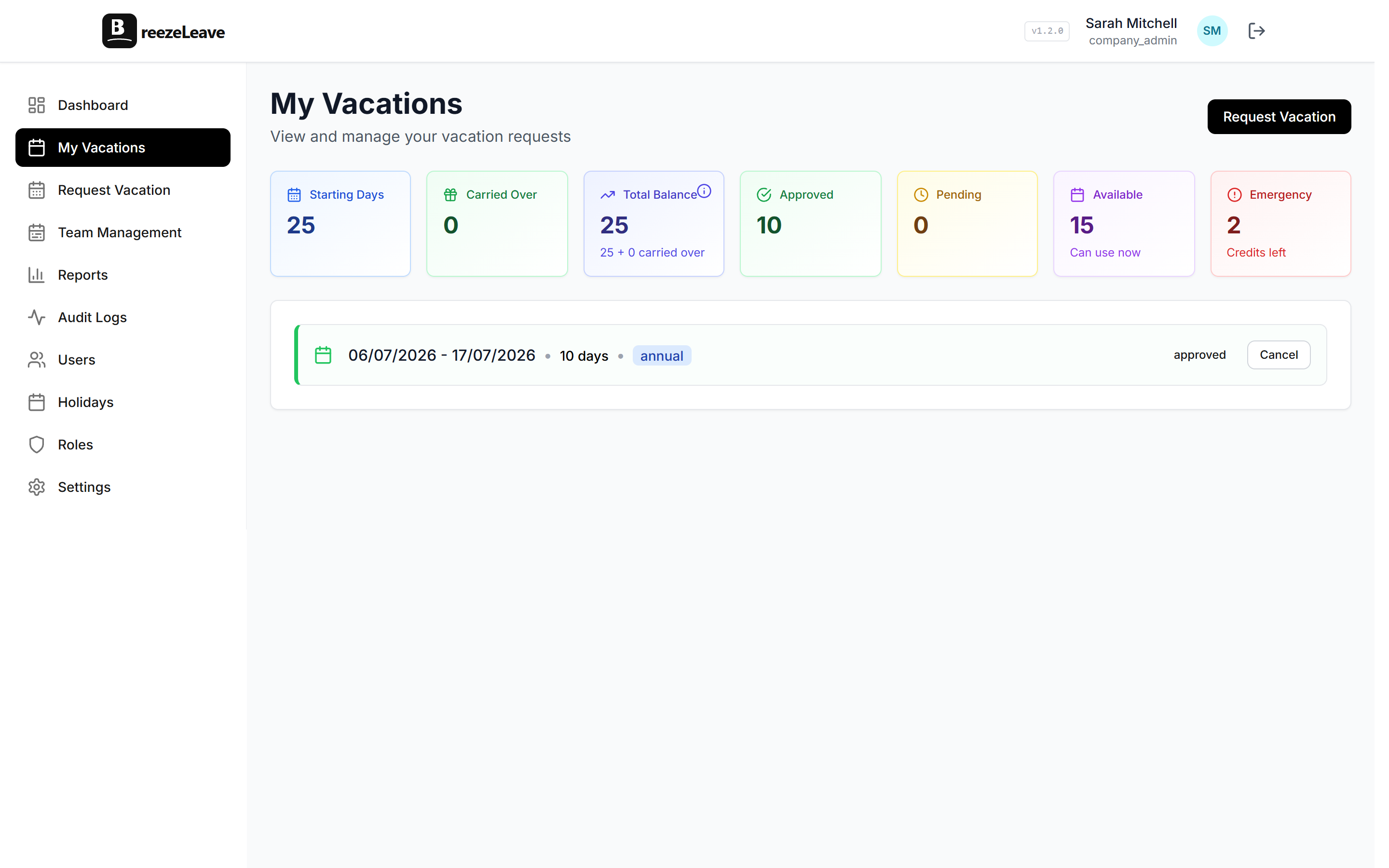
| Custom roles | Admin / Employee | Employee, Manager, HR, Admin |
| External HR users | No | Yes, country-scoped |
| Employee directory | Yes | No (not needed) |
| Onboarding workflows | Yes | No (not needed) |
The last two rows are important. LeaveBoard has features BreezeLeave does not, but they are HR features, not leave features. If you need an employee directory, LeaveBoard gives you one. If you need deep leave management, BreezeLeave gives you that.
Pricing and Value
LeaveBoard offers a free tier for small teams and paid plans that scale with your employee count. Pricing typically runs higher than a dedicated leave tool because you are paying for the broader HR functionality.
BreezeLeave is free for teams of up to 10 users. The Pro plan runs $1 to $1.50 per user per month (plus tax). You are only paying for leave management, so the per-user cost is lower.
The pricing question really comes down to this: are you going to use the employee directory and onboarding features, or are you really just buying a leave tool? If it is the latter, BreezeLeave gets you better leave features for less money. If you genuinely need the HR extras, LeaveBoard's bundled approach might make sense.
Birthday and Loyalty Bonuses
One feature worth highlighting is BreezeLeave's support for automatic birthday and loyalty bonus days. You can configure the system to automatically grant an extra day off on an employee's birthday, or award bonus days at work anniversary milestones. It costs the company almost nothing but sends a clear signal that you value your people. We wrote about this in our birthday and loyalty bonuses guide.
LeaveBoard does not offer automated birthday or loyalty bonuses. You would need to manually adjust balances for each employee, which defeats the purpose of automation.
Which One Should You Pick?
Choose LeaveBoard if:
- You want a light HR platform that includes leave management
- You need an employee directory and onboarding workflows
- Your leave policies are straightforward and uniform
- You do not rely heavily on Slack or Teams for daily work
Choose BreezeLeave if:
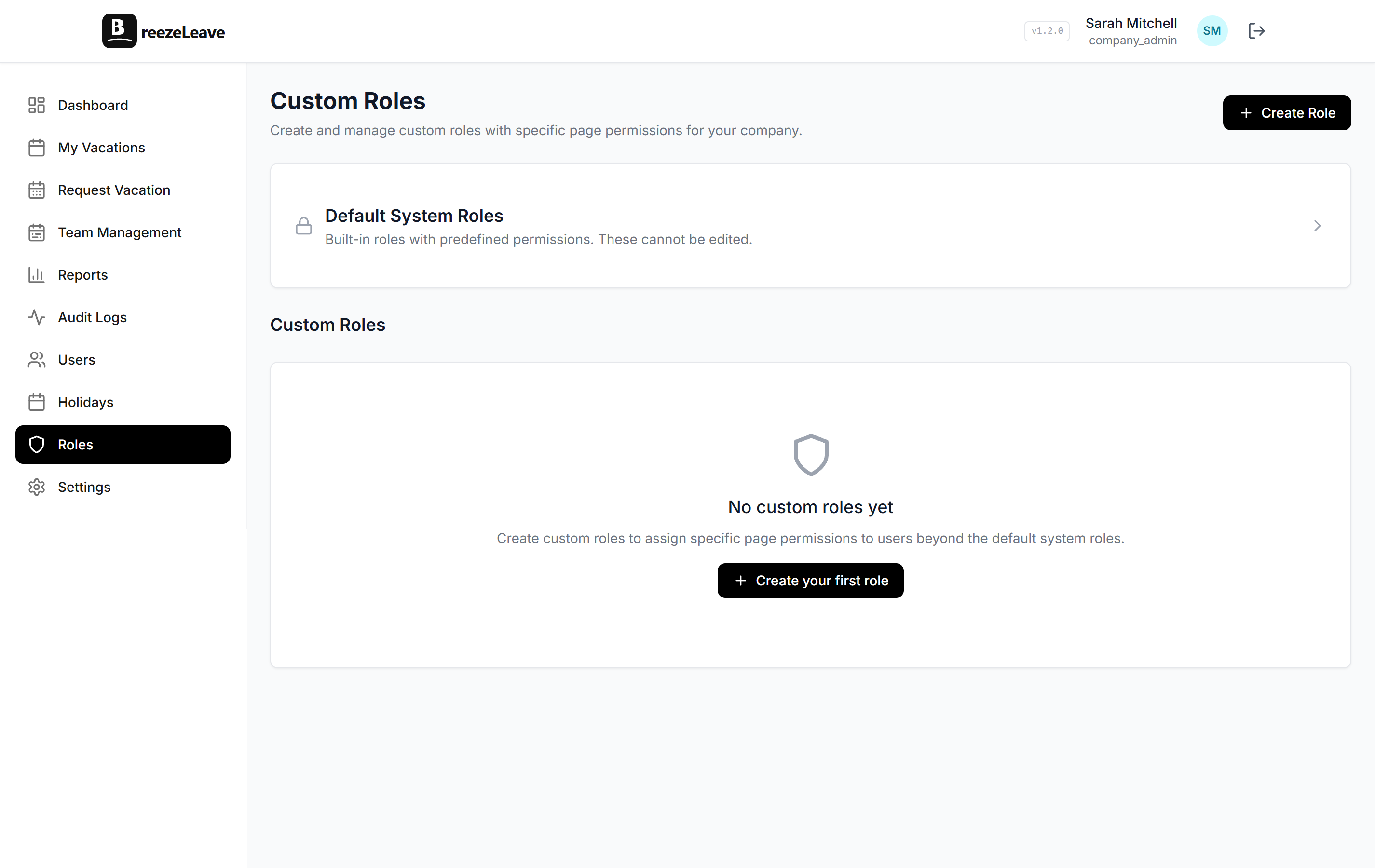
- Leave management is your primary need, not broader HR tooling
- Your team lives in Slack or Microsoft Teams
- You need seniority accruals, blackout dates, or cover person assignments
- Your team spans multiple countries with different holiday calendars
- You want to be live in an hour, not a week
A focused leave tool will always go deeper on leave than a platform that treats leave as one of several modules. The question is whether you need that depth.
For most teams between 10 and 200 people whose main pain point is vacation tracking, BreezeLeave solves the problem faster, cheaper, and with more leave-specific depth. If you genuinely need the HR extras, LeaveBoard is worth evaluating. Just be honest about which features you will actually use.
Browse other comparisons on the BreezeLeave alternatives hub or check current plans on the pricing page.