5 Best Leave Management Tools for Startups in 2026
Startups need leave management that works without an HR department. Here are the 5 best tools in 2026, compared by features, pricing, and what kind of team each one fits best.

Reviewed: 2026-05-13. Competitor pricing and features change frequently. Check each vendor's site for current packaging before deciding.
When you are a startup with 15 or 40 people, leave management is not the problem you want to spend three weeks solving. You want something that works, does not cost a fortune, and does not require a dedicated HR person to maintain. The Google Sheet you have been using since employee number five is probably falling apart by now, so here is what actually works in 2026.
We evaluated five tools that are realistic options for startups. Not enterprise HRIS platforms that require a six-month implementation. Not free apps that stop working once you hit 10 people. Real tools for real teams that need to get this sorted and move on.
1. BreezeLeave
Best for: Teams of 10-200 with multi-country employees and Slack or Teams workflows.
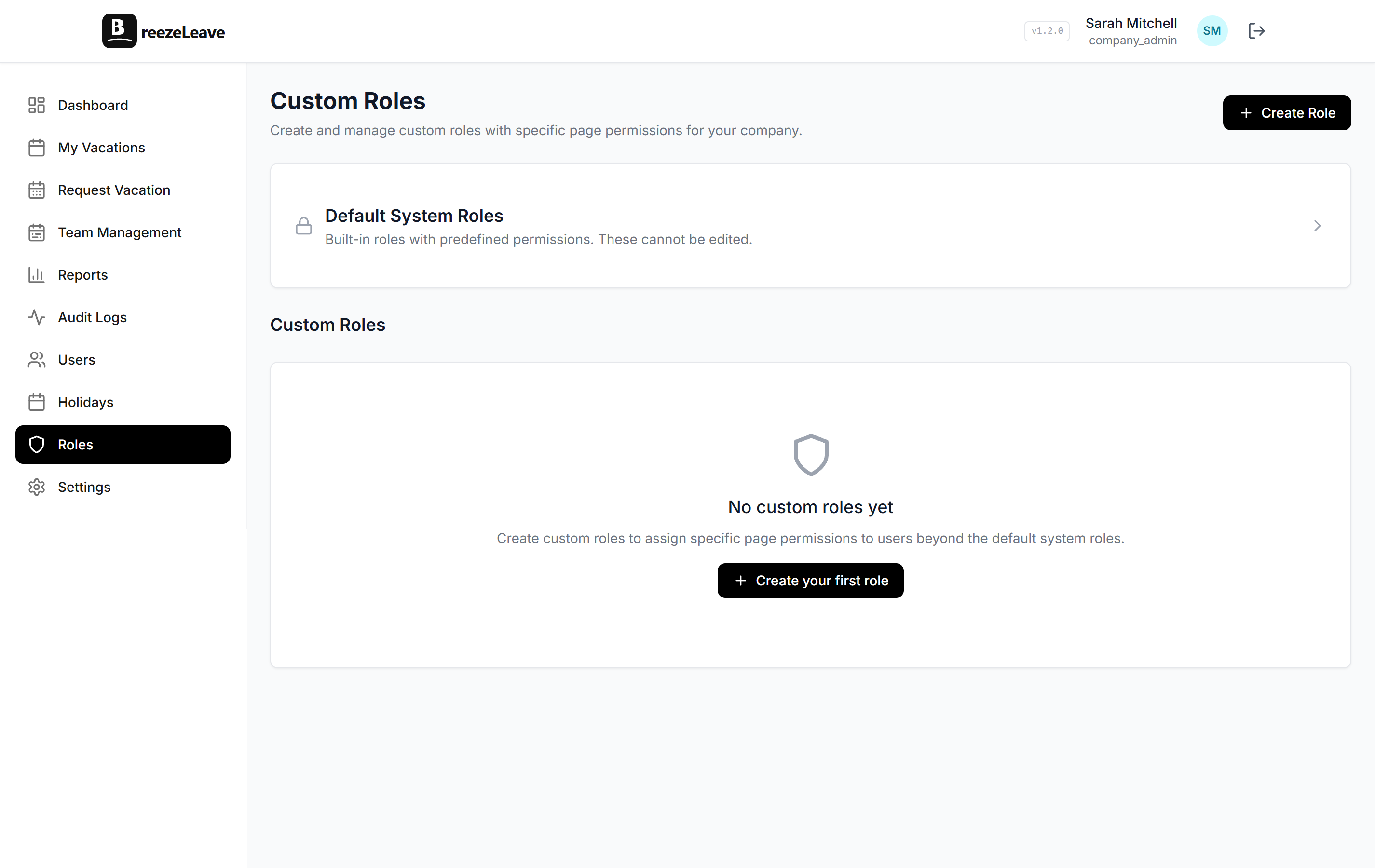
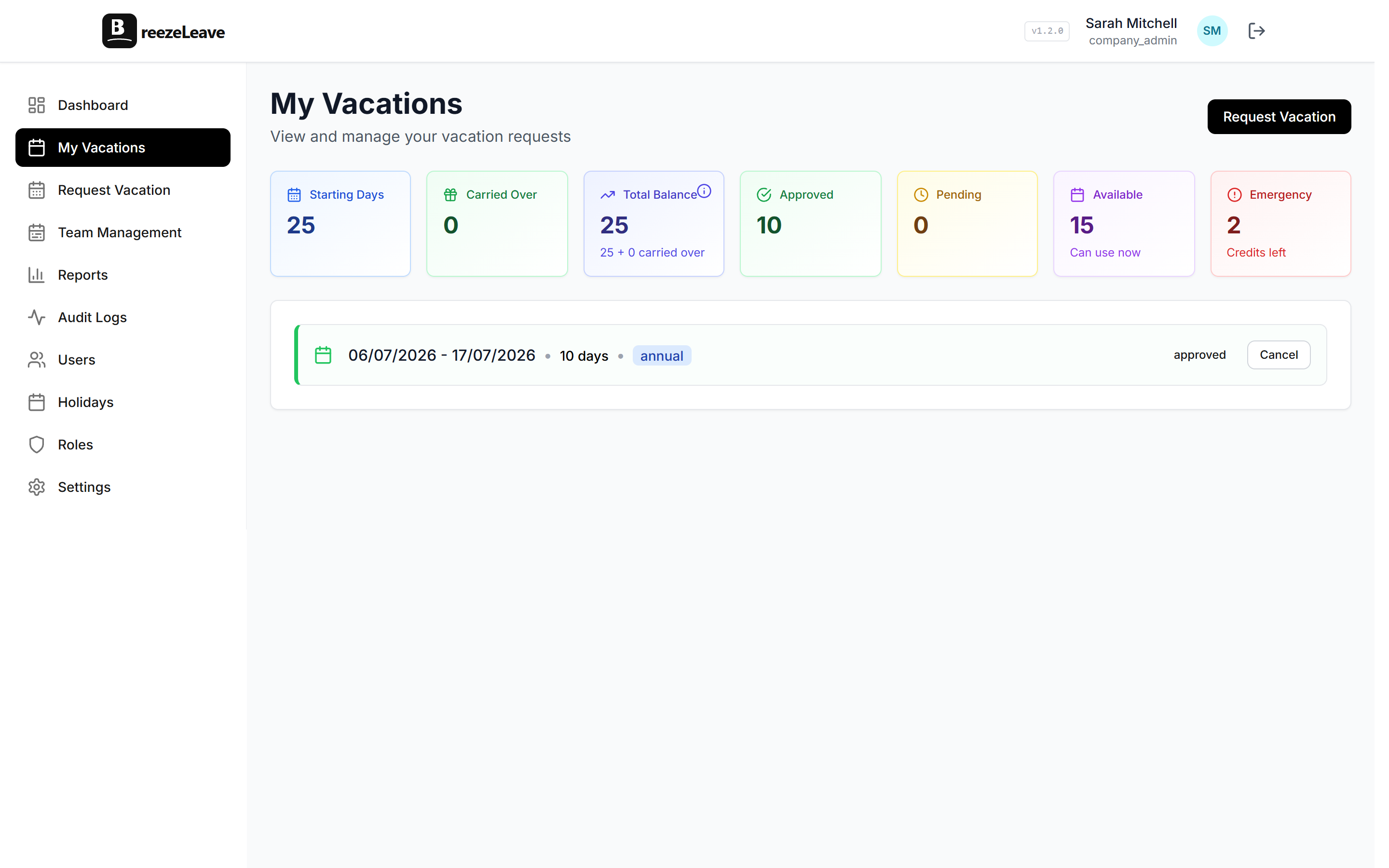
BreezeLeave is a dedicated leave management tool built around Slack and Microsoft Teams integration. Employees request time off from Slack, managers approve with one tap, and the whole team sees who is out via daily channel summaries. The web dashboard adds reports, bookkeeping views, and admin controls.
What sets it apart from other tools is the depth of its leave-specific features. Seniority-based accruals adjust vacation days automatically based on years of service. Blackout dates block leave during critical periods. Cover person assignments make handoffs explicit. External HR users let regional managers handle their own office without seeing everyone else's data.
- Slack and Microsoft Teams integration (full workflow, not just notifications)
- Multi-country holiday calendars with automatic assignment
- Seniority-based vacation accruals
- Blackout dates, cover person, auto-approval rules
- Full audit trail and granular role system
- Multi-company support
- Pricing: Free for up to 10 users. Pro at $1-1.50/user/month (+ tax)
2. Flamingo
Best for: Small Slack-only teams under 20 people with simple leave policies.
Flamingo is a lightweight Slack leave bot that handles the basics well. You request time off from Slack, your manager approves it, and balances are tracked automatically. It is simple, clean, and does not try to be more than what it is.
The limitation is that it is Slack-only. No Microsoft Teams support. No seniority-based accruals, no blackout dates, no cover person assignments. For a single-country team of 10 to 20 people with uniform leave policies, that might be perfectly fine.
- Slack-only integration
- Leave requests and approvals
- Balance tracking
- Team calendar
- Pricing: Free tier available, paid plans for larger teams
3. Vacation Tracker
Best for: Teams that need Slack, Teams, or email-based leave management with a polished UI.
Vacation Tracker is one of the more established tools in this space. It supports Slack, Microsoft Teams, and email notifications, which makes it flexible for teams that use different communication platforms. The interface is clean, and the setup is straightforward.
It covers the core leave management workflow well: requests, approvals, balances, calendar, reports. Where it falls short compared to BreezeLeave is on features like seniority accruals, blackout dates, cover person assignments, and external HR users. For teams with simple policies, those gaps may not matter. For teams with complex needs, they will.
- Slack, Teams, and email support
- Clean web dashboard
- Multiple leave types and policies
- Team calendar and reports
- Pricing: From $1/user/month
4. LeaveBoard
Best for: Teams that want light HR features bundled with leave management.
LeaveBoard is more of a lightweight HR platform than a pure leave management tool. It includes an employee directory, onboarding checklists, and leave tracking. If you have zero HR tooling and want a single platform that covers the basics across multiple HR functions, LeaveBoard is a reasonable choice.
The trade-off is that the leave module is not as deep as a dedicated tool. No seniority accruals, no blackout dates, no cover person assignments. The Slack and Teams integrations are more limited. But you do get employee profiles and basic onboarding features that BreezeLeave and Flamingo do not offer.
- Employee directory and org chart
- Onboarding workflows
- Leave management with policies
- Reports and analytics
- Pricing: Free tier for small teams, paid plans scale with users
5. Absence.io
Best for: European companies that want a web-based leave and absence management tool.
Absence.io is a German-built absence management platform that handles vacation, sick leave, and other absence types. It is particularly popular with European companies because it understands EU-specific leave requirements. The interface is web-based, with a focus on calendar views and reporting.
It is a solid tool for companies that prefer a web-first approach over chat-based workflows. The Slack and Teams integrations are less central to the experience compared to BreezeLeave or Flamingo. If your team does not live in Slack, that might actually be a plus.
- Web-based absence management
- Strong European market focus
- Calendar views and reporting
- Sick leave and medical certificate tracking
- Pricing: Paid plans, pricing available on request
Comparison Table: All Five Tools
| Feature | BreezeLeave | Flamingo | Vacation Tracker | LeaveBoard | Absence.io |
|---|---|---|---|---|---|
| Slack | Full | Full | Full | Notifications | Limited |
| Teams | Full | No | Full | Limited | Limited |
| Seniority accruals | Yes | No | Limited | No | Limited |
| Blackout dates | Yes | No | No | No | No |
| Cover person | Yes | No | No | No | No |
| Multi-company | Yes | No | No | No | No |
| Audit logs | Full | Limited | Basic | Basic | Yes |
| Free tier | <10 users | Yes | Trial | Yes | Trial |
Which Tool Fits Your Startup?
The right tool depends on your team size, where your people are, and how complex your leave policies need to be. Here is a rough guide:
Quick recommendation by team size
- Under 10 people, single country: Flamingo or BreezeLeave (free tier)
- 10-50 people, one or two countries: BreezeLeave or Vacation Tracker
- 50-200 people, multi-country: BreezeLeave (seniority accruals, external HR, multi-company)
- Need light HR features too: LeaveBoard
- European company, web-first preference: Absence.io or BreezeLeave
For most startups, the decision comes down to whether you need depth in leave management or breadth across HR functions. If leave tracking is the problem you are solving right now, a focused tool will do it better and cost less than a platform that bundles leave with features you will not use for another two years.
If you are coming from a full HR suite and wondering whether a dedicated leave tool is worth the switch, we wrote about that in why small teams do not need a full HR suite and the full HR suite vs dedicated leave management comparison.
Final Thoughts
The best leave management tool is the one your team actually uses. If it lives in Slack where they already work, adoption is automatic. If it requires opening a separate app, you will be chasing people to use it.
Pick the tool that matches your team today and can grow with you for the next 12 to 24 months. All five tools on this list are better than a spreadsheet. Some are just better positioned for what comes next.
Browse other comparisons on the BreezeLeave alternatives hub or check current plans on the pricing page.