Why Small Teams Don't Need a Full HR Suite for Vacation Tracking
Small teams don't need a full HR suite for vacation tracking. Here's why a lightweight tool beats paying for features you'll never use.
Reviewed: 2026-05-13. BambooHR's marketing site returned a 403 during our last revalidation attempt, so any plan inclusions and pricing referenced here are buyer-reported rather than vendor-confirmed. Check the BambooHR website for current details.
Last year, our ops manager spent two weeks evaluating a popular full HR platform. We are a 30-person company spread across three countries. No HR department. One person handles people stuff part-time alongside everything else. Our actual problem was embarrassingly simple: we were tracking vacation in a Google Sheet, and it kept breaking.
The platform looked great in the demo. It is great, honestly. But after the trial ended, we had a conversation that went something like: "So, are we going to use any of this besides the leave tracker?" The answer was no.
We were shopping for a bicycle and test-driving a tour bus.
If you are a small team looking for a BambooHR alternative because you need leave management, this is what we figured out along the way.
Full HR Suites Are Good Software. That Is Not the Issue.
I want to be clear about this upfront. Enterprise HR suites are well-built, well-supported platforms. Thousands of companies use them and are happy. They handle:
- Employee records and org charts
- Applicant tracking and recruiting pipelines
- Onboarding workflows with document signing
- Performance reviews and goal management
- Payroll processing (in supported markets)
- Benefits administration
- And yes, time-off tracking
If you have a dedicated HR team running all of those processes, a full HR platform makes total sense. Everything lives in one place, the interface is clean, and the support is solid. No complaints there.
The issue shows up when your team is 15, 30, or even 60 people, and the only thing you need is vacation tracking. You are paying for a full HR suite wrapped around the one feature you care about. That felt wrong to us.

What Small Teams Actually Need Instead of a Full HR Suite
After talking to friends at other small companies, we realized everyone had the same short list of requirements. Not a hundred features. Maybe six:
- Leave requests and approvals, where someone clicks "I want Thursday and Friday off," their manager gets a notification, approves it, done. If you want to take this even further, read about how some teams auto-approve vacation requests for low-friction PTO policies.
- A team calendar with one view where you can see who is out this week, next week, next month. No digging through emails.
- Leave balances so you know how many vacation days each person has left, broken down by type (vacation, sick, personal, whatever you use).
- Public holidays by country so that if you have people in Germany, Spain, and the US, their holidays are handled automatically.
- Slack or Teams notifications that post a message in the morning saying "These people are out today." No extra app to check.
- Setup in an afternoon, not a quarter because small teams do not have implementation budgets.
That is the whole list. None of this requires an HRIS platform.
The honest truth
Most small teams evaluating full HR platforms are not looking for an HR suite. They are looking for leave management and assuming they need a bigger tool to get it. You probably do not.
Full HR Suite vs Simple Leave Tool: Feature Comparison
Below is a side-by-side of what a typical enterprise HR suite includes versus what a small team typically needs for vacation tracking. The left column is what you are paying for. The right column is what you will open on a Monday morning.
| Feature | Full HR suite | Dedicated leave tool | Do you need it? |
|---|---|---|---|
| Leave requests & approvals | Yes | Yes | Yes |
| Team absence calendar | Yes | Yes | Yes |
| Leave balance tracking | Yes | Yes | Yes |
| Slack-native experience | Add-on | Built-in | Yes |
| Multi-country holidays | Manual setup | Automatic | Yes (if distributed) |
| Recruiting / ATS | Yes | No | Probably not |
| Onboarding workflows | Yes | No | Probably not |
| Performance reviews | Yes | No | Not yet |
| Payroll | Yes (limited markets) | No | Separate tool |
| Setup time | 2-4 weeks | Same day | - |
The top five rows are what you will use every week. The bottom four are features that sit there, unused, adding to your bill.
Affordable Leave Management: The Price Difference Is Hard to Ignore
Most full HR platforms do not publish exact pricing on their website (you have to request a quote), but based on what we were quoted and what others report, they typically land around $6 to $8 per employee per month for an essentials plan. Add modules and it goes higher. For our 30-person team, that worked out to roughly $2,200 to $2,900 per year.
A focused leave management tool like BreezeLeave costs a fraction of that. The pricing is public: free for up to 10 users, and $1 to $1.50 per user per month (+ tax) for teams of 10 to 200. For our 30-person team, that is around $360 to $540 per year. A fraction of the cost. And we are only paying for the thing we use.
If you are curious about what balance automation looks like in practice, we wrote a separate piece on how to automate vacation balance tracking without spreadsheets.
Quick math for a 40-person team
A full HR suite at ~$7/user: $3,360/year. A dedicated leave tool at ~$1/user: $480/year. That puts $2,880 back in your budget annually. And you are not maintaining a platform nobody fully uses.
Setup Time: This Is Where Small Teams Feel It Most
Full HR suite setup experience
Our trial of a large HR platform involved importing employee data, configuring leave policies for three countries, setting up approval hierarchies, customizing fields we did not need but could not easily hide, and scheduling a training call. Our ops manager spent about 12 hourson it over two weeks. Still was not fully configured.
BreezeLeave setup experience
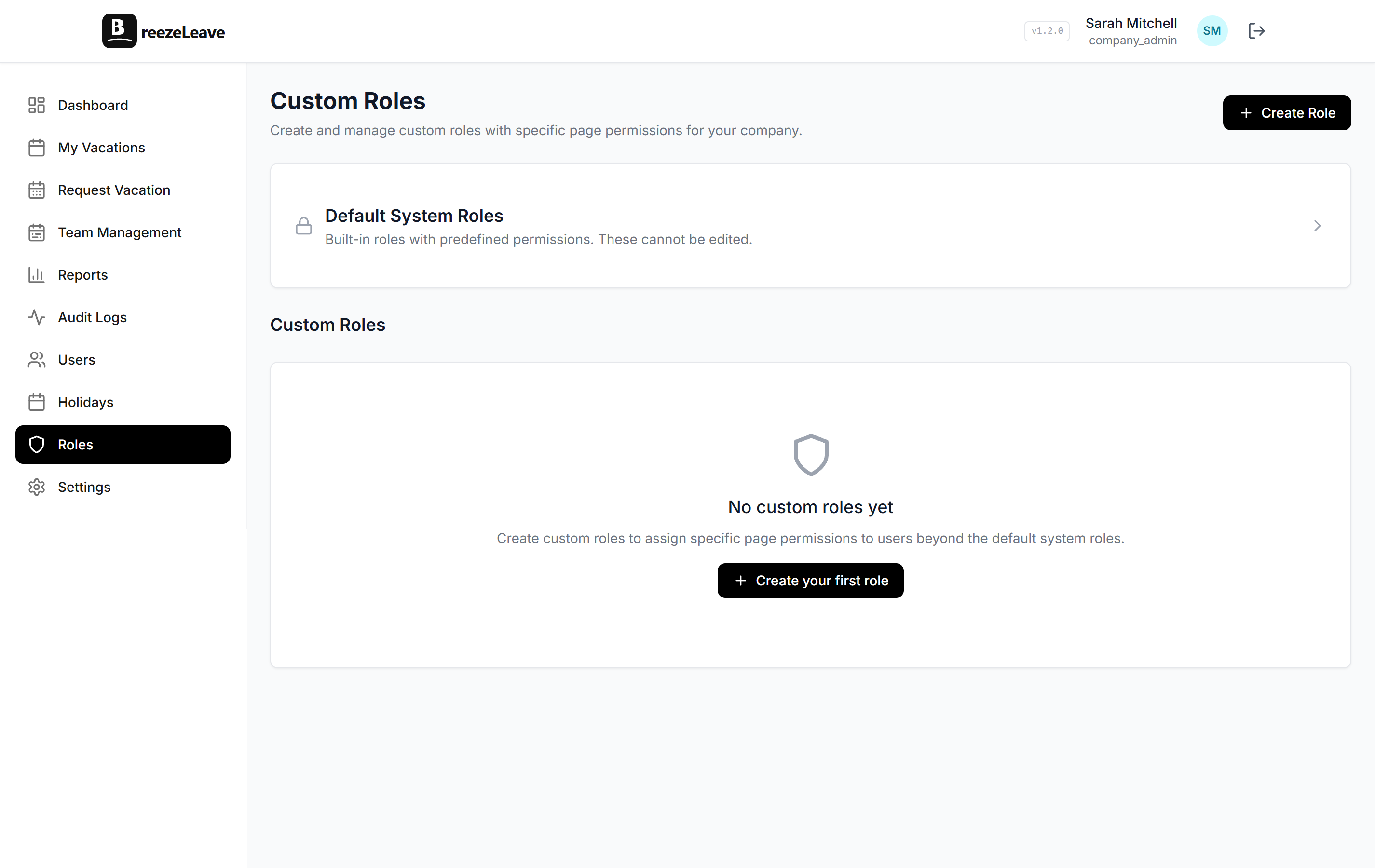
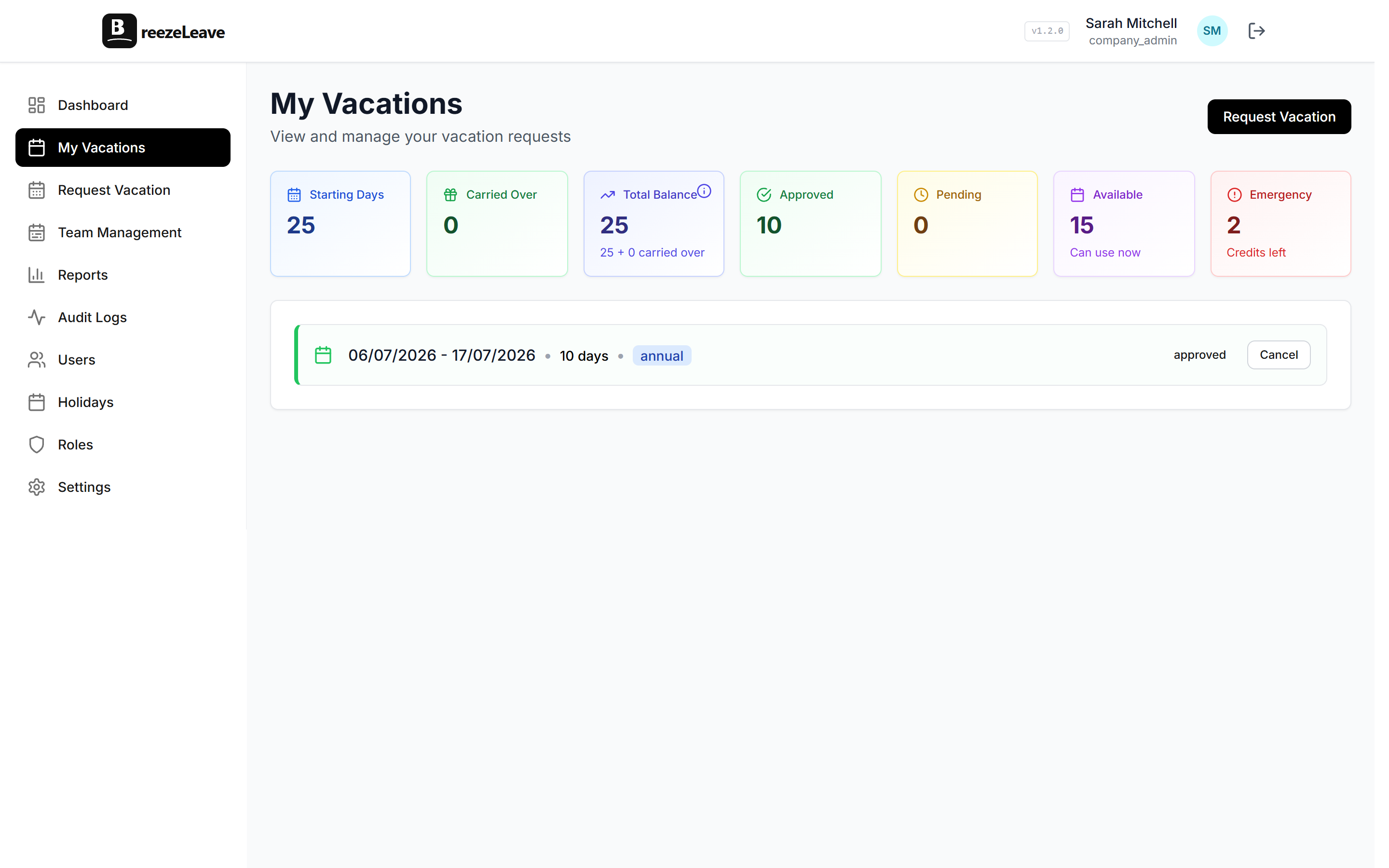
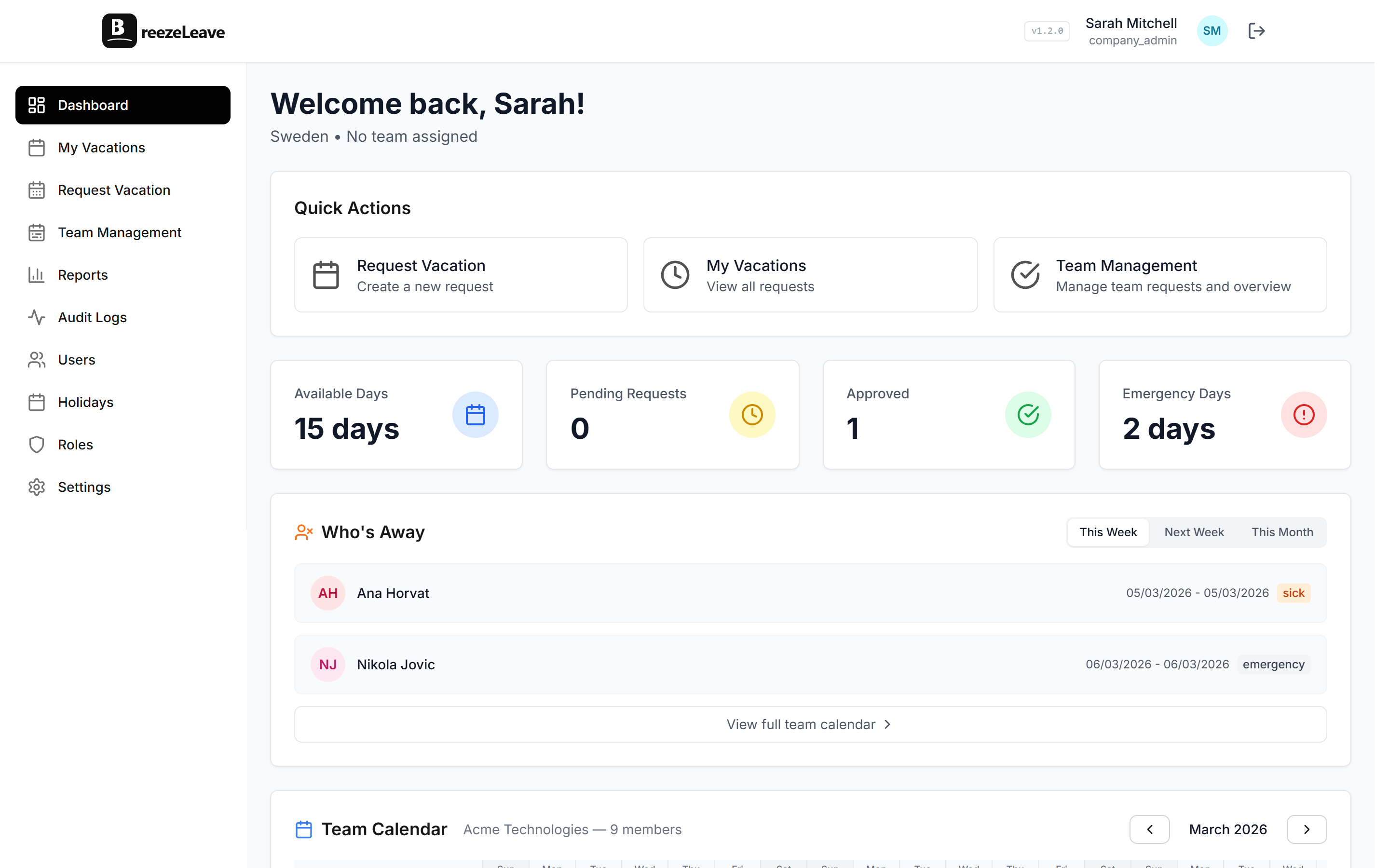
With BreezeLeave, our setup went like this: connect to Slack, invite the team, set up leave types and policies, assign people to their countries. Forty minutes total. People were booking time off the same afternoon. No training needed because it all happens inside Slack, where they already spend their day.
| Setup aspect | Full HR suite | BreezeLeave |
|---|---|---|
| Total setup time | ~12 hours over 2 weeks | ~40 minutes, same day |
| Training required | Yes, scheduled call | No, works inside Slack |
| Time to first booking | 2+ weeks | Same afternoon |
If you are running a small team without an HR department, setup time is not a minor detail. It is the difference between "we will get to this next month" and "it is done, moving on."
When a Full HR Suite Is Actually the Right Call
I do not want to pretend every team should skip traditional HR software. There are clear situations where it earns its price:
- You have 100+ employees and a dedicated HR person (or team) who will use the recruiting, onboarding, and performance tools daily.
- You are hiring aggressively and need an applicant tracking system tied to your employee records.
- You want one platform for the entire employee lifecycle, from application to exit, and you are willing to invest the setup time.
- You need payroll integration in a market your HR platform supports natively.
In those scenarios, the monthly cost is justified. You are using enough of the platform to get real value from it. No argument from me.
Vacation Tracking Without an HR Suite: Who It Is For
If your situation looks more like ours, a simple leave tool is probably the better fit:
- You have between 10 and 80 employees, maybe more, maybe fewer.
- You do not have a full-time HR person. Someone handles leave tracking as one of twenty other responsibilities.
- You are currently using a spreadsheet, a shared calendar, or just asking people in Slack (and sometimes forgetting).
- Your team is in multiple countries with different holiday schedules.
- You want something running this week, not next quarter.
But do not take our word for it. We also compared vacation tracking options for growing teams if you want a broader look at what else is out there.
Our takeaway after switching
We have been using a dedicated leave tool for eight months now. Nobody has asked for more features. Requests get approved, the calendar stays updated, and Slack tells everyone who is out. That is all we needed. If we outgrow it someday and need a full HRIS, we will cross that bridge then.
The Bottom Line for Small Teams Evaluating HR Suites
Full HR platforms are good products built for a specific kind of company: one that has outgrown basic tools across the entire HR function. If that is you, go for it.
If your actual, day-to-day problem is "who is on vacation next week and how do we stop using this spreadsheet," you do not need an HR suite. You need a leave management tool that does one thing well, costs less, and does not require a project plan to set up.
Match the tool to the problem you have today. You can always upgrade later. In our experience, most teams under 80 people never need to.
Browse other comparisons on the BreezeLeave alternatives hub or check current plans on the pricing page.