Self-Hosted Leave Management Implementation Checklist
A step-by-step implementation checklist for self-hosting BreezeLeave. Infrastructure, backups, security, integrations, upgrades, and day-one verification.
A regulated insurance broker with 180 employees has signed an Enterprise contract for self-hosted BreezeLeave. The compliance team approved the choice because employee data has to stay inside an EU jurisdiction the company controls. The IT lead has two weeks to stand the application up before the HR director starts onboarding the first country. The runbook from sales covers the broad shape, but the IT lead wants a single checklist that names every decision and every owner before the first Docker pull. This is that checklist. It assumes Docker familiarity, a deployment target already chosen, and an Enterprise order form in place.
Before you start: deployment decisions
Three decisions shape every later step. Make them before infrastructure work starts so the team is not unwinding choices later.
- VPC versus on-prem. A cloud VPC (AWS, Azure, GCP, OVH) is the common choice. On-prem is the right answer for organizations with an internal compute estate and a security policy that bars external cloud. The application code does not care which one you pick; the difference is everything around the application.
- Region. EU residency is the most frequent driver. Pick the specific region (Frankfurt, Amsterdam, Stockholm, Paris) before the hosting account is provisioned. Cross-region replication, if you need it, also stays inside the EU.
- Single instance versus high-availability. A 200 person company typically starts with a single application instance plus a managed PostgreSQL with point-in-time recovery. Larger deployments run two application instances behind a load balancer and a replicated database. Decide which shape you need before sizing the host.
For background on what ships and what the customer brings, the self-hosted leave management page covers the boundary between vendor responsibility and customer responsibility. Keep that boundary visible while reading the rest of this checklist.
Infrastructure checklist
Provision the underlying stack before pulling the first image. The application starts cleanly only when the supporting services are reachable.
| Item | Owner | Note |
|---|---|---|
| Compute host | Infrastructure lead | 4 vCPU and 8 GB memory is enough for 200 people. Size up for larger deployments. |
| PostgreSQL 14+ | Database lead | Managed instance recommended. Reserve point-in-time recovery and automated snapshots. |
| Redis | Infrastructure lead | Single-node Redis 7 is usually enough. Persistence optional but encouraged. |
| Network and firewall rules | Security lead | Inbound 443 to the application host. Outbound rules for integration endpoints you plan to enable. |
| SSL certificate | Infrastructure lead | Terminate at the load balancer or at a host nginx. Auto-renewal in place before go-live. |
| Secrets management | Security lead | Store JWT secret, database URL, OAuth client secrets in Vault, AWS Secrets Manager, or equivalent. |
| Monitoring agents | SRE lead | Health endpoints scrape into your existing observability platform. |
Walk this list as a kickoff meeting agenda. Each row has an owner, and the owner is accountable for delivering before the application is deployed.
Backup and disaster recovery checklist
The application owns no backup logic. The customer owns all of it. Three items have to be in place before you treat the deployment as production.
- Database backup cadence. Decide whether snapshots run hourly, every six hours, or daily. Most BreezeLeave deployments at 200 people pick six-hour snapshots with point-in-time recovery on top.
- Retention policy. Write it down. Common policies: 30 days of frequent snapshots plus 12 monthly archives. Longer retention if your audit retention policy requires it.
- Restore drill. Before go-live, restore a snapshot to a clone instance and confirm the application boots against it. A backup you have never restored is not a backup.
- Off-site copy. One additional copy stored in a separate region or a separate account, depending on your DR posture.
- Backup of the secrets store. Database backups are pointless if the encryption keys to read them are lost. Confirm the secrets-store backup story before go-live.
Security and compliance checklist
This is the part the compliance team will read closely. Walk it with them before kickoff.
- TLS termination. Confirm the certificate, the cipher suite, and the HSTS policy. Internal-only deployments still terminate TLS; do not skip it just because the host is inside a private network.
- Encryption at rest. Database storage, Redis persistence, and any volume mounts have at-rest encryption enabled. Document the key management approach.
- Bring-your-own-key (if applicable). If your compliance framework requires you to hold the encryption keys, configure the database to use a customer-managed key and document the key rotation cadence.
- Audit log retention. The application stores audit events in PostgreSQL. Decide the retention window and configure a purge job or a forward-to-SIEM job to match. The audit logs page covers the event model.
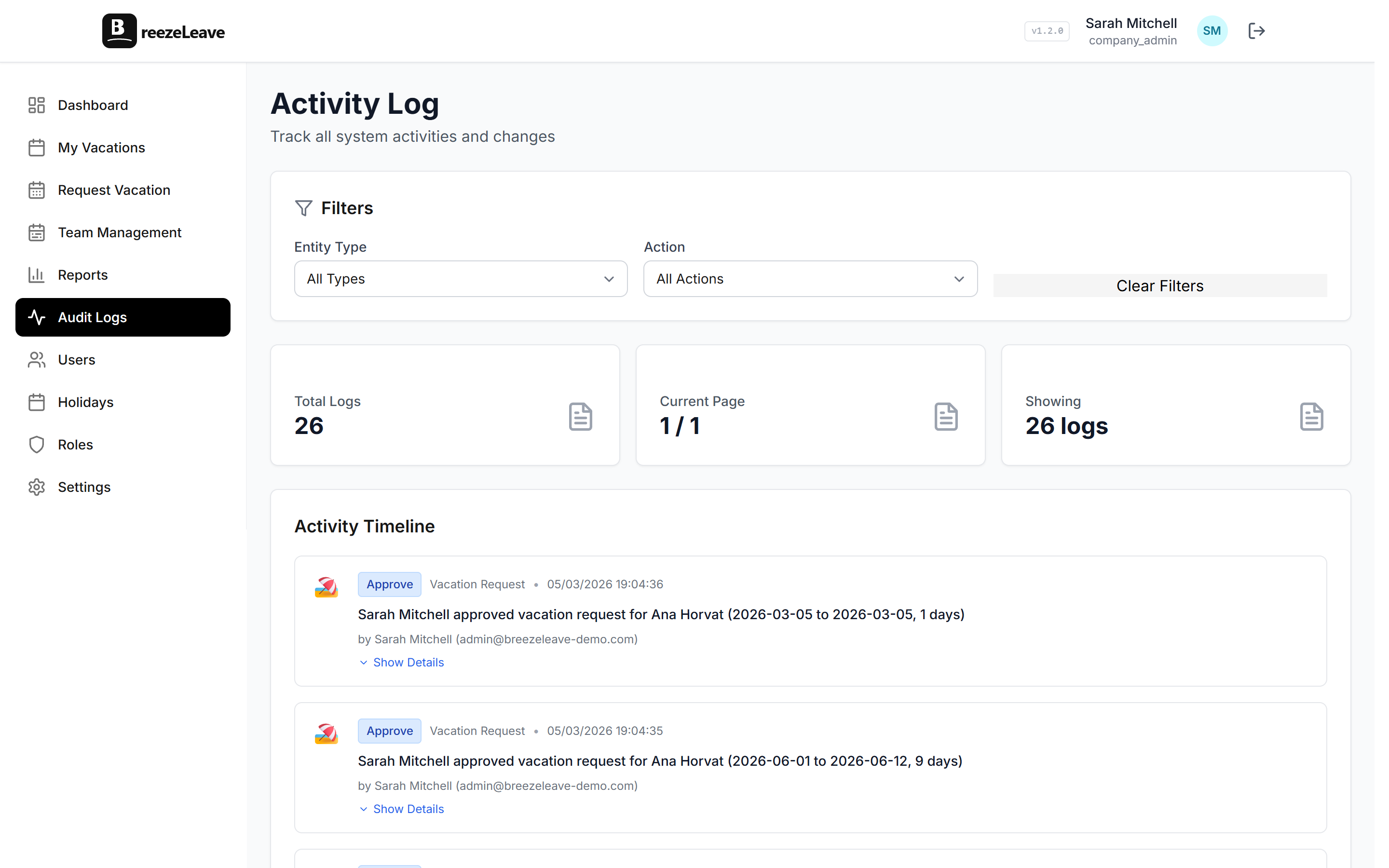
- Role assignments documented. Self-hosted uses the same role system as cloud. Document the initial role assignments (Owner, Admin, HR, Manager, Employee, plus any custom roles) so the access decisions are traceable. The role-based permissions page covers the access model.
- DPA execution. The Data Processing Agreement is signed before any employee data lands in the application. For self-hosted, the DPA is shorter than the cloud DPA because the customer is the processor of their own data; sales walks through the differences.
- Subprocessor list. Self-hosted has no subprocessors for the application itself. Subprocessors apply only for the integration providers you choose to enable (Slack, Google, Microsoft, ClickUp, GetAccept, your SMTP host). Document which ones you have turned on and which ones you have not.
- Penetration test schedule. If your compliance framework requires pentests, build the schedule into the year-one operating plan, not into the kickoff week.
Integration checklist
Integrations are the surface that most often differs between cloud and self-hosted, mainly because of network reachability. Walk each one you plan to enable.
- Slack. Slash commands and approval buttons require Slack to reach your callback URL. Register the OAuth client in your own Slack workspace, populate the environment variables, and verify a test request goes round-trip.
- Microsoft Teams. Adaptive Cards require the Teams service to reach the application. Register the bot in your Azure AD tenant. Inside a fully air-gapped network, Teams approvals will not work; plan for in-app approval instead.
- Google Calendar. Per-user OAuth. The callback URL is your application host. Each user connects their own calendar; the application stores refresh tokens encrypted at rest.
- ClickUp. Workspace-level OAuth plus optional webhooks. If you are running air-gapped, switch from webhook mode to polling mode in the integration settings.
- GetAccept. Webhook-driven. Verify the webhook URL is reachable from GetAccept before testing a signed-document handoff.
- SMTP versus SendGrid. Cloud uses SendGrid by default. Self-hosted swaps to your SMTP host. Populate the SMTP credentials in the environment file, enable email delivery in the company settings, and send a test email before turning on user notifications.
Upgrade and patching checklist
Updates are pull-based, not push-based. The customer decides when to upgrade. Two routines keep the deployment healthy across versions.
- Subscribe to the release notes channel. Each release ships notes with new image tags, migration steps, environment-variable changes, and integration-side changes. Read them before the upgrade window.
- Stage before production. Pull the new images into a staging environment first. Restore a recent production database backup into staging, run the migration script, and walk the regression checklist (a request submit, an approval, a calendar sync, an export). Only then schedule the production cutover.
- Runbook for production upgrades. Document the steps: snapshot the database, pull the new image, run the migration, restart the application, verify health endpoints, walk a short smoke test, and announce the new version in the internal channel.
- OS patching cadence. The host operating system follows your normal patching schedule. The application container does not require a host restart to receive new application versions, only to receive kernel patches.
Day-one checklist
The first day with real users tests assumptions the kickoff cannot test. Cover these before you announce internal availability.
- First admin user. The seeded admin account has been replaced or the seeded password rotated. The Owner role is held by the named billing contact, not by an installer account.
- First company. The company record carries the correct legal name, the operating country list, and the default working week. The implementation checklist walks the full setup if you want a deeper version.
- First employee import. A small batch (10 to 20 people) goes in first to validate the import template. Country codes, start dates, and team assignments are present.
- First notification. A test email arrives in an HR inbox so the SMTP credentials are confirmed live before users start submitting requests.
- First audit-log entry. Confirm the audit log records the early admin actions (employee create, role assignment, settings change). If it does not, the database or the application is misconfigured and needs to be fixed before launch.
When to escalate to Enterprise support
Enterprise self-hosted support is bounded to the application. Escalate when the issue crosses into application behavior the runbook cannot resolve.
- Migration step fails. If the upgrade script errors mid-migration, stop the upgrade, restore the pre-upgrade snapshot, and open a ticket. Do not try to hand-fix the schema; the script is the source of truth for the new shape.
- Integration callback rejected. Slack, Teams, or Google returns a 4xx the application is not expecting. Capture the request and response headers and attach to the ticket.
- Audit log gap. If a known action does not produce an audit entry, that is a compliance issue and gets fast-tracked.
- Performance regression after an upgrade. Capture the slow query, the version pair, and any environment-variable changes between the two versions.
For infrastructure issues that sit below the application boundary (host reachability, database performance, certificate expiry), the customer infrastructure team is the right owner. The Enterprise contact will help triage the line between the two if it is unclear.
The full implementation checklist
- Pick VPC or on-prem, region, and single-instance versus HA shape.
- Provision compute, PostgreSQL, Redis, network rules, and SSL.
- Place secrets in the chosen secrets store.
- Configure database backup cadence, retention, and run a restore drill.
- Confirm encryption at rest, TLS termination, and audit retention.
- Document role assignments and execute the DPA.
- Register OAuth clients for each integration you plan to enable.
- Switch from SendGrid to your SMTP host and verify delivery.
- Pull the agreed image versions and run the migration script against an empty database.
- Start the stack, confirm health endpoints, and walk the first-time admin setup.
- Subscribe to release notes and document the upgrade runbook.
- Walk the day-one checklist before announcing internal availability.
Once these items are signed off, the deployment is ready for HR onboarding. For the commercial side of the conversation, including the Enterprise plan and the deployment option, see the pricing page. For the application-side product overview, head to self-hosted leave management.