PTO Carryover Expiry Checklist for HR Teams
A step-by-step checklist HR teams can use before carried PTO expires: caps, expiry dates, employee comms, and what to reconcile with payroll.

Most HR teams remember the carryover policy only when an employee comes back from a long absence in late February and asks why their balance dropped. By then, the expiry date has already passed, the audit trail is thin, and the conversation turns into a one-off exception instead of a documented decision. The fix is not a new policy. It is a routine check that runs every quarter so caps, expiry windows, and adjustments are confirmed before they bite anyone.
This article walks through the checklist a small HR team can run on their own. It assumes you have already set the carryover rules in BreezeLeave and now need to keep them clean across year-end, the expiry cutoff, and the moment new hires enter their first January.
Before you touch the checklist
Confirm three things first. Without these, the checklist below produces noise.
- The carryover toggle is on. In Company Settings, carryover has to be enabled. If the toggle is off, leftover days simply disappear at year-end and the checklist has nothing to track.
- The cap is realistic. A cap of 5 days is common. A cap of 30 is a balance-sheet liability hiding in plain sight. Pick a number that matches what the finance team can absorb if everyone hits it.
- The expiry date is set. Without an expiry, carried days mix with the new year accrual and nobody can tell which days are about to vanish. Most teams use March 31 or June 30.
For background on the three carryover models and how each one tends to break, see the deeper write-up on vacation carryover rules and expiry dates.
The four checkpoints across the year
Carryover is not a one-time event. It is four checkpoints. Each one has a different owner and a different exit condition.
| Checkpoint | When | Owner | Exit condition |
|---|---|---|---|
| Pre-year-end review | Mid-November | HR admin | Every balance forecast verified, exceptions logged |
| Year-end rollover | First week of January | HR admin + finance | Carried days posted, adjustments approved |
| Mid-window reminder | Six weeks before expiry | HR admin | Employees with carried days notified |
| Expiry reconciliation | Day after expiry | HR admin | Expired days zeroed out, disputes triaged |
The rest of the article goes through each checkpoint in detail.
Checkpoint 1: pre-year-end review
Start six weeks before December 31. Pull the company-wide leave report and filter for employees with more than the carryover cap in remaining days. They are the ones with the most to lose if nothing changes.
- Confirm the carryover cap and expiry date in Company Settings. If either changed during the year, decide whether the new rule applies to the upcoming rollover or only to next year.
- List employees on long-term absence. Parental leave, extended sick leave, and sabbaticals usually need a documented exception. Flag them now.
- List joiners after July 1. A pro-rated balance plus a full carryover cap rarely makes sense for someone who started in October. Decide the rule once, document it, and apply it consistently.
- Forecast the liability. Total leftover days across the company times average day cost gives finance a rough number to expect on the balance sheet.
- Send the first nudge. Anyone above the cap should know they will lose days if they do not request leave before December 31. A one-line internal message is enough.
The goal of this checkpoint is not to chase down every employee. It is to surface the five or ten cases that will turn into disputes if nothing happens.
Checkpoint 2: the year-end rollover
On the first working day of January, BreezeLeave applies the carryover rule automatically. The system caps leftover days at the configured maximum, posts them to the new year balance, and tracks them separately if an expiry date is set. The HR job at this point is not to do the math. It is to verify the math and post the corrections.
Run through this list in the first week of January:
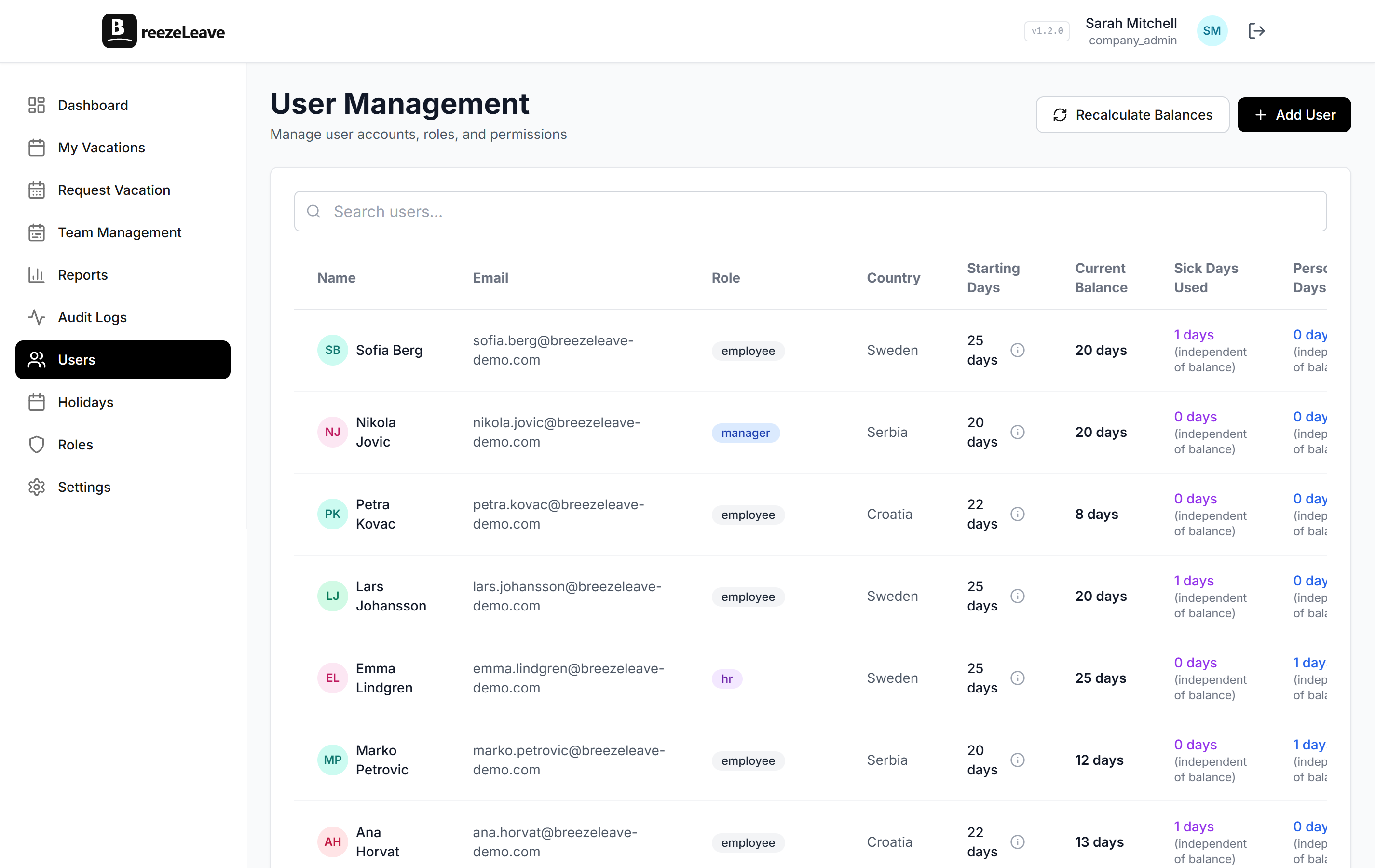
- Pull the rollover report. Compare each employee's December 31 balance to the cap, and confirm the carried days posted match what you expected.
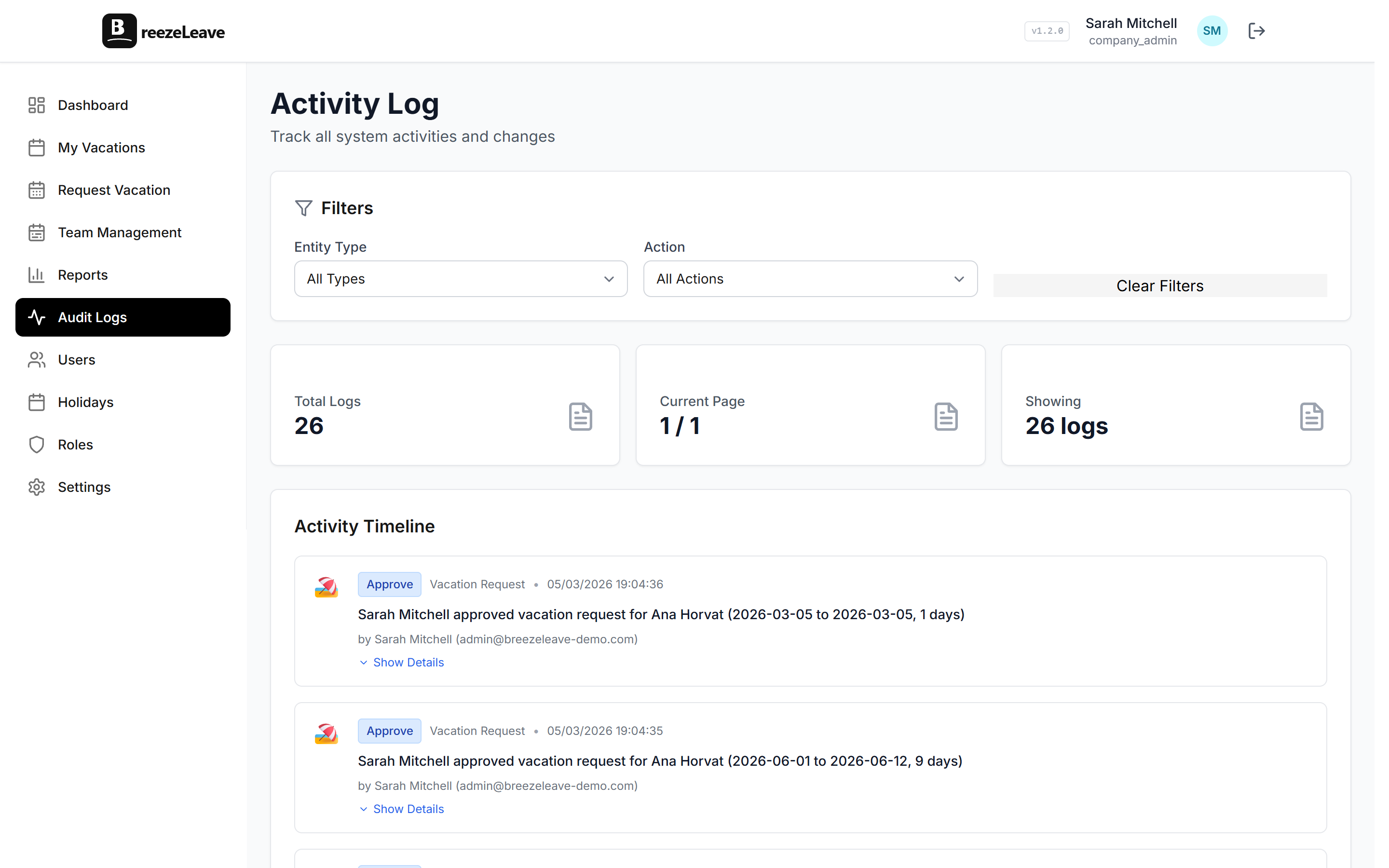
- Apply documented exceptions. If someone was on parental leave and the policy grants extra carryover, use a manual balance adjustment with a clear reason. The audit log will retain the trail.
- Flag near-misses. Employees who came within one day of the cap are worth a personal message. Next year they may benefit from a December reminder.
- Confirm with finance. Send the total carried-day liability to whoever owns the balance sheet. They should not learn about it in March.
- Note the expiry date in shared docs. Put March 31 or whatever the date is in the HR shared calendar so the mid-window reminder does not get missed.
Checkpoint 3: the mid-window reminder
Six weeks before the expiry date, send a targeted reminder. Not a company-wide email. Just the people who still have carried days on the books.
In BreezeLeave, the My Vacations view shows employees their balance broken down by accrual and carried days. They can see what is about to expire. The HR message should reinforce the deadline, name the expiry date, and link to the request form.
Sample reminder text
You have X carried days from last year. They expire on March 31. Submit a request before then or those days are gone. New accrual days from this year are not affected.
Two responses tend to come back. The first is "I forgot, scheduling something this week." The second is "I cannot take the time because of the project I am on." That second case is the more interesting one. It usually points at a coverage problem, not a carryover problem. Flag it to the team lead and decide whether the policy needs a one-time exception or whether the coverage plan needs work. The blog on team vacation conflicts covers the coverage side of this conversation.
Checkpoint 4: expiry day reconciliation
On the day after the expiry date, the system removes any unused carried days. Run a final pass:
- Pull the expired-days report. Save a copy somewhere durable. If a dispute arrives in May, the export is the evidence.
- Triage exceptions. Anyone on extended absence at the moment of expiry should be reviewed. In several EU countries, statutory carryover cannot be removed if the employer did not actively give the employee a chance to use the days.
- Restore days where the policy requires it. Use a manual adjustment with a clear reason. Do not rely on memory. The audit log is the only record that survives staff turnover.
- Send finance the cleanup figure. Total expired days times day cost. That number is the reduction in the leave liability the previous January posted.
For the audit story end-to-end, see how audit logs handle leave management changes. Every adjustment, every approval, and every rule change has a row, which is what makes a dispute conversation in May actually resolvable.
When to escalate to a policy change
If the same exceptions keep coming up, the policy is the problem, not the people. Two signals point at this:
- More than 10 percent of employees hit the cap two years in a row. The cap may be too low for the way leave actually gets taken.
- More than three quarters of carried days expire unused. The expiry date may be too early, or the team lead culture may be discouraging Q1 leave.
Both signals are quiet. They will not show up in a complaint email. They show up only because the checklist forces HR to look at the same numbers twice.
A note on EU statutory days
In several EU jurisdictions, statutory annual leave cannot legally expire unless the employer documented that the employee was offered the chance to take the days. The checklist above is operational, not legal advice. If your team operates across multiple EU countries, take the cap and expiry decisions to local counsel before applying them to statutory days. Supplementary days above the statutory minimum carry more flexibility.
For a sense of how multi-country carryover plays out in practice, the post on managing PTO across countries is a starting point.
Quick reference: the full checklist
- Confirm carryover toggle, cap, and expiry date in Company Settings.
- Pull the company-wide balance report six weeks before year-end.
- List long-term absences and late-year joiners. Document exceptions.
- Send the first nudge to employees above the cap.
- Verify the rollover report in the first week of January.
- Apply manual adjustments where policy requires them.
- Send finance the carryover liability figure.
- Send a targeted reminder six weeks before the expiry date.
- Triage coverage issues that block expiry-driven requests.
- Run the expiry-day reconciliation and save the report.
- Review the year's exception patterns before the next pre-year-end review.
Most of this is system work the rules engine handles. The HR job is verifying the math and naming the exceptions before they become disputes. Once the rule is configured, BreezeLeave does the rest. To build the rule itself, jump into the rules engine and set caps, accruals, and expiries in one place.