Project Document Management for Client Work
How agencies can keep client, project, and milestone documents connected to delivery with public share links, thumbnails, and view or download tracking.
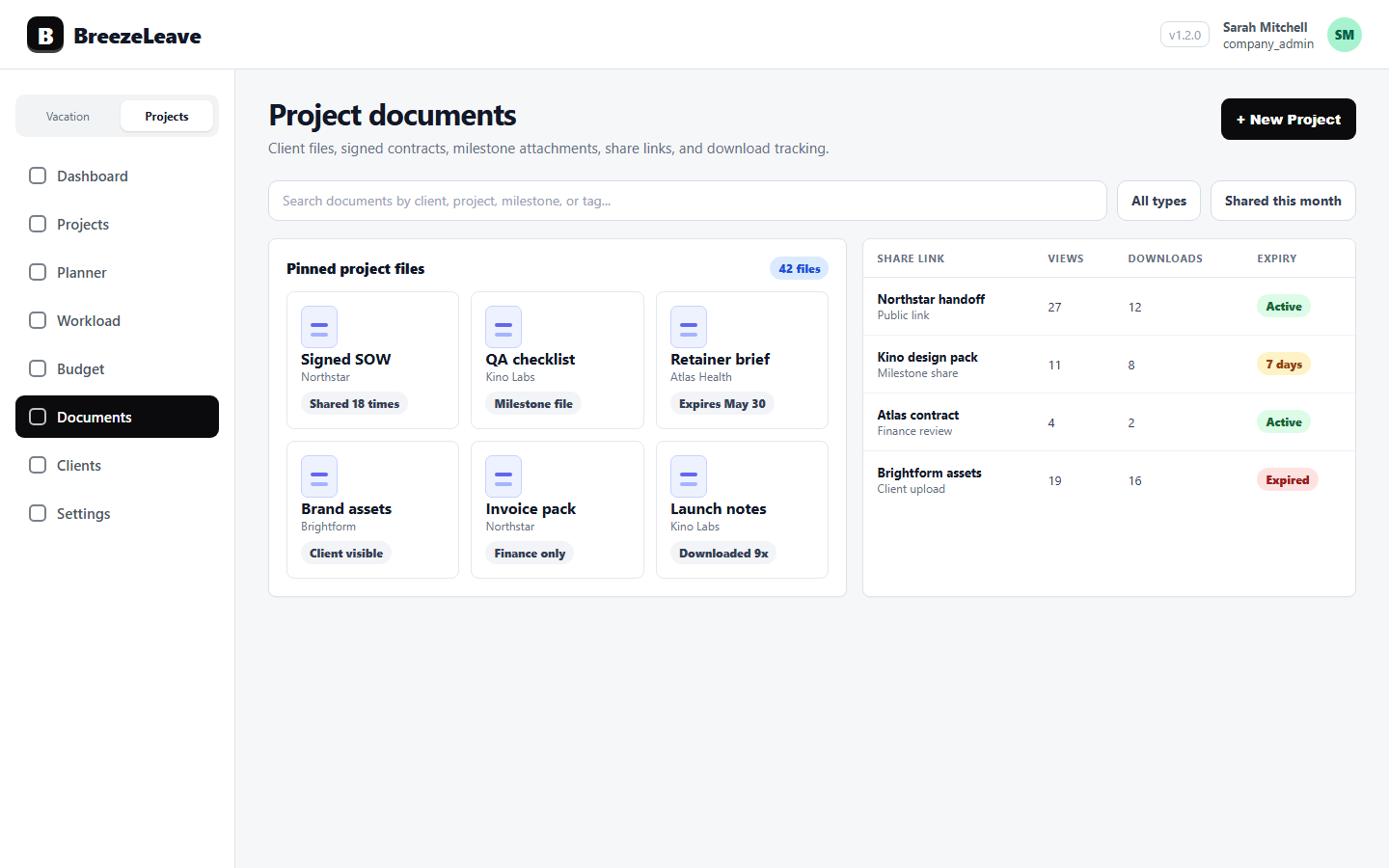
Project document management becomes painful when files live outside the client and project records they support. A signed agreement is in one place, milestone assets are in another, and a project manager has to search chat history to understand which document the client actually opened.
BreezeLeave supports document management around the delivery structure agencies already use: clients, projects, and milestones. Files can stay attached to the work, with public share links, thumbnails, and view or download tracking for cleaner client collaboration.
1. Store documents where the work happens
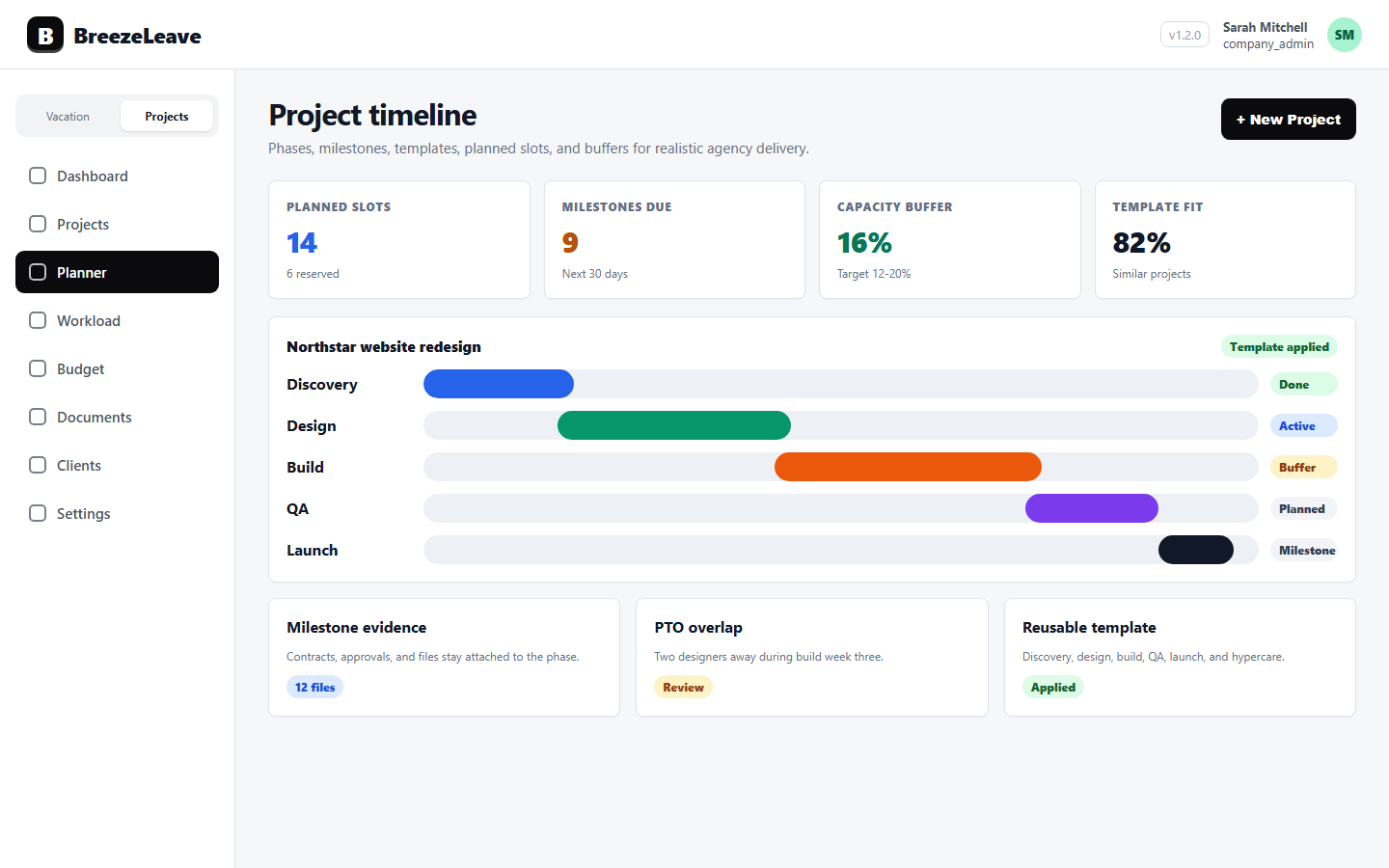
Client work needs more than one generic file list. Agencies often need documents attached to the client, the project, and the milestone. That makes scope files, signed agreements, handoff notes, milestone attachments, and delivery references easier to find during review.
The product entry point is project document management, and the surrounding account structure lives in client project management.
2. Use public share links without losing visibility
Client collaboration often requires sharing a document outside the internal workspace. Public share links make that possible while keeping the document anchored to the relevant client, project, or milestone record.
View and download tracking turn sharing into an operating signal. Instead of guessing whether a client has opened a file, the team can see engagement with the document and follow up with better context.
3. Make documents easier to scan
Thumbnails help teams recognize files quickly during project review. That matters when a project has multiple milestone assets, delivery files, signed documents, and client-facing references.
The goal is not to turn document management into a separate process. The goal is to keep the right file visible next to the client, project, milestone, and delivery conversation it supports.
4. Connect documents to handoff and capacity
Documents are part of project operations. A signed GetAccept agreement can create or update the client and project record. A milestone attachment can support delivery review. A public share link can show whether a client has engaged with a file before a follow-up call.
For the handoff workflow, see GetAccept project handoff. For the planning layer around the same work, continue with project capacity planning and project capacity planning for agencies.
Related articles
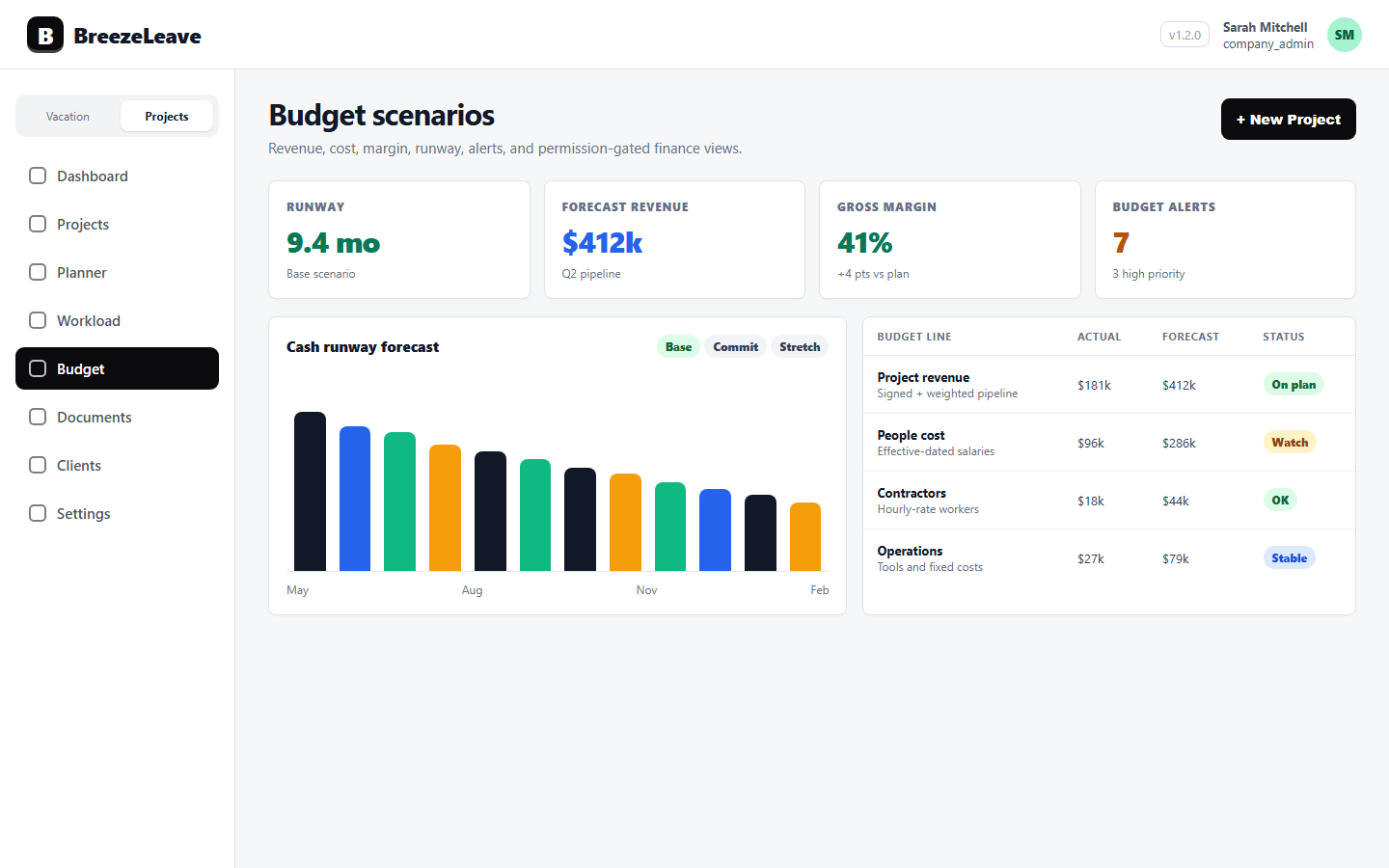
Agency Budget Reviews: Categories, Scenarios, Cash Runway, Alerts, and Headcount
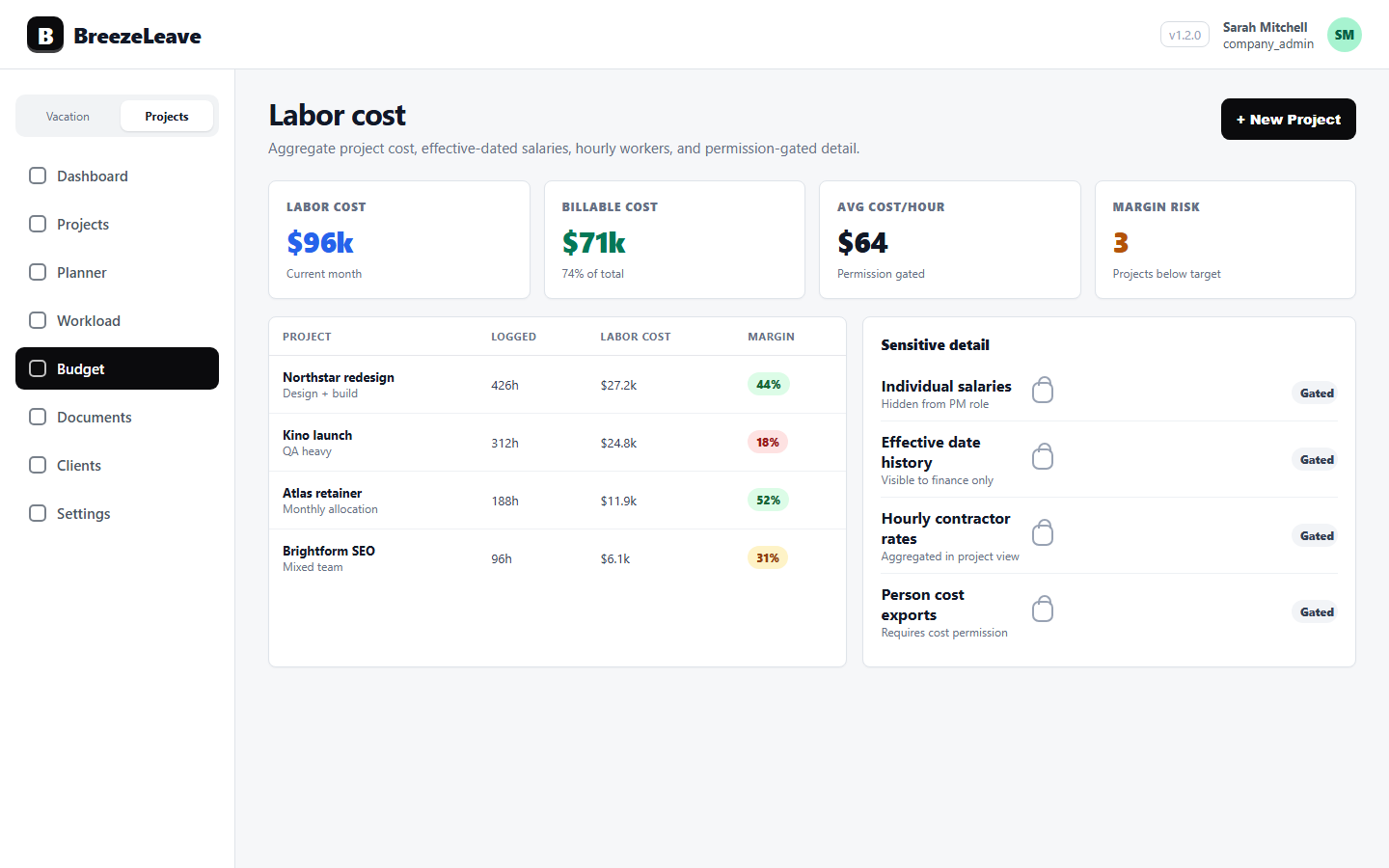
Labor Cost Tracking for Agencies Without Exposing Everyone's Salary