
Project Capacity Planning Template for Agencies
A reusable capacity planning template for agency delivery leads: PTO-aware availability, role demand, planned slots, holidays, and logged-hour reality checks.
It is Monday morning. The agency owner has just signed a four-month engagement that needs a senior designer, a strategist, and two developers, starting in three weeks. The delivery lead is staring at a whiteboard, a Google Sheet of approved vacation, a ClickUp workspace with last week's logged hours, and a retainer that has been quietly eating the same designer for six months. The honest question is not "do we have people?" It is "do we have these specific people in those specific weeks, after PTO, public holidays, retainer commitments, and the work already in flight?" Most agencies cannot answer that in one view. This article gives delivery leads a capacity planning template they can reuse for every new pitch.
The template lives in BreezeLeave because the inputs (PTO, multi-country holidays, role demand, FTE, planned slots, and logged hours) already live there. The point of the template is not to add another spreadsheet. The point is to answer staffing questions before a delivery date becomes a client promise.
What the template needs to answer
Before filling in columns, agree on the questions the template has to answer. If the template cannot answer these for a 12-week window, it is not finished:
- Which named people are available, and for how many hours per week?
- Which roles are short, and by how much?
- Where do PTO requests, sick leave, and public holidays land?
- Which retainers and active projects already claim those hours?
- What is the gap between planned hours and recently logged hours?
- What is the latest start date the agency can commit to without overbooking?
Anything that does not feed one of those answers is decoration. The template stays small on purpose.
The template, column by column
The reusable shape below covers a 12-week horizon for a single delivery pod. Copy it once per pod or per practice area. Each row is a person; each weekly column is the net available hours after PTO, holidays, retainers, and active project commitments.
| Column | What it stores | Source |
|---|---|---|
| Person | Named individual or freelance slot | Team roster |
| Role | Strategist, designer, developer, QA, PM | Resource plan |
| FTE | 1.0 full time, 0.6 part time, 0.5 freelance | Employment contract |
| Country | Drives the public holiday calendar | Employee record |
| Base weekly hours | FTE multiplied by team working week | Calculated |
| PTO deduction | Approved vacation and sick leave | BreezeLeave PTO |
| Holiday deduction | Public holidays for that country | Holiday calendar |
| Retainer load | Monthly retainer allocation in hours | Client allocations |
| Active project load | Hours already claimed by active work | Planned slots |
| Net available | Base minus PTO, holidays, retainer, active | Calculated |
| Logged-hour delta | Last 4 weeks: planned hours minus logged | ClickUp time entries |
The last row is the one that surprises agencies. Net available looks healthy on paper, but the logged-hour delta tells the delivery lead whether the same person has been quietly under-logging for a month. A designer with eight free hours a week and a recurring four-hour delta is not really free.
How BreezeLeave fills the template
The template is reusable because each column maps to a system of record, not a person remembering things in a meeting. The mapping below is the version a delivery lead can defend to finance.
| Template column | BreezeLeave area | Refresh cadence |
|---|---|---|
| PTO deduction | Approved leave on the team calendar | Live, on approval |
| Holiday deduction | Multi-country holiday calendar per employee | Annual, plus custom dates |
| FTE and role | Resource planning, employment data | On contract change |
| Retainer load | Retainer allocations under client and project | Monthly, before kickoff |
| Active project load | Planned slots in the project planner | Weekly review |
| Logged-hour delta | ClickUp logged hours, expected vs logged | Weekly hygiene pass |
Once the template is wired this way, the only thing the delivery lead adds by hand is the new pitch: which roles, how many hours per week, and which weeks. The system answers whether the agency can say yes.
Mapping every column to a system of record has a second benefit. The template stops being one person's view. The delivery lead, the resource manager, and the agency owner all read the same numbers, from the same sources, on the same Monday. Debates shrink from "is the team busy?" to "is this specific row right?" That is the argument the agency wants to be having.
Where most agency templates break
A capacity template fails in predictable ways. None of them are dramatic, and all of them are fixable.
- PTO is read once, not refreshed. The template captures vacation on day one and never updates when new requests are approved. The fix is to point the PTO column at the live team calendar.
- One country, many holiday calendars. A pod with people in three countries cannot share a single national holiday list. Each person needs the right country.
- Retainers are invisible. Recurring work is the most common cause of "we thought she was free." Retainer hours need their own column.
- FTE is treated as 1.0 for everyone. Freelancers, part-timers, and shared specialists need their actual FTE, or the template overstates availability.
- Logged hours are reviewed monthly. By the time the month closes, the under-logging has already shaped two staffing decisions. Weekly is the minimum cadence.
- Planned slots are not a separate row. If active project hours are mixed into "general capacity," the lead cannot see which specific projects are crowding the new pitch.
The shared cause is treating capacity as a snapshot instead of an operating view. The template is meant to be opened on Monday morning, every Monday, not built once and forgotten.
A worked example: a four-month engagement
Take the Monday morning pitch from the opening. The agency owner is evaluating a four-month engagement that needs a senior designer (20 hours per week), a strategist (8 hours per week), and two developers (30 hours per week each), starting in three weeks. The delivery lead opens the template for the design pod.
The senior designer has an FTE of 1.0 and a base of 40 hours. She already carries a 16-hour monthly retainer (about 4 hours per week) and 12 hours per week on an active brand project. In week five she has approved PTO for three days. The country column shows two public holidays inside the engagement window. Her net available, before the new pitch, is roughly 20 hours per week, dipping to 8 hours in week five. The pitch needs 20. The template says yes, but barely, and only if week five is a soft start.
The strategist looks easy at 8 hours, but his logged-hour delta has been minus six hours per week for the last four weeks. He is either under-logging or overcommitted on something the template does not see. The delivery lead opens logged-hours hygiene before promising the strategist. This is the value of the template: not that it says no, but that it says "ask one more question."
How this connects to the planner
A capacity template is a thinking tool. A planned slot is the commitment. Once the template shows the engagement fits, the next step is to move the project from unplanned intake into a planned slot with named people. Anything that stays in the template but never becomes a slot is a deal the agency has not actually committed to.
For the planner side of this, see the planned slots workflow and the project capacity planning page for the underlying product flow.
Assumptions worth writing down
Capacity numbers travel. The pitch deck reuses them, finance plans cash around them, and clients hear them inside delivery dates. State the assumptions next to the template so a future reader knows what to challenge:
- Working week length per country (for example 40 hours, 38 hours, or 37.5 hours).
- Whether sick leave is treated as fully unavailable or partially deductible.
- Retainer hours that are recognized monthly versus weekly.
- Buffer applied per role (for example 10 percent for client meetings and internal reviews).
- Whether freelancer FTE includes a fixed minimum guarantee.
Without these notes, the template silently shifts meaning every time someone new opens it. With them, the delivery lead can defend the answer to the agency owner and to the client.
From template to weekly review
The template earns its place when it is part of a Monday rhythm: the delivery lead refreshes PTO, holidays, retainer hours, planned slots, and the logged-hour delta. New pitches are tested against the refreshed numbers, and any commit that needs a stretch is flagged before it becomes a client date.
Want to put this template into a live capacity view that already knows about PTO, holidays, retainers, and logged hours? Plan capacity around PTO, holidays, and logged hours in BreezeLeave.
Related articles
Project Capacity Planning for Agencies: Connecting PTO, Workload, and Budget
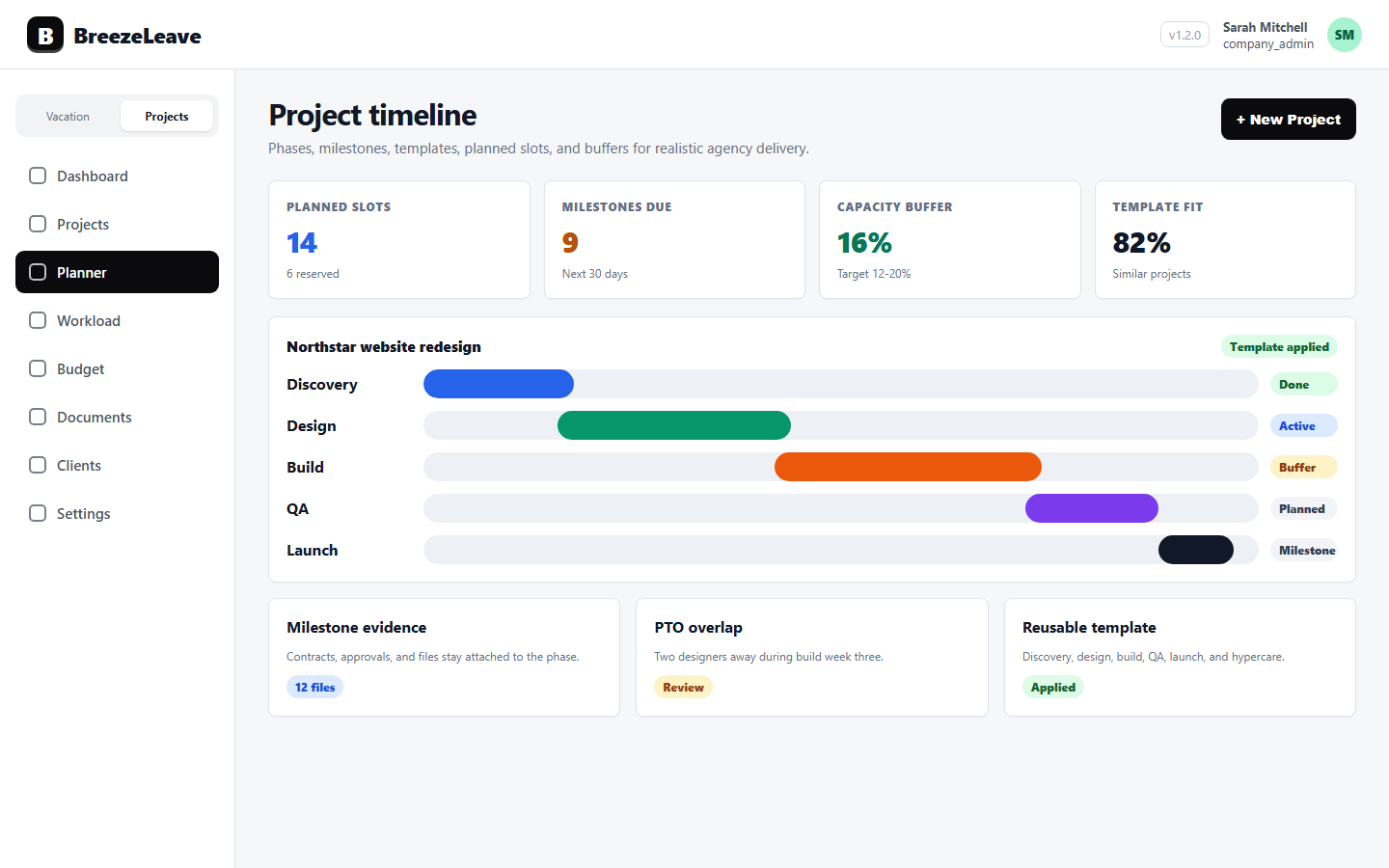
Project Planner for Agencies: Planned Slots, Unplanned Work, and Capacity