Probation Leave Policy Guide for New Hires
An HR admin's view on writing a probation leave policy: which leave types are restricted, how to handle pre-booked trips, and how to enforce the rule in BreezeLeave from the hire date.
Reviewed: 2026-05-13. This article covers the operational side of a probation leave policy. It is not legal advice. Verify statutory requirements with local counsel before applying the policy to specific contracts.
A new joiner accepts an offer on Tuesday. On Wednesday they ask the hiring manager about a long weekend trip booked four months ago. The hiring manager pings HR. The HR admin opens the offer letter, finds a generic "three-month probation period" clause, and now has to decide whether the trip counts as a planned exception, a policy breach, or something the company simply did not anticipate. The hire is also reading the company's response carefully. This is their first signal about how rules are applied.
This article is for the HR admin or hiring manager who wants the probation leave policy to be clear before the first cohort of hires uses it. The framing is operational: what to write in the offer letter, what to configure in BreezeLeave, and how to handle the trips, weddings, and medical appointments that arrive in the first ninety days.
What a probation leave policy is for
A probation period gives both sides time to confirm the fit. The leave policy during probation answers a more specific question: what kind of paid absence is reasonable while the new joiner is still settling in. Three things tend to be in scope:
- Annual leave. The question is usually whether to allow planned vacation during probation, and if so, how much.
- Personal leave. Appointments and personal time. Usually allowed in small amounts so the hire is not stuck on day-to-day logistics.
- Pre-booked trips. The trip that was disclosed during the interview and accepted as part of the offer. Almost always honoured, but the mechanism matters.
Three things should not be in scope: sick leave, emergency leave, and bereavement leave. Those are exempt from probation lockouts in most countries. Local counsel should confirm the rule for each operating country.
Hard block, soft block, or pre-approval
BreezeLeave supports three patterns for probation periods. The choice is a policy decision that should be made once and documented in the offer letter.
| Pattern | Behaviour | Best fit |
|---|---|---|
| Hard block | Annual and personal leave requests refused until probation ends. | Roles that need an uninterrupted onboarding window. |
| Soft block (require approval) | Auto-approval disabled; every request flows to the chain with a probation flag. | Companies that allow pre-booked trips and case-by-case exceptions. |
| Pre-approval at hire | Disclosed trips logged as adjustments before day one; rest of probation hard-blocked. | Mid-senior hires with disclosed conflicts. |
The pre-approval pattern works well in practice. The hire's disclosed trips are logged as approved leave on the user record before they start. The probation rule is set to hard block. The system enforces the rule, the disclosed trip is already approved, and nobody has to make a judgment call in week one.
For a deeper read on the configuration mechanics, the probation period lockouts article walks through the rule behaviour and the form messaging.
What to put in the offer letter
A clear offer-letter paragraph removes most of the awkward conversations later. A workable shape:
Your probation period is X months from your start date. During this period, planned annual leave is paused. Sick, emergency, and bereavement leave are not affected and follow the company's standard policies. Any pre-arranged trips or events you disclosed before signing will be honoured and recorded as approved leave from day one. If a situation arises during probation that requires leave, contact HR and your line manager.
Two details to keep consistent: the same probation length as appears on the contract, and the same exemptions as the rule in BreezeLeave. A mismatch between the offer letter and the system creates exactly the surprise the policy is meant to prevent.
How accrual interacts with the lockout
The lockout restricts when leave can be used, not whether it accrues. Most countries require the company to continue accruing leave during probation, so the balance grows normally and is ready to use the day the probation ends.
The seniority accrual article covers how the accrual model layers with probation. Two combinations worth checking:
- Monthly accrual. A new joiner on a 90-day probation typically walks out of probation with about 5 to 6 days available, depending on the annual entitlement.
- Annual entitlement at year start. If the entitlement lands on January 1 and the hire date is in November, the hire has the full year's allocation available the day probation ends. The policy may want to address how much of that allocation can be used in the remaining year.
What the new joiner sees in the request form
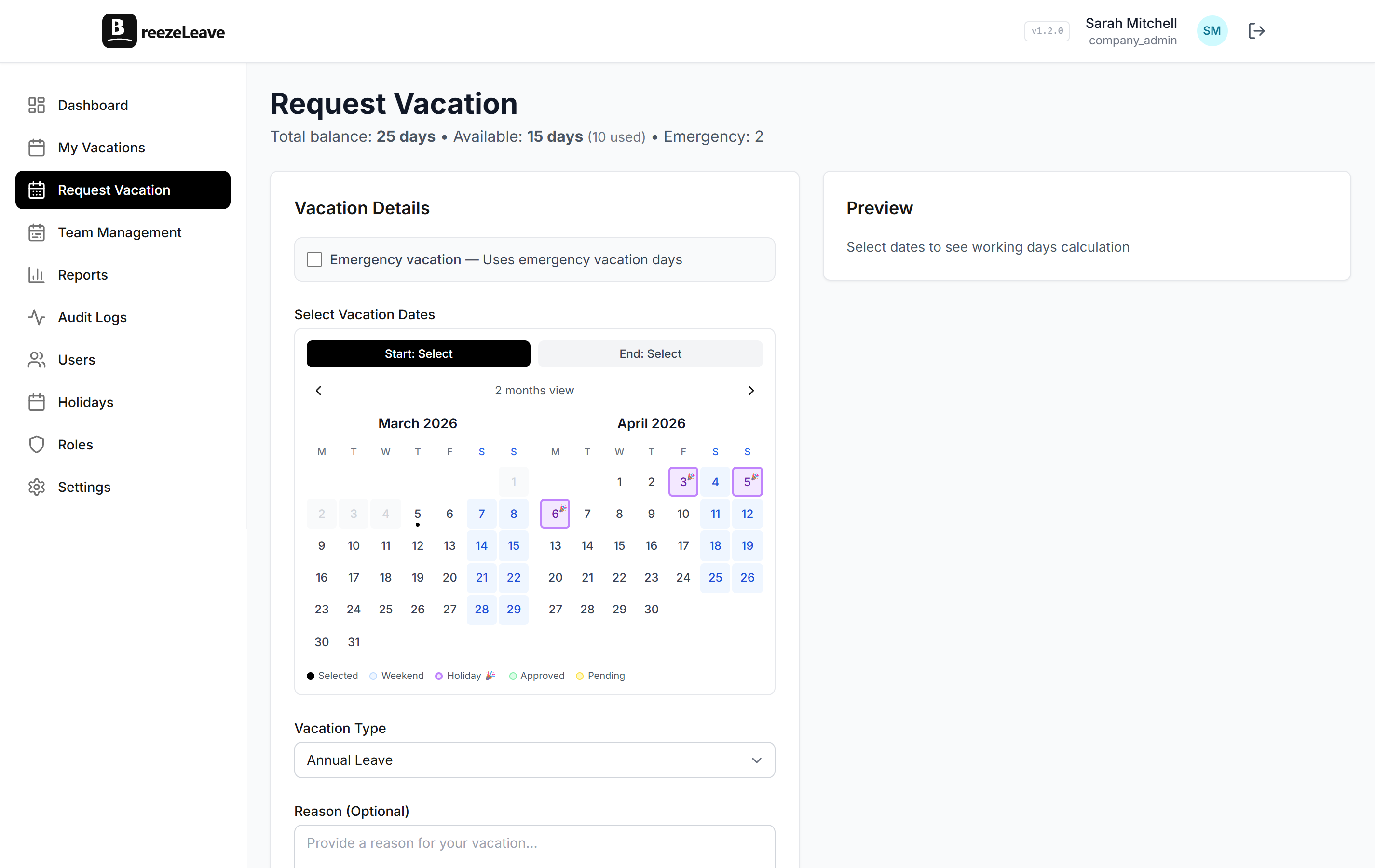
Clear messaging at the point of submission removes the awkward rejection that often follows a manual decline. With the hard block configured, a probation employee opening the request form sees a message instead of an empty date picker.
With the soft block, the form accepts the request and shows a banner explaining the probation flag. The line manager reviews the request with full context.
Common exception patterns
Every probation policy needs an answer for these:
- Pre-booked summer holiday. Disclosed during the interview. Log as an adjustment on the user record before day one.
- Wedding in the family. Often disclosed late. Handle through the soft block or the HR appeal path.
- Religious holiday observance. Recurring and important. Many companies carve these out of probation rules explicitly.
- Childcare arrangement gaps. Schools and nurseries do not align with hire dates. A small allocation of personal leave during probation usually solves this.
The vacation adjustments article covers the mechanics of logging disclosed exceptions as approved leave from day one.
Local employment law notes
Probation is a policy area where local rules vary. The patterns below come up often enough to flag before turning the rule on. Local counsel confirms what applies:
- The maximum permitted probation length. Several EU countries cap it at three or six months depending on the role.
- Whether statutory leave days can be blocked during probation, or only blocked subject to the right to use accrued leave on request.
- Whether the offer letter must explicitly state the probation lockout for it to apply.
- The required notice and documentation if probation is extended or ended early.
BreezeLeave records the probation length, the mode, the hire date, the probation end date, and every request that was blocked or flagged during probation. That audit trail is the evidence the policy was applied consistently if questions come up later.
Configure probation leave rules in BreezeLeave
The rule lives under the rules engine. To enable it:
- Open Settings and find the Probation section in the rules engine.
- Set the probation length in days or months to match the contract template.
- Choose the mode (hard block, soft block, or pre-approval).
- Confirm sick, emergency, and bereavement leave are exempt.
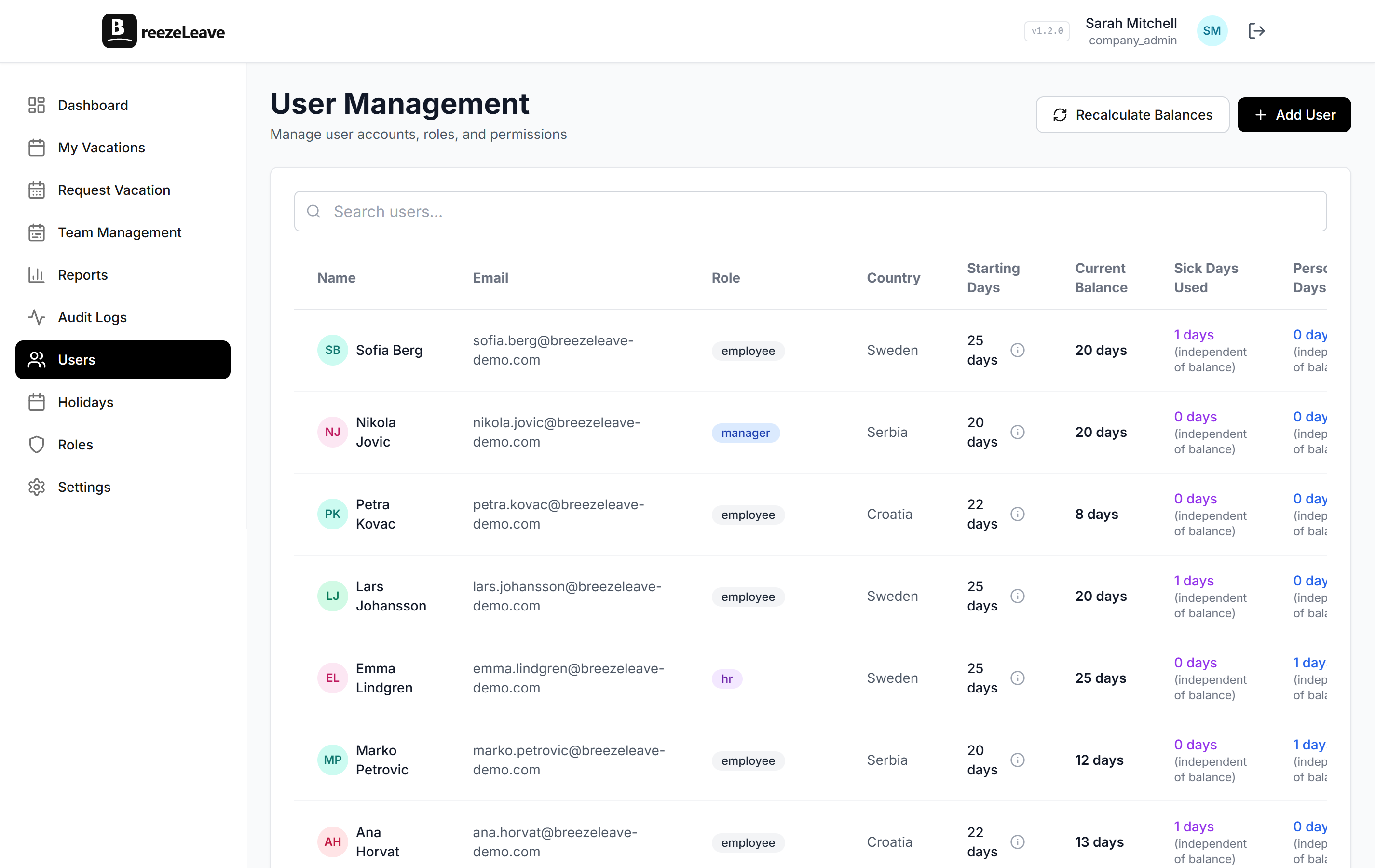
- Save. The rule reads each user's hire date and lifts automatically when probation ends.
Build approval and accrual rules in BreezeLeave by opening the rules engine settings and configuring the probation rule alongside auto-approval and advance notice. The probation period lockout use case page shows side-by-side configurations for common probation lengths and modes.