Planned Slots and Unplanned Work Guide
A planning reference for agency delivery leads: how to use planned slots for committed project work, how to size unplanned work, and how to keep both honest against PTO and logged hours.
It is 09:15 on a Monday. The delivery lead is staring at the planner. A senior designer's column shows 38 hours of planned work for the week. By Thursday she will have logged 41 hours. Three of those went to a sponsor's last-minute request that nobody booked on the calendar. By Friday she will be at 46 hours. The lead will call it a busy week and move on. Two months from now the senior designer will quietly burn out, and the post-mortem will say "we had no idea." The signal was on the planner the whole time. The agency was looking at planned hours and ignoring the rest.
Planned slots are the work the delivery lead has explicitly scheduled for a person on a project. Unplanned work is everything else that consumes their week. Both are real. Both belong on the planner. This article is a reference for delivery leads who want to keep both honest, in a tool that already knows about PTO, public holidays, and logged hours.
What planned slots are
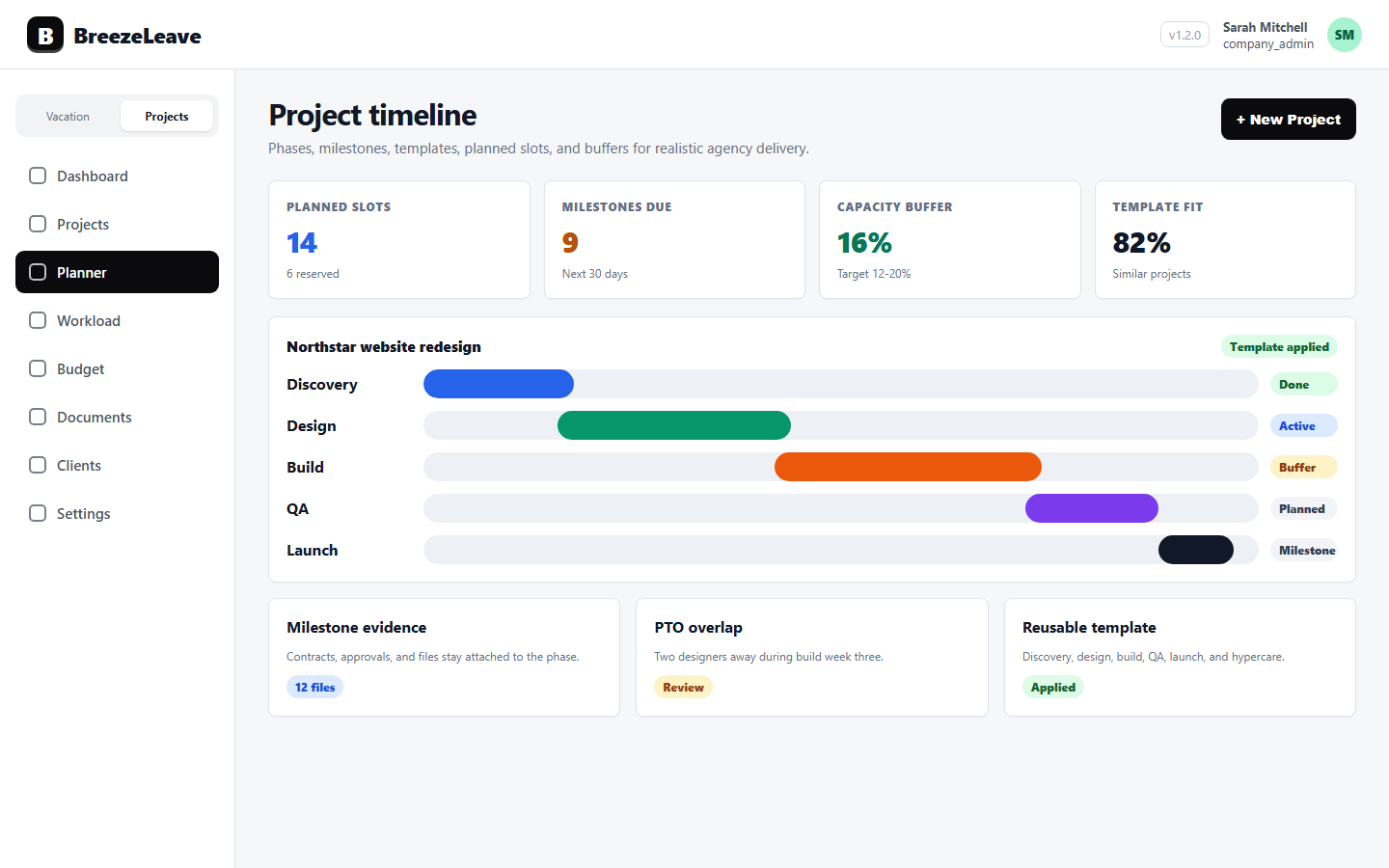
A planned slot in BreezeLeave is an explicit time block reserved for a named person on a specific project. It has a start, an end, an hours figure per week, and a project association. The planner UI shows planned slots alongside availability so the delivery lead can see, week by week, whether a person is fully booked, partly committed, or free.
Planned slots are not estimates of total work. They are commitments. A 20-hour weekly slot on a brand engagement means the agency has agreed that person spends 20 hours on that work every week of the engagement. The slot is what shows up in capacity views and what the team budgets time against.
Treating planned slots as commitments instead of guesses changes what the planner is for. It stops being a wish list. It becomes an honest record of what the agency has actually promised, person by person.
What unplanned work is
Unplanned work is everything that consumes a person's capacity but is not on a project slot. It includes sponsor questions, ad-hoc revisions, internal meetings, recruitment interviews, triage on a different project, knowledge sharing, training, and the unfamiliar bug that always shows up in week eight.
Most agencies treat unplanned work as invisible. The hours get logged, sometimes, or absorbed into "general" buckets. The planner shows 38 hours of planned work; the timesheet shows 46 hours of logged time. The eight-hour gap is unplanned work, and nobody owns it.
Planning for unplanned work does not mean predicting every sponsor question. It means reserving a realistic block of capacity every week for the predictable surprises. A senior designer's week is rarely 100 percent project work. Pretending otherwise is the most common cause of late delivery and burnout on the same person.
Three categories of unplanned work
Naming the categories makes the conversation about unplanned work easier. Three buckets cover most agency weeks.
| Category | Examples | Typical share of week |
|---|---|---|
| Client overflow | Sponsor questions, ad-hoc revisions, urgent fixes | 5 to 10 percent |
| Internal operations | Team meetings, retros, recruitment, internal reviews | 5 to 10 percent |
| Maintenance and triage | Bug triage on past projects, infrastructure questions, cross-project help | 2 to 5 percent |
Added up, unplanned work is 12 to 25 percent of a normal week for a senior agency team member. A 40-hour week leaves 30 to 35 hours of project work, not 40. The planner needs to reflect that.
Plan slots against realistic capacity, not full FTE
The simplest planning mistake is to fill 40 hours of weekly capacity with 40 hours of planned slots. The math looks clean and the engagement runs late. The senior designer worked 46 hours all week, the project still slipped, and the delivery lead cannot explain why.
Realistic capacity for a 40-hour week is closer to 30 to 34 hours of project slots. The rest is reserved for the three unplanned categories above. PTO and public holidays come out of capacity before slots are planned, not as an afterthought. BreezeLeave does this math live: approved leave on the team calendar reduces the net available capacity for the planner, so the planned slot view never silently overcommits a week with PTO inside it.
For the underlying capacity model, see project capacity planning. The team-level rollup, where slot overspend becomes visible by person and pod, lives on the workload capacity planning page.
A worked example: the 38-hour week
Take the senior designer from the opening. She has an FTE of 1.0 and a 40-hour base week. The delivery lead has placed 38 hours of planned slots: 20 on the brand engagement, 12 on a retainer, and 6 on a smaller follow-on project. The planner looks balanced. Approved PTO is zero this week. The week ends with 46 logged hours.
The eight-hour overspend split like this: three hours of sponsor questions on the retainer, two hours of internal team review, two hours of cross-project help for a colleague, one hour of recruitment screening. None of those were on the planner. All of them were predictable.
Rebuild the same week with explicit unplanned-work capacity. The delivery lead reserves 5 hours per week for client overflow and 4 hours for internal operations. Planned slots fall from 38 to 31: 16 on the brand engagement, 10 on the retainer, 5 on the smaller project. The same week's logged hours now sit at 40, not 46. The team is honest, not heroic.
Move new work through unplanned intake first
New work does not start as a planned slot. It starts as unplanned intake. A signed contract, a sponsor request to expand scope, a new internal initiative: all of these arrive as work that has not been staffed yet. Moving them straight into planned slots before the capacity check is how agencies end up with a planner that looks tidy and a team that is over capacity.
BreezeLeave keeps new work in unplanned intake until the delivery lead reviews PTO, holidays, retainer commitments, and existing slots. Once the review passes, the work becomes a planned slot with named people and hours. Anything that cannot pass the review either gets a later start, fewer hours, a different person, or honest pushback to the client.
For the signed-contract side of intake, see sales-to-delivery handoff after a signed contract.
Compare planned slots to logged hours every week
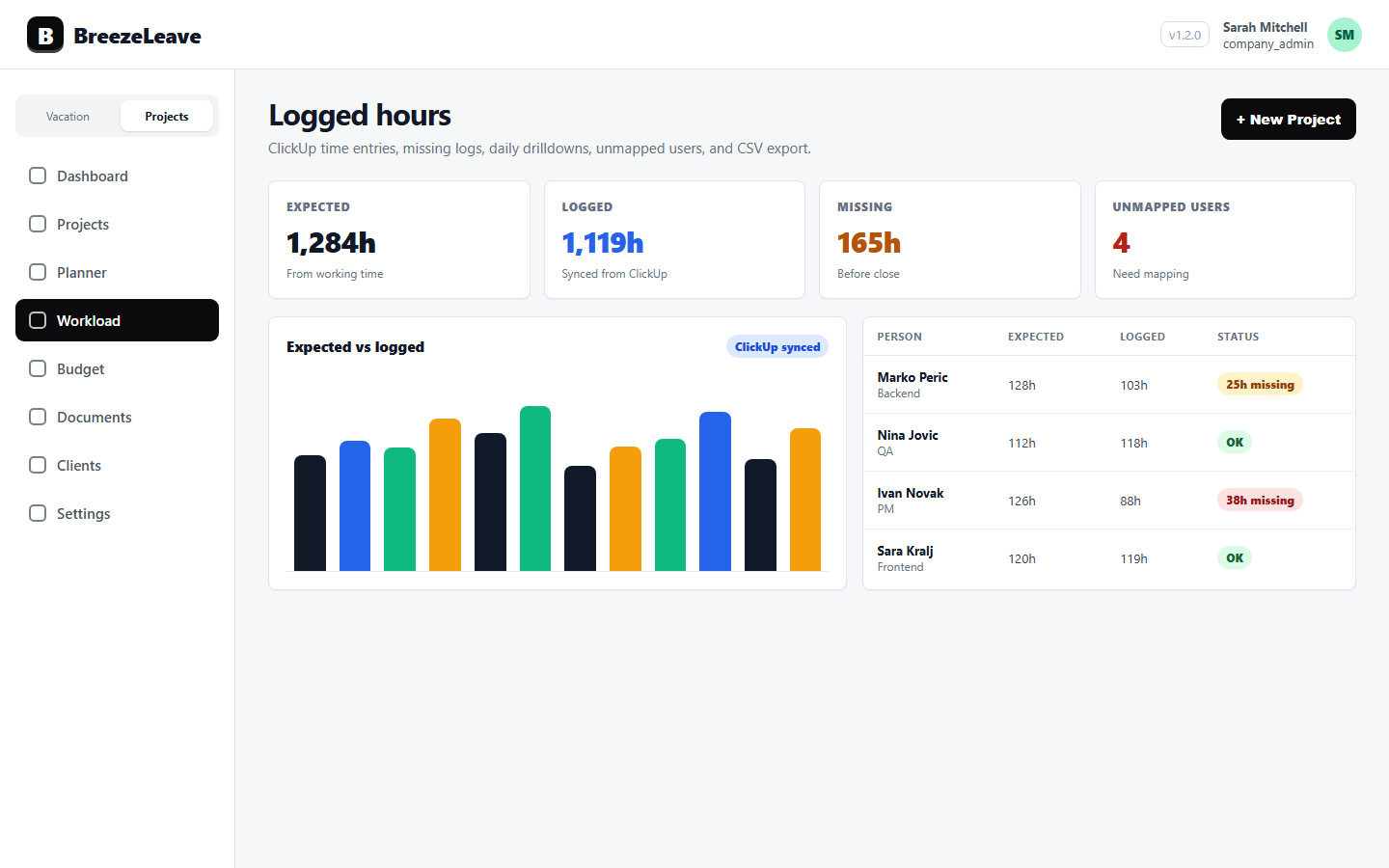
Planned slots are commitments. Logged hours are reality. The delivery lead's most useful Monday view is the comparison: which people are tracking close to their planned slots, which are running over, and which are running under.
- Tracking close (within 10 percent). The plan is realistic. No action needed.
- Running over (15 to 25 percent more logged than planned). Either the plan was tight, or unplanned work is consuming the week. Open the categories above and find which one.
- Running under (15 to 25 percent fewer logged than planned). Either logging is incomplete, or the person had spare capacity the planner did not see. Both are worth knowing.
- Wildly off (more than 30 percent in either direction). The plan is not the right tool for that person. Rebuild the slots before the next planning cycle.
For the logging side of this conversation, see logged-hours hygiene for agency teams.
Use the planner to defend a senior person's week
The planner has a second job beyond scheduling. It defends a senior person from being silently overbooked across projects. When a project manager wants to ask the senior designer for "a quick favour" on a different engagement, the planner is the polite no.
That conversation goes better when the slots are visible and the unplanned-work block is real. The delivery lead can say "she has 20 planned hours on the brand engagement, 12 on the retainer, and 9 hours reserved for unplanned client overflow and meetings. The favour needs to come from her unplanned budget or push something else." That is a planning conversation, not a personality conflict.
Refresh the planner against PTO and holidays
Planned slots only stay honest if they update when PTO is approved. A 20-hour weekly slot in week five does not survive a three-day PTO request that arrives in week three. Either the slot reduces, the work shifts to a different week, or somebody else takes part of it.
BreezeLeave links approved PTO to capacity directly. When a leave request is approved on the team calendar, the planner shows the impact on slots in the affected week. The delivery lead can decide what gives: the slot, the project deadline, or the staffing for that week. The decision happens before the work slips, not after.
Public holidays follow the same rule. A pod with people in three countries sees three holiday calendars on the planner, not one. That keeps the slot view honest for distributed teams.
Where planning usually breaks
- Slots fill 100 percent of FTE. Unplanned work has nowhere to go and shows up as overtime. The fix is to plan slots at 75 to 85 percent and leave the rest for the three unplanned categories.
- PTO is read once at the start of the engagement.Vacation approved later in the year never reaches the planner. The fix is to point the planner at the live team calendar.
- Unplanned work is invisible. Time gets logged to "internal" without distinction; the planner cannot tell client overflow from team meetings. The fix is the three-bucket model above.
- Planned slots and logged hours are never compared.The delivery lead plans the week and never reads it back. The fix is the Monday comparison view.
- New work skips unplanned intake. A signed contract becomes a planned slot the same day. The fix is to run intake first, planning second.
Plan slots and unplanned work in one view
Planning is not a calendar exercise. It is a way to keep the agency honest about the work it has actually committed to and the work it will absorb without anyone scheduling it. The planner only works when both are visible.
Want planned slots, unplanned intake, PTO, public holidays, and logged hours on the same view, so the team's week reflects reality? Plan capacity around PTO, holidays, and logged hours in BreezeLeave.