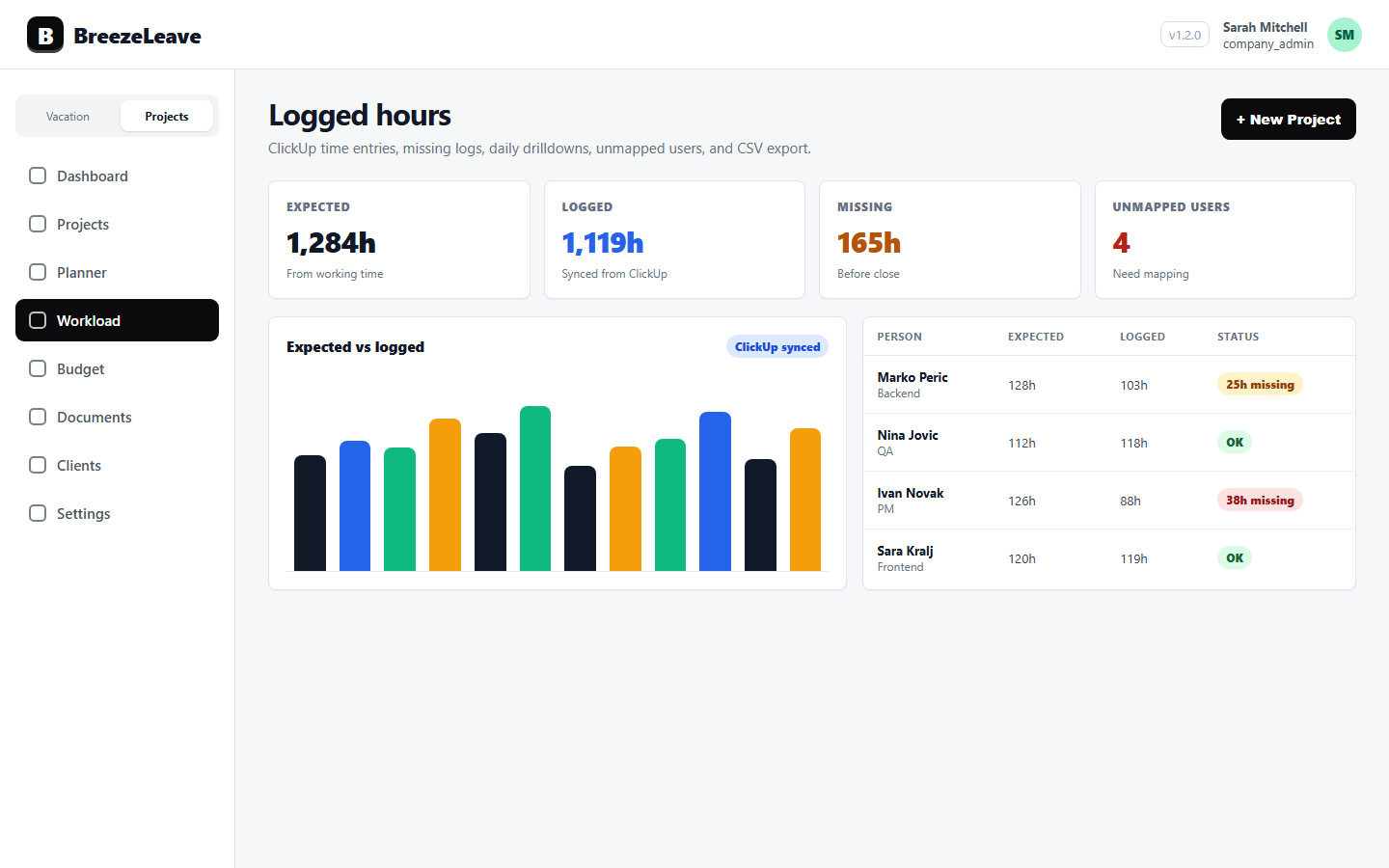
Workload Capacity Planning with PTO, Planned Slots, and Logged Hours
How agencies can plan workload with PTO-aware capacity, planned slots, unplanned intake, and logged hours in one operating review.
Workload capacity planning gets unreliable when planned assignments, PTO, and actual logged hours are reviewed in separate places. A team can look available on paper while two people are away, a project has not been placed into a real slot, and last week's ClickUp time shows the work is already heavier than expected.
BreezeLeave keeps the planning conversation tied to the operating signals that matter: PTO-aware workload, planned slots, unplanned project intake, and logged hours. That gives project managers a clearer answer to a simple question: can this team deliver this work in this window?
1. Start with PTO-aware capacity
PTO changes delivery capacity before it changes a project status. A useful workload view needs to include approved time off, public holidays, and active assignments so managers can see whether a person is truly available for the week being planned.
The product entry point for that workflow is workload capacity planning. It helps teams review workload with availability context instead of treating absence data as a separate HR artifact.
2. Hold new work as unplanned intake first
New projects should not automatically become committed delivery work. BreezeLeave supports unplanned project intake so a signed or manually created project can wait for a realistic capacity check before it is placed into the schedule.
That matters most when sales momentum is high. The team can capture the opportunity, review PTO and existing allocations, then use planned slots to decide where the project belongs. The broader project planning workflow is covered on the project capacity planning page.
3. Compare planned slots with logged hours
Planned slots are only useful if they get checked against reality. Logged hours show whether the team is spending time where the plan expected it, whether a project is consuming more effort than planned, and whether time hygiene is strong enough to trust the forecast.
A weekly review can stay practical:
- Check upcoming PTO before confirming new slots.
- Review unplanned project intake before it becomes active delivery pressure.
- Compare planned work with actual logged hours.
- Use gaps as prompts for capacity, staffing, or project-scope review.
For agency-specific examples, continue with project capacity planning for agencies.
4. Keep client work connected to the same review
Workload planning becomes stronger when clients and projects are part of the same operating model. Owners can inspect active projects, upcoming milestones, planned slots, and actual time without rebuilding the picture from disconnected tools.
Pair workload planning with client project management so availability, assignments, and delivery status are reviewed together.