Personal Leave vs Emergency Leave Tracking
An HR admin's guide to separating personal leave from emergency leave in BreezeLeave: when each applies, how the approval chain changes, and what shows up on the report.
On Tuesday morning an employee sends a one-line message: "I won't be in today." It is the same message used for a sudden migraine, a sick child, a burst pipe, and an appointment the employee forgot to mention last week. The HR admin opens the leave tracker and now has to decide which category to record. Mark it wrong and the report misreads what the company spends on care, household emergencies, and pre-planned personal time.
This article is for the HR admin who wants the difference between personal leave and emergency leave to live in the system, not in a private spreadsheet. In BreezeLeave the two are separate leave types with their own approval rules, their own counts on the report, and their own column on the payroll export.
What each category actually covers
The labels look interchangeable until a report asks for the breakdown. A workable distinction:
- Personal leave is planned. The employee knows about the appointment, the moving day, or the family commitment in advance and submits the request like any other leave type.
- Emergency leave is unplanned. The employee notifies the company on the day of the absence because something time-sensitive made them unavailable. A sick dependant, a household incident, an urgent family matter.
Both reduce headcount on the calendar. Both feed payroll. The reason they belong in separate leave types is that the rules around them are different. Personal leave can usually be planned around. Emergency leave cannot, and a tracker that treats the two identically will tell HR very little about what is actually happening.
Where the approval rules diverge
BreezeLeave lets each leave type carry its own approval chain. The differences usually show up in three places: advance notice, who approves, and whether documentation is attached.
| Rule | Personal leave | Emergency leave |
|---|---|---|
| Advance notice | N business days, often 5 to 10 | None; same-day notification accepted |
| Approver | Line manager | Line manager (with HR notified) |
| Paid or unpaid | Usually paid from PTO balance | Depends on policy; often paid up to a cap |
| Concurrent absence rule | Counts against team limits | Logged but does not block other requests |
The point of the table is not to lock down a single rule set. It is to make explicit that the two types do not have to behave identically. The advance notice policy template covers how to configure the personal-leave window without blocking the emergency path.
What the request form looks like
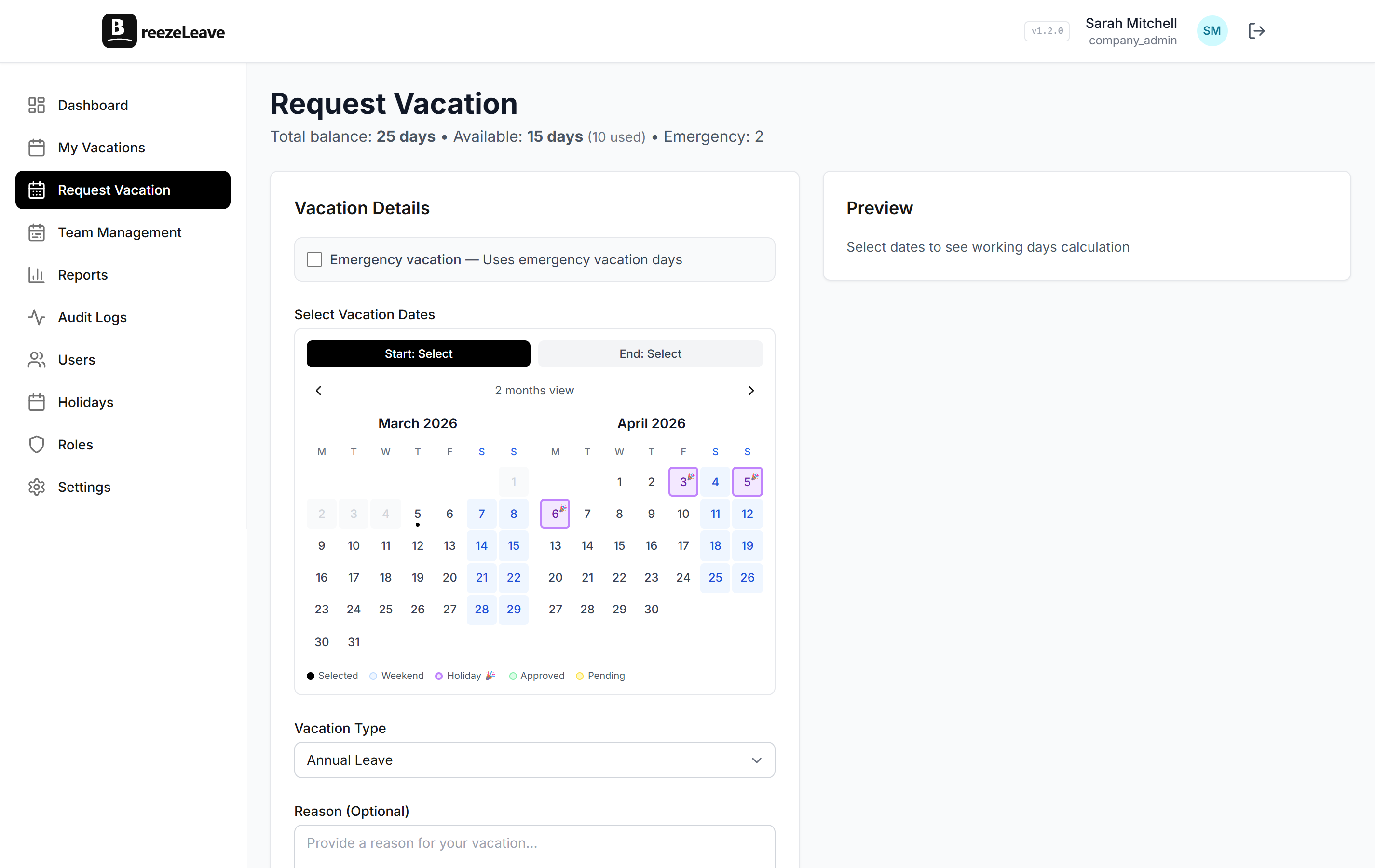
On the request side, the difference is a leave type dropdown and the rules behind it. The employee picks "personal leave" and the form asks for dates, reason if required, and a cover person. They pick "emergency leave" and the form accepts a same-day submission, skips the advance-notice check, and prompts for an optional note explaining the absence.
Once submitted, the request flows through the approval chain configured for that leave type. The chat notifications, the calendar entry, and the line in the report all carry the leave type with them, which is what makes the downstream report readable.
How the report reads when they are separate
The reports module in BreezeLeave breaks leave usage out by leave type. When personal and emergency leave are separate, three patterns become legible that would otherwise hide inside a single "other" bucket:
- Emergency leave concentration. If one team takes 40 percent of all emergency leave for the quarter, the manager has a coverage conversation to start. The number does not point at individuals; it points at a workload pattern.
- Personal leave shape. Personal leave clusters around moving season, school administration days, and post-holiday recovery. Year-over-year it should look fairly steady. A spike suggests the company's working hours or schedule has drifted.
- Cross-type substitution. If a team's vacation usage is high and personal leave is near zero, the team is probably absorbing personal time into PTO. That is fine if intentional, less fine if it is happening because personal leave was quietly discouraged.
The leave reports article covers how to read the same data across utilization, coverage, and country views.
Edge cases worth a policy line
Three situations come up often enough that the policy should mention them, and the rule in BreezeLeave should match.
- The half-day emergency. An employee leaves at lunch because their child is sick. Either record half a day of emergency leave or wave it as time-in-lieu. Pick one and apply consistently.
- Emergency leave that turns into sick leave. If the employee then stays out for the rest of the week, the trailing days usually convert to sick leave. BreezeLeave supports converting a request after the fact, which the sick leave tracking article covers in more detail.
- Recurring personal leave. A weekly medical appointment is not an emergency. It is a recurring personal leave entry, and the policy should say whether it counts against the PTO balance or sits as a separate allowance.
Communicating the difference to the team
The cleanest way to keep the two categories distinct is to write one paragraph in the employee handbook that names them, explains the difference, and links to the request form. A pattern that works:
Personal leave is for time off you can plan in advance. Appointments, family events, moves, school administration. Request it through the leave tracker like a regular vacation request, with at least five business days of notice. Emergency leave is for situations you cannot plan: a sudden illness in your household, an urgent family matter, a household incident. Notify your line manager the same day and log the entry in the tracker. Both types are paid up to the limits in your contract.
With that paragraph in place, the leave type dropdown in BreezeLeave matches the handbook, and the report tells HR exactly what is happening per team and per leave type.
What the team calendar shows
On the team calendar, both leave types appear as approved absences, but the label distinguishes them. A team lead glancing at next week sees who is on planned personal leave (predictable, with cover) and who has an emergency leave entry from this morning (unplanned, may need ad-hoc cover). That distinction shapes what the lead does next.
- Personal leave entries already have a cover person and a date range.
- Emergency leave entries may have an open-ended end date until the situation resolves.
- Sick leave entries follow the sick-leave rules and remain separate from both.
Once the categories are visible, the team lead can plan around them rather than guessing. The employee vacation calendar guide covers the reading patterns in more detail.
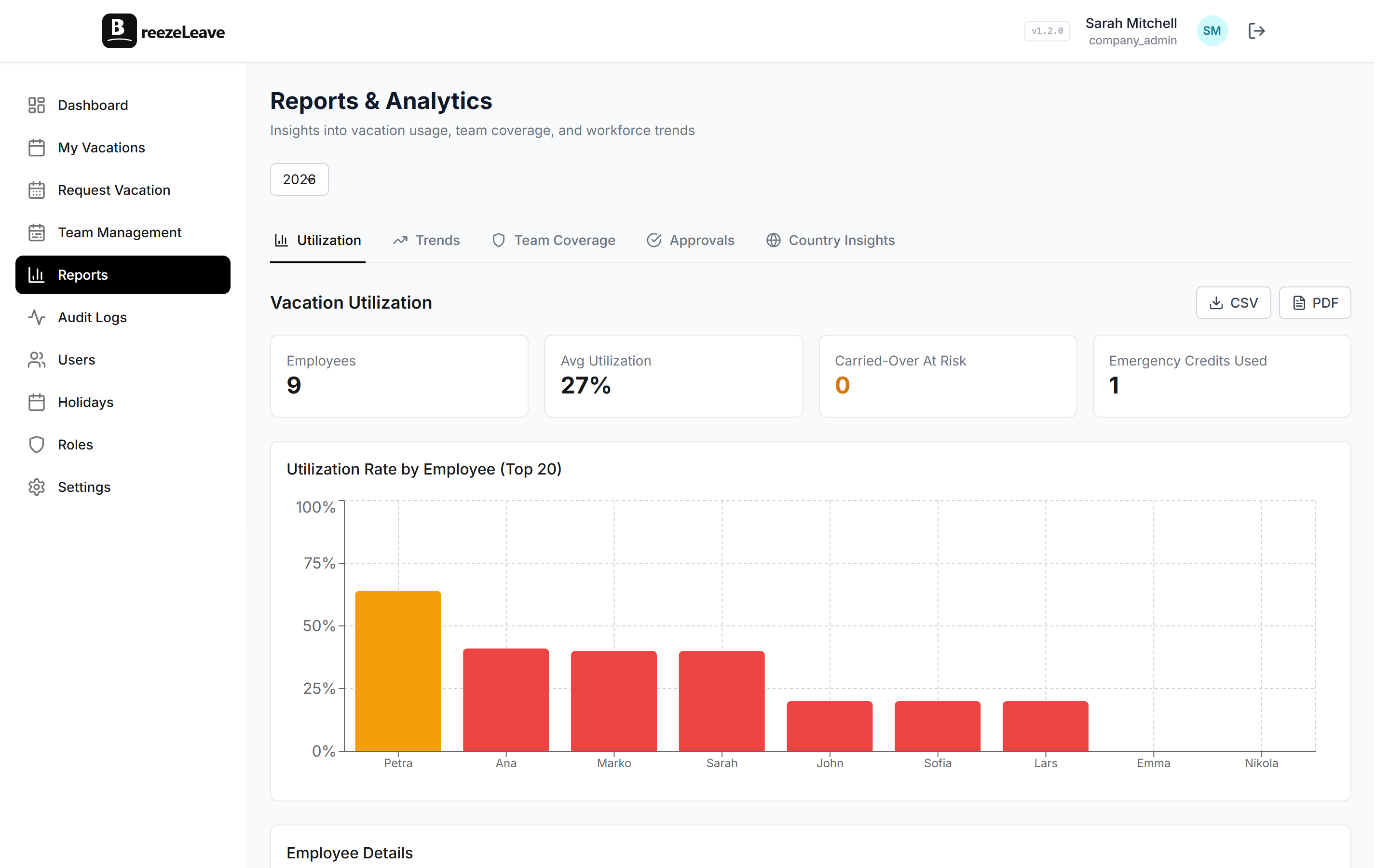
Configure personal and emergency leave in BreezeLeave
Both types are configured under leave types in settings. To set them up cleanly:
- Create or confirm the personal leave type with the advance-notice rule.
- Create or confirm the emergency leave type with the advance-notice rule disabled.
- Set the approval chain for each type.
- Decide whether each type draws from the PTO balance or a separate allowance.
- Save and confirm both appear in the request form dropdown.
Track different absence types in one place by opening the absence management overview and configuring personal and emergency leave with their own approval rules. The team vacation calendar will then label every entry with the correct leave type so the team can see at a glance what kind of absence is on the schedule.