Sick Leave Tracking Without Turning Your Tool Into Legal Advice
An HR admin's view on configuring sick leave tracking in BreezeLeave: a separate leave type, certificate thresholds, audit trail, and a clear line between tracking and legal interpretation.
Reviewed: 2026-05-13. This article describes how BreezeLeave can be configured to track sick leave. It is not legal advice. Verify statutory requirements with local counsel before applying any rule to payroll, dismissals, or sick-pay calculations.
An HR admin opens a follow-up message from a line manager: "Carla called in sick again on Friday. That's the fifth Friday this quarter. What should I say to her?" The manager is asking the wrong person the wrong question, but the underlying need is real. A clear, dated record of when an employee was out, what the company paid, and what the policy says about certificates. The leave tracker should answer the factual parts. The legal interpretation belongs with counsel and HR leadership, not with the tool.
This article is for the HR admin who wants sick leave to live as a separate, well-tracked leave type in BreezeLeave without the system turning into a quasi-legal authority. The focus is on configuration and tracking. Statutory rights, dismissal thresholds, and return-to-work obligations are local-law questions and should be confirmed with counsel.
Why sick leave is its own leave type
Mixing sick leave with vacation has three operational costs:
- Payroll cannot calculate sick pay separately. Many statutory schemes treat sick days differently from PTO. A single column that mixes the two forces payroll to reverse-engineer the split.
- The audit trail loses context. A request flagged as sick leave with a certificate attached tells a different story than a vacation request, and the story matters when the file is reviewed later.
- Reports become misleading. Sick-day patterns by team and by month are one of the more useful operational signals HR has. Folded into vacation, the signal disappears.
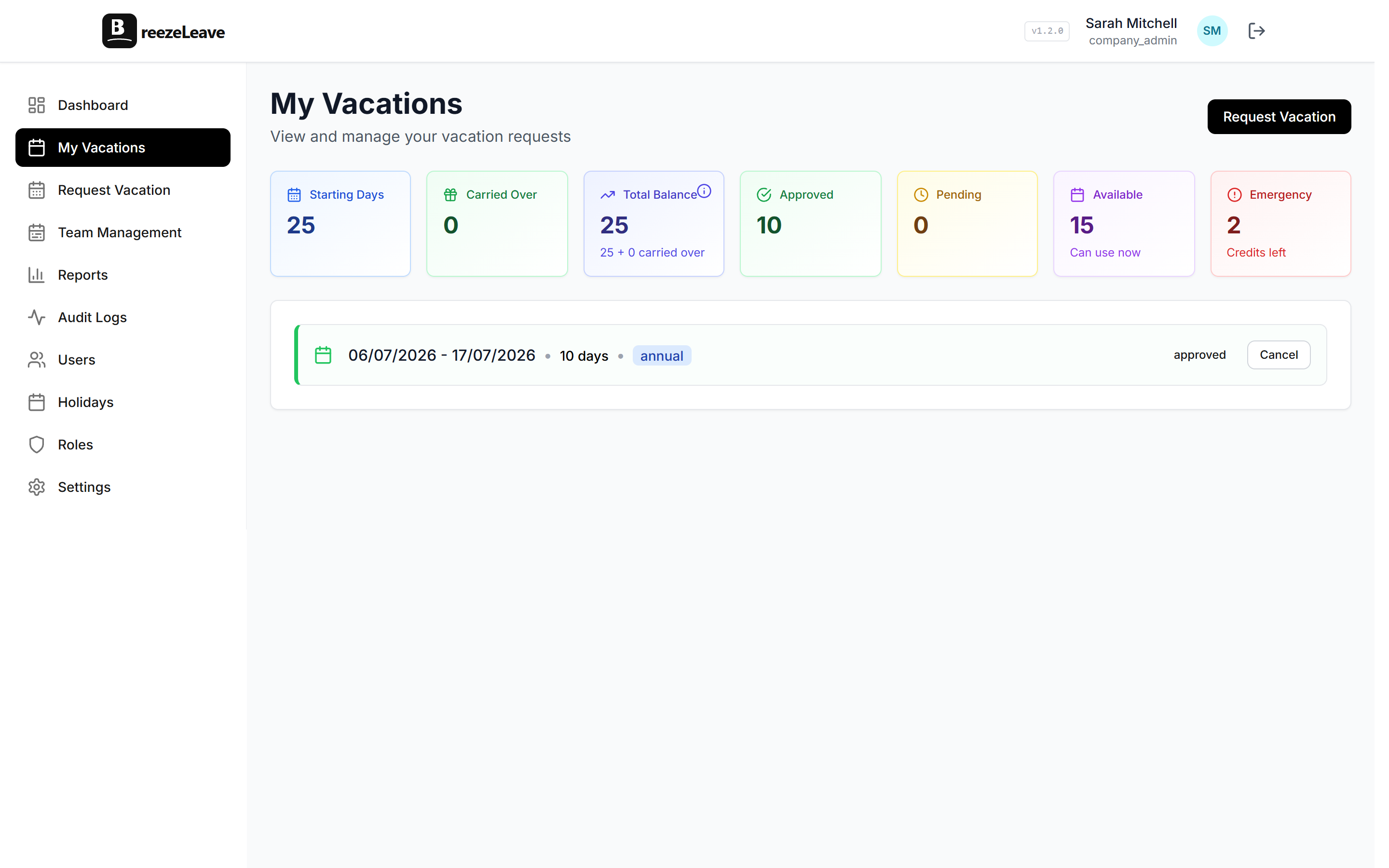
In BreezeLeave, sick leave is configured as its own leave type with its own approval chain, its own certificate rule, and its own column on the report and the payroll export. Setting it up cleanly is a one-time configuration.
Self-certification and the medical certificate threshold
A common policy pattern is to allow self-certification for short absences and require a medical certificate beyond a defined threshold. The threshold and the certificate requirements vary by country and by contract, so the tool should record what was set, not interpret what the law requires.
| Pattern | What the rule does | What the tool tracks |
|---|---|---|
| Self-certify short absences | Up to N days, no certificate required | Dates, days, employee declaration |
| Certificate over threshold | Past N days, certificate required | Document upload date and field |
| Certificate from day one | Country or role-specific | Document upload required on submission |
Pick whichever pattern matches local law and the contract. Local counsel confirms which applies. BreezeLeave stores the threshold and the certificate field. It does not decide what the threshold should be.
The line between tracking and legal interpretation
BreezeLeave does:
- Record the dates the employee was absent on sick leave.
- Hold the document the employee uploaded if a certificate was required.
- Apply the configured approval chain.
- Surface the count of sick days on the report and the payroll export.
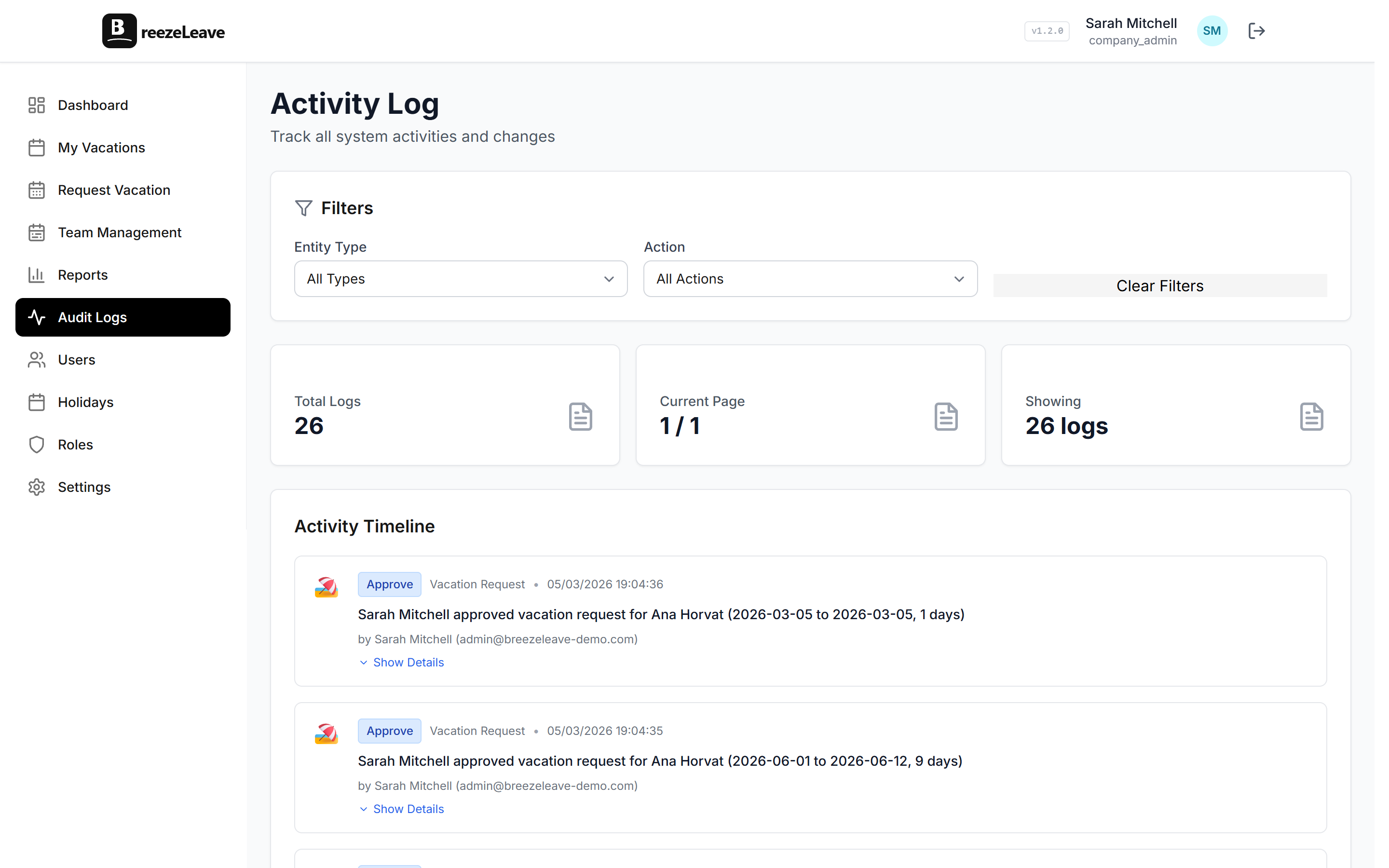
- Keep an audit trail of the request, approval, and any later adjustments.
BreezeLeave does not:
- Tell HR whether a country requires a certificate from day one.
- Calculate statutory sick pay percentages.
- Decide whether a frequency pattern warrants a formal HR conversation.
- Flag dismissal thresholds or return-to-work obligations.
The split matters. A tool that calculates statutory sick pay would need to keep up with every country's law on a quarterly basis and would expose the company to risk if the calculation drifted. A tool that records dates, days, and documents is much safer and leaves the legal interpretation where it belongs.
What the audit trail records
Every sick leave request carries an audit trail. The trail is the part that becomes valuable in a dispute or a routine HR review, and it is the reason the rule must be configurable per company.
- The submission date and the dates of absence.
- Whether self-certification was used or a certificate was attached.
- The approver, the decision, and the timestamp.
- Any subsequent adjustment with a reason and the person who made it.
The audit logging article covers what stays available after employee handovers and role changes. For sick leave the retention period should match local data-protection law. Another decision that belongs with counsel rather than with the tracking tool.
Reading the sick-leave report fairly
The reports module surfaces sick-day totals by month, by team, and by employee. Three habits make the report usable without turning it into a surveillance tool:
- Compare to last year, not to a target. A 15 percent rise in sick days across a team in March is a coverage signal, not a discipline trigger.
- Read by team, not by individual, in normal months. Individual sick-day totals belong in line-manager conversations, not in a leadership briefing.
- Talk to a person before talking about them. If the report flags a recurring pattern, the next step is a human conversation about workload or health support, not a formal write-up.
The patterns the report surfaces are also patterns that can mean very different things. A chronic condition, a workload problem, a one-off illness in the household. The personal versus emergency leave article covers how to keep emergency and sick days separate so the report does not conflate them.
Edge cases the policy should name
Each of these comes up regularly and deserves a single sentence in the sick-leave policy so the configuration in BreezeLeave matches the handbook:
- Sick leave during a planned vacation. Some policies convert the overlapping days from vacation to sick leave with a certificate. The conversion runs as a request adjustment and is logged in the audit trail.
- Long-term sick leave. Beyond a certain duration, sick leave usually shifts from short-term to a longer-term scheme with different rules. Local counsel confirms the threshold and the rules. BreezeLeave records the days; the threshold is a policy decision.
- Caring for a sick dependant. Many countries have a separate leave type for caring for a sick child or family member. Treat it as its own leave type rather than tagging it as sick leave.
Configure sick leave in BreezeLeave
The sick leave type lives under leave types in settings. To configure it:
- Create or confirm the sick leave type with its own approval chain.
- Set the self-certification threshold in days.
- Enable the document upload field for requests over the threshold.
- Decide whether the type draws from a separate allowance or has no cap (paid via the policy).
- Confirm the audit retention matches the data-protection rule for the operating country.
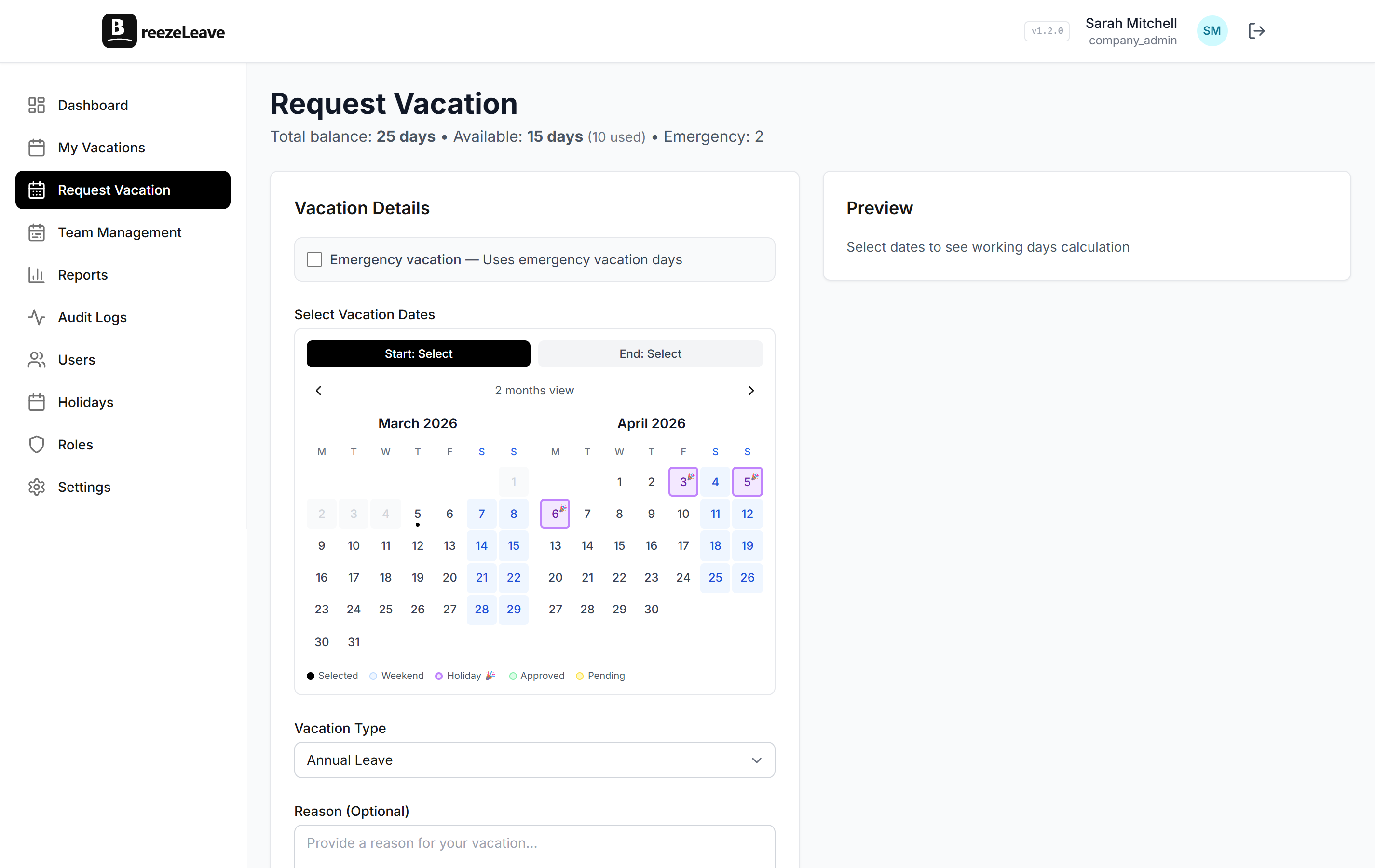
Track different absence types in one place by opening the absence management overview and configuring sick leave alongside vacation, personal, and emergency leave. For a country-by-country reference on sick-leave patterns, the European sick leave overview walks through what local rules tend to look like. The tool stores what the policy says; local counsel confirms what the policy must say.