How Working-Day PTO Calculations Should Work
An HR admin and payroll-focused guide to working-day PTO calculations: weekends, country holidays, custom company days, half-days, and the places day counts usually drift.
The first dispute most HR teams see in a new leave tool is not about the rules. It is about the math. An employee submits a five-day request, the system charges three, and a manager asks why. Or payroll runs the monthly export and the deducted days do not add up to the approved requests because a public holiday slipped through. The math itself is rarely the problem. The problem is that the working-day calculation reads from three different places and no one has lined them up. This article walks an HR admin and a payroll lead through how the day count is supposed to work, where it tends to drift, and how to spot a misconfiguration before it shows up in a balance dispute.
Reader assumption: you already have leave configured, you have employees with country assignments, and at least one full month of approved requests has flowed through the system. The math becomes interesting only when there is real data behind it.
What a working-day calculation is, plainly
A working-day calculation takes a date range and returns the number of days that count against an employee's leave balance. It is not a calendar-day count, and it is not a business-day count from a generic library. It is a count that respects:
- The employee's weekend pattern (most countries use Saturday and Sunday).
- The national holidays in the employee's country profile.
- The custom company holidays that apply to the employee.
- Any excluded holidays for the employee's region.
- Half-day requests, when the team allows them.
Strip away any one of these inputs and the math gets wrong in a predictable direction. Strip the country profile and you over-charge people who took a public holiday off. Strip half-days and people start submitting two requests to get the same outcome, which makes audit logs harder to read later.
A worked example, end to end
Take a Croatia-based employee requesting time off from June 15 to June 26. That is a 12-day calendar range. The working-day calculation reads it in five passes.
| Pass | What it does | Result for this range |
|---|---|---|
| 1. Calendar days | Count every day inclusive | 12 |
| 2. Drop weekends | Remove Saturdays and Sundays | 10 |
| 3. Drop national holidays | Subtract country profile entries | 8 (Corpus Christi + Anti-Fascist Day fall in range) |
| 4. Drop custom company holidays | Subtract company-wide extras | 8 (no custom days in this window) |
| 5. Add excluded holidays back | Add back days the company chose not to observe | 9 (if Anti-Fascist Day is excluded for this region) |
The same request from a Swedish employee returns a different number, because the country profile is different. Same range, same employee role, different math. That is the entire point of running the calendar through country profiles instead of a single company-wide list.
Half-days: small detail, big edge case
Half-days look trivial but produce most of the reconciliation noise. A team that allows half-days needs to agree on three things before turning them on.
- Charge unit. Half a day equals 0.5 in the balance, not a round-down. The export to payroll has to keep the half.
- Anchor side. Decide once whether half-days lock to mornings or afternoons. Mixed conventions inside one company make the shared calendar harder to read.
- Holiday interaction. If a half-day request brackets a public holiday, the holiday is not chargeable. The remaining half is.
Once these are decided, the math is simple. A request that includes a half-day morning on a Friday before a long weekend that already contains a Monday public holiday charges 0.5, not 1. The system reads the same five passes; it just stops half-way on the relevant day.
Where the math actually drifts
Four configuration drift patterns produce nearly every working-day dispute. None of them are bugs. They are people problems.
- Wrong country assignment. An employee moves country and HR forgets to update the profile. The new requests use the old country's holidays.
- Deleted national entries. An admin removed a national holiday instead of marking it excluded. The next country profile refresh re-adds it without a record of why it was removed in the first place.
- Custom company holidays scoped to the wrong country. A shutdown that should apply to the Swedish office gets created without scope and starts affecting Croatian balances.
- Stale bridge days. Bridge days are decided each year and forgotten when the calendar refreshes for the next year.
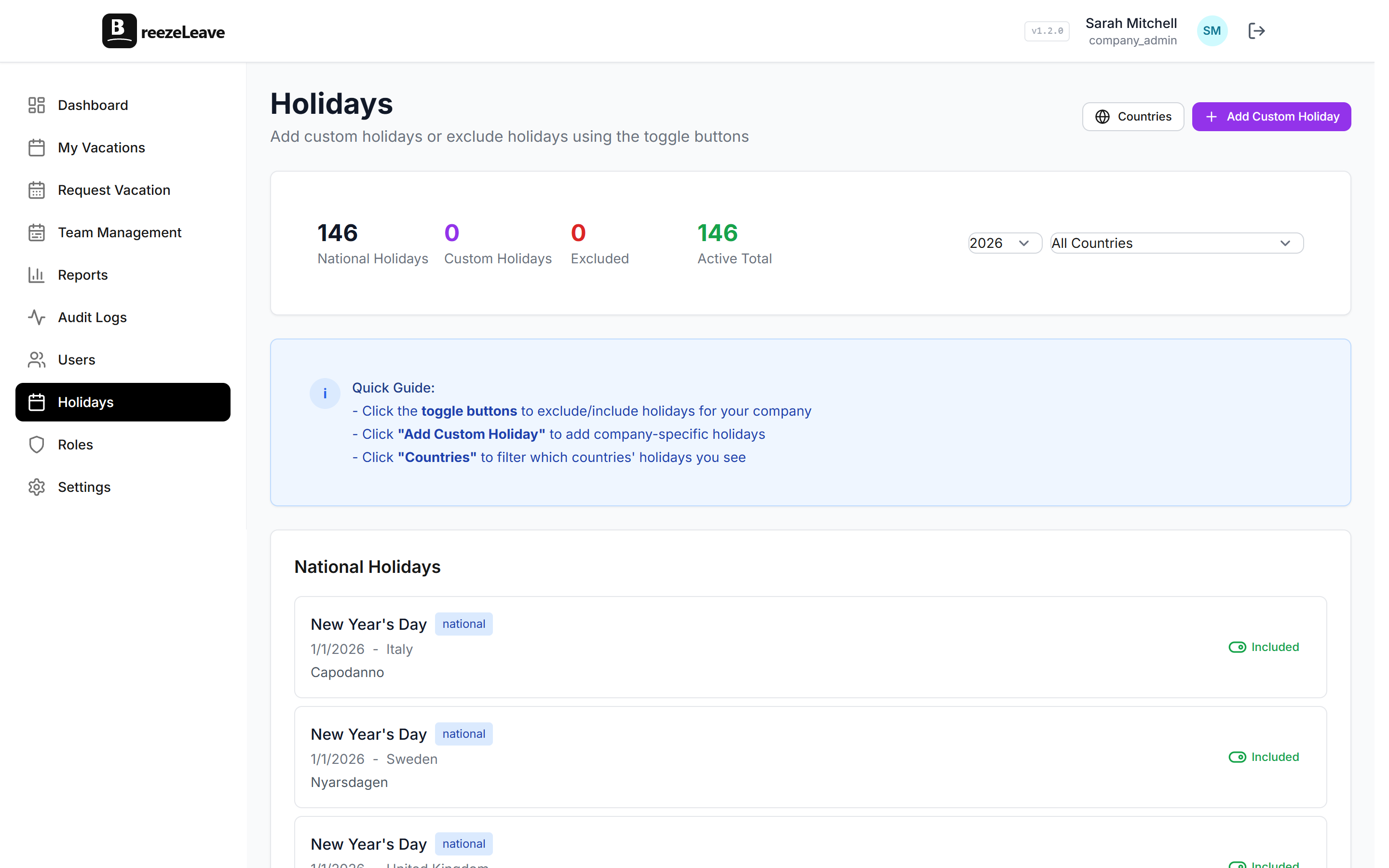
The fix for all four is the same: read the holiday calendar like a configuration file and review it in November and January. The full setup story for the calendar itself lives in the holiday calendar management guide.
Reading a working-day count when payroll disagrees
When payroll exports do not match approved-day counts, the dispute is usually one of three things:
- The country profile changed mid-cycle. A holiday added in March cannot retroactively reduce a request approved in February. The audit log shows the change time. Anything approved before the change keeps the old count.
- The half-day convention is mixed. Some requests submitted as 0.5, some as 1. Pick one convention, retrofit the past month with an adjustment, and move on.
- The country assignment was wrong. A relocation that was not recorded. The fix is a manual adjustment for the misaligned period, then a country profile update going forward. Do not try to rewrite history without a record.
The audit log lives in BreezeLeave and shows every holiday change, every approval, and every adjustment. The piece on audit logging for leave management covers how to read it. For HR admins, this is the single most useful screen during a dispute.
Working-day calculations and adjustments
Adjustments and working-day calculations sit on opposite sides of the balance. A working-day calculation reduces the balance because of an approved request. An adjustment changes the balance because of a one-off reason that is not a request: signing bonus, payroll correction, or a country move.
The mistake is using one to fix the other. If a request charged the wrong day count because of a holiday calendar misconfiguration, fix the calendar and post an adjustment for the difference with a clear reason. Do not edit the request itself. Editing requests in place loses the trail of what happened originally and why the balance changed.
The longer write-up on vacation adjustments covers when to reach for a manual adjustment and when to leave the system alone.
A quarterly working-day audit
Once per quarter, take 20 minutes. Pick five random approved requests from the last 30 days. For each one:
- Confirm the employee's country assignment.
- Count weekend days in the range manually.
- List national holidays in the range from the official country source.
- List the custom company holidays in the range.
- Compare your hand-count to what the system charged.
If all five match, the configuration is healthy. If two or more disagree, the calendar has drifted and the fix is upstream of the requests. Most HR teams find this audit catches one or two issues a year before they reach payroll.
A note on partial workdays and country labor rules
Some country labor rules treat a few specific days as half-days by statute: the day before certain public holidays, summer Fridays under certain collective agreements, or the half-day before New Year's Eve. BreezeLeave does not auto-apply these. They have to be configured as either custom half-days or company holidays for the relevant country.
That is intentional. The rules differ by country, sector, and collective agreement, and an automatic assumption gets the wrong answer for someone every time. Configure the ones that apply to your operating countries and document them. The country-specific background lives in managing PTO across countries.
Quick reference: working-day calculation checklist
- Every employee has the correct country assignment.
- The country profile matches the official source for the current year.
- Custom company holidays are scoped by country where they should be.
- Excluded holidays are documented for any national day the company does not observe.
- The half-day convention is decided and applied consistently.
- Bridge days for the year are on the calendar by mid-November.
- A quarterly hand-count of five random requests confirms the math.
Working-day math is one of those topics where the right configuration up front saves ten times the work later. To configure the country profiles, custom holidays, and working-day rules that this article relies on, head to holiday management in BreezeLeave.