How to Build a Vacation Policy for Remote Teams That People Actually Use
Build a vacation policy for remote teams that people actually use. We went remote, PTO dropped, and here's the fix that worked.
We went remote in 2020 and by 2021 I noticed something strange. People were taking fewer days off, not more. I'd assumed the opposite. No commute, flexible hours, surely people would use more vacation. But when I pulled the numbers, the average across our 35-person team had dropped from 18 days a year to 11.
That scared me. I could see the effects everywhere. Shorter tempers in standups. More typos in pull requests. People saying "I'm fine" in a tone that meant the opposite. We had a vacation policy for remote teams on paper, but nobody was following it.
It took us about a year of adjustments to get it right. I want to share what actually worked, because most advice on remote team PTO policy skips the messy human parts.
The "Unlimited PTO" Trap That Catches Remote Teams First
We started with unlimited PTO. It sounded generous. On paper, it was the most trusting policy you could offer. In practice, it was a disaster, especially for a distributed team.
What actually happens with unlimited PTO on a remote team is that nobody knows what "normal" looks like. In an office, you see people leave for two weeks and come back tanned. You absorb, through observation, that taking vacation is a thing people do here. Remote workers don't get that signal. They see Slack channels that are always active, colleagues who seem to always be online, and they think: maybe I shouldn't.
What we learned
Under our unlimited PTO policy, the average employee took 11 days off per year. After switching to a fixed allotment with a minimum floor, that jumped to 21 days. Same people. Same workload. Different policy.
Unlimited vs. Fixed PTO: The Numbers
| Factor | Unlimited PTO | Fixed Allotment + Minimum |
|---|---|---|
| Avg. days taken per year | 11 days | 21 days |
| Burden of decision | Entirely on the employee | Shared with manager (minimum check-ins) |
| Clear expectations | No ("how much is okay?") | Yes (explicit floor and ceiling) |
| Year-end scramble | Less likely (but guilt stays) | Carryover cap prevents panic booking |
The problem with unlimited is that it shifts the burden entirely onto the employee. They have to decide how much is okay. They have to guess what their manager thinks is acceptable. They have to initiate every conversation. For people who already feel pressure to prove they're working (which is most remote employees), that burden is paralyzing.
Set a Minimum Vacation Requirement, Not Just a Maximum
The single most effective change we made to our remote work vacation management was adding a floor. We didn't just say "you get 25 days." We said "you are expected to take at least 15." That one sentence changed the entire dynamic.
A minimum reframes vacation from something you're allowed to do into something the company expects of you. It gives people permission in a way that "unlimited" never does. And it gives managers a concrete reason to check in: "Hey, it's September and you've only taken 6 days. We should figure out when you can take some time before Q4 gets busy."
The Policy Structure That Worked for Us
- 25 days of paid vacation per year, accrued monthly so new hires aren't waiting until month six to take a day off.
- Minimum of 15 days must be used annually. Taking fewer triggers a required conversation with your manager. It's not a punishment, just a check-in.
- Up to 5 unused days roll over into Q1 of the following year. Everything else expires. This prevents the December panic where everyone tries to burn days simultaneously.
- At least one block of 5+ consecutive days per year. Long weekends are great, but they don't give you the deep rest that a full week off does. We made this an explicit expectation.
- Quarterly reminders showing each person their balance and how they're tracking against the minimum. No surprises in November. If you want to automate vacation balance tracking, it makes these reminders almost effortless.
Adjust the numbers. The structure is what matters. A time off policy for distributed teams needs explicit guardrails because all the informal social cues that regulate behavior in an office are absent.
The Async-Friendly Request and Approval Flow
One thing people overlook: when your team spans multiple time zones, a vacation request can sit in a manager's inbox for 18 hours before they even see it. If the approval process requires back-and-forth, a simple PTO request can take three or four days to resolve. That friction stops people from booking trips. It makes vacation feel like a hassle.
What Your System Needs
Your remote employee leave tracking system needs to work asynchronously. That means:
- One-step requests. Pick dates, add an optional note, submit. Done. No forms that ask for a "reason for absence." That's invasive and irrelevant for PTO.
- Auto-approval for short requests. If someone wants to take a Friday off and there's no team conflict, why does a human need to approve that? We set up auto-approval for requests of 2 days or fewer when no coverage gap existed. We wrote more about this in our guide to auto-approving vacation requests.
- Escalation timers. If a manager hasn't responded within 48 hours, the request should escalate or auto-approve. No request should sit in limbo.
- Mobile-friendly approvals. Managers should be able to approve from their phone in 15 seconds. If they need to log into a desktop portal, it won't happen quickly.
How BreezeLeave Solved Our Bottleneck
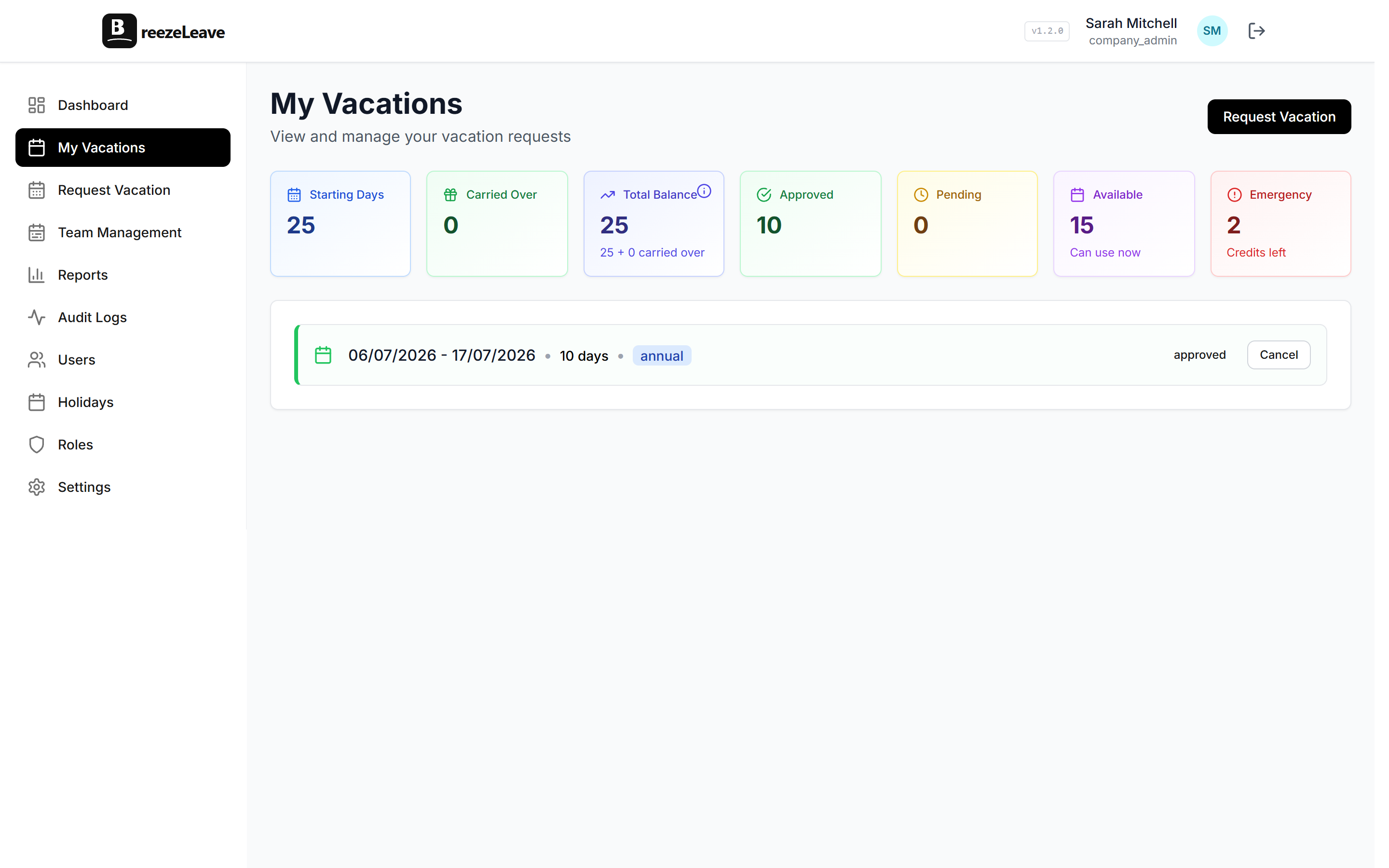
We moved our whole process into BreezeLeave about a year ago and the approval bottleneck mostly disappeared. Requests go in, managers get a notification, one tap to approve. The time from "I want to take next week off" to "confirmed and on the calendar" dropped from days to minutes.
Timezone Considerations for Remote Team PTO Policy
If your team spans time zones (and most distributed teams do) your vacation policy needs to account for some things that single-location companies never think about.
Public Holidays Are Different Everywhere
Your U.S. employees get Thanksgiving. Your German employees get Reunification Day. Your Indian employees get Diwali. Trying to maintain one universal holiday calendar is a losing battle. Instead, give each employee the public holidays for their location, and make sure your calendar tool actually shows these correctly per person. This gets even trickier when you're managing PTO across multiple countries, where legal minimums and cultural norms vary wildly.
Coverage Gaps Multiply Across Zones
When your designer in Lisbon takes Monday off and your PM in Chicago takes Friday off, you've effectively lost overlap time for the entire week. A shared calendar that shows time off by timezone helps you spot these gaps before they cause problems.
What we learned
We stopped thinking about vacation coverage in terms of "days" and started thinking about it in terms of "overlap hours." The question isn't "is anyone off on Tuesday?" It's "do we have enough overlap between the EU and US teams on Tuesday to handle anything urgent?"
Make Time Off Visible Without Requiring People to Check
This is probably the most underrated piece of remote work vacation management. In an office, you know who's out because their chair is empty. On a remote team, you find out someone's on vacation when your message sits unread for eight hours and you finally think to check their Slack status.
Visibility needs to be passive, not active. People shouldn't have to go look for who's off. The information should come to them.
What Worked for Us
- A shared vacation calendar embedded in our team dashboard. Everyone sees it when they start their day. No clicking, no searching.
- Weekly digest emails every Monday morning: "This week, Sarah is out Mon-Wed, Marco is out all week." Two sentences. Takes five seconds to read.
- Slack status sync. When someone's on approved leave, their Slack status updates automatically. No more "is Alex off or just not responding?"
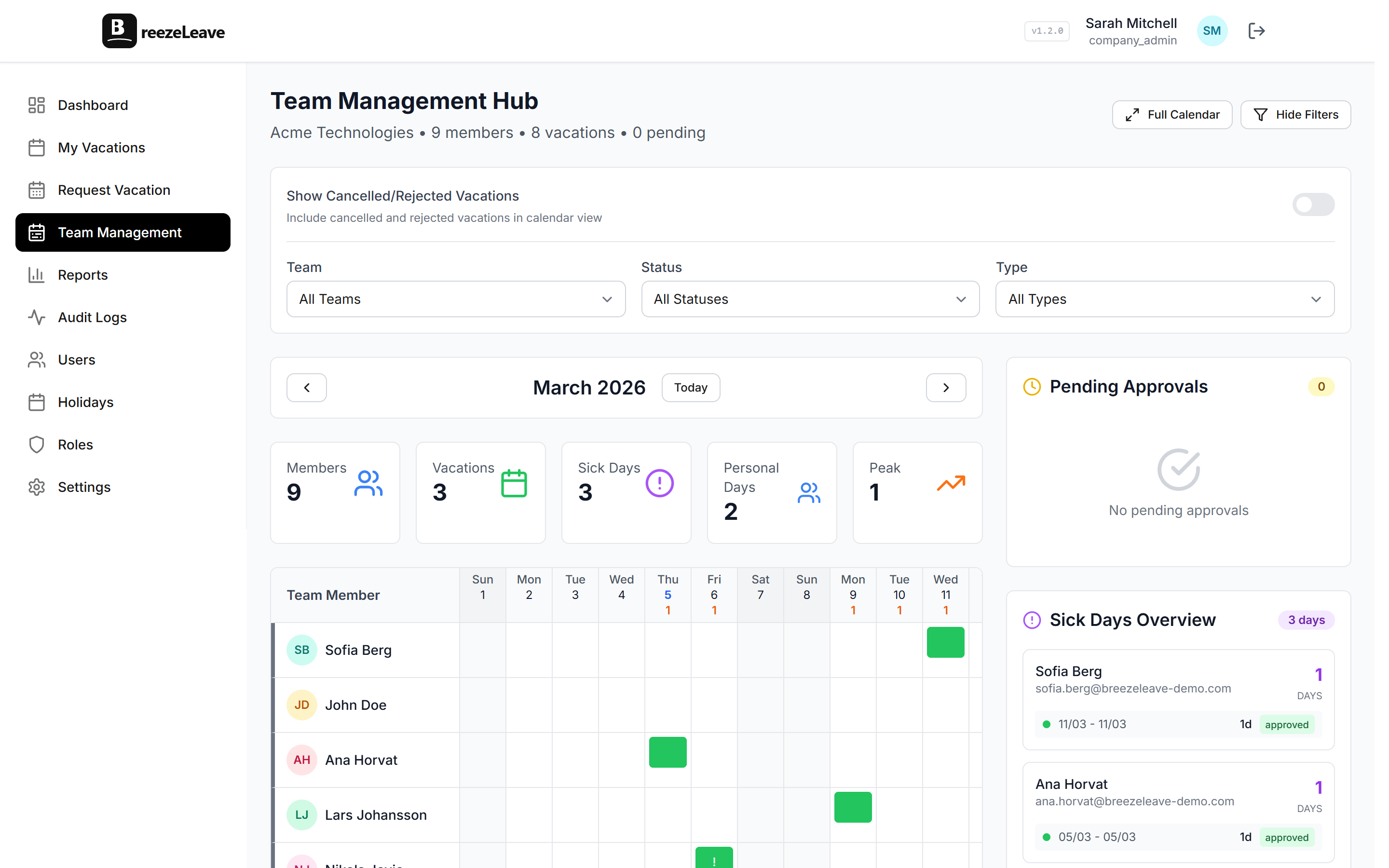
This is where a dedicated tool pays for itself. We tried managing this with a shared Google Calendar for a while, and it sort of worked until it didn't. People forgot to add entries, there was no connection between approval and calendar, and nobody looked at it proactively. With BreezeLeave, approved leave automatically shows on the team calendar and syncs with Slack. The visibility is a byproduct of the process, not extra work.
Leaders Have to Take Vacation First
I'll be honest: this was the hardest part for me. I was asking my team to take more time off while quietly skipping my own vacations. I told myself it was different. I'm the lead, I need to be available, the team depends on me. All true, and all beside the point.
Your team watches what you do, not what you write in a policy document. If you haven't taken a proper week off in a year, your "minimum 15 days" policy rings hollow. If you respond to Slack on your vacation days, you're telling everyone that "off" doesn't really mean off.
So I started blocking two weeks on the calendar every quarter, publicly, with a clear coverage plan. The first time felt uncomfortable. By the third time, two things had changed: I was less burned out, and my team's average vacation usage had gone up by another 3 days per person. Coincidence? I doubt it.

Building a Remote Team PTO Policy That Holds Up
If you take one thing from this: a vacation policy for remote teams can't just exist on paper. It needs structural support:
- Minimum requirements that make rest an expectation
- Async-friendly tools that remove friction from requesting and approving
- Passive visibility so the whole team knows who's out
- Leaders who actually model the behavior
Remote work is better for most people in most ways. But it removes the natural guardrails around rest that offices accidentally provided. You have to build those guardrails back in, deliberately, with policy and tooling that do the work so your people don't have to fight for permission to take a break. For a deeper look at how this works in practice, see our guide on leave management for remote teams.
The good news is this isn't complicated. It just requires being honest about what's not working and making a few concrete changes. Your team will be better rested, less resentful, and more productive. Not because you told them to be, but because you made it easy for them to actually take care of themselves.