Nonprofit Leave Management on a Budget
A nonprofit ED and HR coordinator guide to running leave tracking on a tight budget, with policy for program staff, grant cycles, and event seasons.

At a small nonprofit, the executive director opens her inbox on Monday and finds a grant report due Friday, a board agenda for next week, and a program manager asking how many vacation days are left because she wants to attend a family wedding in two months. The vacation question is the easiest of the three, except nobody is sure of the answer. The HR coordinator left in November. The spreadsheet someone updated last year is missing two new hires. The ED, who already spends Saturdays writing grant applications, is now expected to reconcile balances before the board meeting.
This guide is for the nonprofit executive director or HR coordinator running leave tracking on a budget that does not stretch to a full HR suite. The work pattern of a nonprofit is real and specific: program staff cycles around grant deliverables, the development team has busy seasons around event windows and year-end giving, and every dollar spent on overhead is a dollar that did not reach the mission. The good news is that leave management is one of the cheapest HR processes to automate, and the free tier of BreezeLeave covers most small nonprofits without paying anything.
The nonprofit leave pattern
Nonprofits look different from for-profit small businesses in a few ways that shape how leave management has to work:
- Program staff have grant-cycle deadlines. A program officer managing a foundation grant has reporting deadlines set by the funder, not by the ED. Vacation during the report week is a coverage problem the funder will not care about.
- Development teams have event seasons. An annual gala in October or a year-end giving campaign in December means the development director cannot be out those weeks. Predictable.
- Headcount is small, and one absence is felt. A nonprofit of 12 with a single grants manager loses meaningful capacity when she is out for a week. The redundancy in a for-profit team often does not exist.
- Volunteers and contractors complicate the headcount math.A nonprofit may have 9 staff, 4 long-term contractors, and 30 volunteers. Leave tracking applies to staff. The volunteer schedule is a different problem.
- Budget is real. Nonprofits rarely fund tools above $50 to $100 per month for an overhead category like HR. The leave tool has to fit inside that line or be free.
The right setup recognizes these patterns rather than copying a corporate playbook. The detail below is what works at 5 to 25 staff.
The free tier and what it covers
BreezeLeave is free for up to roughly 10 users. For a nonprofit of 8 staff with 2 long-term contractors who do not need the tool, that means $0 per month forever. For a nonprofit of 14, the cost beyond the free tier is small (typically a dollar or so per user per month) and lands inside any reasonable overhead line.
The free tier covers the features that actually matter for a nonprofit:
- Per-employee balances with accrual rules
- Request submission and a single-approver chain
- Public holiday calendar per country
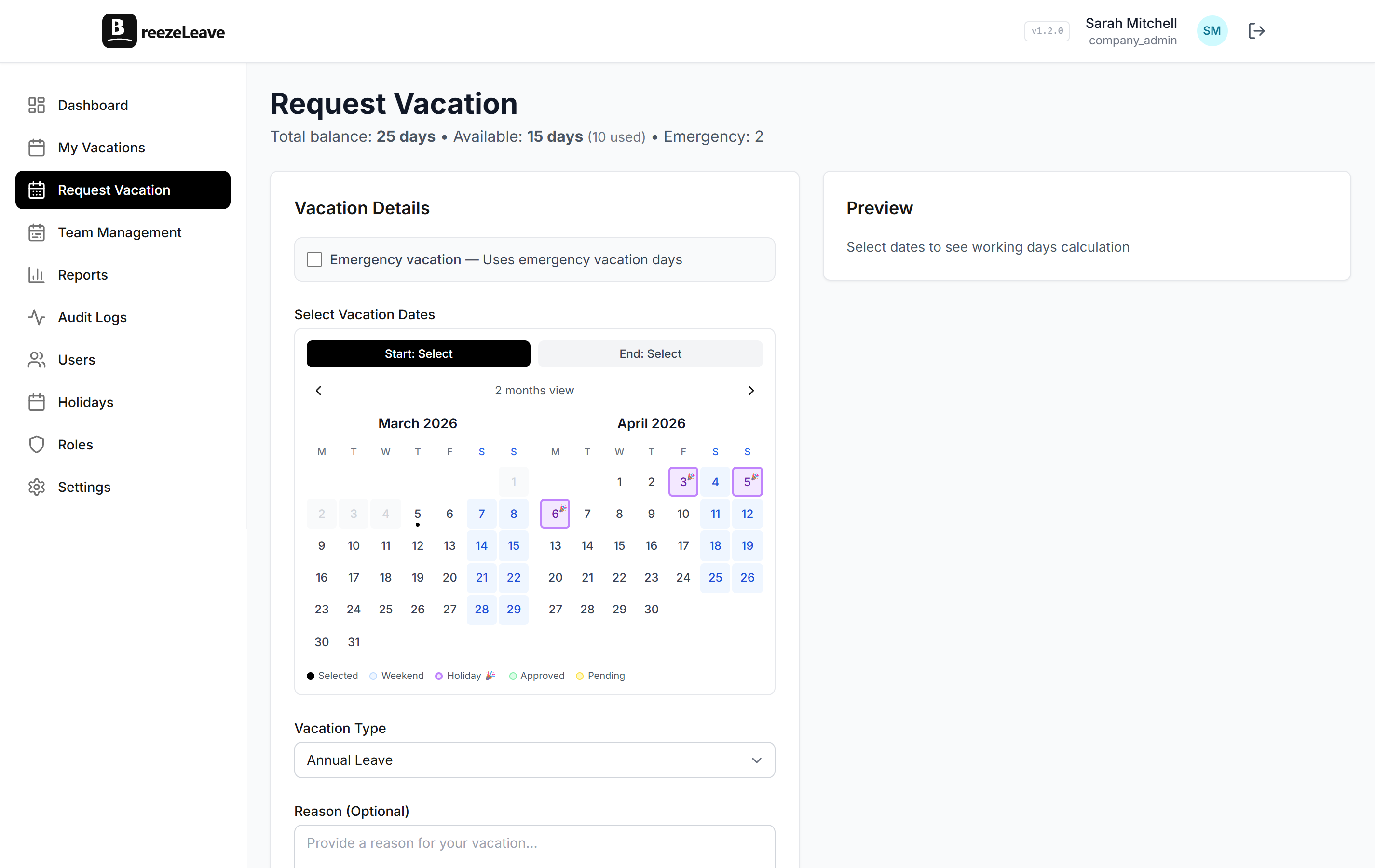
- Shared team calendar so the ED and program managers see who is out
- Slack or Microsoft Teams integration for teams that already use one
- Basic reports for board updates and grant reporting
The features a nonprofit usually does not need: multi-step approvals, seniority accruals, project capacity planning. Skipping them is fine. The tool grows with you if the nonprofit grows.
A leave policy that fits a small staff
Most nonprofits adopt a vacation policy that sits between sector norms and what the budget can afford. A typical structure:
| Role | Annual vacation | Paid sick days |
|---|---|---|
| Executive director | 20 working days | 10 |
| Program officer / manager | 15-20 working days | 10 |
| Development director | 15-20 working days | 10 |
| Communications / admin | 15 working days | 10 |
| Year-end shutdown | Office closed Dec 24 - Jan 1, paid | - |
The table is illustrative, not prescriptive. The point is that a small nonprofit does not need a 30-page policy. It needs a one-page handbook section that answers the five questions program staff actually ask: how many days, when do they reset, who approves, what about sick days, and what happens at year-end.
Grant cycles and the leave calendar
Grant reporting deadlines are the planning input that nonprofits forget to put on the leave calendar. Foundation reports are due on the date the foundation sets, not when the program team feels ready. The grant cycle creates predictable crunch weeks, and the leave tool should make them visible.
Two practical steps:
- Add grant report deadlines to the company calendar. Use the same calendar everyone sees for leave. When a program officer requests time off, she sees her own grant deadlines alongside her available days.
- Set a soft rule: no vacation in the week a grant report is due.This is not a hard blackout. It is a conversation starter. If the program officer absolutely needs that week off, the ED and the development director agree on coverage. The point is that the conflict is visible before approval.
The grant calendar lives once
Add grant deadlines to the shared calendar in BreezeLeave once a year, usually in December when funders publish next-year reporting timelines. The ED, the development director, and the program team all see the same dates. Nobody has to ask.
Event seasons for development teams
For nonprofits with a gala, an annual conference, or a year-end giving campaign, the development team has a predictable busy season. Vacation during those weeks is rare because the events do not run themselves. The leave policy should make the rule explicit rather than leaving it to a Slack conversation in September.
A pattern that works:
- Two weeks before and one week after the major event: requests require ED approval. The development director approves her own team for normal weeks; the ED is the second sign-off when the dates overlap with the event window.
- Year-end giving (Dec 1 - Dec 31): communications and development staff are encouraged to schedule vacation in January or February instead. Not a hard blackout, just a documented preference.
The blackout policy examples piece covers when a hard blackout helps and when a softer rule is better. For small nonprofits the softer rule almost always works.
The audit trail for board and funder questions
Boards and funders occasionally ask questions that touch leave records. A 990 preparer might ask about ED compensation including paid time off. A board chair reviewing a compensation policy might want to know what the policy is in practice. A funder reviewing an indirect cost rate might ask about staff time allocation, including vacation.
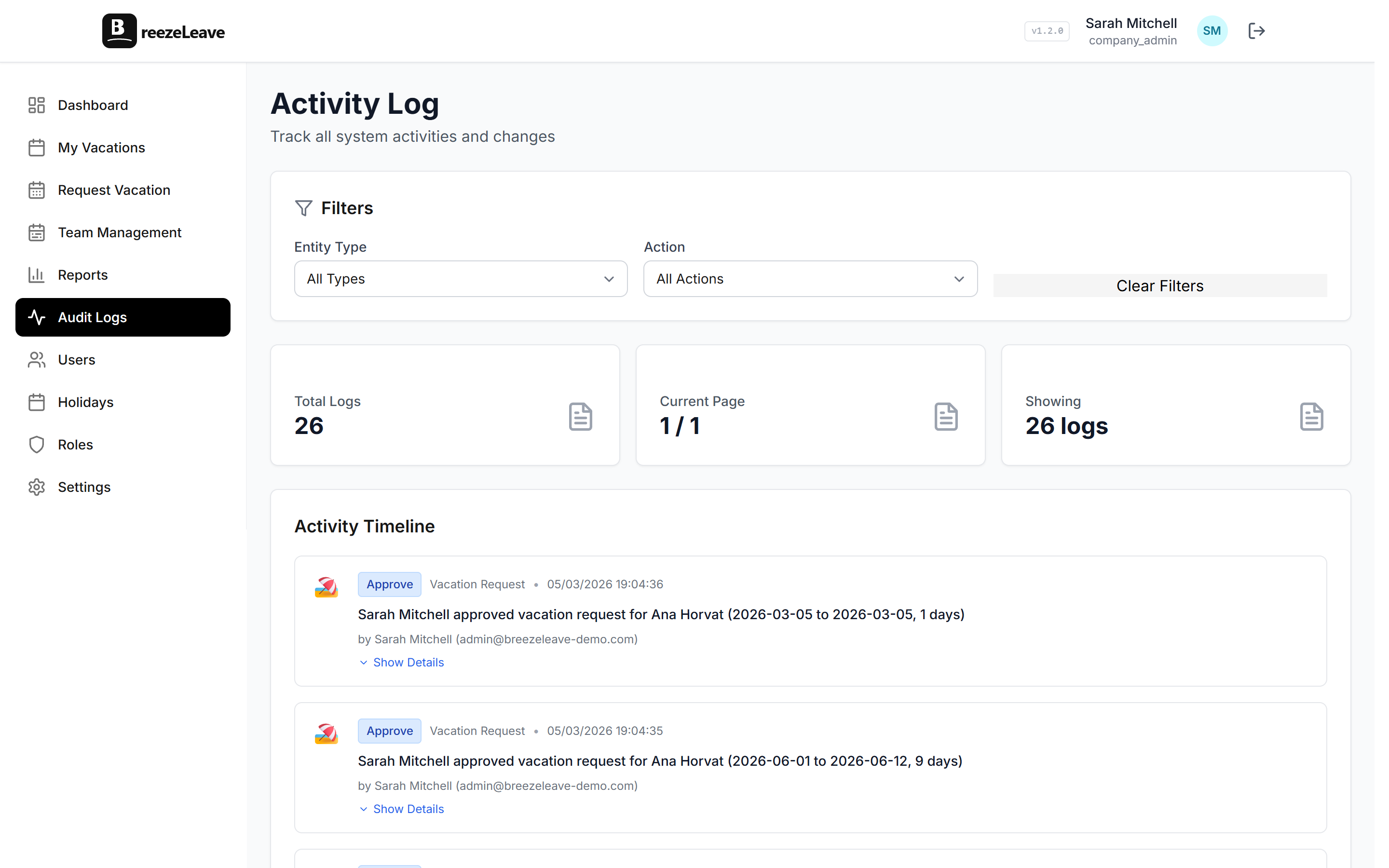
The answer that holds up is the audit trail. BreezeLeave records who approved what and when, when balances changed, and what reason the HR coordinator entered for adjustments. The audit logging article explains what each event captures. For most nonprofits, the audit trail is not a daily concern. It just has to be there when a question arrives.
Setting it up in an afternoon
A nonprofit setup is faster than a corporate one because the team is smaller and the policy is simpler. The sequence:
- Create the company. Pick the operating country to load default public holidays.
- Review and adjust the holiday list. Remove holidays the office does not close for; add the year-end shutdown days.
- Set the annual entitlement. Use the table above as a starting point, adjusted for your sector and state.
- Import staff. Name, email, country, start date, manager. Manager is the approver.
- Enter starting balances. Reconcile against whatever the prior tracker showed. If two sources disagree, ask the employee what they remember and document the answer.
- Add grant deadlines and event windows. A one-time entry covers the rest of the year.
- Connect Slack or Teams. Optional but recommended if the team uses one.
- Send the announcement. Two paragraphs in the staff email, no formal training session needed.
Total time: half a day for the ED or HR coordinator. The implementation checklist is the longer version for larger rollouts; a nonprofit of 10 does not need most of it.
What the ED's role looks like after the change
Before the change, the ED is the leave answer-machine: how many days do I have, can I take next Tuesday, who approves my request, what about sick days. Five small interruptions a week. Each one is short, but they add up to an hour the ED was not planning to spend.
After the change, the ED is the approver for two or three managers, and the managers approve everyone else. Each employee can check her balance in the app. The grant calendar shows the conflict before a request is submitted. The ED gets her hour back, which she spends on a grant application instead.
A note on volunteers and contractors
BreezeLeave tracks paid staff. Volunteers and long-term contractors who do not receive vacation benefits do not need an account. The headcount stays small, which keeps the cost low and the data clean. If the nonprofit later adds a formal volunteer scheduling tool, it lives separately. Mixing volunteers into the leave tracker tends to confuse both purposes.
The short list
A small nonprofit has leave tracking that works when the following are true:
- Every staff member has a balance they can check without asking the ED.
- Approvers are configured so the ED only approves direct reports.
- The shared calendar shows grant deadlines and event windows alongside leave.
- Year-end shutdown is on the holiday list and applied automatically.
- The cost is $0 or sits inside the agreed overhead line.
- The audit trail exists for the question that has not been asked yet.
Hit those six and leave stops being a recurring source of overhead time. To set it up, start free with BreezeLeave on the free tier. The nonprofit overview page covers how the features map to a small staff with limited overhead.