No-Log Period Reminders for Agency Teams
A delivery lead's view of no-log periods in ClickUp. How BreezeLeave flags business days without time entries, how to send reminders that work, and where the limits sit.
It is Friday morning and the delivery lead is staring at three retainer timelines that look healthy on paper. The retainer dashboard says hours are tracking under plan. The project margin column looks comfortable. Then a producer mentions she has been pulled into a sprint nobody logged against, and a junior developer admits he forgot to start the timer for most of Tuesday and Wednesday. The "healthy" picture is hiding gaps. Three business days of work for two people are sitting in nobody's time entry. By Monday, the missing hours will be guessed at, attached to the wrong card, or quietly absorbed into the retainer cushion. This article is for the delivery lead and operations person who want to find those gaps while the work is still fresh.
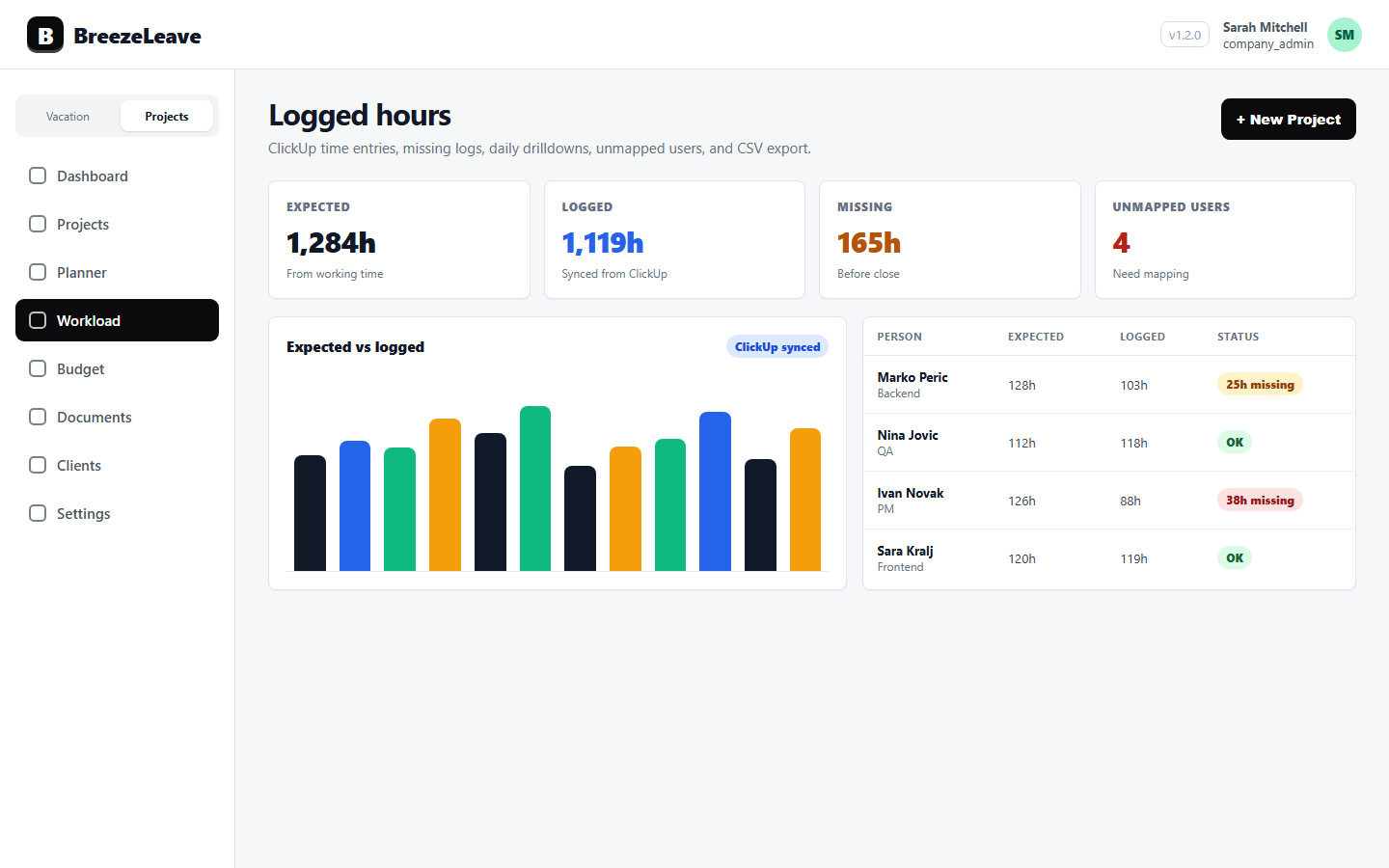
BreezeLeave reads ClickUp time entries for each mapped user, compares them to expected working days, and flags people with N or more business days that contain no time entry. That signal is called a no-log period. The team can either review the list in the logged hours view or send the people on the list a reminder. The mechanic is small. The discipline around it is what determines whether the retainer cushion stays a cushion.
What a no-log period is
A no-log period is a stretch of N or more consecutive business days where a mapped ClickUp user has zero time entries. Approved leave, public holidays, and weekends are subtracted before the count begins. The threshold is a configuration. Two business days is a common starting point because shorter gaps are often a Monday with internal work and a Tuesday with client meetings, both of which can be valid even without time entries. Three business days starts to look like a hygiene problem. Five business days is almost always a mapping issue, a timer that was never started, or a person who was working in another system.
The point of the threshold is to make the signal usable. A list that flags everyone who missed half a Tuesday creates noise and gets ignored. A list that flags only people with multi-day silence becomes the agenda for a 15-minute hygiene pass. Pick the threshold that gives the delivery lead a list short enough to read and long enough to matter.
Why no-log periods show up in agency teams
Most no-log periods are not laziness. They are process friction. Four causes show up over and over in agency operations:
- Unmapped ClickUp users. A new contractor has ClickUp access and is logging time, but their ClickUp identity has not been connected to a BreezeLeave person yet. From BreezeLeave's view, that person has zero hours. From ClickUp's view, the hours exist but are attached to a profile no report can read.
- Sprint or workshop weeks. A producer joins an internal sprint or runs a client workshop that does not have a clear ClickUp card. Time tracking is real, but nobody opened a card to log against. The work shows up nowhere.
- Forgotten timers. A developer finished the work, never started the timer, and intends to backfill on Friday. Friday gets busy. The backfill becomes an estimate two weeks later.
- Wrong card, wrong project. The person logged time, but against an old card or a different project. Their day looks empty on the project they were actually working on, and the other project carries the cost.
Notice that only one of those is "someone forgot." The rest are mapping, scope, or classification problems. A reminder workflow that treats every no-log period as forgetfulness will create resentful timesheet entries instead of clean data. The reminder copy needs to match the cause.
Read the list before sending anything
BreezeLeave surfaces no-log periods in the logged hours view. Before any reminder is sent, the delivery lead should read the list and ask three questions about each row.
- Is this person mapped correctly? If the ClickUp user on the row is not the right person, fix the mapping first. A reminder to someone whose hours are sitting in the wrong profile will not produce any new data.
- Did the person take approved leave? Approved leave should already be subtracted from expected working days. If a leave period is missing from the calendar, the row is signaling a leave recording gap, not a time tracking gap.
- Is there a known project gap? If the person was on a discovery week, an internal sprint, or a client workshop that nobody opened a card for, the fix is to create the card and log against it, not to nag the person.
That 60-second filter usually removes one third of the rows from the reminder list. The remaining rows are people who probably did miss logging time, and a reminder is appropriate.
Read the list, then send the reminder
Sending a reminder to every flagged row teaches the team to ignore the channel. Sending a reminder to the rows that survived the three-question filter teaches the team that the message means something specific.
Write a reminder that actually gets fixed
"Please log your time" is the worst version of this message. It is vague, it is undated, and it forces the recipient to reconstruct the week from memory. A useful reminder names the date, the project context, and the correction needed.
Three reminder templates cover most situations:
| Situation | Reminder template |
|---|---|
| Two or three days missing, no leave | "Tuesday and Wednesday show no ClickUp time, but you were expected to be available. Were those client hours, internal work, or leave that needs to be recorded differently?" |
| A full week with no entries | "Last week shows no logged time. Before I assume timers were off, can you confirm which project the work belonged to? I will help create the cards if they do not exist yet." |
| Returning from leave | "Welcome back. Friday before your leave shows no ClickUp time. If that was a wrap-up day, log it against the same cards as the rest of that week so the project total is consistent." |
The reminder is the easy part. The harder part is making the response easy. If the person reads the message at 11pm and cannot remember which card to use, they will guess. Pair the reminder with a link to the person's daily detail in BreezeLeave so they can see exactly the days with missing entries and the projects they were assigned to that week.
Where the no-log signal stops being useful
Two limits are worth saying out loud, because pretending they do not exist makes the rest of the workflow weaker.
First, a no-log period flags absence of data. It does not tell you whether the data that does exist is correct. A person can log eight hours every business day against the wrong card and never trigger a no-log alert. Time hygiene needs to combine no-log review with card-level review, especially around month close. For the rest of the hygiene workflow, see logged hours hygiene for agency teams.
Second, reminders are not a substitute for project structure. If three people each have a no-log day every week because nobody created a card for the recurring internal Monday meeting, the fix is the card, not a weekly reminder cycle. Use the no-log list as a diagnostic for where project structure is missing, and resolve those gaps once. The reminders should then become rare.
A weekly rhythm the delivery lead will keep
The rhythm is small enough to survive a busy delivery week:
- Open the logged hours view on Thursday afternoon or Friday morning.
- Sort by no-log period count, descending. Long silences first.
- Run the three-question filter on each row. Fix mapping issues and missing leave records in place.
- For the rows that remain, send the reminder template that matches the situation, with the daily detail link attached.
- On Monday, recheck the same rows. The ones that are still empty either need a different conversation or a different project setup.
Three weeks of this rhythm usually changes the shape of the list. The first week is loud because mapping issues, missing leave records, and forgotten timers all show up at once. The second week is quieter because the mapping problems have been fixed. The third week is the useful steady state, where the list reflects real time-tracking friction rather than configuration debt.
Connect the cleaner data to budget review
Clean logged hours change every downstream conversation. Project margin gets defensible because labor cost is grounded in actual entries, not estimates. Retainer burn becomes a real signal because the month does not end with a chunk of unallocated time. Utilization review stops over-counting people who simply forgot to log. Capacity planning becomes less dependent on gut feel.
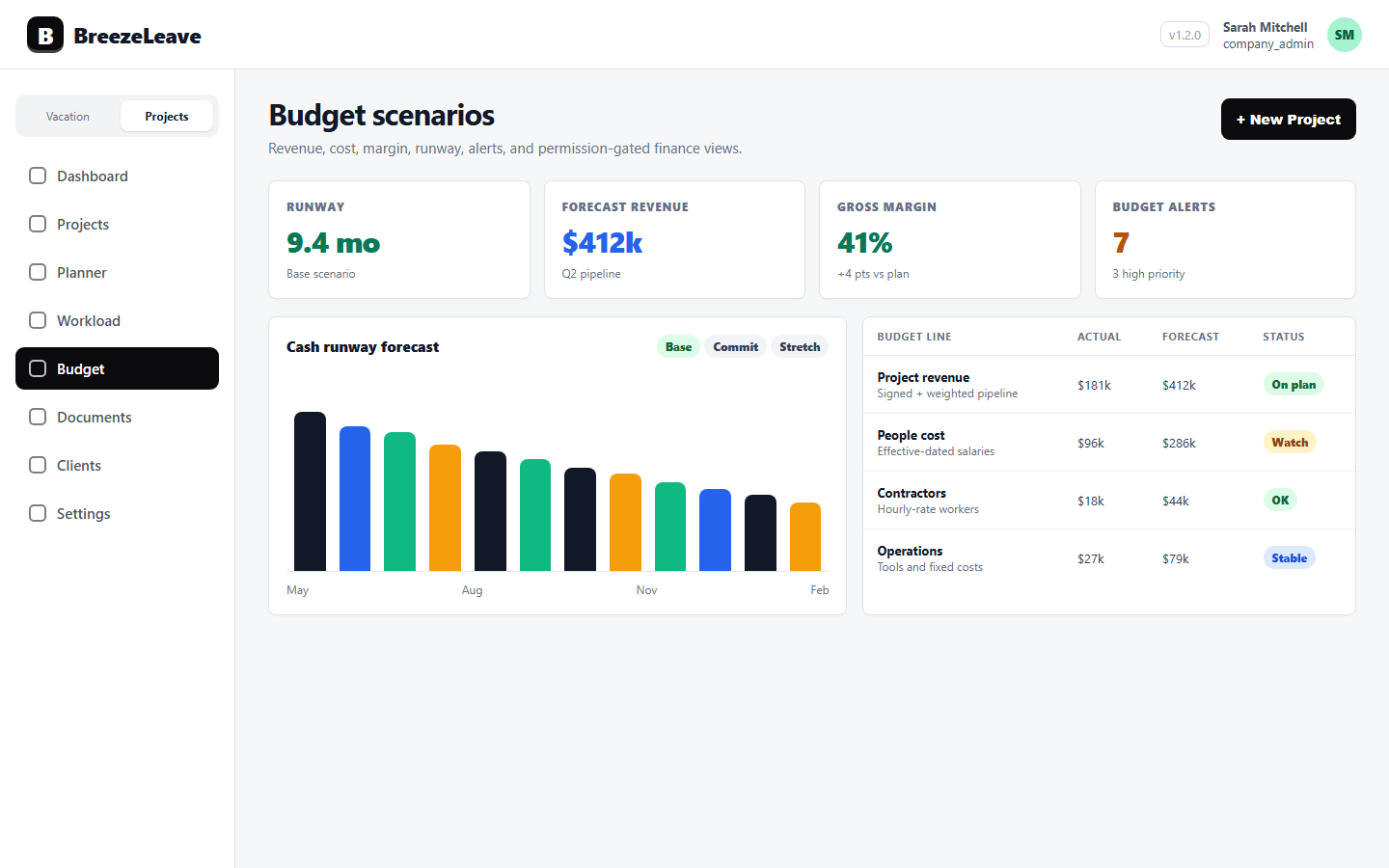
For the budget side of the same loop, see project budget tracking for agencies. Both articles describe halves of the same monthly habit: the time side reviewed weekly so the budget side stays defensible monthly.
Ready to pull ClickUp time into BreezeLeave and run no-log review as a weekly discipline instead of a month-close scramble? Pull ClickUp time into BreezeLeave and start with the threshold that matches your team's logging cadence.
Related articles
Logged Hours Hygiene for Agency Teams: Fix Missing Time Before Month Close
ClickUp Time Tracking for Agency Projects: From Logged Hours to Cleaner Delivery