Monthly Payroll Leave Handoff Checklist
A step-by-step checklist for the monthly leave-to-payroll handoff: reconciliations, exports, adjustments, and what to verify before the cutoff.
The leave-to-payroll handoff usually fails in one of two predictable ways. Either HR sends the export a day after payroll's cutoff and the payroll lead has to chase approvals into the next cycle, or the export looks fine but a balance adjustment from the previous month was missed and an employee opens a ticket two weeks after the run. Both versions are avoidable. This checklist is the routine an HR admin can run on the same day each month so the export lands clean and the payroll team can stop double-checking.
The checklist assumes leave runs through BreezeLeave and that the company exports approved leave on a monthly cadence. The same structure works on a bi-weekly cycle, the only difference is timing.
Agree the cutoff before anything else
The first conversation is with payroll, not with the system. Three numbers need to be in writing before the first export of the year:
- The data cutoff date. Usually the 25th of the month for a month-end run. Anything approved after that date moves to the next cycle.
- The export delivery date. Usually the working day after the cutoff. Late exports turn into manual catch-up.
- The escalation contact. Who in payroll picks up the file when the regular contact is out.
Write the three down. Put them in the HR shared drive next to the export template. The question "when does payroll need this?" should never be the reason a cycle slips.
Five working days before the cutoff
Open the BreezeLeave bookkeeping view and filter to the upcoming payroll period. The goal here is to land any open items while there is still time to fix them.
- List pending requests inside the period. Any pending request that falls inside the payroll window needs a decision before the cutoff. Send a one-line nudge to the approver.
- List rejected requests with no comment. A rejection with no reason in the audit log creates a ticket later. Ask the approver to backfill the reason while the context is fresh.
- List sick days submitted retroactively. Retroactive sick days are fine, but they sometimes need a separate signature flow depending on local policy. Flag them now.
- Check the new-joiner list. Anyone who started in the period needs a pro-rated balance on the books before payroll picks up the file.
Most months this step takes ten minutes. The months it does not, you find out about the problem five days early instead of five days late.
Two working days before the cutoff
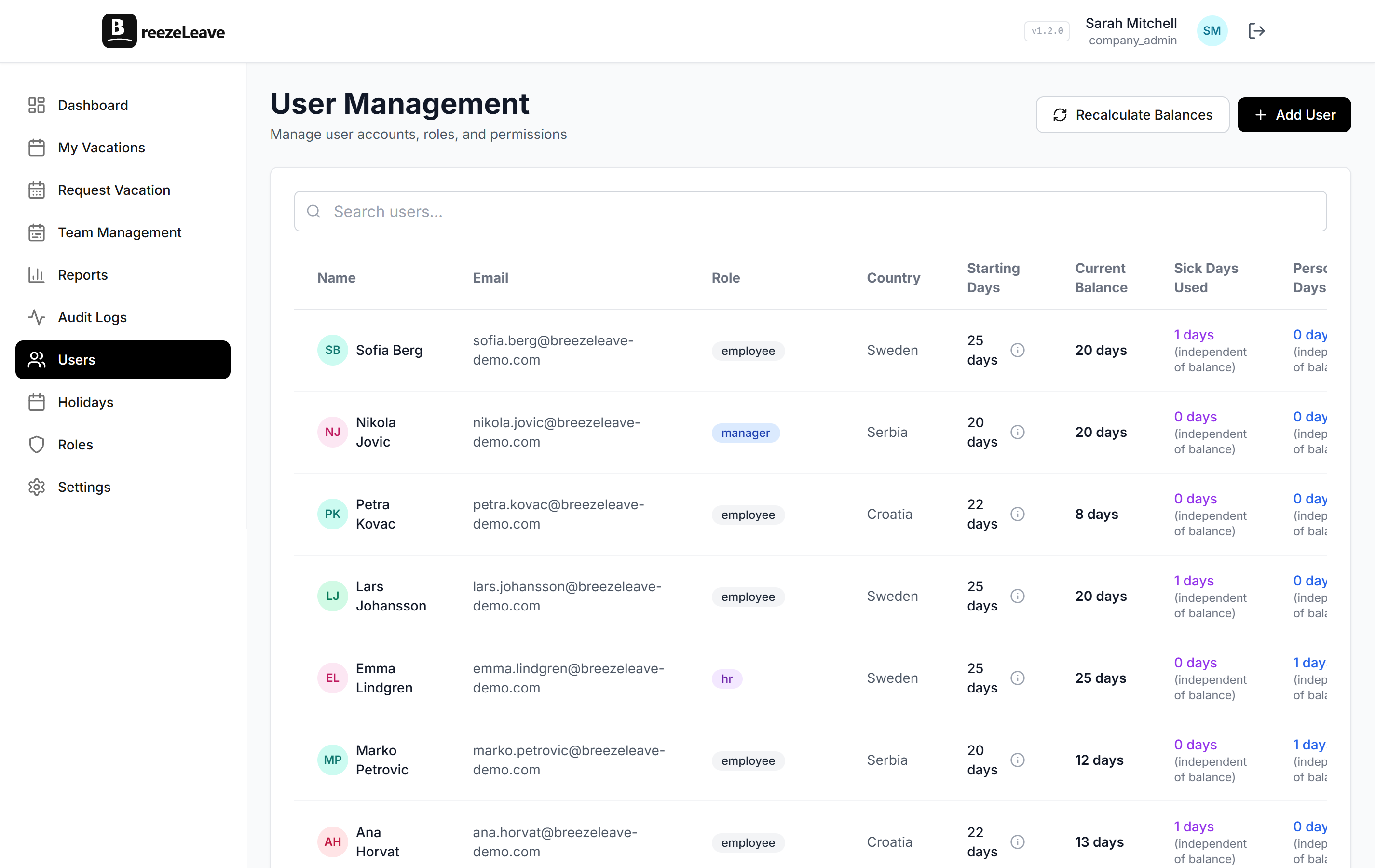
Run the reconciliation pass. The bookkeeping view shows, per employee, the opening balance, days taken in the period, adjustments, and the closing balance. Three numbers have to tie out:
| Number | Where it comes from | What to do if it does not tie |
|---|---|---|
| Opening balance | Closing balance of last cycle | Investigate the adjustment that broke the chain |
| Days approved this period | Approved requests inside the cutoff dates | Confirm timezone handling on overnight requests |
| Adjustments this period | Manual balance changes with a reason in the audit log | If a change has no reason, get it documented before exporting |
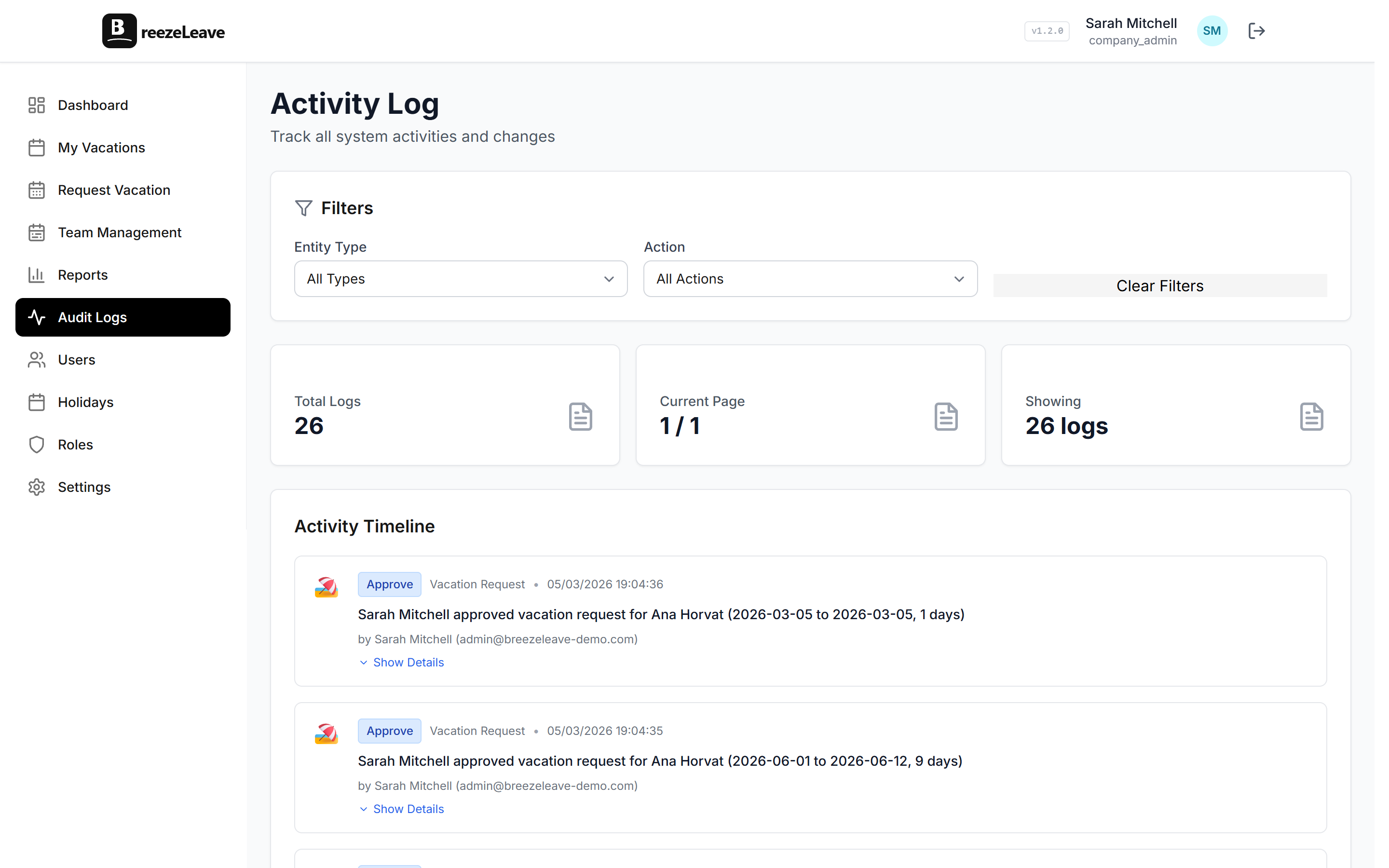
If the closing balance does not match the system, the export will not match either. Pull the audit log and trace the gap to the row that broke the chain. The post on audit logs in leave management explains what each row records and how to read the history.
Cutoff day: run the export
On the cutoff day, generate the CSV export from the bookkeeping module. The export contains approved leave per employee, broken down by leave type, with start dates, end dates, and day counts. Save the file with a date in the filename so the next month's version does not overwrite it.
- Choose the date range. Match it to the agreed payroll period. Off-by-one errors here are the most common cause of an employee asking why they were paid for half a day they did not take.
- Choose the leave types to include. Most payroll runs need vacation, sick, and personal leave. Unpaid leave usually needs its own column or a separate file depending on how the payroll system is configured.
- Generate the CSV. Open it before sending. A quick scan catches missing rows, duplicated rows, and any employee with a row count that looks off.
- Generate the PDF summary. The PDF is the cover page for the file. Headline numbers per leave type plus a list of any exceptions HR wants payroll to notice.
Deliver the file with context
A bare CSV in an email is not the handoff. The handoff is the file plus a short note that tells the payroll lead what changed since last month. Three lines is enough.
Sample handoff note
April leave export attached. Two adjustments this month, both documented: one parental-leave backfill and one carryover correction. Three new joiners with pro-rated balances. One pending request escalated, expected before next cycle.
The note answers the questions the payroll team would otherwise have to ask. It also creates a record of what HR knew at the moment of handoff, which matters if an employee ticket arrives two months later.
After the export: track what arrives back
Most months nothing comes back from payroll. The months that do, two patterns repeat:
- A day count mismatch. Usually a half-day request that was counted as full, or a public holiday that was not. Verify against the request in BreezeLeave, post the correction as an adjustment, and note it for next month.
- An employee not found. The payroll system uses an ID HR does not have on the leave record. Sync the IDs once and the issue disappears.
Both patterns are one-line fixes when the documentation is good. They turn into hours of digging when the documentation is missing.
Quarterly: the bigger reconciliation
The monthly checklist takes a narrow view. Once a quarter, run a wider reconciliation.
- Compare the BreezeLeave bookkeeping closing balances to the payroll system accruals. They should match. If they drift, the drift compounds over the year.
- Audit the manual adjustments. Each one should have a reason and an approver. A quarter is a reasonable window to spot adjustments that needed a sign-off that did not happen.
- Review the carryover policy if Q1 is closing. Carried days that expired without notice will show up as disputes. The carryover expiry checklist covers the related routine.
The full monthly checklist
- Five working days before cutoff: chase pending requests inside the period.
- Five working days before cutoff: confirm rejection reasons and retroactive sick days.
- Five working days before cutoff: check new-joiner balances.
- Two working days before cutoff: reconcile opening, taken, adjusted, closing.
- Two working days before cutoff: trace any drift to the audit log.
- Cutoff day: generate the CSV with the agreed date range and leave types.
- Cutoff day: review the file before sending.
- Cutoff day: send the file with a short handoff note.
- Day after delivery: log the export in the HR shared drive.
- Throughout the cycle: respond to payroll questions within the working day.
Once this routine is running, the handoff becomes a 30-minute task instead of a recurring fire drill. The export itself does most of the work. The checklist closes the gaps the export cannot see.
For the underlying mechanics, including which columns appear in the export and how the balance views map to payroll codes, jump into BreezeLeave bookkeeping and payroll export.