External HR Scoped Access Guide
How to give an outsourced HR provider or regional coordinator HR-level access scoped to specific countries, with audit, offboarding, and access review.
Your company outsources Croatia and Serbia payroll to a regional HR provider. The provider's coordinator needs HR-level access to those two countries: approvals, balance adjustments, sick-day documentation, and the country-scoped reports. She does not need to see Sweden, the German team, or the group billing. The first version of access most companies give her is a shared admin login. The second version is the one that survives the next audit.
This article walks through configuring external HR access in BreezeLeave: what scope means in practice, how to name and assign the role, what to record in the audit log, and what to do on the day the contract ends. Written for HR admins and IT admins who provision third-party access.
What "scoped" means here
External HR access in BreezeLeave is not a different product surface. It is the standard HR role with a country filter attached. The user inherits the HR permission set (manage employees, approve requests, adjust balances, access reports) but applies it only to employees whose country matches the assigned-countries list on the user record.
The scope dimension is country. One country or several. A coordinator covering Croatia and Serbia receives a two-country assignment; a coordinator covering only Germany receives a one-country assignment. Write-side actions on holidays and teams are blocked for External HR users regardless of country, because those are configuration surfaces that belong with internal admins.
Outside the assigned countries, the user does not see the employee, the request, the balance, or the audit entry. The data is filtered server-side, not just in the UI. That distinction matters for GDPR data-minimization claims.
Multi-company isolation is a separate feature. If your operating model needs one provider to handle a specific legal entity rather than a specific country, see the multi-company leave management page for the per-company access pattern. External HR is the country-scoping path.
Who needs external HR access
Four situations cover almost every external HR setup we see.
- Outsourced HR provider. A third-party firm handles all HR operations for one or more countries. The provider's assigned coordinator gets External HR access to those countries only.
- Regional office coordinator. A local office manager handles approvals and balance questions for their office while doing their main job. External HR access for their country, nothing more.
- Country-specific compliance reviewer. A reviewer working on one country's leave records gets External HR access for that country during the review period, then is offboarded.
- Regional payroll partner. A payroll partner that handles two or three countries in a region gets External HR with those countries assigned.
Each of these wants the same permission set with a different scope. The broader role-by-role view is in our role-based permissions matrix. For the multi-country setup that makes this scoping necessary, see the multi-country leave management use case.
Provisioning an external HR user, step by step
The configuration takes about five minutes on the BreezeLeave settings page. The discipline around naming and audit is what makes it survive.
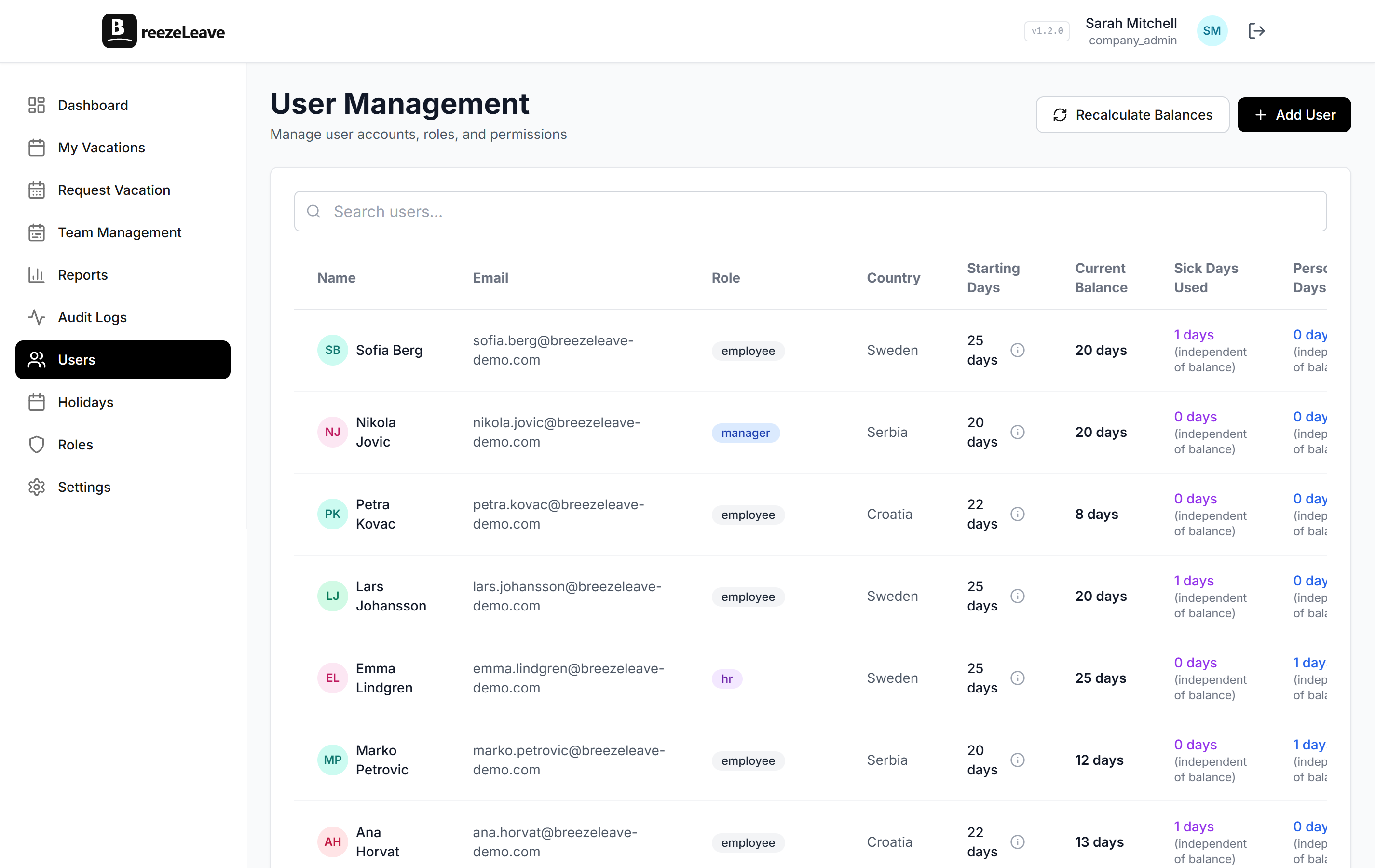
- Use a real, named login. The provider's coordinator gets their own email-backed login. Do not share an "external-hr@" inbox across multiple individuals. The audit log only matters if it names a person.
- Use the External HR flag on the user record. Toggle the External HR option on the user and pick the assigned countries ("External HR: Croatia + Serbia"). The flag scopes everything the user can read at the API level.
- Set the country list first, then send the invite.Pick the countries the user can see before sending the invitation. Country lists attached after the fact are the most common access-review finding.
- Disable global views by default. Cross-country reports and group dashboards stay off for external roles. Only re- enable them if the contract explicitly requires it.
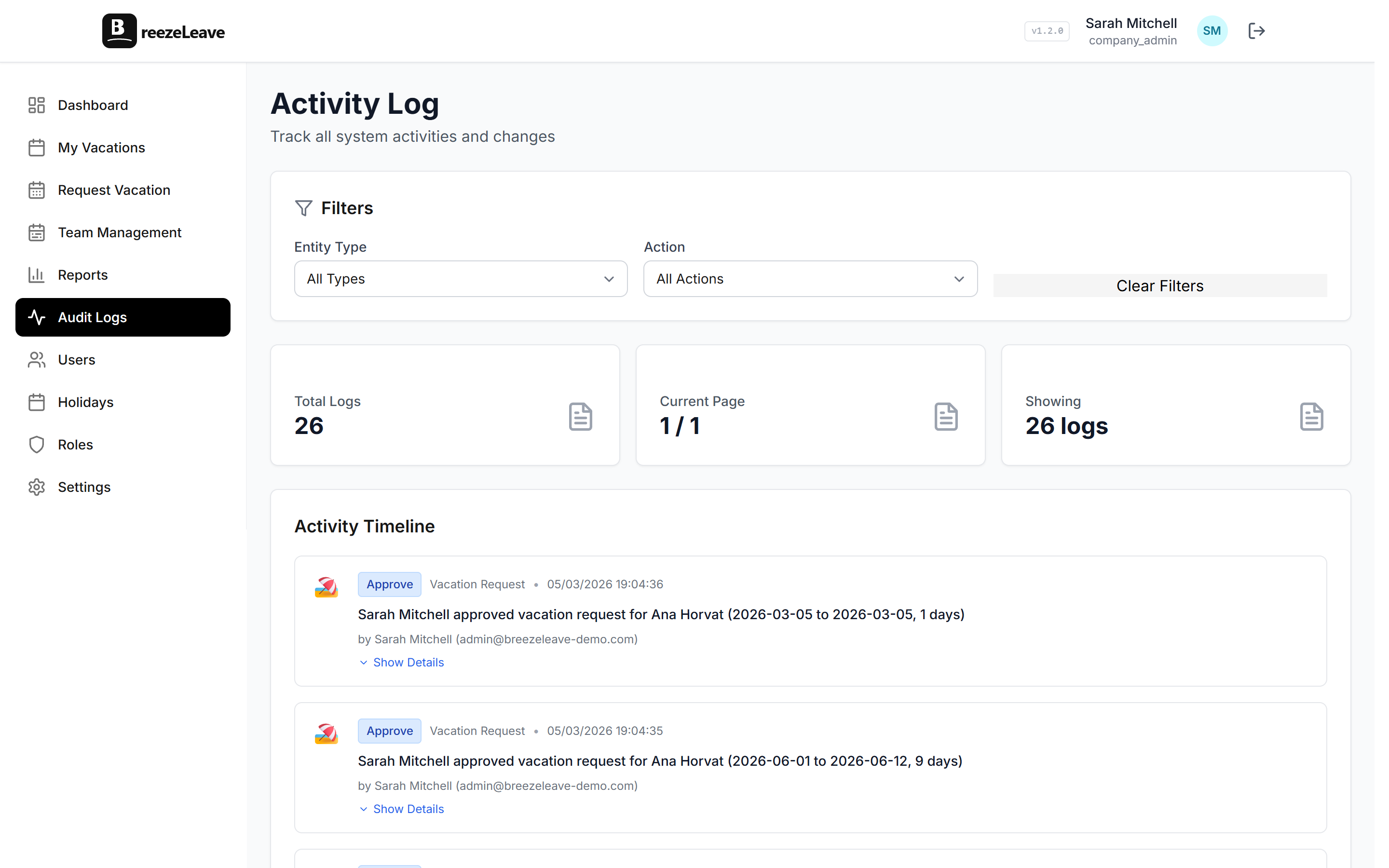
- Confirm audit log access matches scope. External HR should see audit entries for their scope, not the whole company. BreezeLeave applies the same filter automatically; verify on the audit page after assignment.
- Record the contract end date. Add it to the user record as a note or a calendar event. The offboarding step is the one most companies miss.
What external HR can and cannot do
The cleanest way to think about external HR is "regular HR, with the company-wide buttons removed." The table below is the matrix to share with the provider during onboarding so they know what to expect.
| Action | Within scope | Outside scope |
|---|---|---|
| Approve or reject a leave request | Yes | No (request not visible) |
| Adjust an employee balance | Yes, logged | No |
| Run a country report | Yes, filtered to assigned countries | No |
| Create or edit public holidays | No (blocked for External HR) | No |
| Manage teams or approvers | No (blocked for External HR) | No |
| See group-wide dashboards | No by default | No |
| Edit company-wide vacation policy | No | No |
| Manage users in other countries | N/A | No |
| Access billing and plan | No | No |
Share this matrix with the provider before the kickoff call. It saves the "why can't I see X" conversation that always comes up in week one.
Notifications: keeping external HR in the loop without leaks
External HR users should receive the same approval and reminder emails as internal HR, scoped to their data. The notification settings to confirm before the provider's first week:
- Approval emails route to the external user only for requests in their scope. A pending request from a Swedish employee never lands in the Croatia/Serbia coordinator's inbox.
- Weekly digests filter to in-scope employees only. The digest sent to the external coordinator shows pending requests, recent approvals, and balance changes for their countries only.
- Sensitive emails (rule changes, billing) are not sent to external roles by default. If the provider needs to know about a rule change in their countries, deliver it as a separate communication.
Email content is auto-filtered to the same scope as the audit log. An external HR user sees only the variables and links relevant to their in-scope employees.
Audit log: the bit that matters at year-end
External HR actions show up in the audit log the same way internal HR actions do: actor, action, timestamp, affected employee, before-and- after values. The differences are subtle but important.
- The actor name is the named external user, not a generic "External HR" label.
- The role attached to the action is recorded at the time of the action. If the role is later modified, historical entries keep the old role label.
- The scope at the time of action is recorded. A future scope change does not rewrite history.
Those three properties are what makes the audit log usable a year later when finance asks "who approved this adjustment in September." For the full audit-log behavior, see our piece on why audit logging matters for leave management.
Offboarding an external HR user
Offboarding is where access-review findings come from. The four-step sequence that holds up to an audit:
- Disable the login immediately on contract end. Do not wait for the next access review. The audit log will record the disable event.
- Keep the user record archived, not deleted. Audit entries reference the user by ID. Deleting the user breaks historical traceability.
- Reassign open requests to internal HR. Any pending requests still routed to the external user need a new approver before close.
- Run an offboarding access review. Confirm the archived user no longer appears in any scoped role assignment. Export the user list once the role is revoked.
The most common offboarding miss
Forgetting that the external HR user was the primary approver for one or two transferred employees. When the login is disabled, their requests escalate to nobody. Reassign primary approver before disabling the account, not after.
When external HR is not the right answer
External HR scoped access is useful but not universal. Three situations where a different model fits better.
The provider needs full group access
Some agreements give the provider responsibility for the whole company. That is a full HR or Admin role, not a scoped external role. Use the standard internal HR role with a named external user.
The user only needs read access
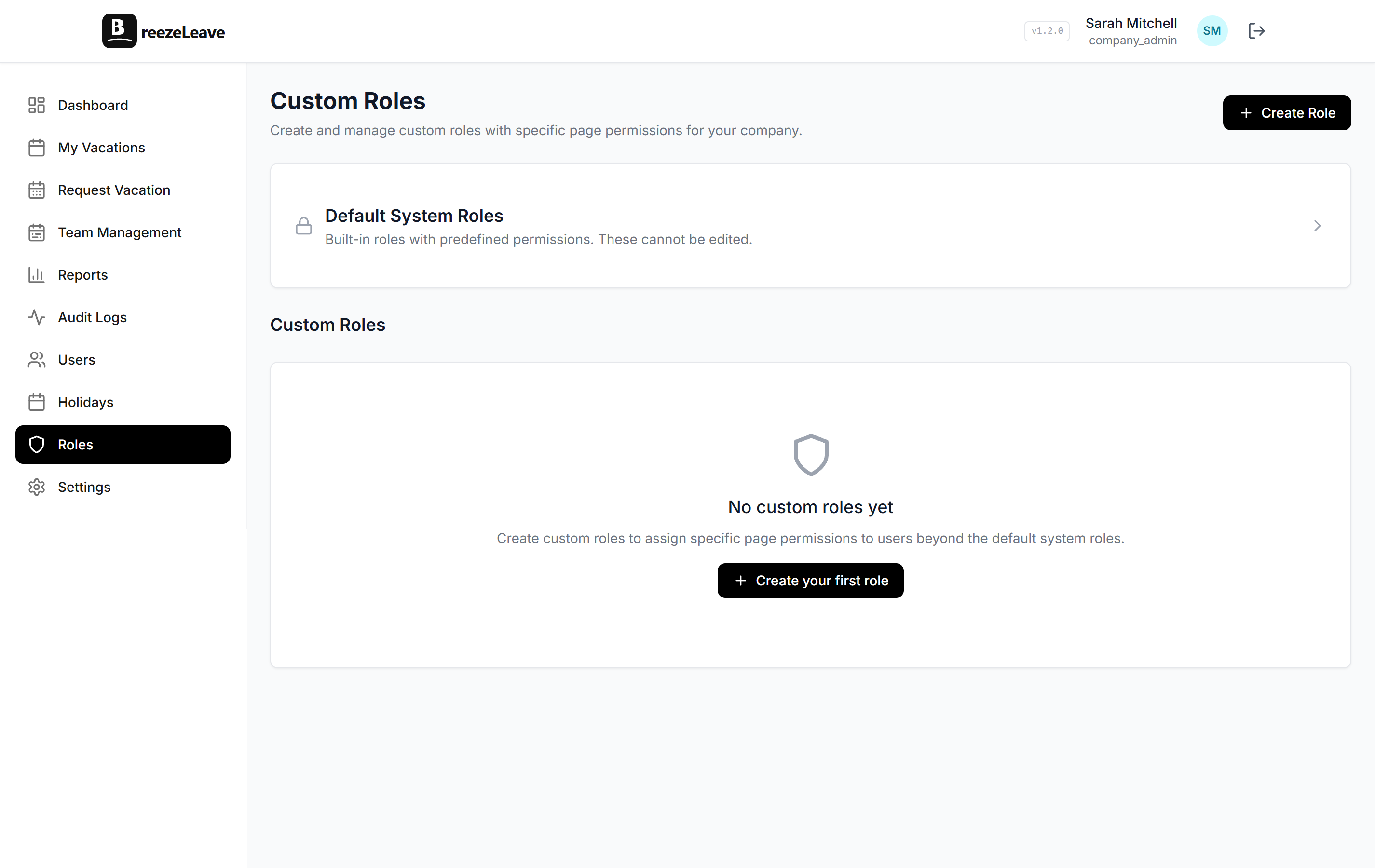
An external auditor or compliance reviewer often needs read-only access for a defined period. Build a "Read-only auditor" custom role scoped the same way. Strip the write permissions; keep the audit visibility.
The setup is permanent and growing
If the "external" team is now five people and growing, the provider relationship is in practice an in-house HR team. Convert them to internal HR users with the same scoping. The audit log treatment is identical; the licensing accounting may differ.
Bring external HR onboard cleanly
The point of external HR scoped access is that the provider can do their job (run leave for their countries) without seeing data they should not have. Done well, the configuration is invisible: requests get approved, balances stay accurate, and the audit log records who did what. Done badly (shared logins, no scope, no offboarding) it becomes the access-review finding that no team wants to read.
BreezeLeave supports country-scoped External HR access on the HR role. The same matrix and audit-log behavior applies whether the user sits inside the company or with an outsourced provider. Control access with custom roles and use the steps above as the runbook for the next external user you provision.