External HR Users: Managing Leave Across Country Offices
When your HR team spans multiple countries, external HR users let regional staff manage their own office's leave without seeing everyone else's data.
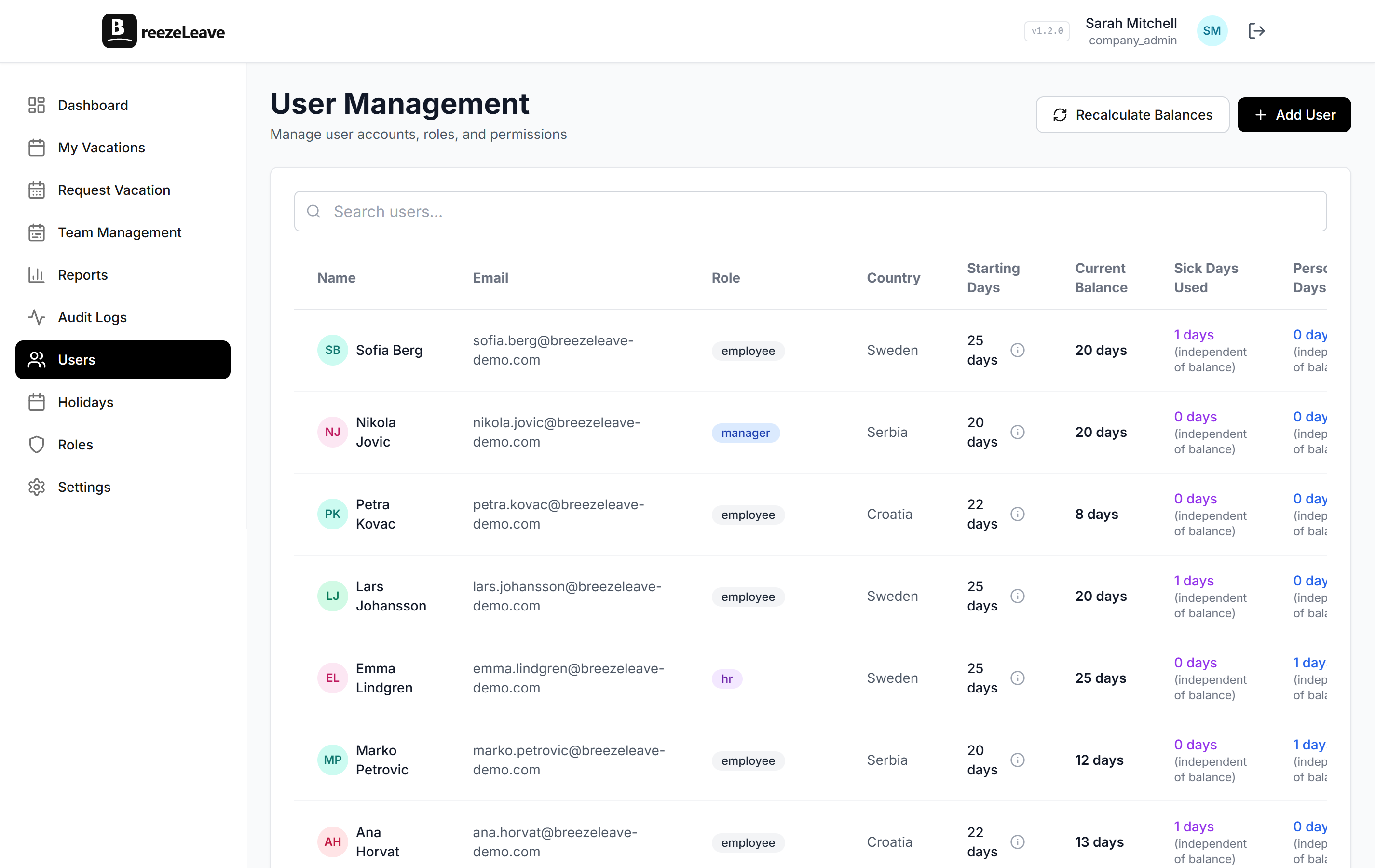
Your company has offices in three countries. Each office has a local HR contact who handles day-to-day leave management: approvals, balance questions, sick leave documentation. But you don't want the Croatian HR person seeing detailed leave data for your Swedish team, or vice versa.
This is what external HR users are for. They get HR-level permissions scoped to specific countries, so they can manage their region without having visibility into the entire company.
What is an external HR user?
An external HR user is someone with HR permissions who is filtered to only see and manage employees assigned to specific countries. They can:
- View and manage employees in their assigned countries
- Approve or reject vacation requests for those employees
- View vacation balances and history for their region
- Access reports filtered to their countries
They cannot:
- See employees in other countries
- Access company-wide settings or configuration
- View global reports or cross-country analytics
- Modify vacation rules or company policies
Think of it as a regional HR role. Same tools, narrower scope.
When you need external HR users
The need typically arises in one of these scenarios:
- Multi-country operations. You have offices in Sweden, Croatia, and Serbia. Each has a local office manager who handles HR duties alongside their main role. They need to manage leave for their office, but there's no reason they need to see data from other countries.
- External HR consultants. Some companies outsource HR to regional consultants. These consultants need access to the leave system for their assigned employees, but shouldn't have access to the entire company's data.
- Data privacy compliance. Under GDPR, limiting data access to what's necessary for the person's role is a best practice. External HR scoping enforces this by design.
- Franchise or branch structures. Each branch has its own manager who handles leave. They need autonomy within their branch but shouldn't see other branches' data.
Privacy by design
External HR scoping is a data protection measure, not just a convenience feature. The less data someone has access to, the smaller the surface area for accidental exposure or GDPR issues. If a regional HR person only needs Swedish employee data, that's all they should see.
How it works in BreezeLeave
Setting up an external HR user is straightforward:
- Create the user account (or convert an existing one)
- Assign them the External HR role
- Select which countries they can manage
- Save
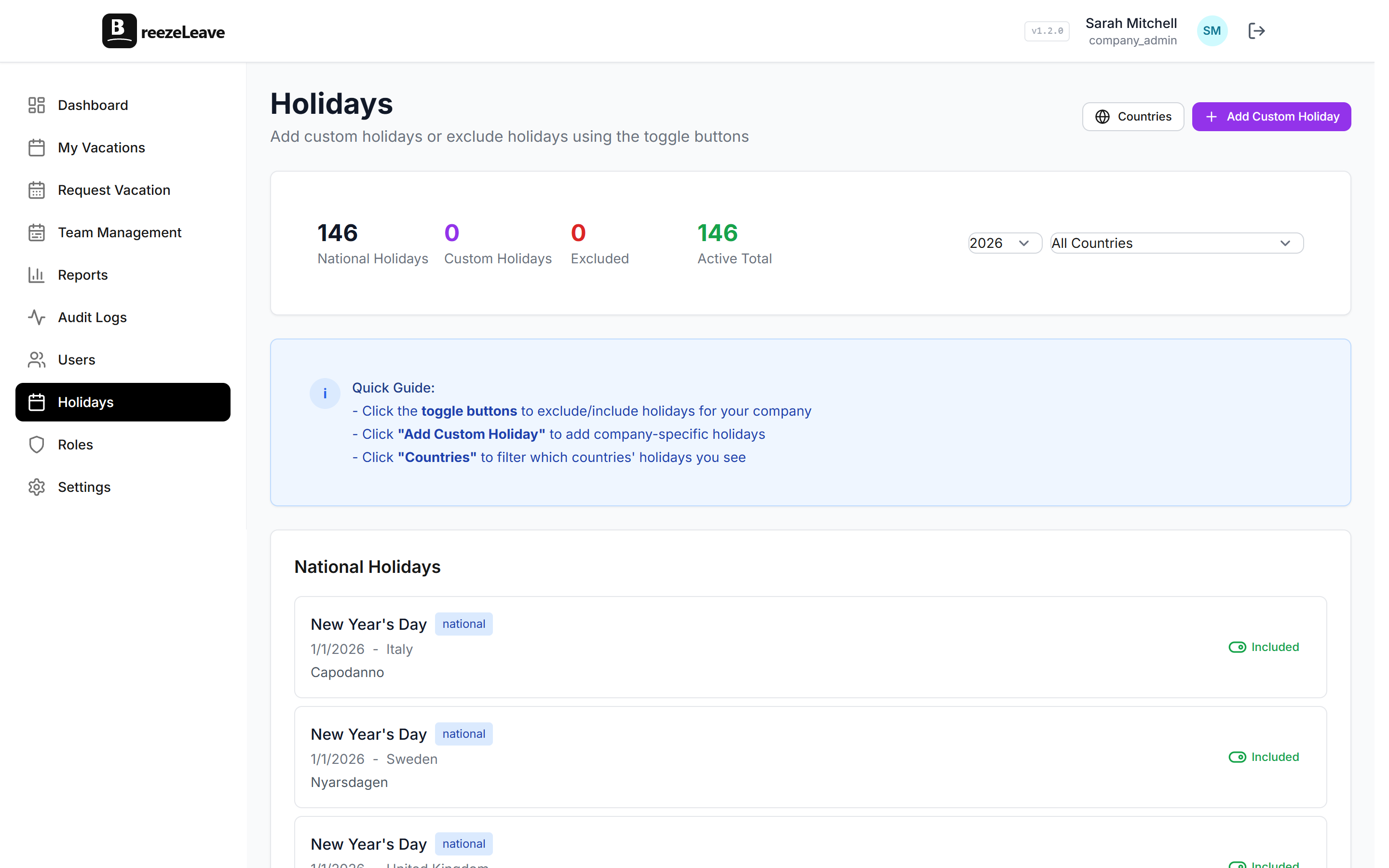
From that point on, when the external HR user logs in, they only see employees, requests, and data for their assigned countries. The navigation, dashboards, reports, and user lists are all automatically filtered.
External HR vs. other roles
BreezeLeave has a full role-based access system. Here's how external HR fits in:
| Role | Scope | Use Case |
|---|---|---|
| Employee | Own data only | Regular team member |
| Manager | Own team members | Team lead / department head |
| HR | Entire company | Central HR department |
| External HR | Assigned countries only | Regional HR contact / consultant |
| Admin | Everything + settings | System administrator |
The external HR role fills the gap between Manager (too narrow, only their direct team) and HR (too broad, the entire company). It's the right level of access for someone who manages leave operations for a region.
Multi-country reporting
One concern companies have: "If our regional HR can only see their own country, who sees the full picture?" The answer is simple: your central HR team and admins still have full company-wide access. External HR users add a layer of regional delegation without removing global oversight.
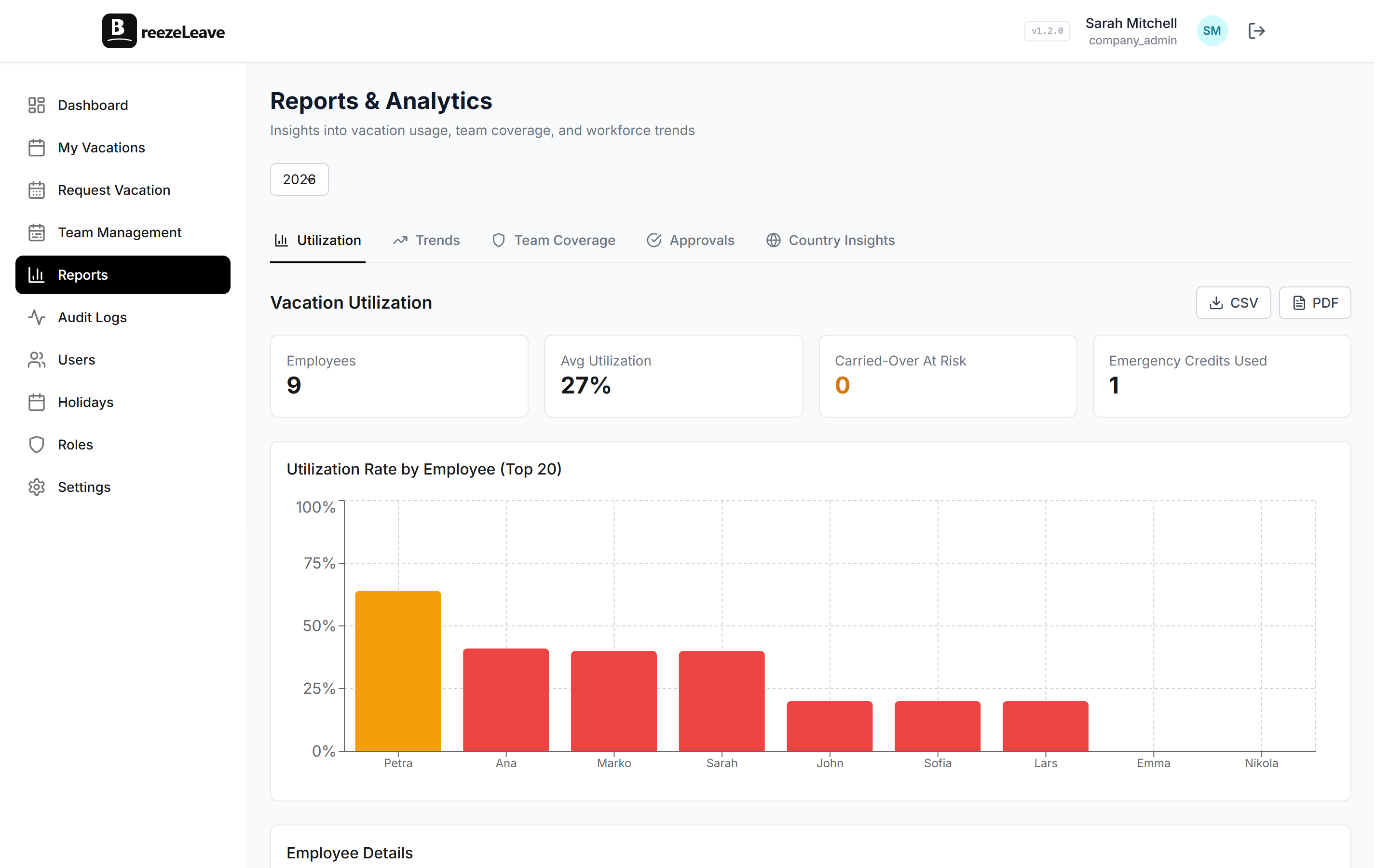
The central team can still run cross-country reports, compare utilization rates between offices, and monitor compliance globally. The external HR users handle the day-to-day operations locally. It's delegation, not segmentation.
For more on managing distributed teams, see our guide on managing PTO across countries.
Getting started
To set up external HR users:
- Go to the Users section
- Create a new user or edit an existing one
- Set their role to External HR
- Assign the countries they should manage
- Save
The user will immediately see only their assigned countries' data when they log in. No configuration needed on the dashboard or reports side. The filtering is automatic across the entire application.
Growing companies don't centralize everything. They delegate with clear boundaries. External HR users give you delegation without giving up control.