Project Milestone Document Handoff Checklist
A project-manager checklist for handing off documents at each milestone: which files attach to the milestone, what gets shared with the client, expiry, password, and tracking decisions.
It is Friday at 14:00. The brand strategy milestone is due today. The senior project manager has the strategy deck in Figma, an invoice draft from finance, three meeting notes in Notion, the signed scope addendum from last week, and a short Loom that explains the rationale for one of the bigger pivots. The client sponsor wants "everything from this phase" in one email by end of day. The project manager opens a new message, attaches four files, types a link to Figma, drops the Loom URL, and hits send. Two weeks later the client asks where the signed addendum is. Nobody is sure which version they sent.
Milestone document handoff is the moment where the agency proves the work is done and the client signs off. It is also where documents drift, share links go stale, and version history dies. This checklist is the version a project manager can run for every milestone, every project, with no need to invent a new process each time.
What a milestone handoff has to deliver
A clean milestone handoff produces three things at once: the deliverable files attached to the milestone record, a share package the client can open without an agency login, and a signoff trail showing who reviewed what and when. None of those require a custom tool. They require a checklist run at the right time.
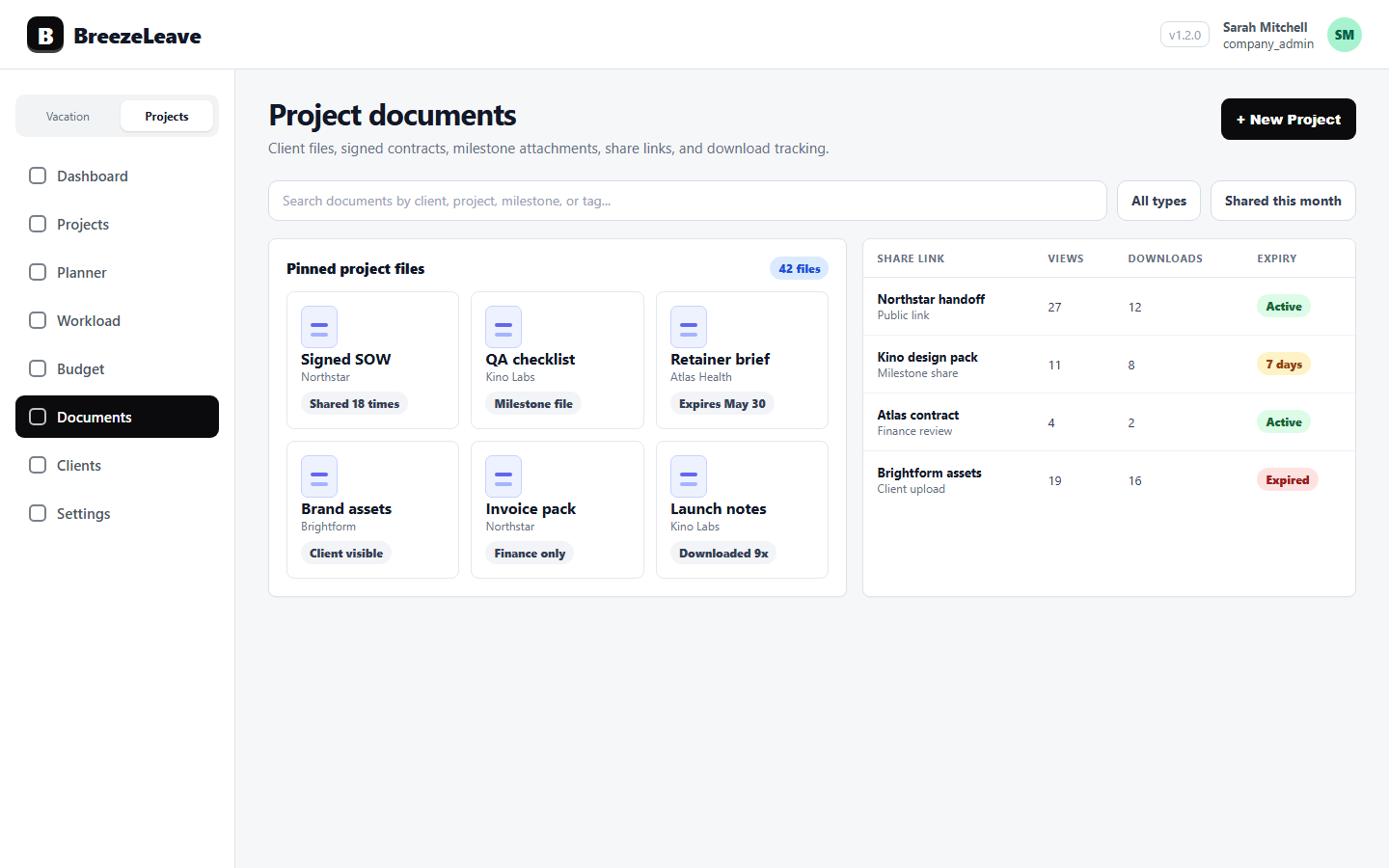
BreezeLeave supports project documents and client documents with public share links that carry expiry, password protection, and view and download tracking. That means a project manager can give a client a single link per milestone, see who opened it, and revoke it when the milestone is closed. The checklist below is how to use those pieces consistently.
The 12-item milestone handoff checklist
Run this list when the milestone is ready to deliver, not when it is sent. Each item has an owner. The project manager owns most of them. The delivery lead reviews scope completeness. The client owner confirms sensitivity.
| # | Check | Owner |
|---|---|---|
| 1 | Every deliverable file is attached to the milestone record | Project manager |
| 2 | The milestone scope is verified against the signed agreement | Delivery lead |
| 3 | File names follow the project naming convention | Project manager |
| 4 | Internal-only files (estimates, internal notes) are excluded | Project manager |
| 5 | Sensitivity is labelled per file (internal, client-only, shareable) | Client owner |
| 6 | A single public share link covers the milestone package | Project manager |
| 7 | Expiry is set (typical: 30 days after the milestone) | Project manager |
| 8 | Password is set if the package contains signed or commercial files | Project manager |
| 9 | Password is delivered through a different channel than the link | Project manager |
| 10 | View and download tracking is on for audit | Project manager |
| 11 | The handoff email lists what is included and what signoff is required | Project manager |
| 12 | Signoff is captured on the milestone record after client approval | Project manager |
Twelve items sounds heavy. In practice, a packaged milestone takes 20 to 40 minutes once the team is used to the checklist. The first three milestones on a new project will take longer because the naming convention and sensitivity rules need to be agreed. After that, the list runs without friction.
Attach files to the milestone, not to email
The first failure mode of milestone handoff is attaching files to email. Once a PDF is an attachment, the agency has lost version control. The client forwards it. Two weeks later somebody asks for the latest version and there are six copies in different inboxes.
Attach every deliverable file to the milestone record in BreezeLeave first. The milestone keeps the canonical version. Share happens through a public link to that milestone package, not through forwarded attachments. If the deliverable changes after client feedback, the new version lives on the same milestone and the same share link continues to point at the right file.
This rule is the foundation for every other check on the list. Expiry, password, and tracking only mean something if the canonical file lives in one place.
What goes in the handoff package, and what does not
A milestone package is a curated set. Most projects produce dozens of files per phase. Only some of them are part of the milestone deliverable. The rest are internal context.
The pattern below is a starting point. Adjust per project, but agree the version before the first milestone.
| Document | In milestone package? | Why or why not |
|---|---|---|
| Final deliverable file | Yes | The thing the client signs off on |
| Signed scope addendum or change order | Yes | Defines what the milestone covers |
| Meeting notes | Sometimes | Only if they capture decisions the client must sign off on |
| Internal estimate | No | Operational data, not client deliverable |
| Working files (PSD, Figma drafts) | Optional | Include if contract requires source files; otherwise final only |
| Internal retro | No | Stays on the project record, not shared |
The line between "in package" and "internal" is the line between deliverable and operating data. If a file would not be reviewed for client signoff, it does not belong in the package.
Set expiry that matches the milestone, not forever
Most agency share links default to "never expire" because nobody bothers to change the setting. Two years later, the same link still works, and a former client sponsor at a different company can still open the brand strategy.
A safer default for milestone handoff is 30 days after the milestone deadline. Long enough for the client to read, share internally, and sign off. Short enough that the document does not leak after the relationship moves on. Long-term archival lives in a different process: signed deliverables are stored on the project record without a public link, and a fresh link is generated if a client needs access later.
For the broader rules on share-link safety, see the secure client document sharing checklist.
Password the commercial files, not the previews
Not every milestone needs a password. A design exploration link the client wants to share with their wider team should open cleanly. A signed change order with commercial figures should not. The agency's rule of thumb: if the package contains signed agreements, payment information, or named senior internal comments, password protection is on.
The password is delivered through a different channel than the link. If the link is in an email, the password is in a calendar invite, a Slack DM, or a phone call. Two channels stop a single forwarded email from giving access to the wrong people.
Track who opened the milestone
View and download tracking is the underused part of public share links. It tells the project manager who from the client side has actually opened the milestone, when, and from where. That is useful for three reasons.
- Signoff chasing. If the sponsor has not opened the link 48 hours before the signoff deadline, the project manager knows to follow up.
- Internal escalation. If only the junior client contact has viewed the link and the project needs senior signoff, the package may have stalled on their side.
- Audit trail. If the client later disputes having received the deliverable, the access log shows when and how the package was opened.
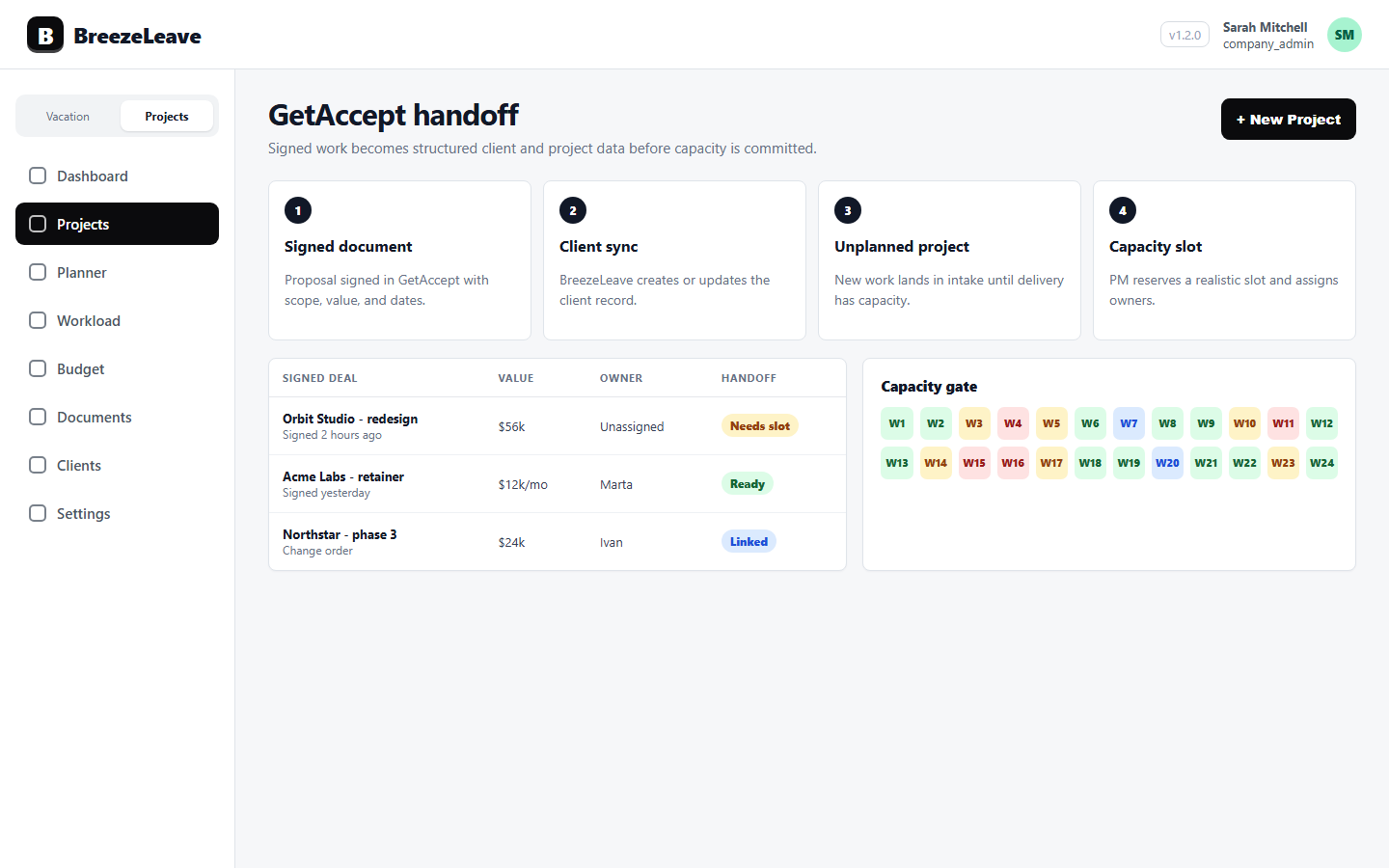
For the document model behind this, see project document management. The signed agreements that arrive at the start of a project flow through the GetAccept project handoff, so the same file lifecycle covers contracts and milestone deliverables.
Capture the signoff before the next phase starts
The milestone is not closed until signoff is captured on the record. A verbal "looks great" in a meeting is not enough to defend the milestone six months later if the client disputes scope. The agency needs a written record on the project: who signed off, when, and on which version of the package.
Capture the signoff inside the project record, not only in an email thread. Update the milestone status, attach the signoff message (or the signed addendum), and revoke the public share link if the package is now closed. The next phase begins on a clean record, not on an unfinished one.
Where milestone handoff usually breaks
- Files travel as attachments. The package fragments across inboxes; nobody knows which is the canonical version. The fix is to attach to the milestone first.
- Internal files end up in the client package. An internal estimate or retro slips into the share link. The fix is the sensitivity label, applied per file.
- Links never expire. A former sponsor at a former client opens the brand strategy three years later. The fix is 30-day default expiry.
- Tracking is off by default. The project manager cannot tell who opened the package; signoff chasing becomes blind. The fix is to enable tracking on every public link.
- Signoff stays in email. The milestone record has no signoff field set. Six months later, the agency cannot prove the milestone was accepted. The fix is to capture signoff on the record before starting the next phase.
Make handoff the routine, not the exception
Milestone handoff is repeated work. Every project hits it three to six times. Treating it as a fresh decision every time creates leaks and stress. Treating it as a checklist makes it boring, and boring is the goal.
Want milestone packages, public share links with expiry, passwords, and view tracking on every project document, with the signoff captured on the record? Manage project documents and client sharing in BreezeLeave.